

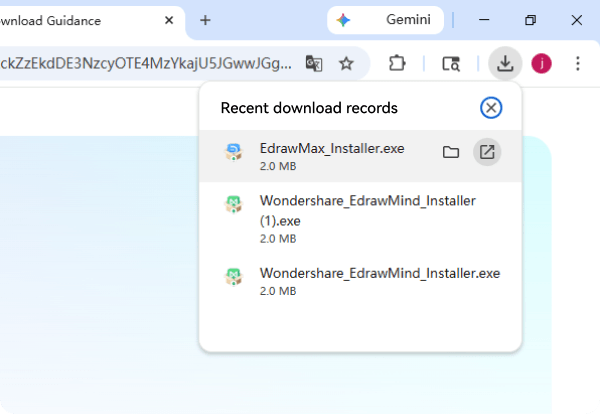
Open the Setup.expanded-name file from the downloads list at the top-right corner of this window.
Click the browser's upper-right icon or press Ctrl + J to find and launch the downloaded file.
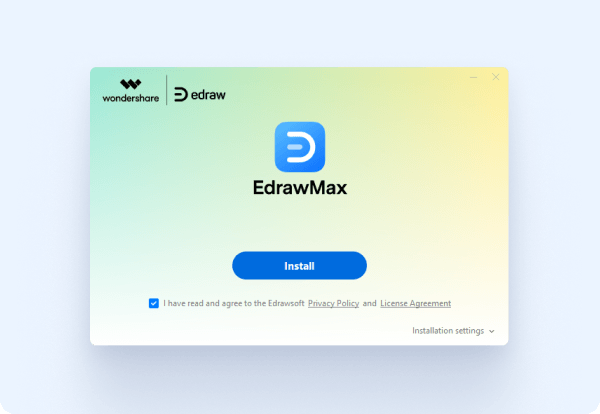
If prompted, click 'Install anyway' and 'Yes' on the system dialogues.
If the consent prompt appears, please allow the installation.
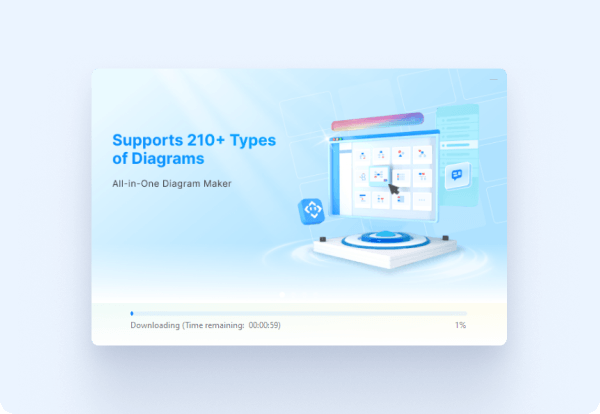
Wait for the installation to finish. will open it automatically when it’s done.
Follow the instructions and wait for the installation to complete.
Trusted By Over 25 Million Users & Leading Brands.