Biology diagram maker

Make professional biology diagrams like anatomy diagrams, labelled diagrams, biology animations and more scientific diagrams with free biology symbols and templates. All to make your biology study easier and more efficient.

Available for:
biology animation maker

Free biology diagram templates from EdrawMax

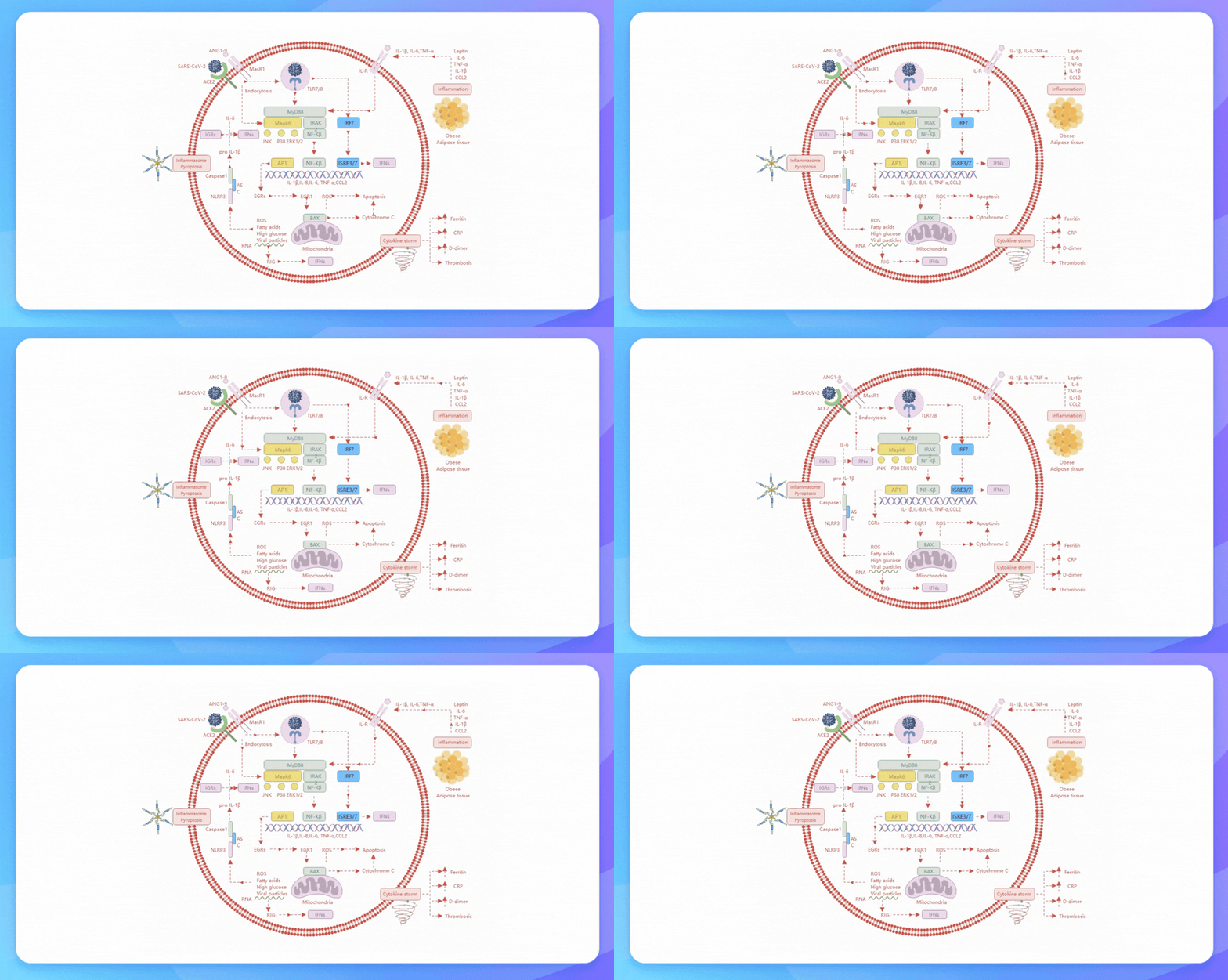
Viral Infection Process
Animal Cell Biology Diagram
Honey Bee Anatomy Diagram
Endoplasmic Reticulum Diagram
Animal Cell Diagram
Apoptosis VS Necrosis Comparison
Explore More Templates

Why Use EdrawMax Biology Diagram Maker?

Get inspired by a rich template catalog

EdrawMax has a massive library featuring 26,000+ templates, from biology mind maps to conceptual diagrams. From plant cells to reproduction, cell theory, and anatomy, students can find useful references for upcoming assignments. Find the right fit and start editing.
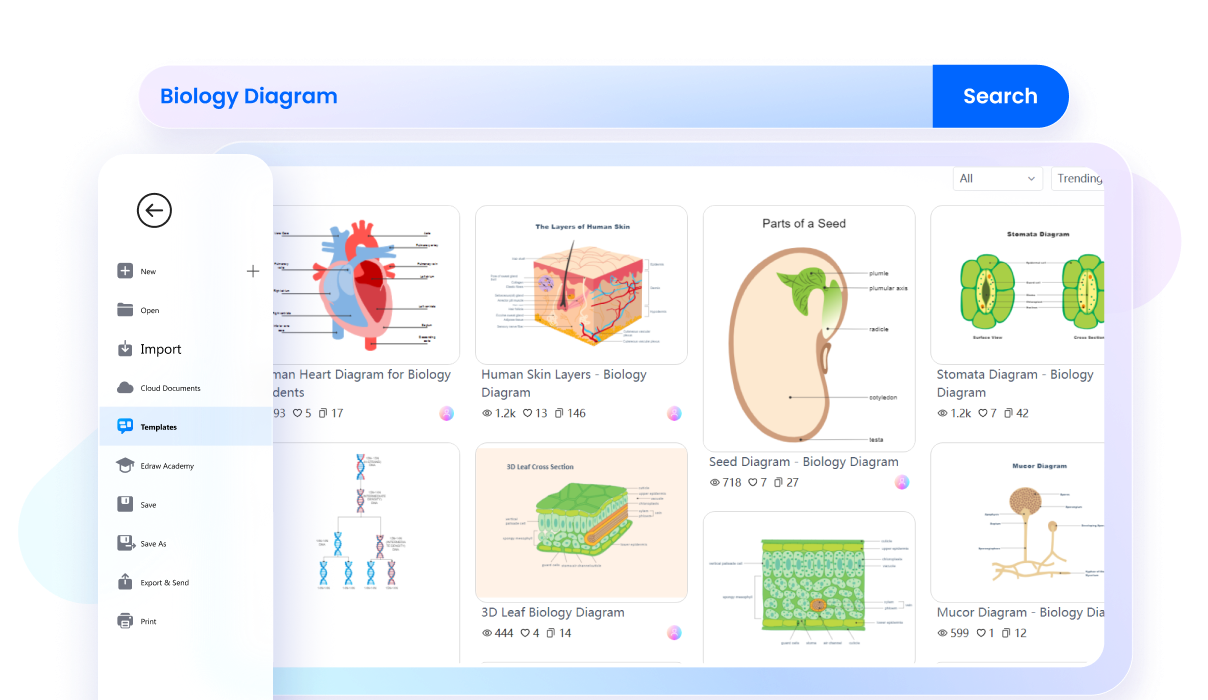
templates
Personalize your diagrams in a few clicks!

EdrawMax’s intuitive functionality makes it easy to personalize notes. Just import your biology diagrams to EdrawMax and start modifying them. Add explanatory text, use vector-enabled symbols, adjust background colors, and branch them out with zero tech knowledge.
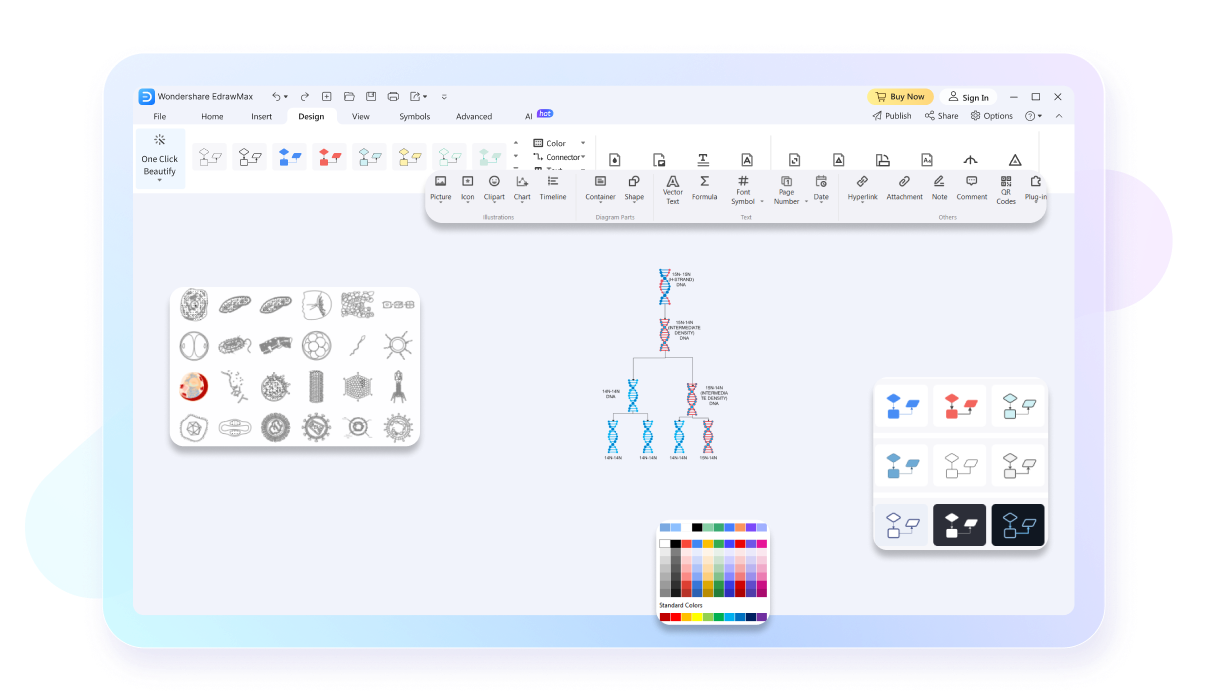
customization
Ask AI to polish your content

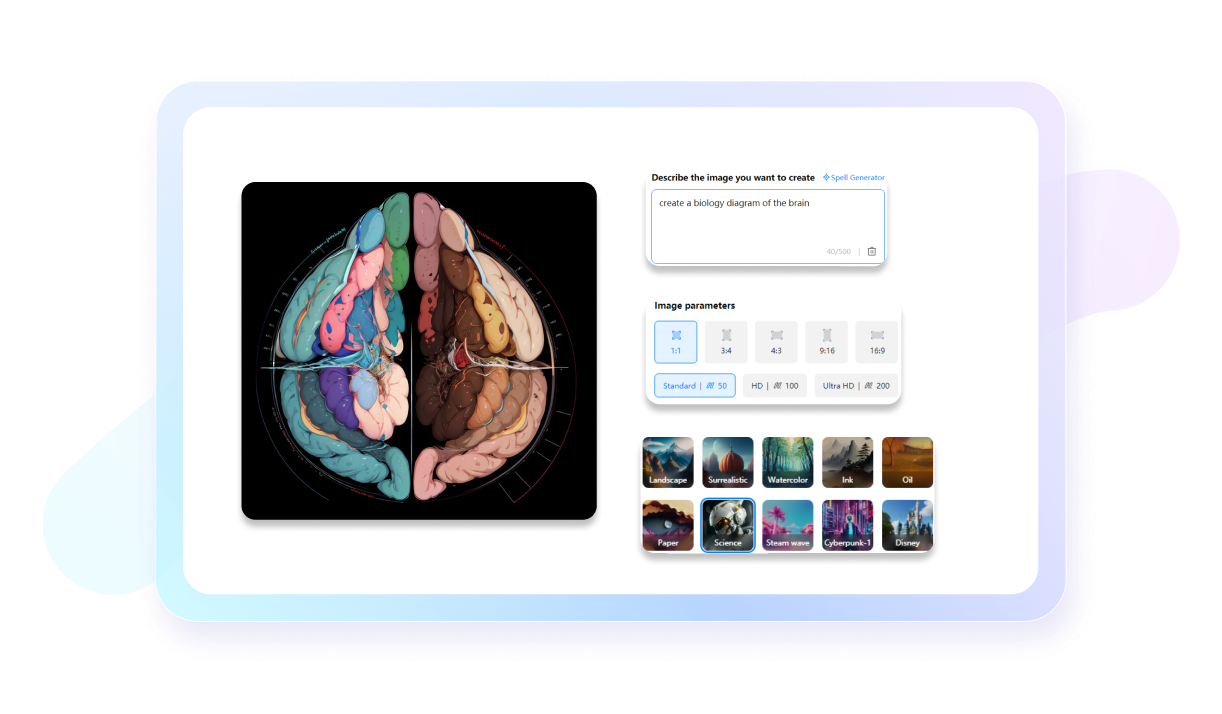
Don’t worry about getting new ideas. EdrawMax’s interactive AI assistance helps you generate insightful content for your biology diagrams. It polishes its content by making relevant query prompts in seconds. Plus, the OCR extraction fetches the data from pictures with a single click.
AI biology diagram
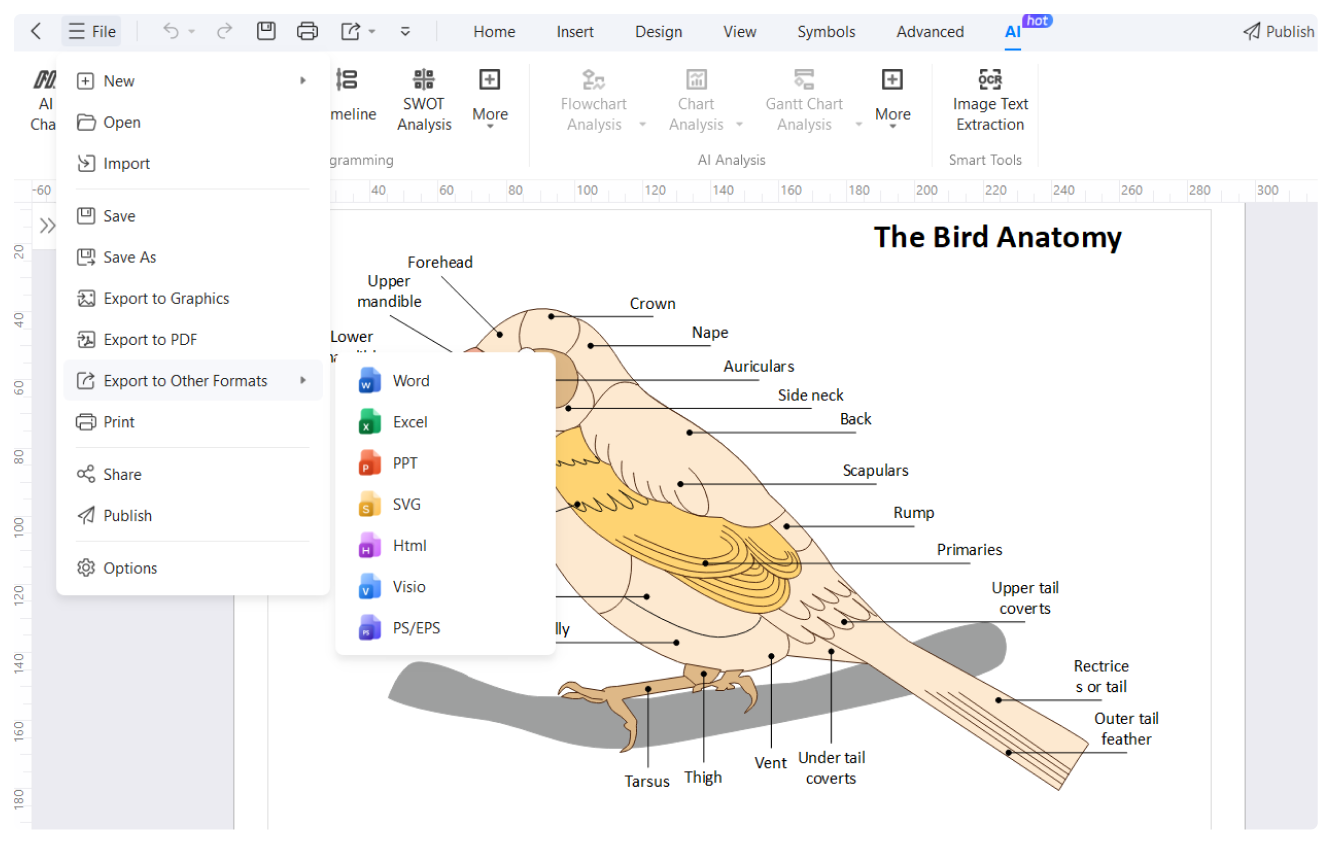
Visio & 10+ export format supported

EdrawMax makes data exchanges seamless with its versatile file export and import. It supports 10+ formats like Visio, PNG, and MS Office. So, embed your biology diagrams in a desired platform. You can also import diagrams for further editing.

export formats

What our users say

Allison Grant, PhD Candidate in Molecular Biology
Honestly, this tool is a total lifesaver. I used to spend hours—literal hours—faffing around in PowerPoint trying to make a semi-decent cell signaling pathway for my thesis, and it always looked like hot garbage. This software is a night-and-day difference. The library of icons is actually legit, and I can bang out a publication-quality figure in like twenty minutes now. My PI finally stopped nagging me about my "crude sketches." If you're in the weeds with your dissertation, just get it. It’s a total game-changer for your workflow.
Benjamin Clarke, Head of Science
I’ve been looking for something like this for ages. Most of the stuff you find online is either way too basic or so complicated you need a degree just to navigate the UI. This hits the sweet spot. I can whip up a diagram of the respiratory system or a synapse that actually looks modern and keeps the Year 11s engaged. No more blurry Google Image grabs that look like they’re from 1995. It’s absolutely spot on for my lesson prep, and the kids actually get what they’re looking at for once. Chuffed with it, really.
Daniel Mercer, Co-Founder & CTO
When you’re pitching to VCs, your deck needs to look sharp, period. We were using some generic design software before and it just felt like amateur hour. This platform does all the heavy lifting for our technical schematics. The way it handles protein structures and lab setups is just... chef's kiss. It makes our R&D look as sophisticated as it actually is. It’s not just a "nice to have" for us anymore; it’s a core part of how we communicate our tech to people who aren't in the lab every day.

FAQs about biology diagram maker

  • Common types include anatomical diagrams showing internal structures, flowcharts illustrating metabolic pathways, and cladograms representing evolutionary relationships. You will also frequently encounter life cycle diagrams, food webs, and schematic drawings of microscopic cells. Each type serves a specific purpose in explaining how living systems are organized and how they function.
  • Start by reading the title and legend to understand the subject. Follow the flow of arrows, which often indicate the direction of a process or energy transfer. Break the diagram into smaller sections, identifying familiar structures first, before looking at how they interact to form the larger biological system.
  • When labeling, always use straight, horizontal lines that do not cross each other. Ensure that the lines touch the specific part being identified. Use clear, legible print for the text and try to align labels on one side of the drawing to maintain a clean, professional, and highly organized appearance.
  • Maintaining correct proportions is vital because it ensures the diagram accurately represents the actual specimen. If one organelle is drawn much larger than it is in reality, it can lead to misconceptions about its function or its relationship to other structures. Accuracy is the foundation of scientific observation and communication.

Stop drawing. Start describing.

AI diagramming isn't just text-to-diagram.
AI now understands any input, fetches live data, adapts through dialogue, and works everywhere.