
Turn ideas into
professional diagrams, faster
with AI and templates
Create editable flowcharts, floor plans, and more with smarter AI and professional templates.

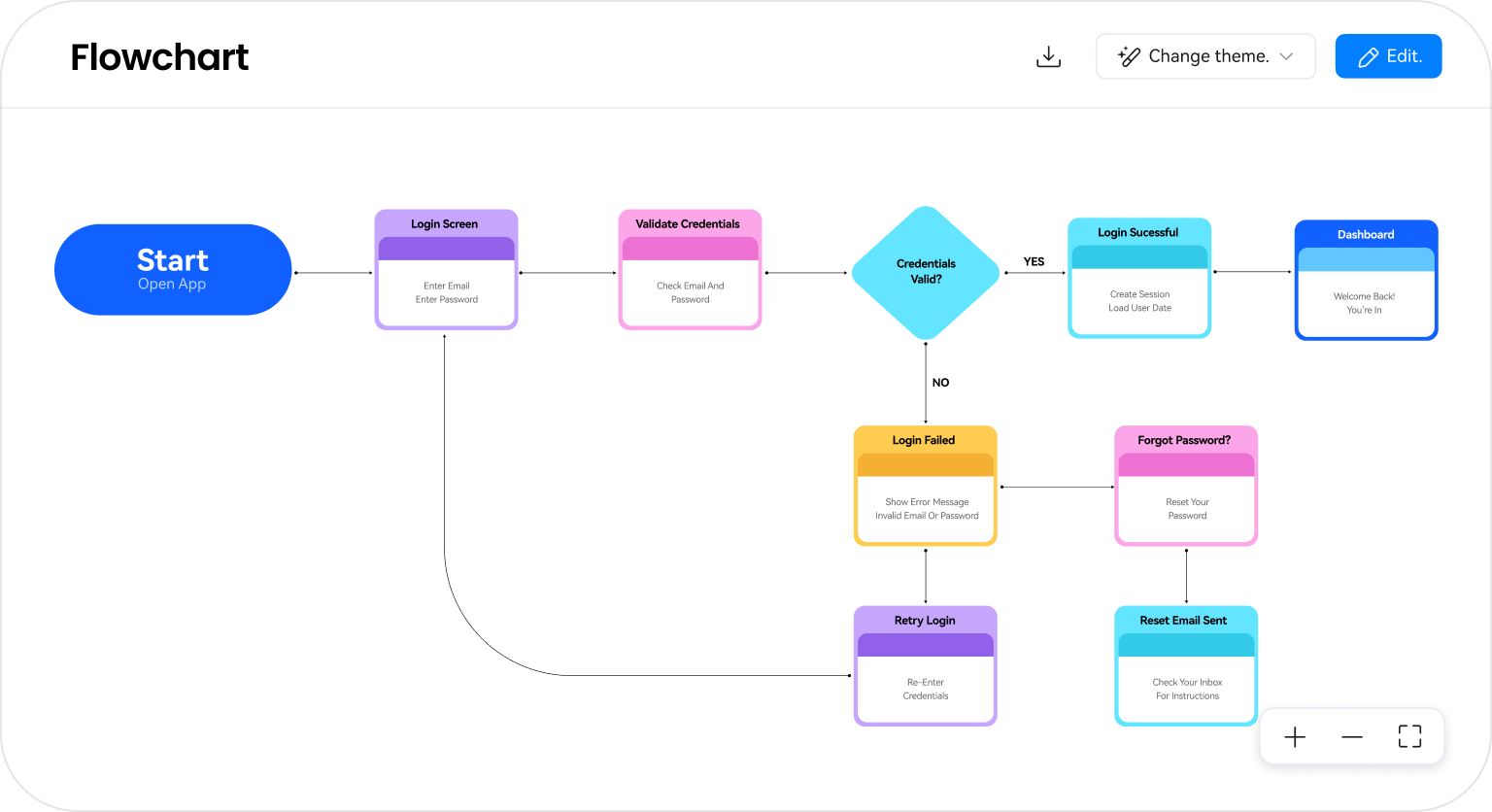

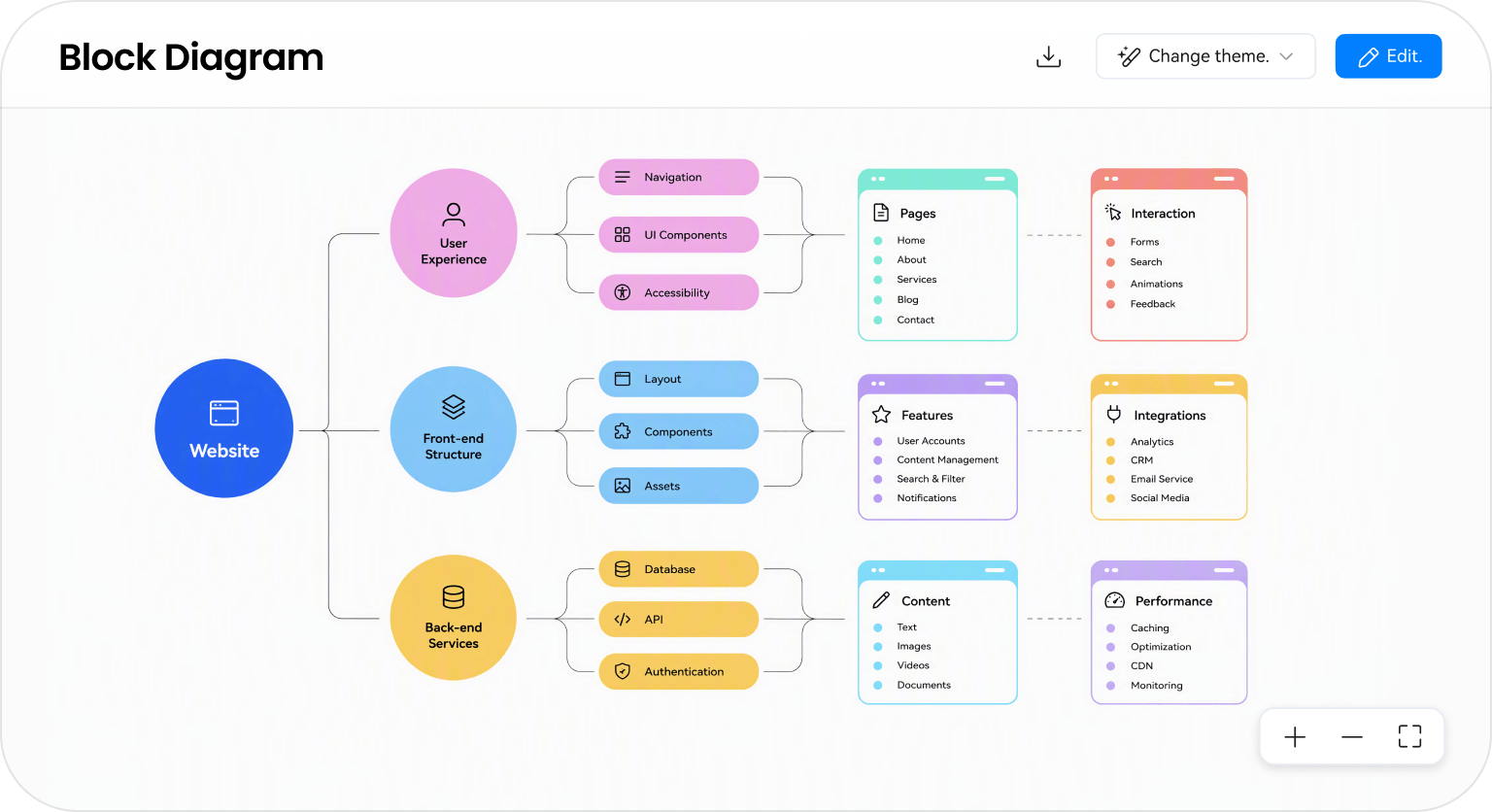
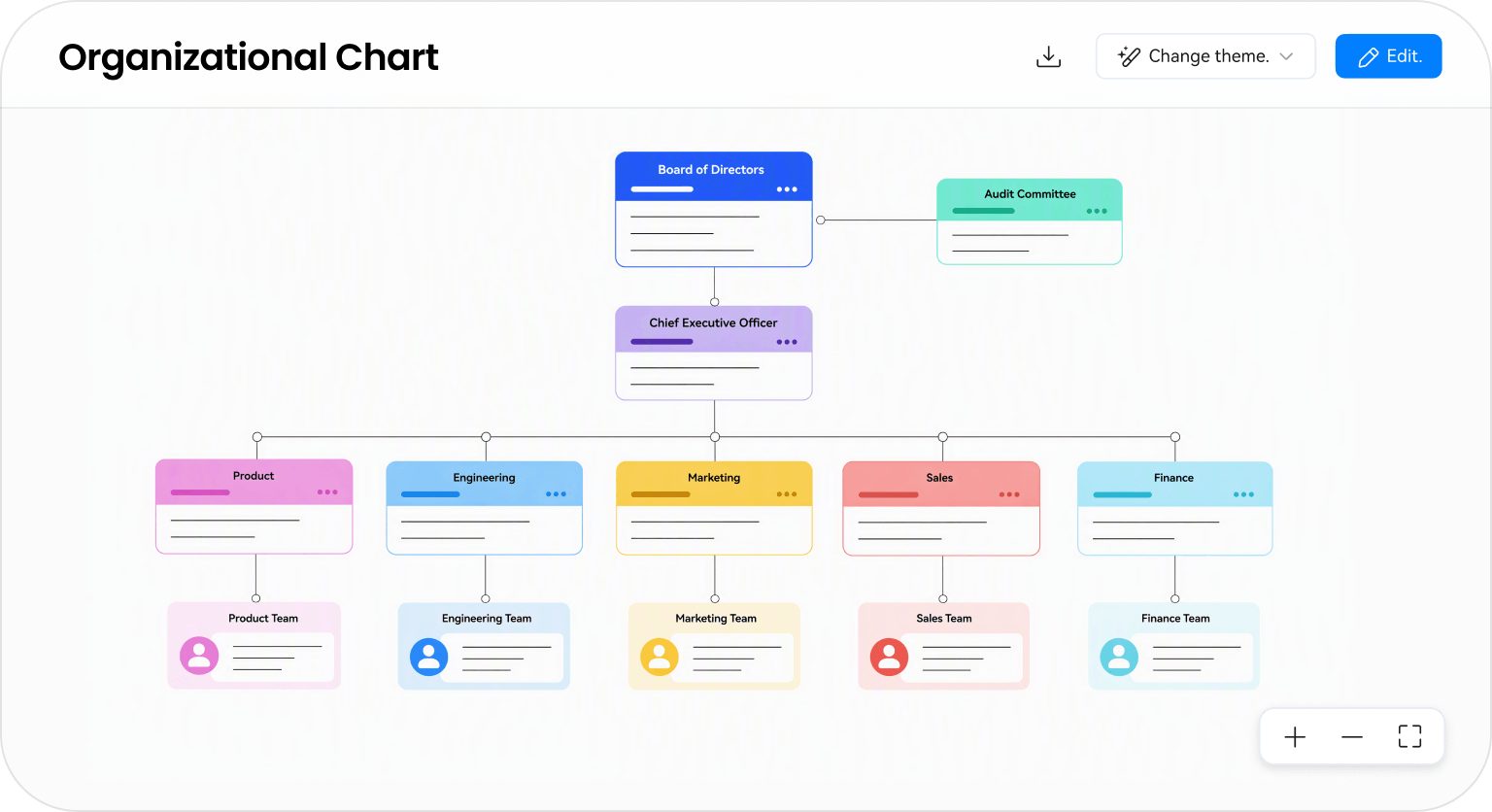






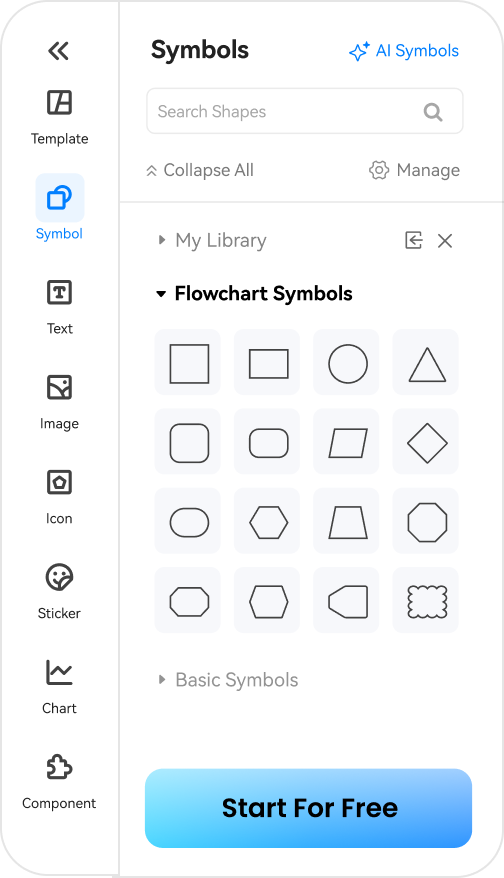



Create 210+ Types of Diagrams with EdrawMax
From flowcharts and UML diagrams to floor plans, network diagrams, electrical schematics, org charts, and more — each supported by AI generation and professional template libraries.



Smarter, Stronger, More Professional.
Explore smarter AI workflows, upgraded floor planning, and more professional drawing tools.
AI Agent
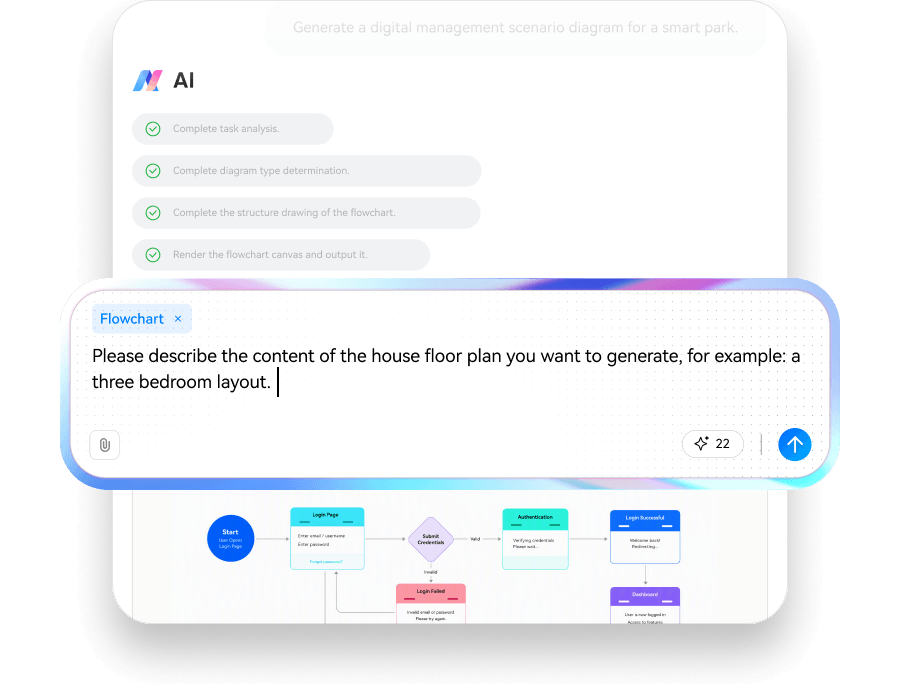
Smarter AI
workflow
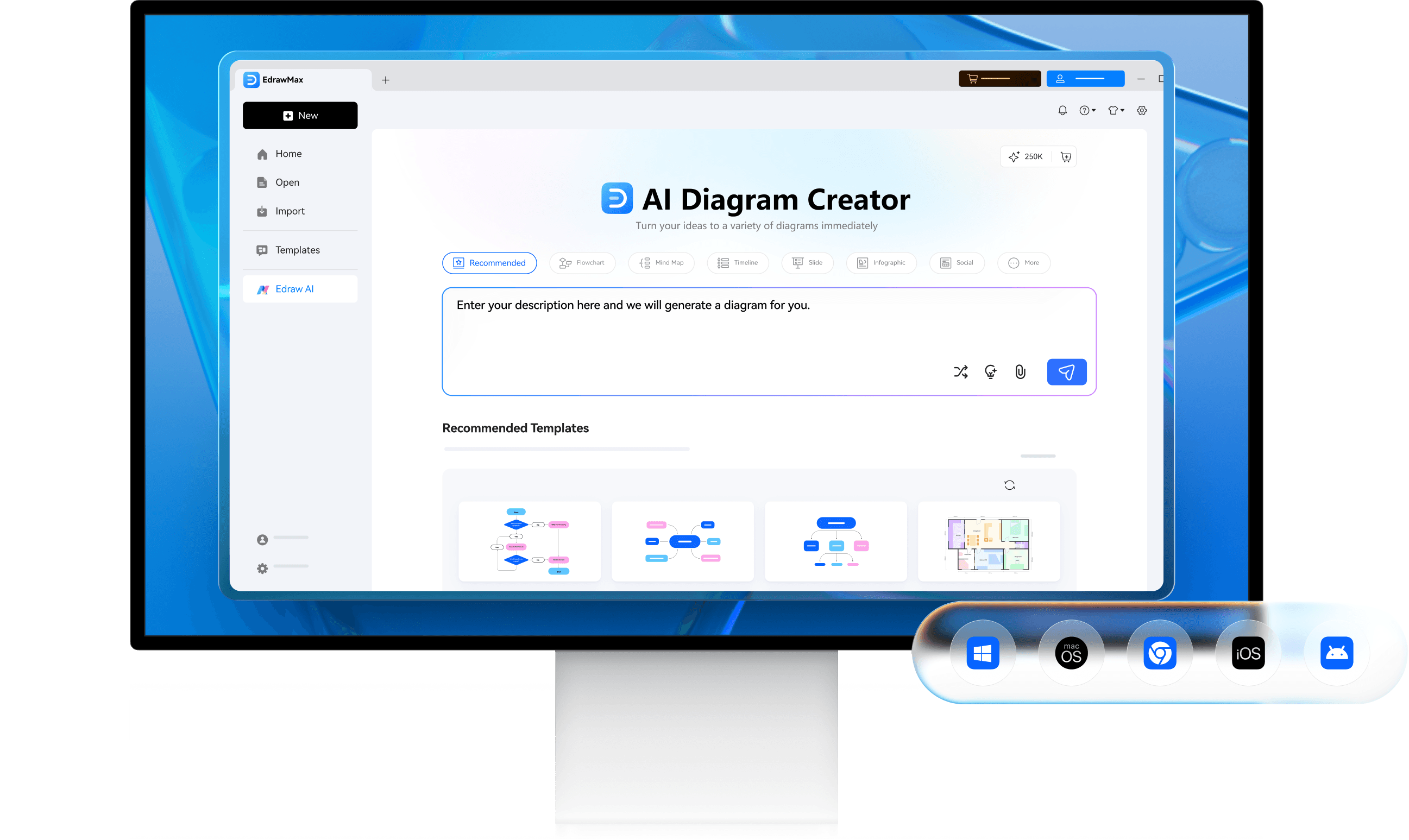
- Generate diagrams from prompts or files
- Refine structure, layout, and content
- Turn ideas into editable visuals
Floor Plan AI
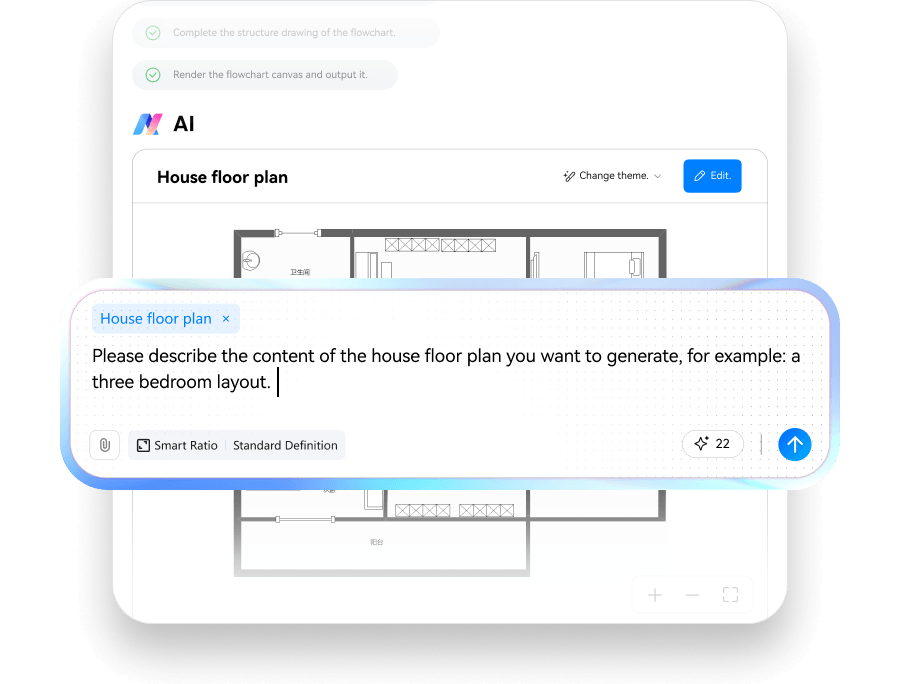
Deeper floor
planning
- Create rooms, walls, doors, and layouts
- Use precise measurements and symbols
- Turn floor plans into editable diagrams
Drawing
Experience
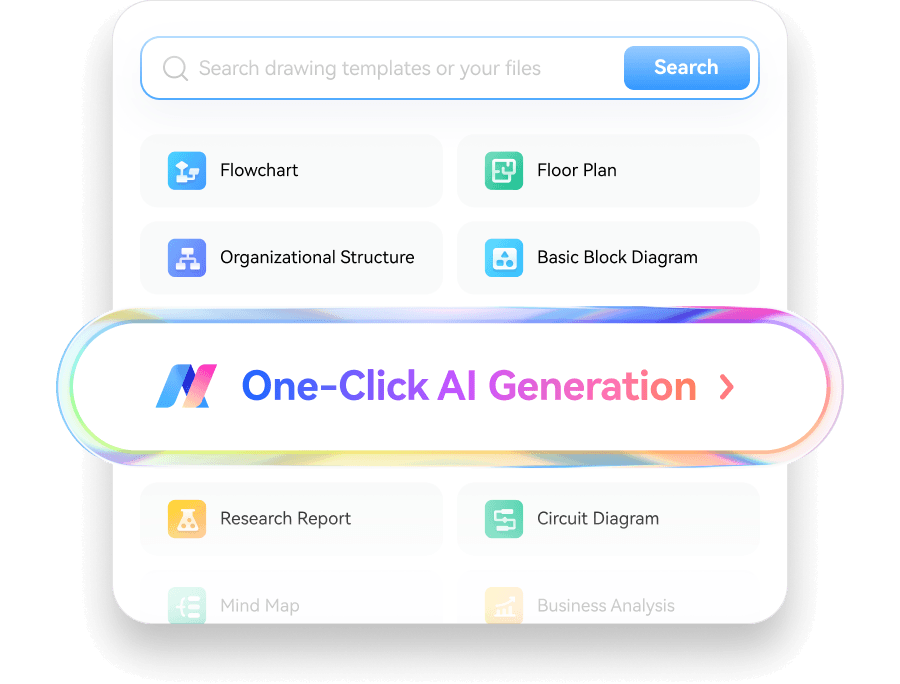
Drawing
Experience
- Start faster with templates and AI
- Edit layouts, connectors, and styles
- Export polished professional diagrams
EdrawMax AI Agent understands, creates, and improves
Talk to AI, get pro diagrams. V15 brings conversational intelligence, intent detection, and smart adjustments.




From any input
to visual clarity
Beyond generation from text prompts, EdrawMax AI now reads docs, spreadsheets, code, and images. It parses structure, extracts logic, and generates editable diagrams that transform complex data into instant insights.
Stay in sync
with the world
EdrawMax AI knows when to go online. It fetches real-time data, latest trends, and up-to-date information automatically. Your reports and analysis stay fresh without manual updates.
A copilot that
truly understands
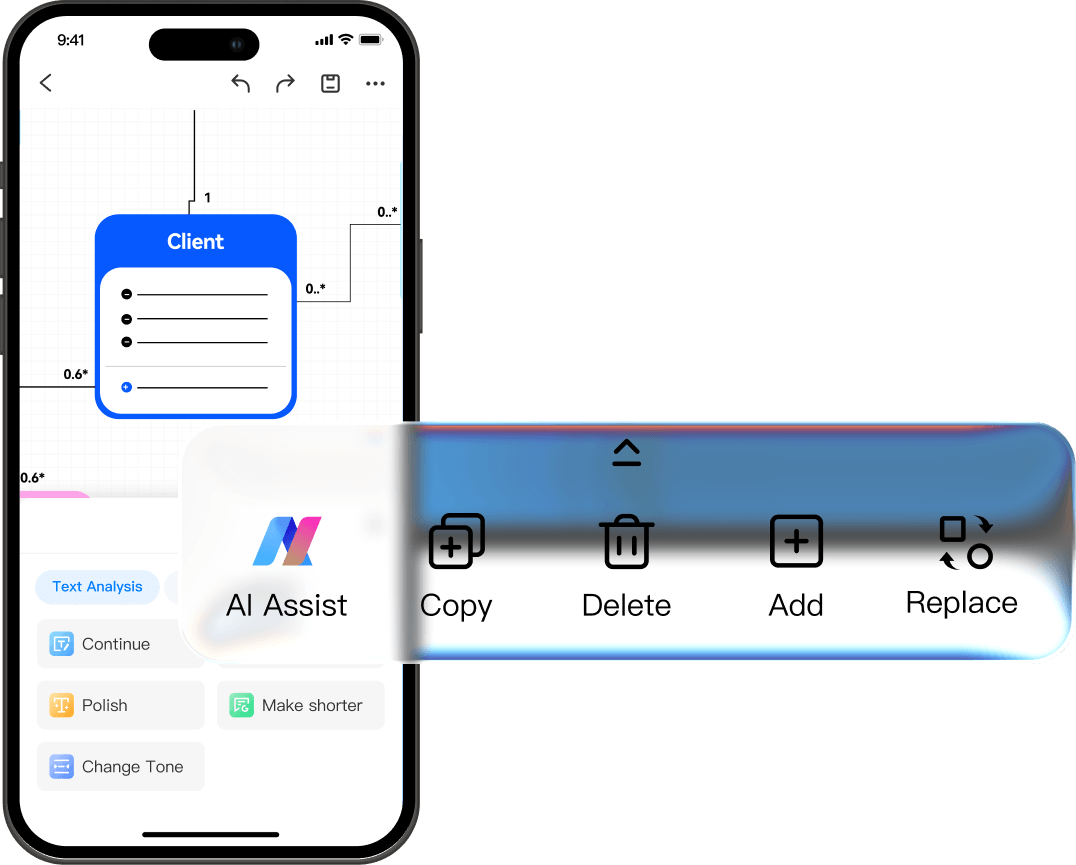
Talk to EdrawMax AI like you are with a colleague. It understands context, remembers your editing intentions, and proactively optimizes layout and content as you refine your diagrams.
Seamless workflow
with a click
Launch EdrawMax AI from anywhere — Word, PowerPoint, Notion, DingTalk, or browsers. Create 30+ diagram types instantly without switching tools or breaking your flow.
Why Choose EdrawMax for Diagramming?
Built for speed and designed for precision, EdrawMax helps users create everything from flowcharts and mind maps to technical drawings and floor plans with editable, export-ready output.
Quick to start,
easy to master
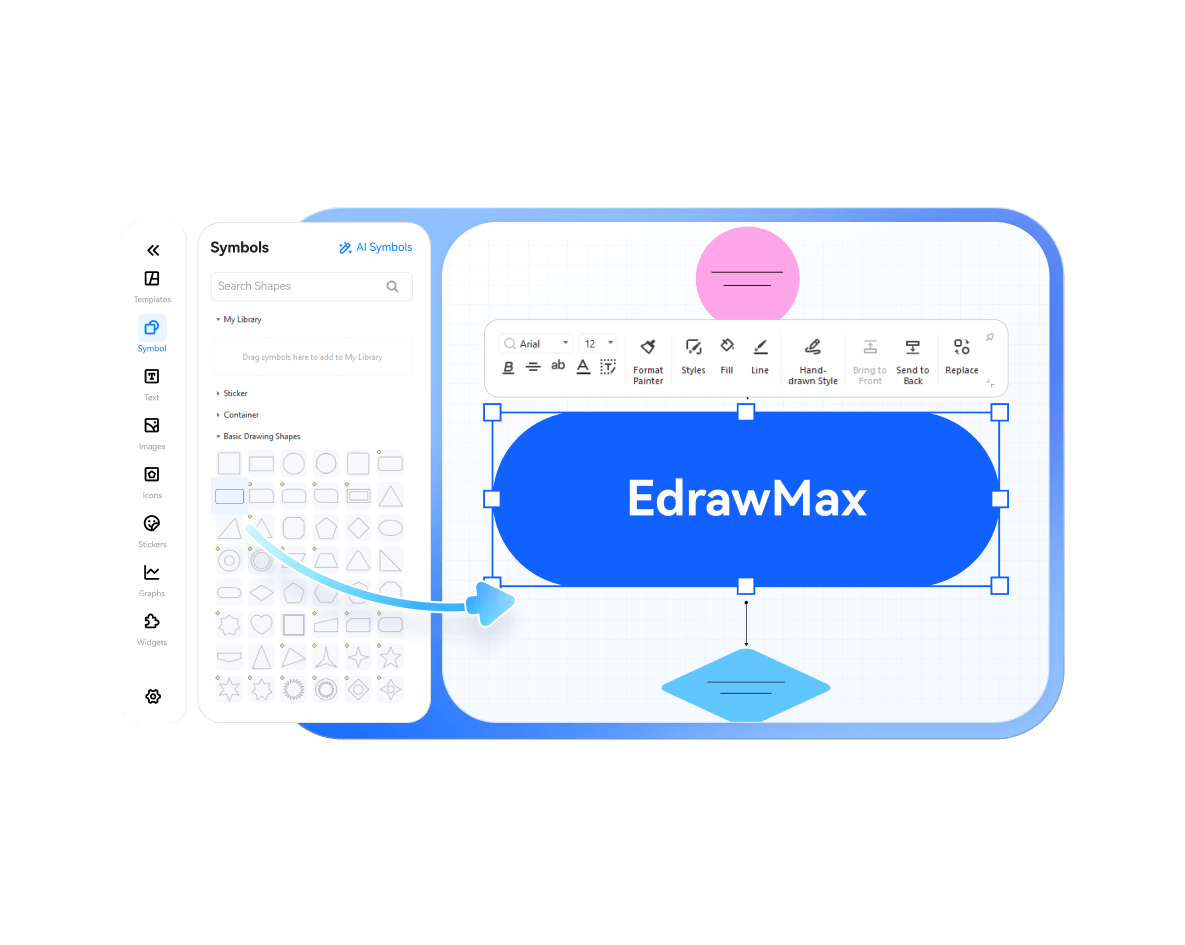
Intuitive drag-and-drop interface with familiar controls. Start creating in minutes with smart guides and instant previews — no steep learning curve required.
Precision when
you need it
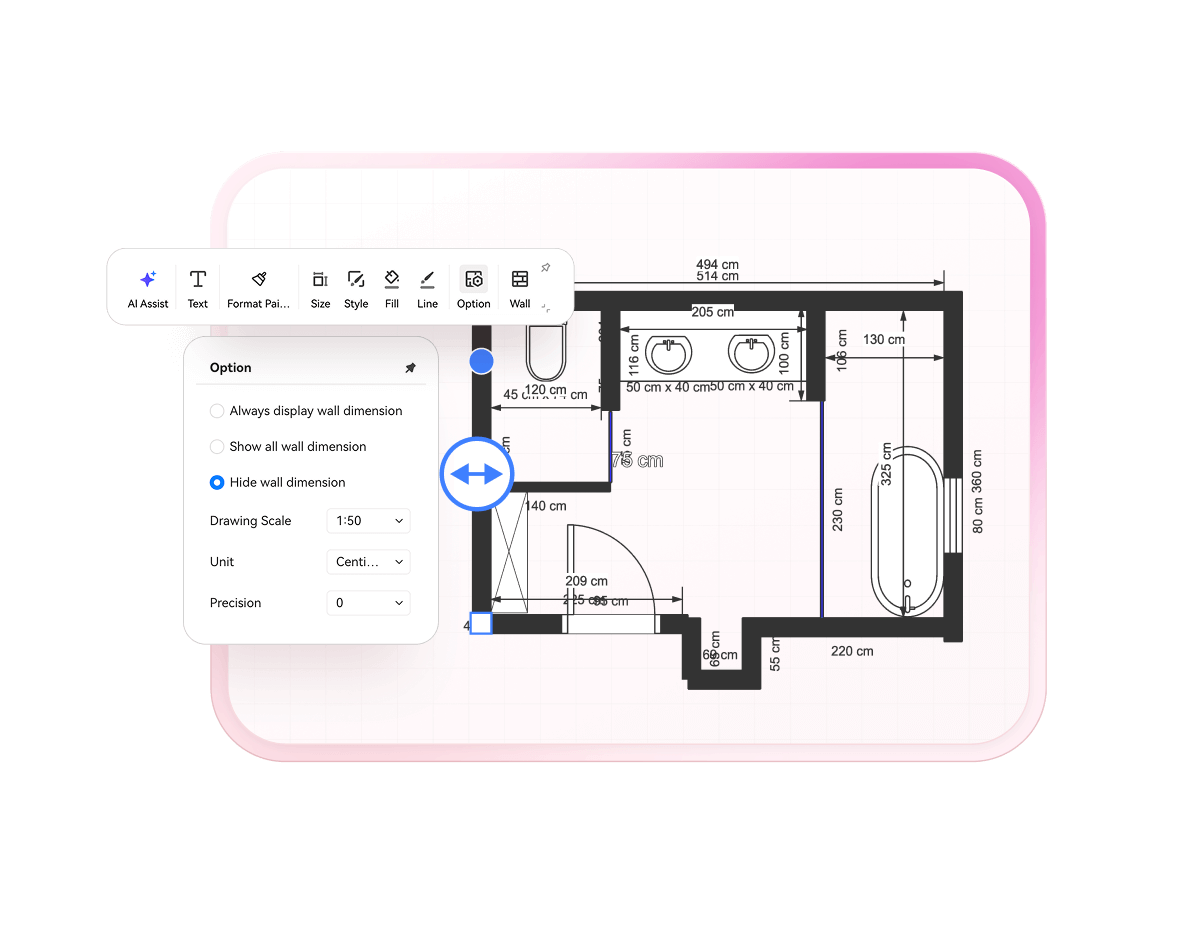
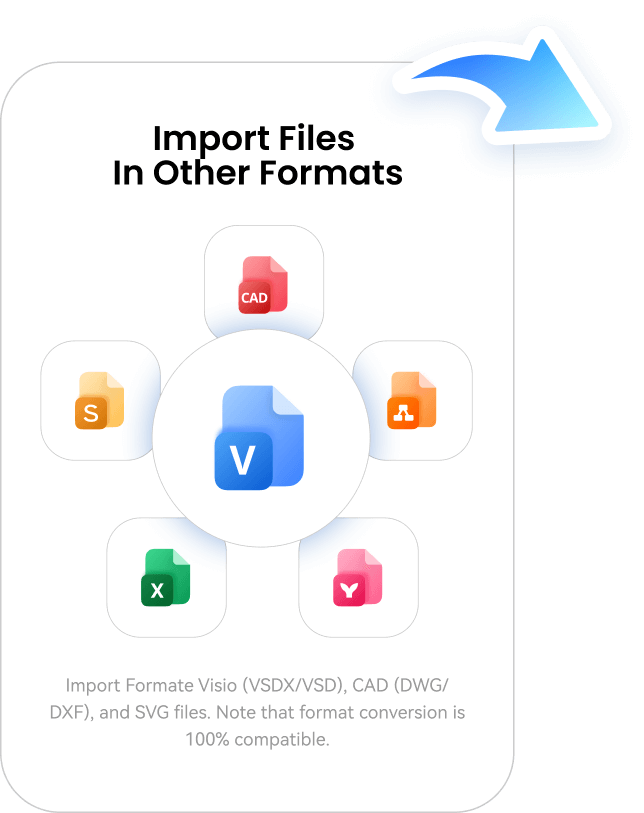
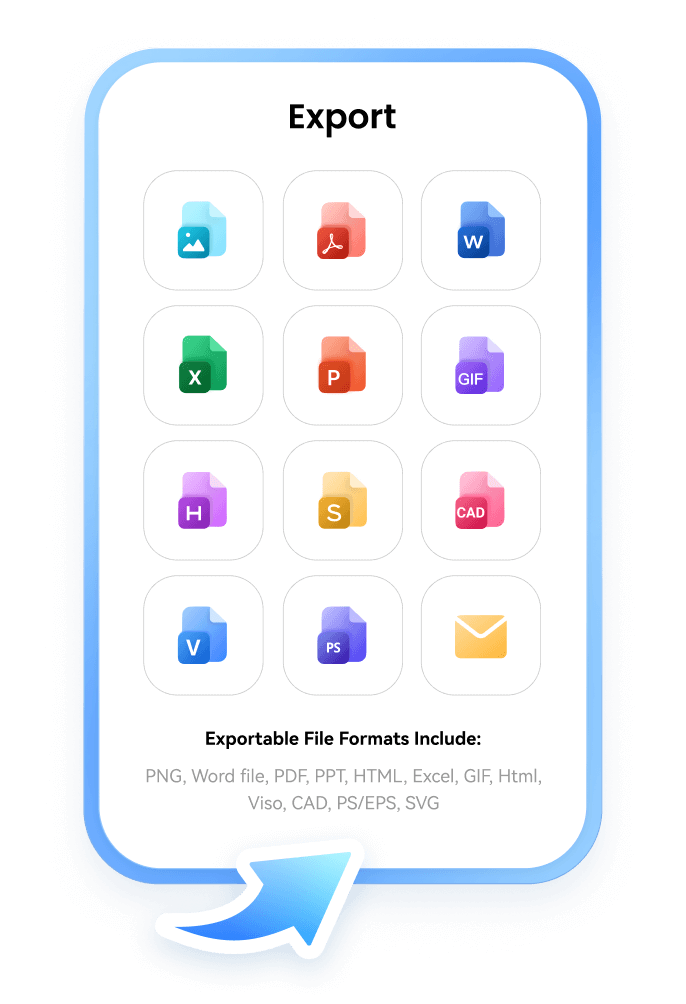
Snap-to-grid alignment, dimension tools, and vector controls for pixel-perfect diagrams. Export in industry-standard formats including VSDX, PDF, and SVG.
Everything you need,
already there
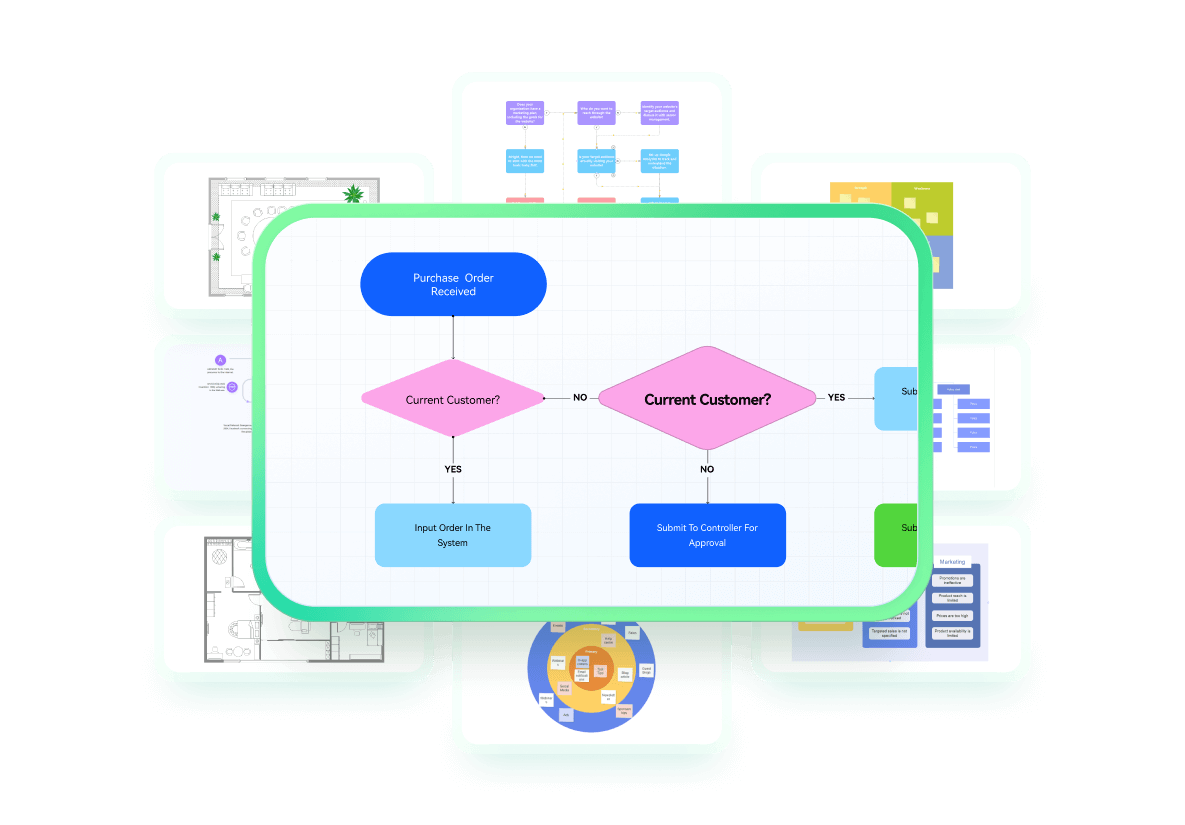
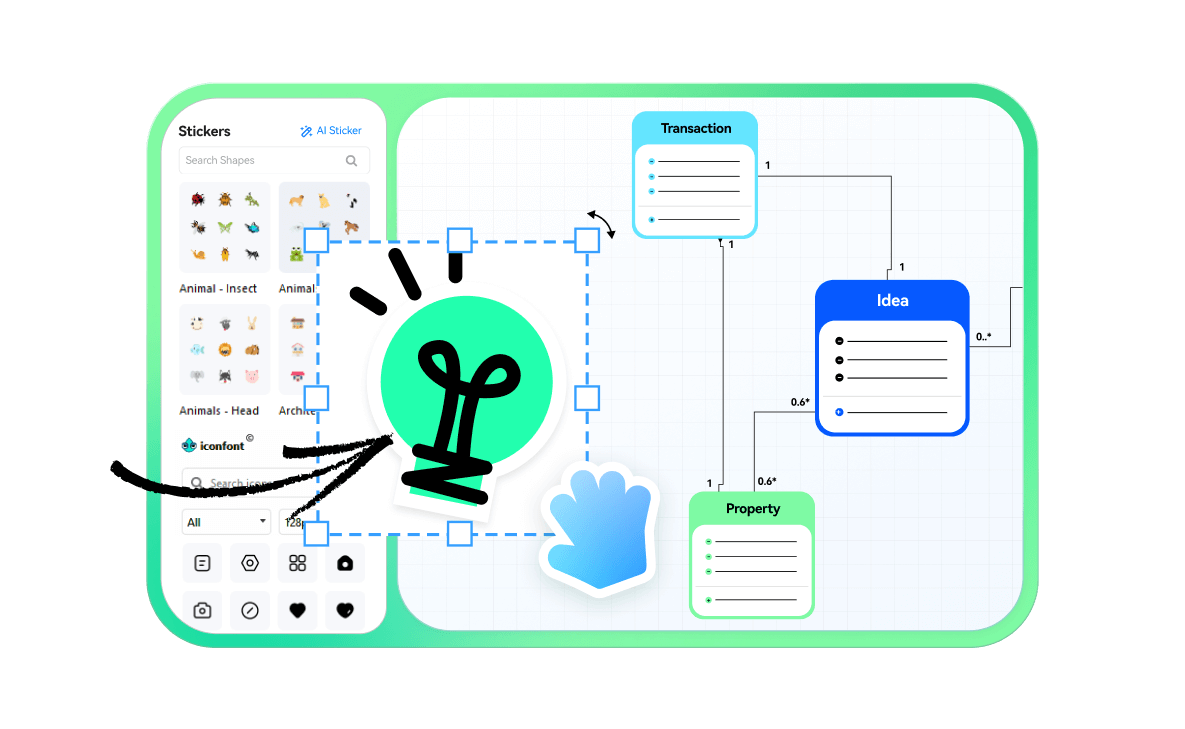
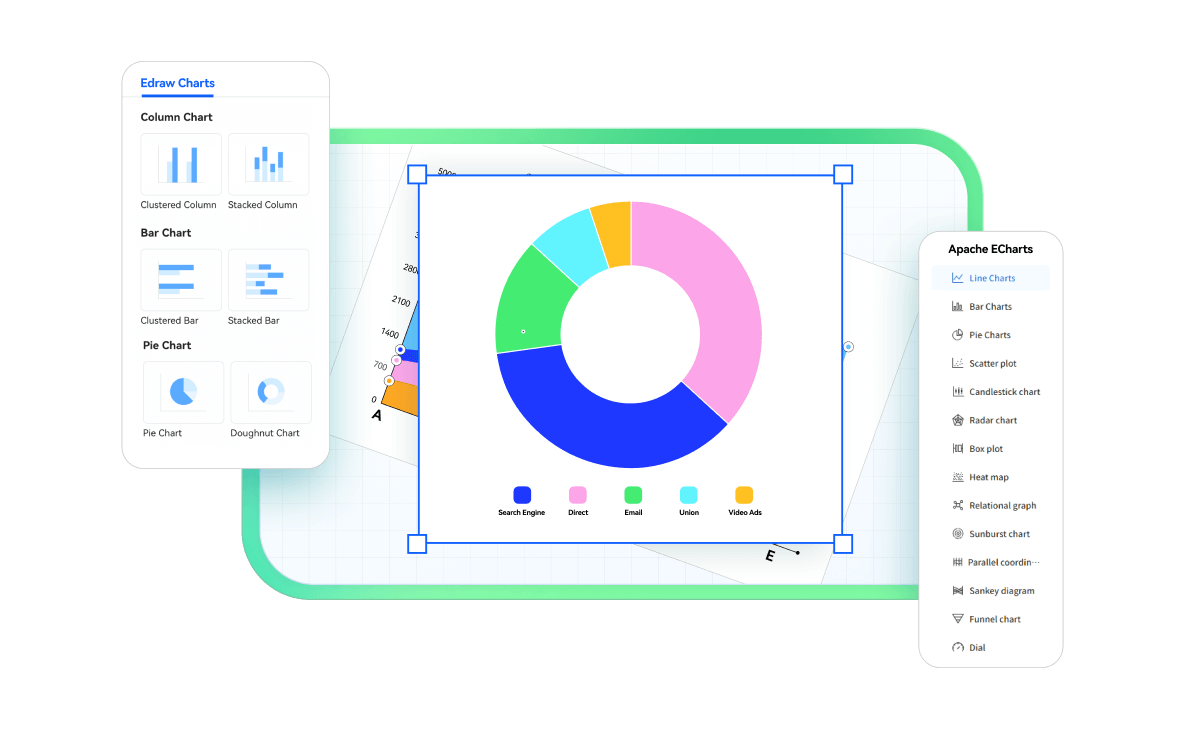
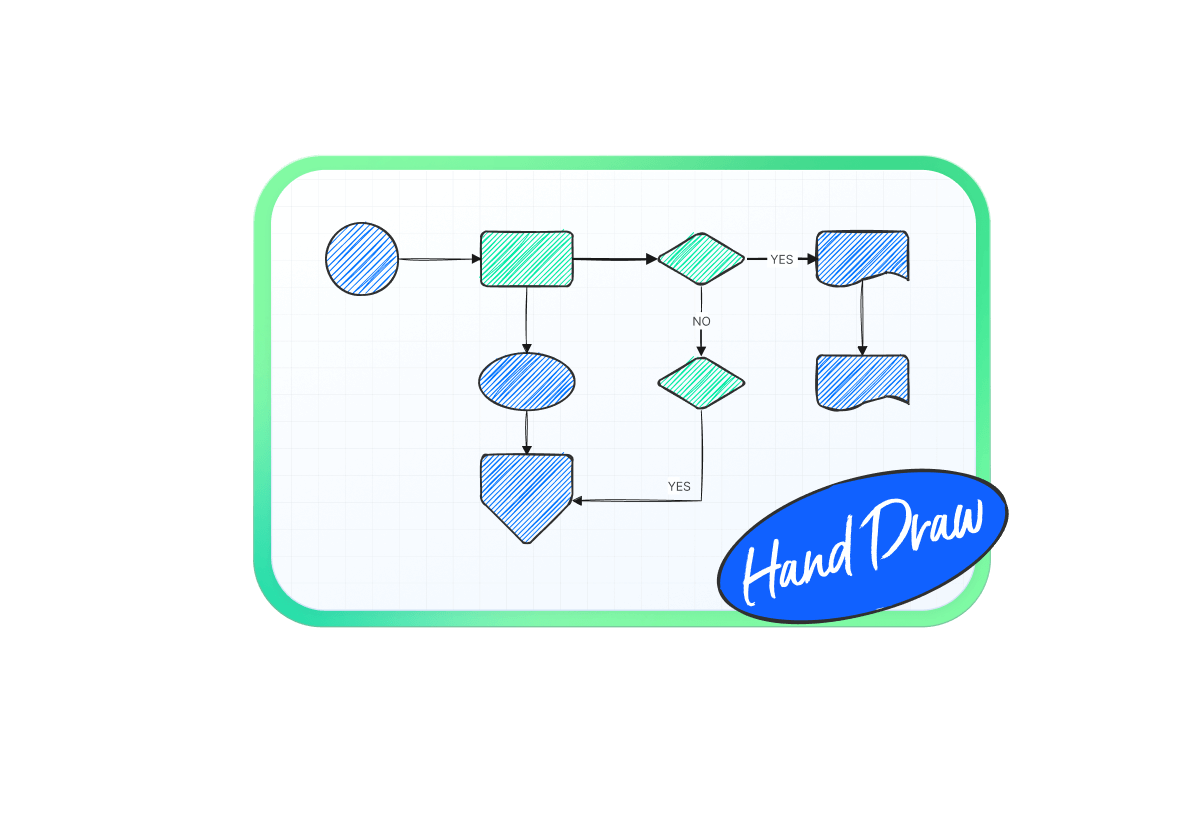
Massive professional library spanning all industries. From business flowcharts to technical schematics — find the perfect starting point or visual element instantly.
Work from any place at any time

Who Is EdrawMax Best For?
Project Management
IT & Infrastructure
Engineering
Marketing
Consulting & strategy
Education & research
Operation
The flexible workspace for marketing teams.
Brainstorm, plan, and execute your team's marketing programs—from multi-channel campaigns.
-
 Build visual plans or roadmaps that keep marketing teams on track
-
Boost productivity with rich templates
-
Leverage AI to accelerate creation

The visual command center for IT and DevOps teams.
Document network architecture, system designs, and technical workflows—from cloud infrastructure to API integrations.
-
Map complex systems with precision and clarity
-
Collaborate on technical specs across teams
-
Use AI to generate diagrams

The precision workspace for technical and design teams.
Create electrical schematics, floor plans, and mechanical drawings—from concept sketches to production-ready specifications.
-
Build technical drawings with industry-standard symbols
-
Design floor plans with auto area calculation
-
Export CAD-ready files in professional formats

The visual storytelling platform for marketing teams.
Brainstorm, plan, and execute your team's marketing programs—from multi-channel campaigns to customer journey mapping.
-
Build visual plans or roadmaps that keep teams on track
-
Boost productivity with rich campaign templates
-
Use AI to accelerate content creation

The strategic toolkit for consultants and business advisors.
Analyze, design, and present business solutions—from process optimization frameworks to digital transformation roadmaps.
-
Create strategy frameworks that clarify complex challenges
-
Map current-state and future-state processes visually
-
Build executive presentations with polished diagrams

The learning accelerator for educators and researchers.
Teach concepts, visualize research, and create course materials—from interactive lessons to academic thesis diagrams.
-
Create concept maps that simplify complex topics
-
Visualize research data with scientific precision
-
Design interactive lessons with reusable templates

The process optimization hub for operations teams.
Streamline workflows, optimize supply chains, and document procedures—from SOPs to cross-functional process mapping.
-
Design process flowcharts that eliminate bottlenecks
-
Map supply chain networks end-to-end
-
Track projects with visual timelines and Gantt charts

Secure, reliable, and trusted
Compliance &
Certification
GDPR and ISO 27001 certified.
Your data handled with the
highest regulatory standards.



Privacy protection
Your diagrams remain private and fully under your control.

Cloud data security
Hosted on Amazon Web Services with enterprise-grade encryption and multi-layer access control.

Access management
Role-based access control with granular sharing settings. Manage team permissions and visibility at every level.
Hear what
our users
have
to say
 4.6 5
4.6 5
G2&capterra Rating
 96%
96%
user satisfaction
 30M+
30M+
Users Woldwide

Gantt charts and roadmaps are solid. My team finally stopped asking "what's the timeline again?"

Been using this for our infrastructure docs. Better than Visio for the price. The AWS diagram templates saved me hours. Still learning some advanced features, but support's been helpful.

Perfect for electrical schematics. Symbol library is comprehensive—finally found one with IEC standards built in. Beats spending hundreds of dollars on dedicated CAD software for simple diagrams.

Client presentations look way more polished now. Business model canvas and strategy frameworks are top-notch. Paid for itself in the first month. Export to PPTX works seamlessly which is crucial for us.
Stop drawing. Start describing.
AI diagramming isn't just text-to-diagram.
AI now understands any input, fetches live data, adapts
through dialogue, and works everywhere.
 (AI & Web)