What can you do with EdrawMax Online?
EdrawMax Online is a browser-based diagram maker for creating, editing, sharing, and exporting visual diagrams without installing desktop software. It supports 210+ diagram types, including flowcharts, mind maps, organization charts, UML diagrams, ER diagrams, floor plans, network diagrams, electrical diagrams, Gantt charts, and concept maps. You can start from an AI-generated draft, a ready-made template, or a blank canvas, then edit the result with drag-and-drop shapes and connectors.
Start with AI
Best for: turning a prompt, document, code, or image into a fast first draft. Review AI-generated structure and labels before using the diagram for technical, compliance, or decision-critical work.
Start with a template
Best for: standard diagram formats such as flowcharts, org charts, UML, ERDs, floor plans, and project visuals when you want a proven layout that can be customized quickly.
Start from scratch
Best for: specialized or highly customized diagrams where you need full control over shapes, connectors, labels, layout, themes, and imported assets.
Choose the right diagram for your task
Different diagram types answer different questions. Use the format that matches the relationship or process you need to explain.
Flowchart
Best for: processes, decisions, workflows, and step-by-step logic.
Mind map
Best for: brainstorming, topic breakdowns, study notes, and idea relationships.
Org chart
Best for: reporting lines, team structures, roles, and organizational hierarchy.
UML or ER diagram
Best for: software structure, system interactions, database entities, and data relationships.
Floor plan
Best for: spatial layouts and planning. Verify dimensions and local requirements before construction or safety-critical use.
Network or electrical diagram
Best for: documenting system connections and infrastructure. Treat templates as planning references rather than installation specifications.
Versatile platform for 210+ types of diagrams
Unlock 210 diagram types with EdrawMax for programming, engineering, and versatile visualization solutions.
Flowchart
Mind map
Org chart
UML diagram
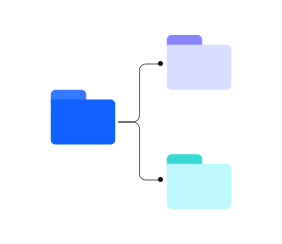
Electrical diagram
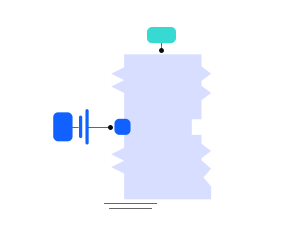
Gantt chart

Network diagram
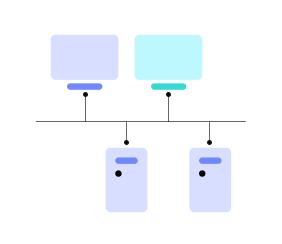
Concept map
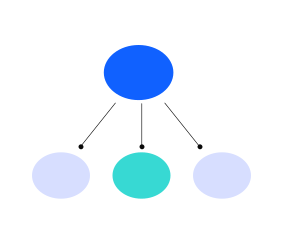
Generate & analyze diagrams
with EdrawMax AI
Generate drawings from text, code or pictures, create over 20 kinds of diagrams, and analyze Gantt charts,
bar charts, and more, all with EdrawMax AI, an AI diagram generator and analysis tool.
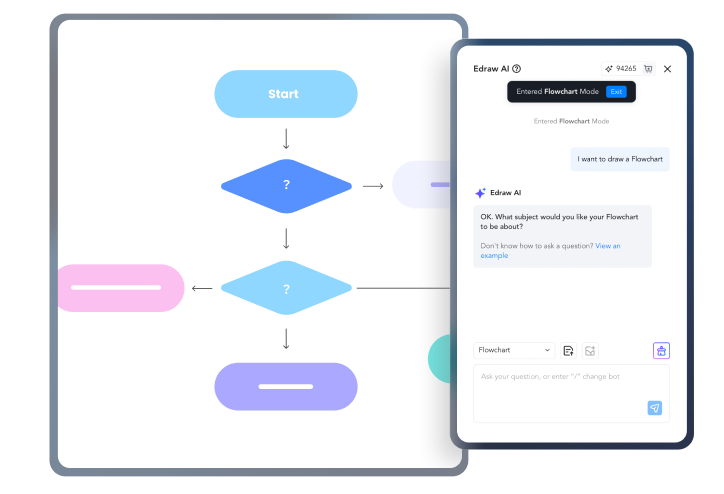
 AI flowchart
Generate a flowchart from text or code in seconds, saving yourself time and effort.
 AI mindmap
Transform text into captivating mind maps within seconds and watch your ideas visualize.

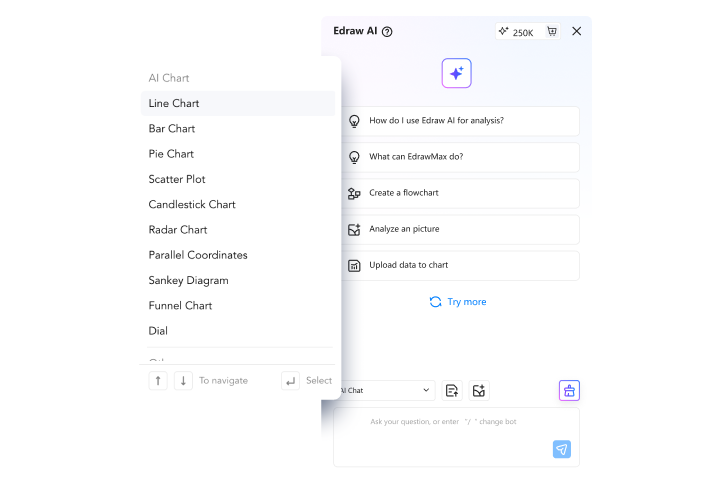
 AI chat
Get 24/7 diagramming assistance from Edraw AI, powered by ChatGPT, for instant answers.
Powerful yet simple diagram creator
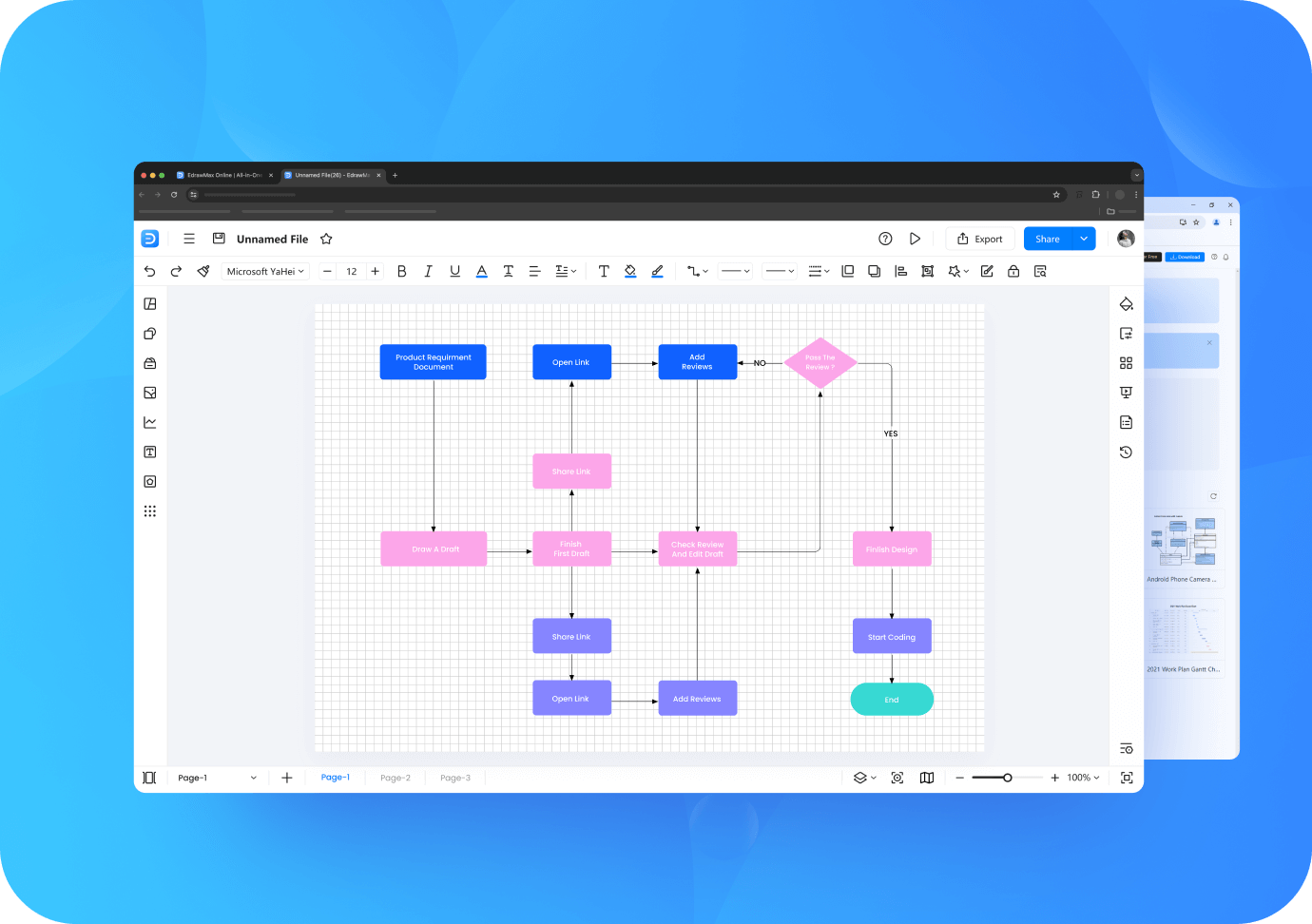
Neat and familiar
interface
- Easily get started on a clean and simple interface
- Quickly get familiar with a UI similar to Microsoft Office
- Easily navigate floating tool bars and menus
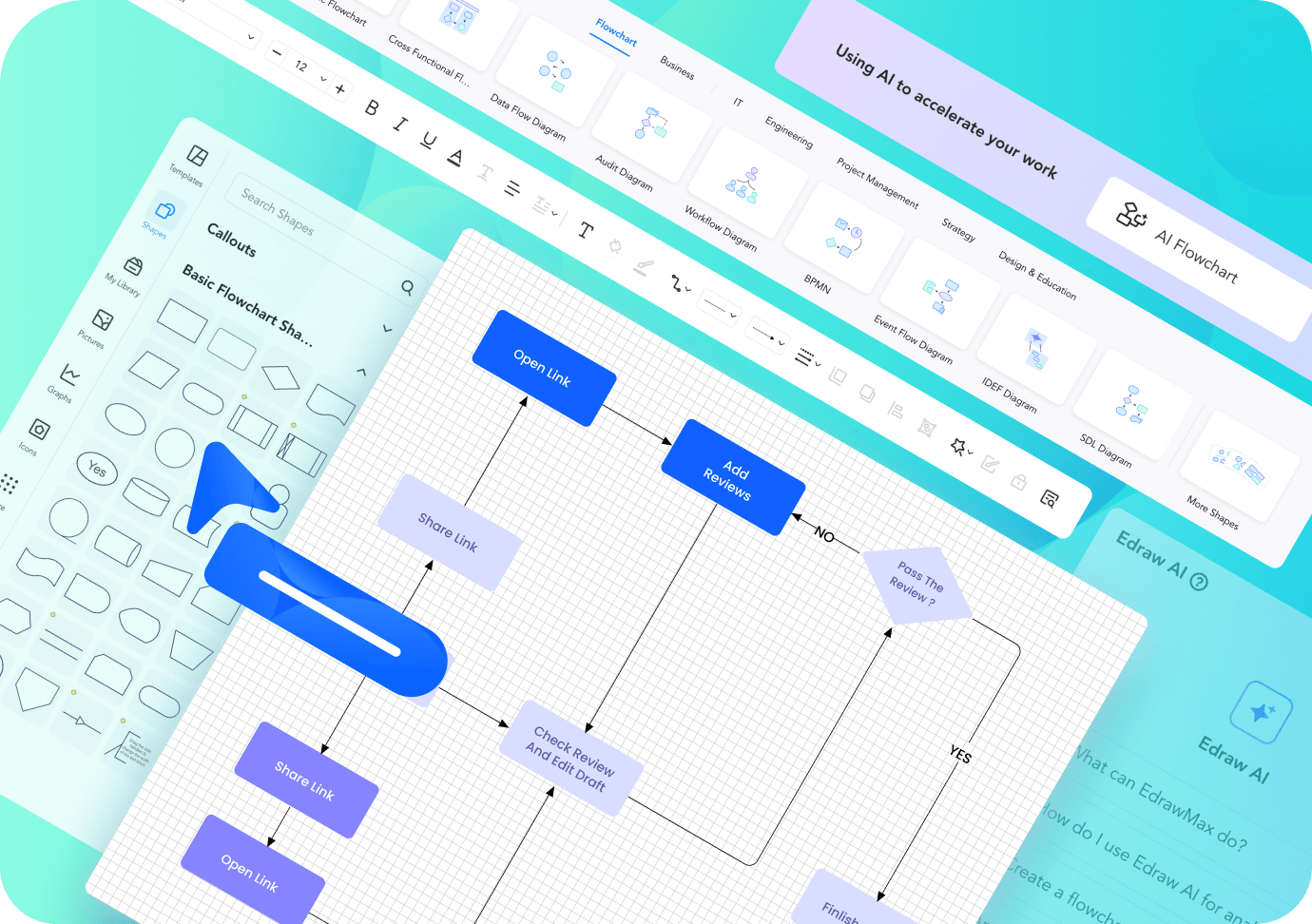
User-friendly
operation
- Explore customized tool bars for various diagram types
- Automatically align and connect shapes
- Effortlessly drag and drop elements from symbol libraries
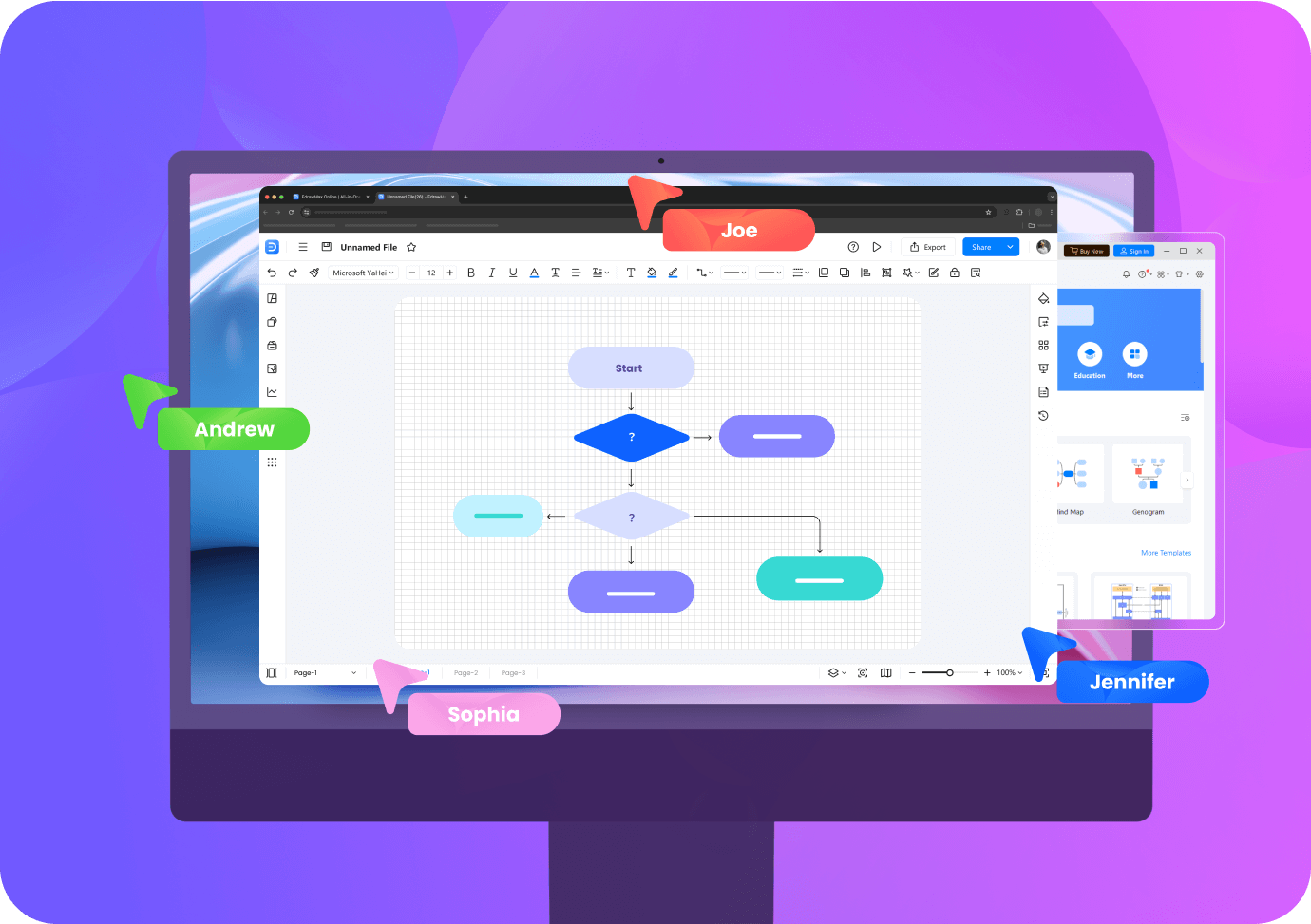
Collaborate
anytime anywhere
- Save your files on Edraw drive using free storage space
- Diagram whenever you have access to the Internet
- Share files for others to edit or view
And there’s more
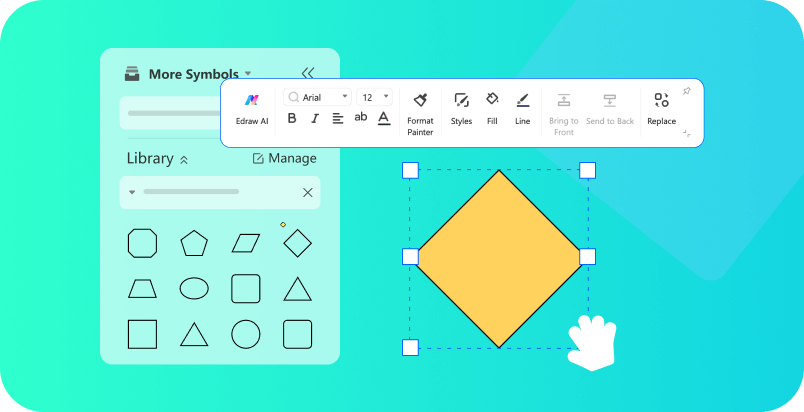
Intelligent symbol libraries
Discover 26,000 free symbols tailored to your diagrams. Better yet, craft personalized libraries with your own elements.

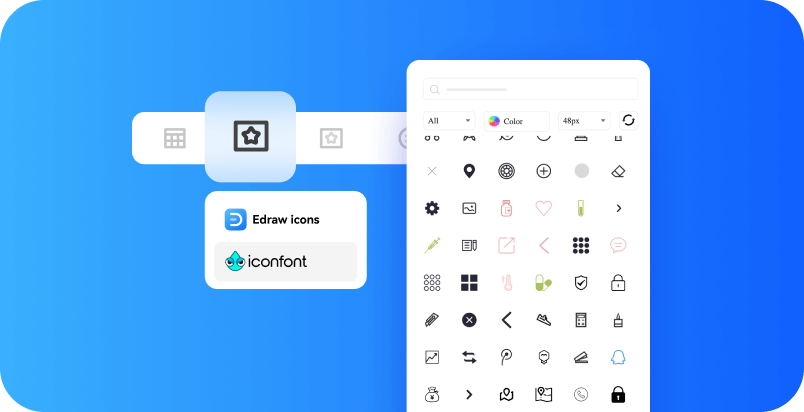
Huge icon collection
Discover an extensive collection of symbols tailored for every use case, ensuring you have the perfect visual elements to bring your designs to life.

Pixabay integration
Access Pixabay Integration for a vast selection of images, perfectly suited to your needs.
One-click beautifying
Transform the entire diagram with just a single click by exploring over ten different style options. Find the ideal style for you in no time
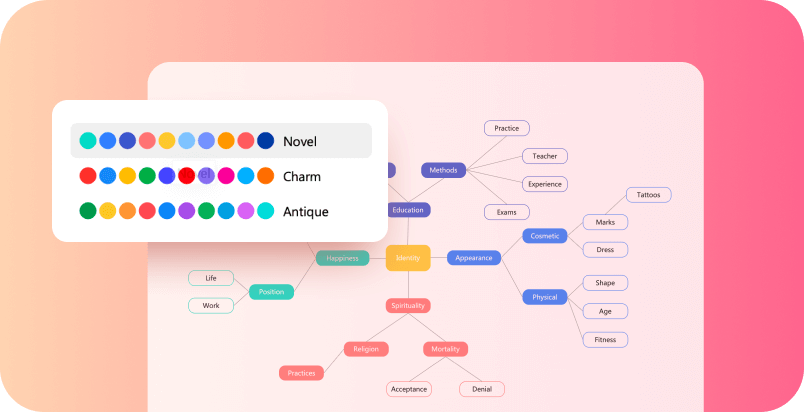
Theme customization
Craft your unique color schemes for a more adaptable and personalized design experience. Tailor the software to suit your individual style.
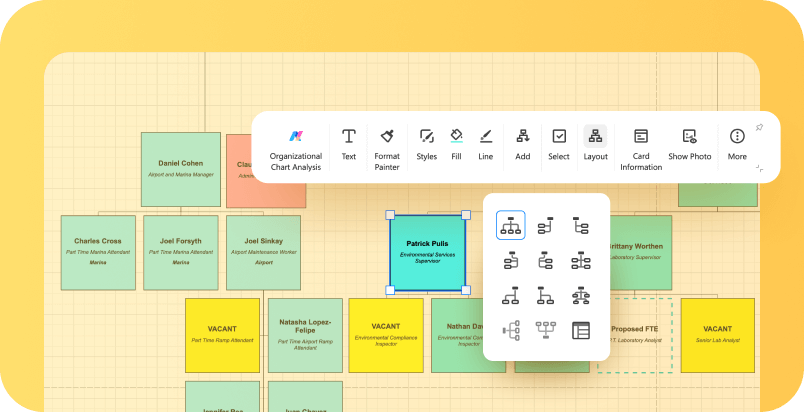
Auto layout adjusting
Change the overall design and arrangement of your elements with a single click to create a more visually appealing and organized diagram.

Create a diagram online in three steps
1. Open EdrawMax Online
Sign in and choose AI generation, a template, or a blank drawing canvas depending on how much structure you already have.
2. Build and customize
Add shapes, connectors, text, symbols, images, and layouts. Adjust labels and relationships so the diagram reflects your actual process, system, or idea.
3. Review, export, or share
Check accuracy first, especially for AI-generated or technical diagrams, then export the file or share it with collaborators.
A diagramming tool for different teams
EdrawMax Online fits teams that need to explain structures, decisions, systems, spaces, and processes visually.
Product & project
Map workflows, roadmaps, user journeys, dependencies, and project plans.
IT & engineering
Document software, networks, databases, systems, and engineering concepts with specialized diagram types.
Business & marketing
Create org charts, process maps, strategy diagrams, presentations, and customer-facing visuals.
Education
Turn lessons, research, concepts, and study material into mind maps, concept maps, timelines, and other visual explanations.
Learn and explore diagramming
Use EdrawMax blogs, help documentation, video tutorials, and template examples when you need guidance on a specific diagram type, symbol convention, or workflow.
Start diagramming onlineOnline diagram maker FAQs
Is EdrawMax Online free to use?
EdrawMax Online has a free plan for browser-based diagramming. Feature, AI-usage, storage, template, and export limits can vary by plan, so check the current plan details when you need a specific premium capability.
Can I create diagrams with AI and still edit them manually?
Yes. AI can generate a starting diagram, and you can continue editing shapes, connectors, text, layout, and styling in the visual editor.
Can I collaborate and share diagrams online?
EdrawMax Online supports cloud-based diagramming and link sharing so teams can review or edit diagrams according to the sharing permissions you set.
When should I use the desktop version instead?
The online version is best when browser access, quick sharing, and cloud work matter most. Consider the desktop app when your workflow depends on desktop-specific capabilities, offline access, or a feature that is not available in your current online plan.
 (AI & Web)