Best cabinet design maker
Bring your vision to life by creating a cabinet design online for free with cabinet-specific symbols and intuitive interface. Drag and drop, connect, and make your cabinet come to life.

Why Use EdrawMax Cabinet Design Maker?
With a vast selection of templates, EdrawMax provides a quick starting point for your designs. These templates serve as a springboard for creativity, helping you visualize and craft your ideal cabinet layout.

With EdrawMax, you can quickly design your cabinet using ready-made symbols and enrich your design with a wide range of resources, all without requiring professional drawing skills.
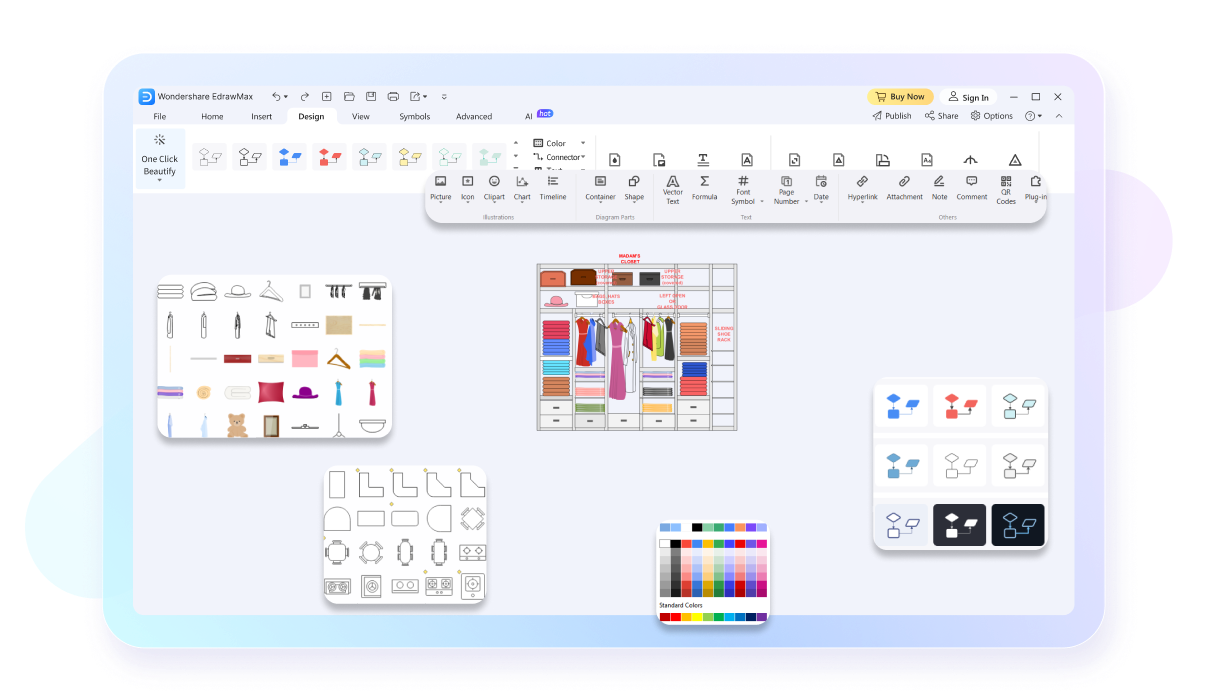
EdrawMax enables you to download your completed cabinet designs in a variety of formats, including Visio, MS Office, Graphics, PNG, JPG, and others. This ensures that your designs are accessible and viewable to all, regardless of whether they use EdrawMax or not.

EdrawMax supports over 25,000 symbols for 280 diagrams, including cabinet structures, project plans, and flowcharts. Simply import the symbols into your library and drop them onto the canvas. Utilize cabinet design symbols and get precise with your project plans.

How to Make a Cabinet Design in 3 Simple Steps


What our users say

More Cabinet Design Tools
Discover more AI-powered diagram makers to boost your productivity.
FAQs About EdrawMax Cabinet Design Tools
-
What is a cabinet design drawing?A cabinet design drawing is a detailed visual representation, usually drawn to scale, that illustrates the dimensions, layout, and structural details of a cabinet. It typically includes elevations, floor plans, and section views to guide builders. These drawings ensure the final product fits perfectly and meets your aesthetic needs.
-
What is the difference between an elevation and a floor plan?A floor plan shows the cabinet layout from a top-down perspective, highlighting the footprint and placement within a room. An elevation drawing provides a front-facing view, showing heights, door styles, and drawer configurations. Both are necessary to fully understand how the cabinets will look and function in reality.
-
Should I include hardware details in my design?Yes, including hardware like hinges, handles, and drawer slides is highly recommended. Indicating their placement ensures that doors and drawers operate smoothly without hitting obstacles. It also allows you to plan for any necessary structural reinforcements or pre-drilled holes, making the installation phase much more efficient and professional for everyone.
-
What are "cut lists" in the context of cabinet design?A cut list is a detailed inventory of every individual piece of material needed, derived directly from the design drawing. It specifies the exact dimensions for panels, frames, and shelves. Having a precise cut list helps in purchasing the right amount of lumber and streamlines the actual building phase significantly.
-
What is a "section view" in cabinet design?A section view is a drawing that shows what the cabinet looks like if it were cut through vertically or horizontally. It reveals internal details like shelf supports, joinery methods, and back panel thickness. This view is essential for understanding the internal construction and ensuring the cabinet's overall structural integrity.
Stop drawing. Start describing.
AI diagramming isn't just text-to-diagram.
AI now understands any input, fetches live data, adapts through dialogue, and works everywhere.
 (AI & Web)
Free cabinet design templates from EdrawMax