Free AutoCAD viewer online
View and manage your 2D and 3D DWG and DXF files without installing AutoCAD software. Simplify your design editings and changes with EdrawMax's intuitive interface
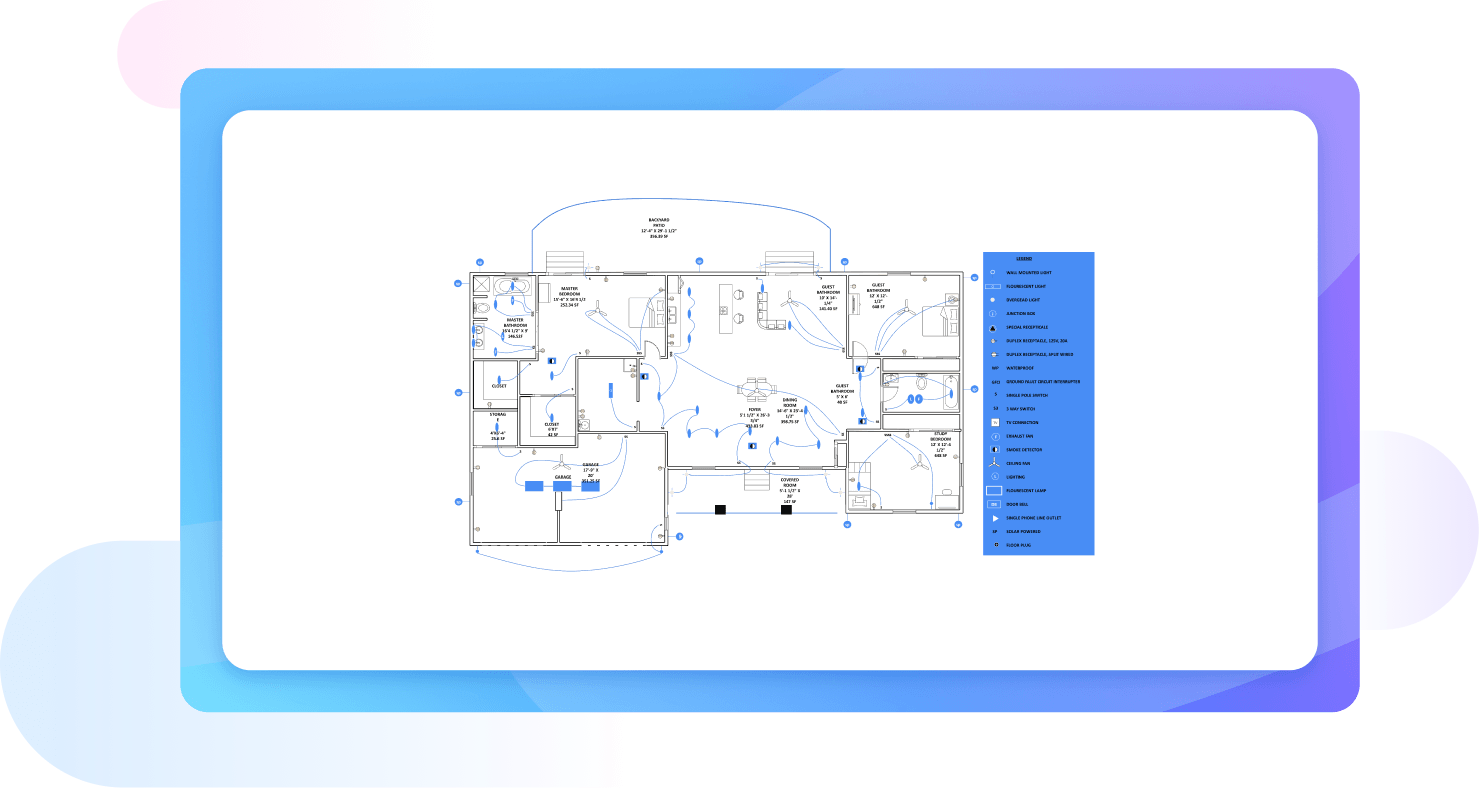
Why Use EdrawMax AutoCAD Viewer?
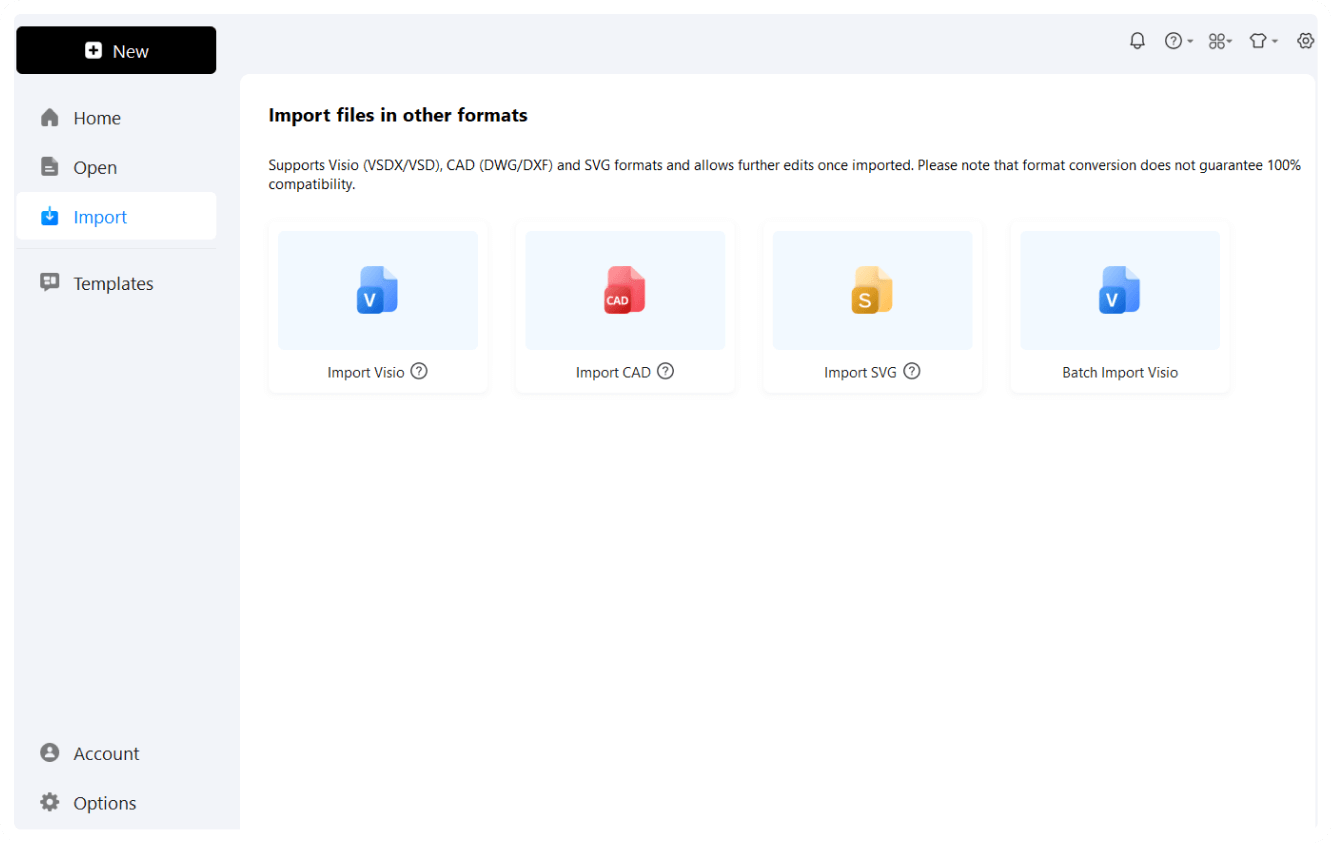
With EdrawMax, you can upload and view common CAD formats like DWG and DXF. Simply import your file to the canvas, and start editing instantly. Apply the preview effect and no need to install any expensive software.

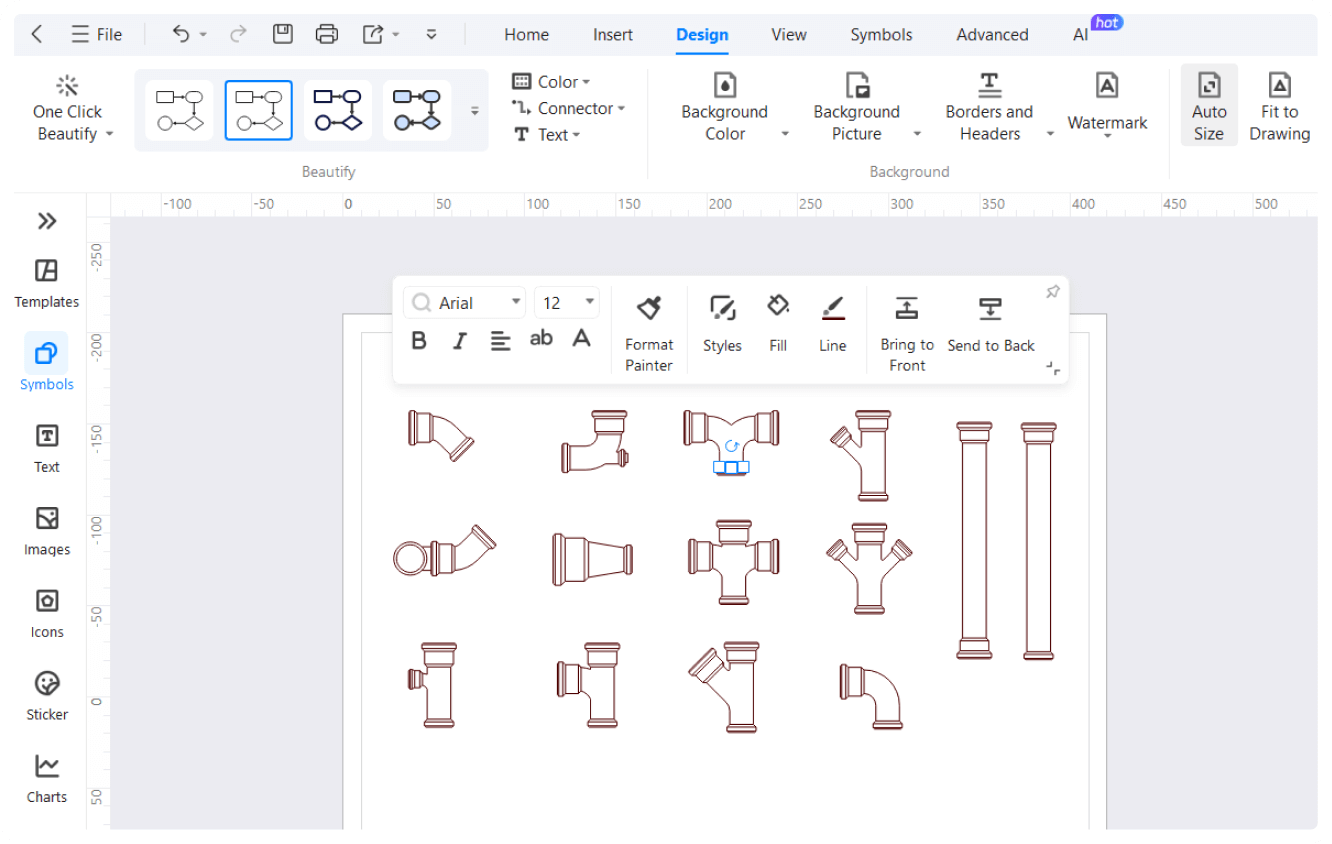
Our CAD viewer is not restricted to just previewing your designs. But, you can also enjoy editing your work with EdrawMax. With features like vector symbols, and quick-start architectural templates, and integrated scaling tools, you can easily kick-start your design journey.
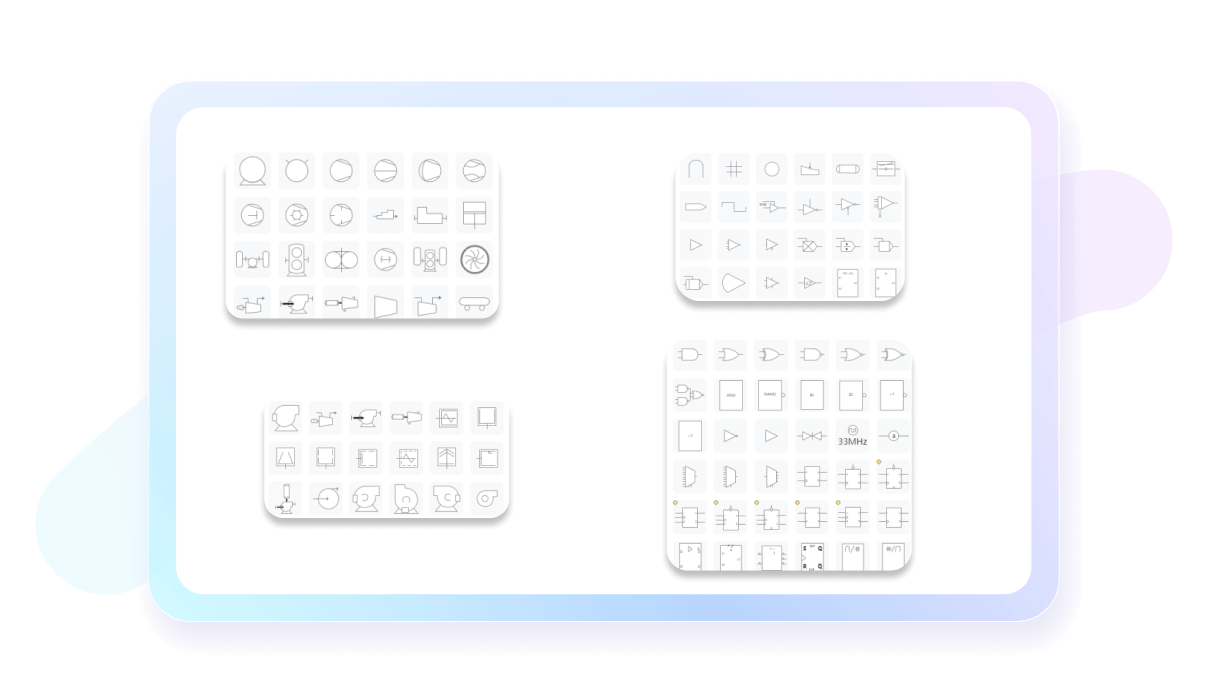
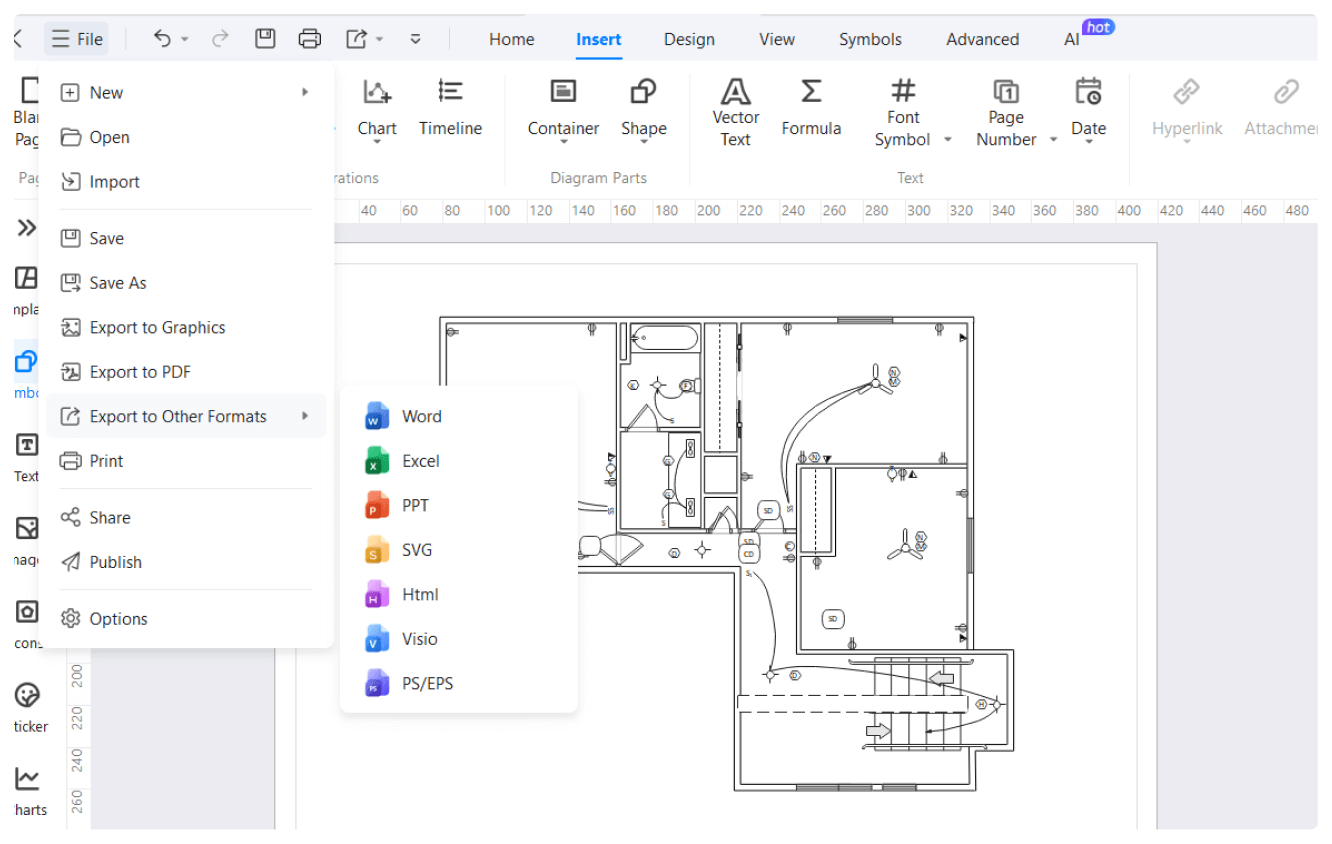
Looking for a viewer that supports various file formats? Other than popular formats like DWG, DWF, and DXF, EdrawMax also allows you to export your designs however you like - PNG, Visio, JPG, and more.

EdrawMax is available on most devices anytime. It is compatible with popular OS, including Windows, macOS, Android, and Linux. Our CAD viewer also has an online version, accessible from any device with an internet connection.

How to View and Manage Your Drawings in 3 Simple Steps
What our users say

More EdrawMax AutoCAD Viewer tools
Discover more AI-powered diagram makers to boost your productivity.
FAQs About EdrawMax AutoCAD Tools
-
What is AutoCAD?AutoCAD is a premier computer-aided design software used for creating precise 2D and 3D drawings. It is a vital tool for architects, engineers, construction professionals, and interior designers. By replacing traditional manual drafting, it allows users to develop digital blueprints, floor plans, and technical schematics with high accuracy and efficiency.
-
What are the main differences between AutoCAD and AutoCAD LT?AutoCAD is the comprehensive version featuring 3D modeling, rendering, and extensive customization through APIs. In contrast, AutoCAD LT is a more affordable, streamlined version focused primarily on 2D drafting. While LT is perfect for simple documentation, the full version is necessary for complex 3D projects and advanced workflow automation.
-
How do "Layers" function within an AutoCAD project?Layers act like transparent sheets stacked on top of each other to organize drawing elements. By placing different components, such as electrical wiring or wall dimensions, on separate layers, users can easily control visibility, color, and line types. This organization is essential for managing complex designs and ensuring professional clarity.
-
Can AutoCAD be used for 3D modeling and visualization?Yes, the full version of AutoCAD provides powerful tools for 3D modeling, including solids, surfaces, and mesh objects. Users can apply materials, lighting, and shadows to create realistic renderings of their designs. This allows professionals to visualize spatial relationships and present lifelike concepts to clients before construction begins.
-
Can I use AutoCAD on mobile devices or browsers?Yes, Autodesk offers the AutoCAD Web and Mobile apps, which allow users to view, edit, and share drawings remotely. While these versions do not have the full power of the desktop software, they are excellent for making quick site adjustments and collaborating with team members directly from the field.
Stop drawing. Start describing.
AI diagramming isn't just text-to-diagram.
AI now understands any input, fetches live data, adapts through dialogue, and works everywhere.
 (AI & Web)