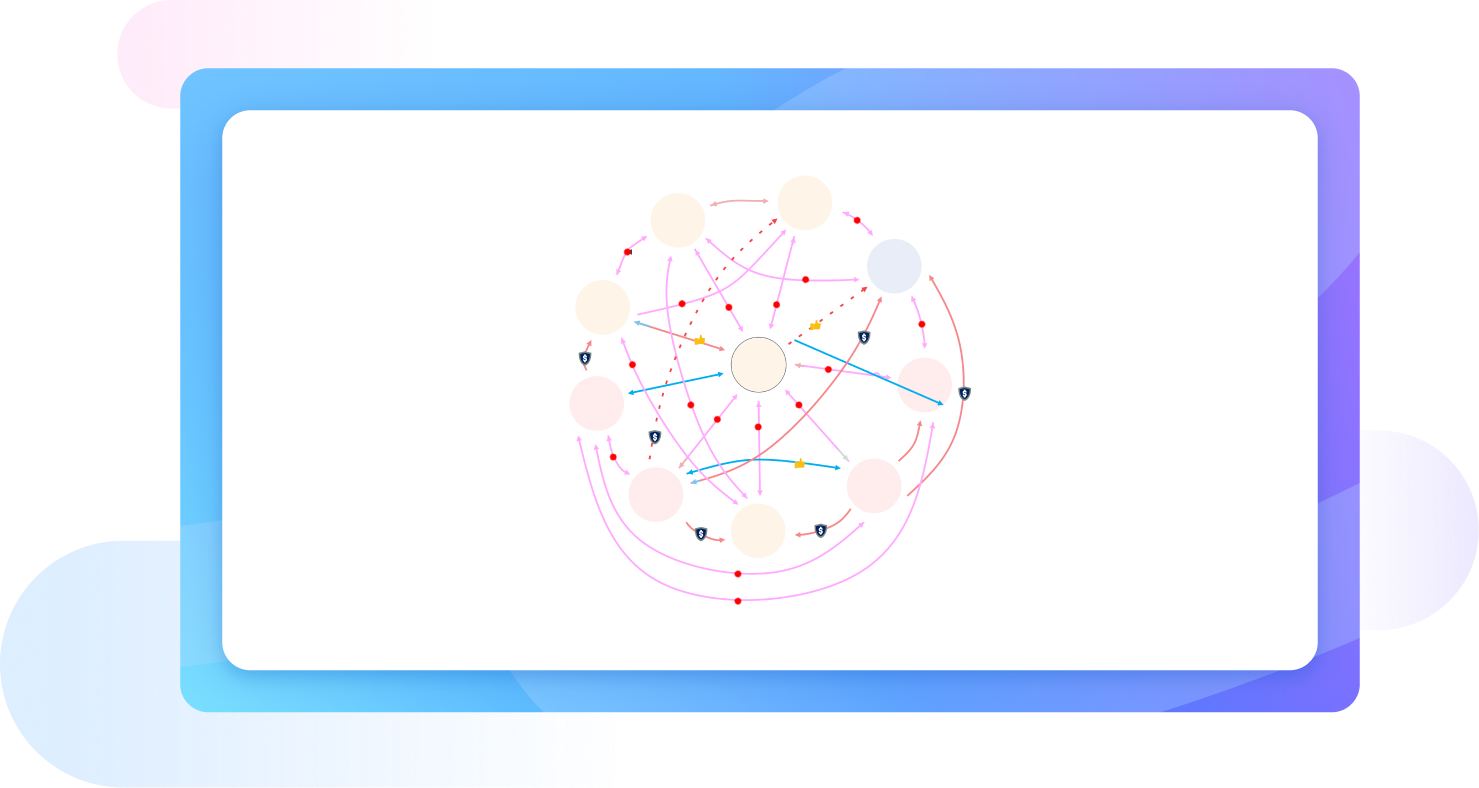
Free online sociogram builder

Create detailed sociogram diagrams with EdrawMax, an easy-to-use free sociogram maker. Use its vast collection of templates and AI chatbot to answer your queries and produce sociograms in minutes.

Available for:
Free online sociogram builder

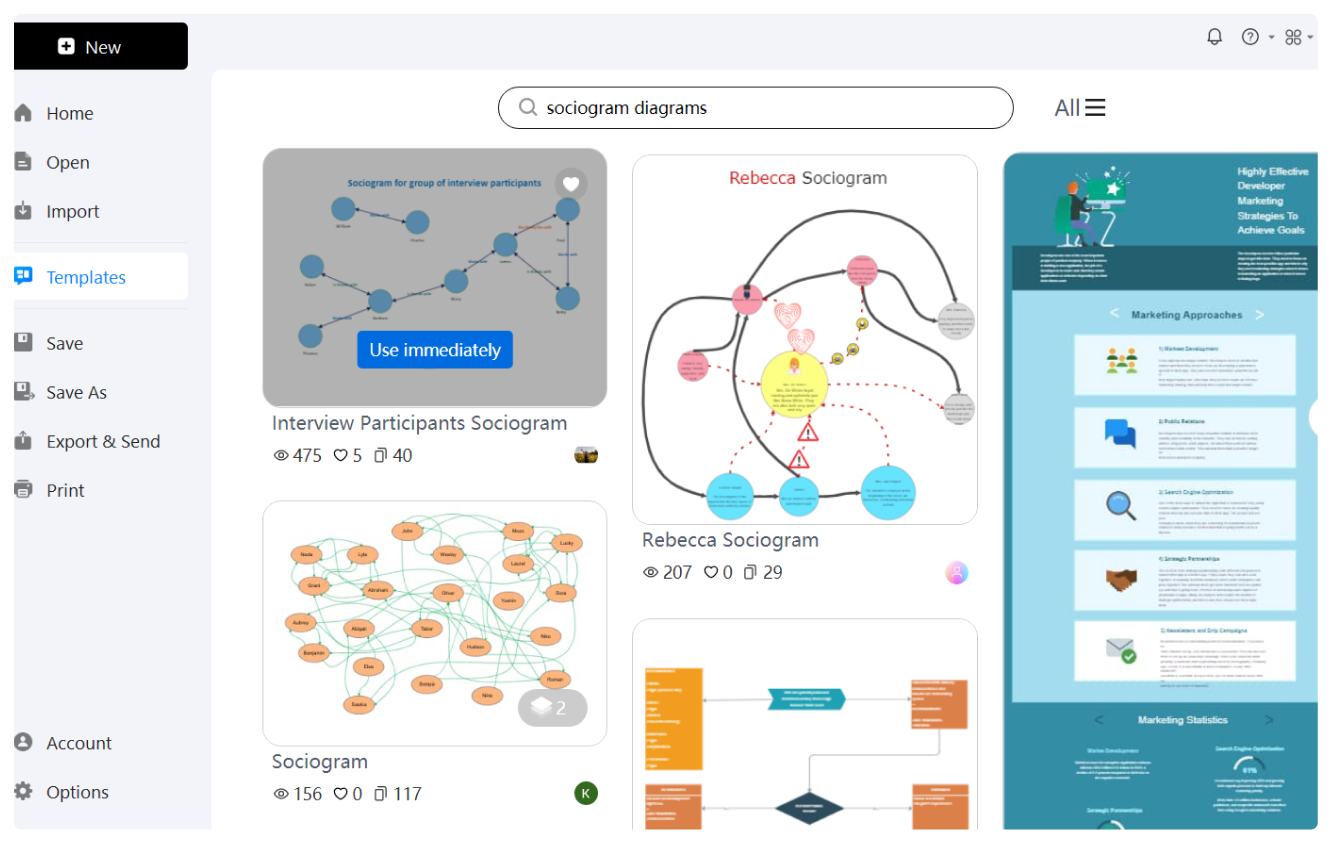
Free sociogram templates from EdrawMax

Sociogram Diagram Template
Sociogram Diagram Developer
Sociogram Diagram
Office Relationship Sociogram
Interview Participants Sociogram
Sociogram SWPG Diagram
Explore More Templates

Why Use EdrawMax Sociogram Maker?

Get inspired by professional templates

EdrawMax has a huge community featuring numerous sociogram examples for businessmen, students, and professionals. All you need to do is find a template that fits your needs and start customizing. You can plot new elements and personalize existing ones using EdrawMax’s readily available vector symbols.
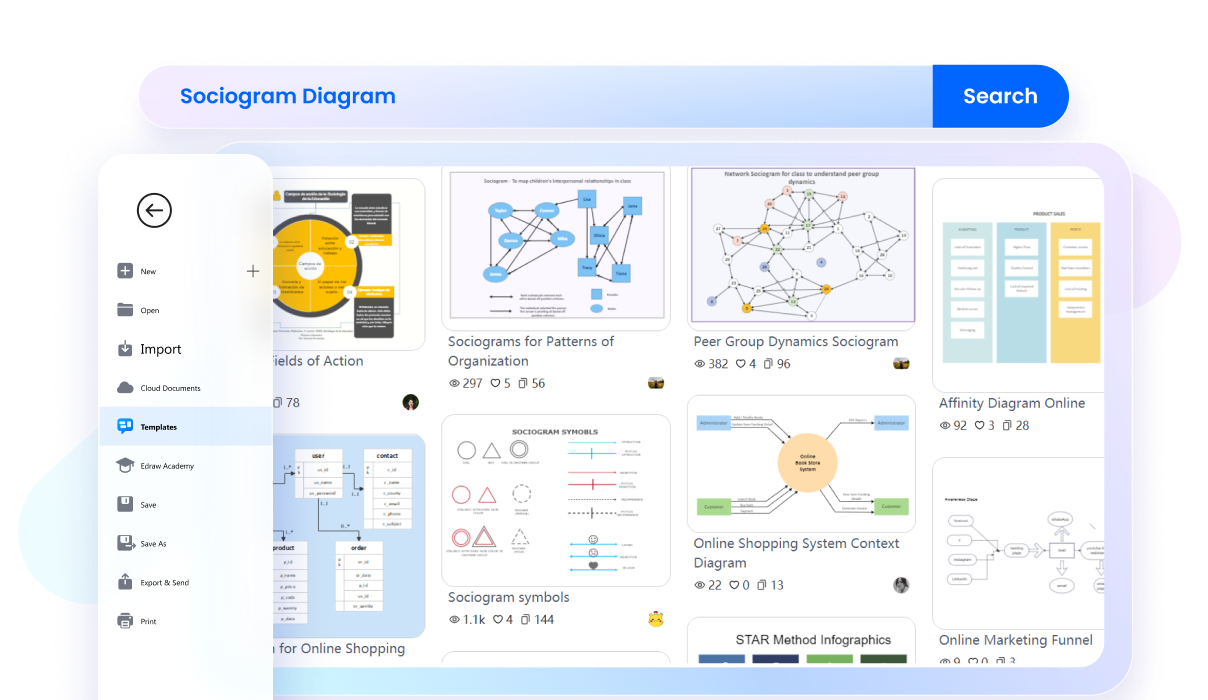
edrawmax template community
Get your answers with AI

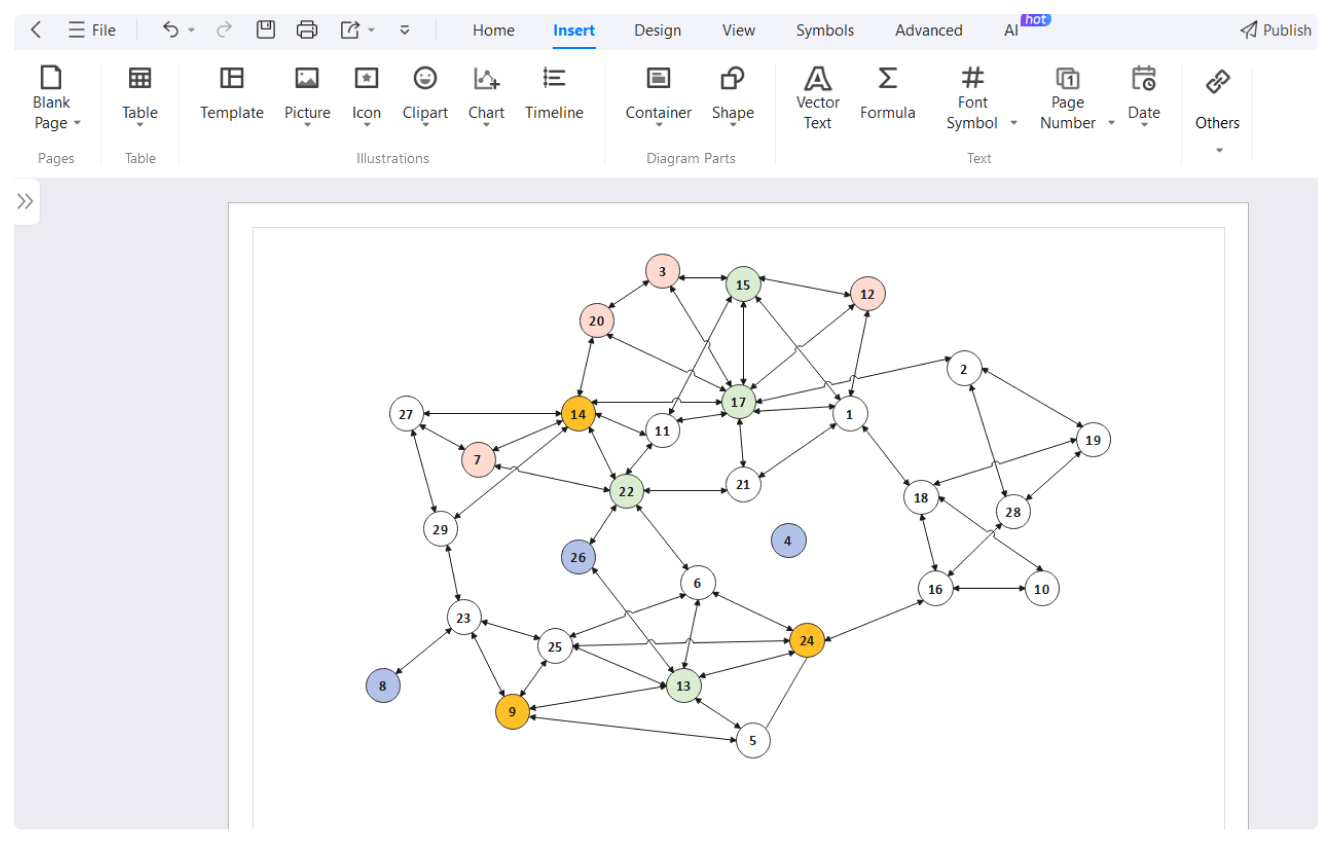
Looking for a way to transform your thoughts to a sociogram? Try using Edraw AI. It is a chatbot that answers your queries and helps you overcome technical issues. Not only this, but EdrawMax also has AI Drawing that produces entire diagrams with a simple command.
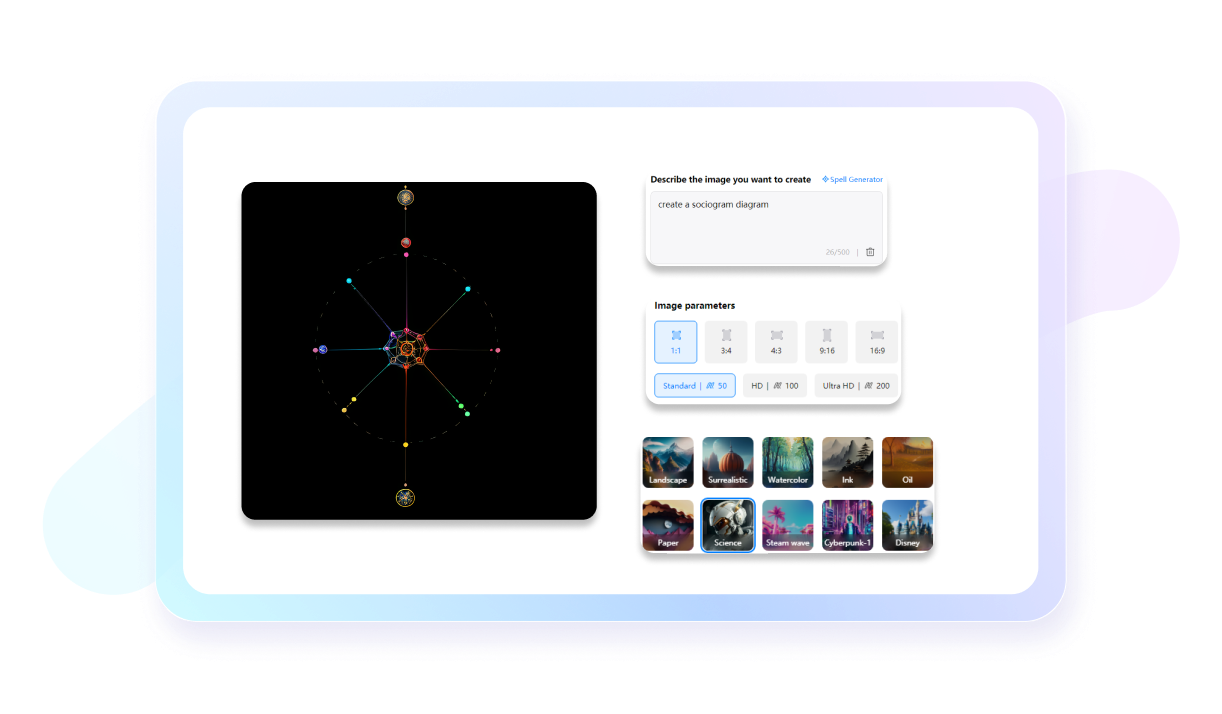
edraw ai chatbot
Present your sociograms with a few clicks

Don’t switch platforms to present your sociogram designs. EdrawMax supports a Presentation Mode, which produces extensive slides of your diagrams. Just select a square area of your sociogram for individual slides. Once done, press F5 to display them in full screen.
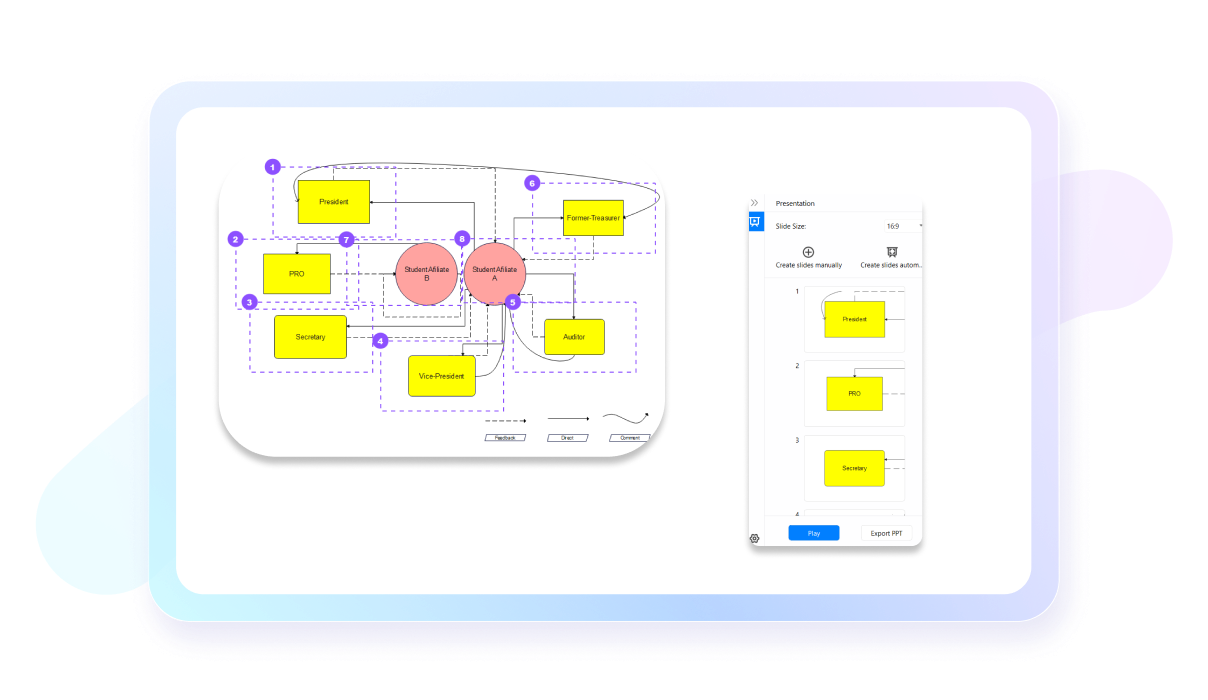
edrawmax presentation mode
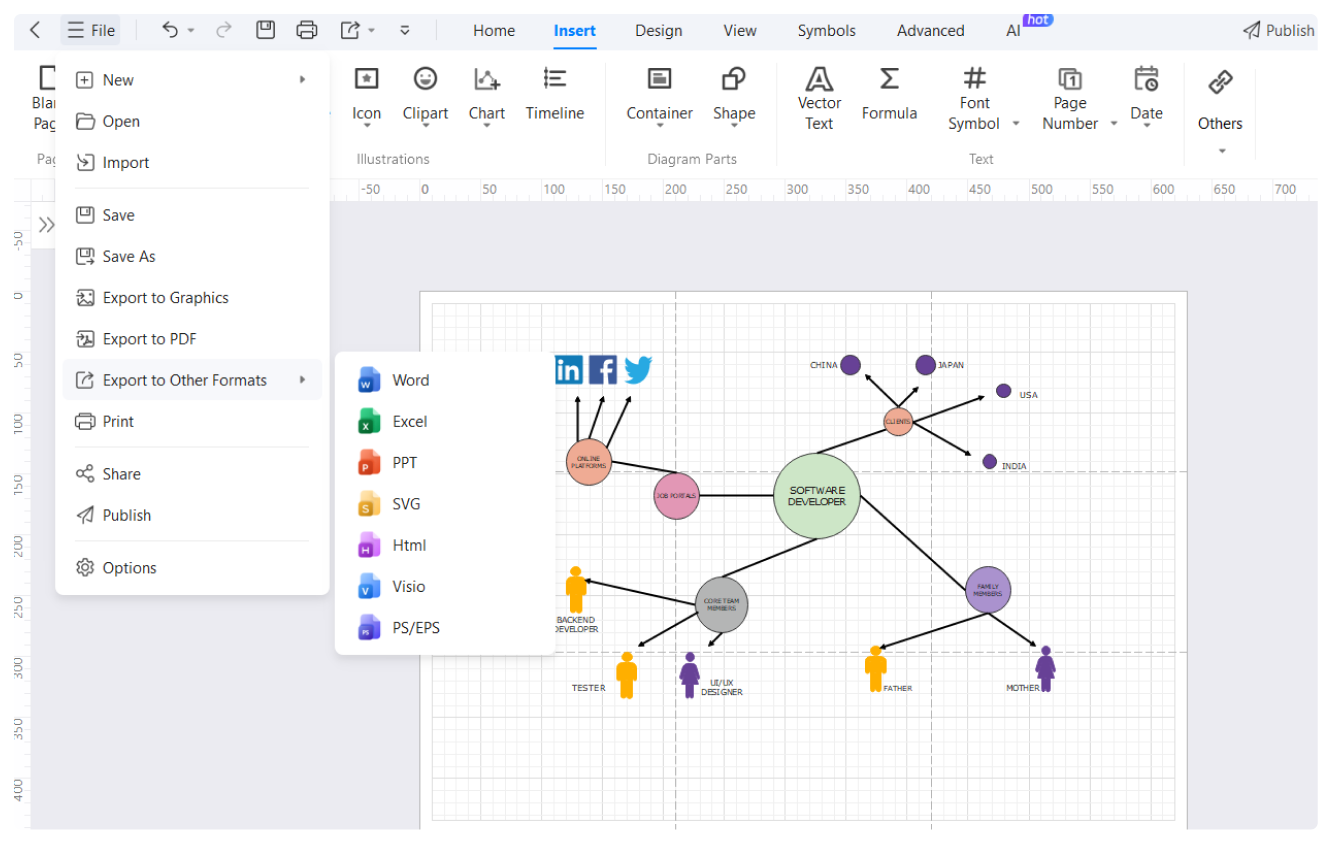
Export your sociogram designs in various formats

EdrawMax allows downloading of your sociogram diagrams however you like. It supports over 10+ export formats, including Visio, PNG, PPT, SVG, and PDF. Moreover, you can also import diagrams from Visio, SVG, and CAD to update previously unfinished projects on EdrawMax.
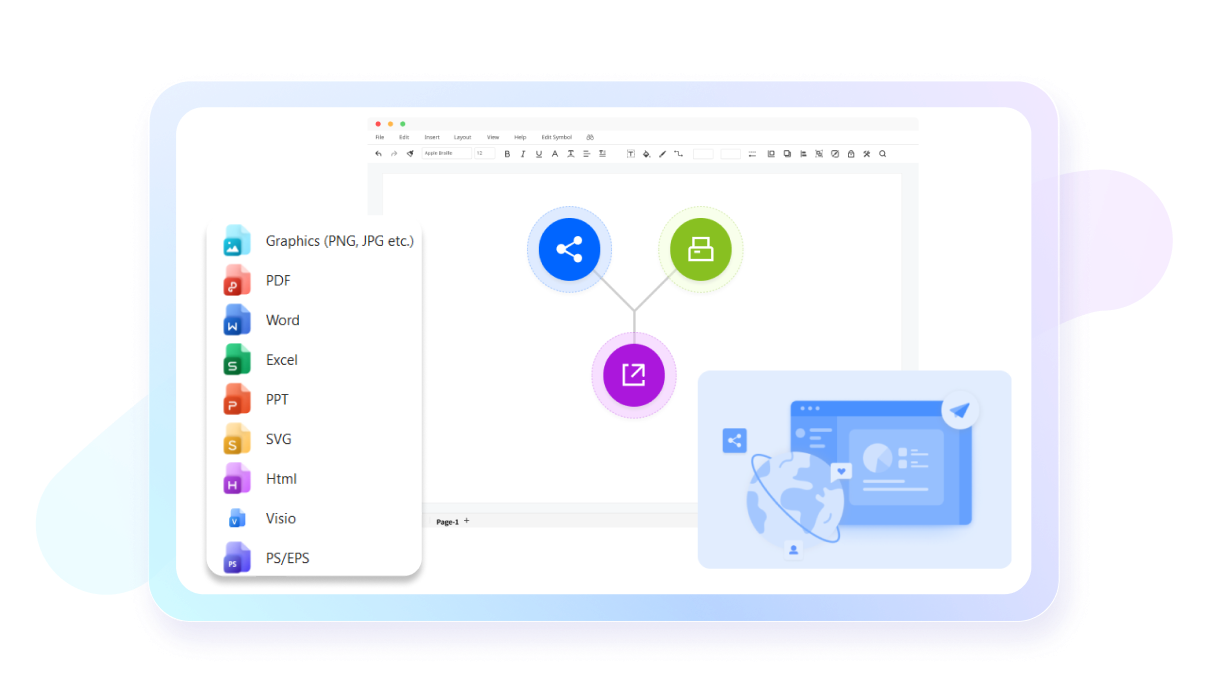
formats supported by edrawmax

What our users say

Alistair Lowe, Senior HR Business Partner
We were dealing with a bit of a muddle during our last departmental restructure. On paper, the org chart looked fine, but the actual flow of influence was a different story entirely. I needed a way to show the "unspoken" hierarchy to the board without it looking like a primary school project. This tool is a proper bit of kit. It’s sleek, the templates are spot on, and it really helped us identify the key connectors in the office who were doing the heavy lifting behind the scenes. No more faffing around with clunky presentation software that isn't built for this. Sorted.
Gemma Thorne, Child Welfare Case Manager
In my line of work, being able to see the support system—or lack thereof—around a family is absolutely vital. I used to spend ages drawing out genograms and social circles by hand, and they always looked a bit of a state when I had to present them in court or at meetings. This builder is a godsend, truly. It’s clear as day, professional, and honestly, it’s just so much faster. It lets me focus on the actual case work rather than getting bogged down in the paperwork side of things. It’s made a massive difference in how I communicate complex family ties to the rest of the team.
Tyler Vance, Growth Strategy Lead
We’re doing a deep dive into influencer networks for a client right now, and we needed to visualize how these different creators actually overlap and feed into each other’s audiences. Most tools we tried were just too stiff. Wondershare’s sociogram builder actually lets us map out the "ripple effect" of these connections in a way that makes sense to the client. It looks sharp, it’s easy to customize, and it’s helped us crush our latest strategy deck. If you need to show how people are connected without it looking like a "conspiracy theorist" yarn wall, this is your best bet. Total lifesaver for our agency.

More Sociogram Tools

Discover more AI-powered diagram makers to boost your productivity.

FAQs About EdrawMax Sociogram Tools

  • A sociogram is a visual representation or map of the relationships and social links within a specific group. Its primary purpose is to uncover the underlying social structure, identifying patterns of inclusion, exclusion, and influence. By charting these connections, researchers can better understand group dynamics and individual social standing.
  • To create a sociogram, you first gather data by asking group members questions about their preferences, such as who they like to work with. Next, you represent each person with a symbol, like a circle. Finally, you draw lines or arrows between them to indicate the direction of choices.
  • The main components of a sociogram include nodes and edges. Nodes, often depicted as circles or squares, represent individual group members. Edges are the lines or arrows connecting these nodes, showing the nature and direction of their social interactions, such as mutual friendships, one-way attractions, or even social rejections.
  • While both are visual tools, a sociogram focuses on social relationships and interpersonal connections within a group at a specific time. In contrast, a genogram is a detailed family tree that tracks medical history and hereditary patterns over generations. One maps chosen social links, while the other maps biological lineage.
  • A "star" is an individual who receives a high number of positive choices or nominations from other group members. This person is typically seen as the most popular or influential figure within the social network. Identifying stars helps leaders understand who holds the most social capital and informal power.
  • An "isolate" is an individual who receives no nominations or choices from other members of the group and may also not choose anyone else. This status indicates a lack of social connection or integration. Identifying isolates is crucial for intervention, as these individuals may require support to build relationships.

Stop drawing. Start describing.

AI diagramming isn't just text-to-diagram.
AI now understands any input, fetches live data, adapts through dialogue, and works everywhere.