Free online reflected ceiling plan software
Design ceiling plans easily with EdrawMax’s online reflected ceiling plan software. Create accurate layouts using drag-and-drop ceiling symbols, ready-made templates, and precision tools.
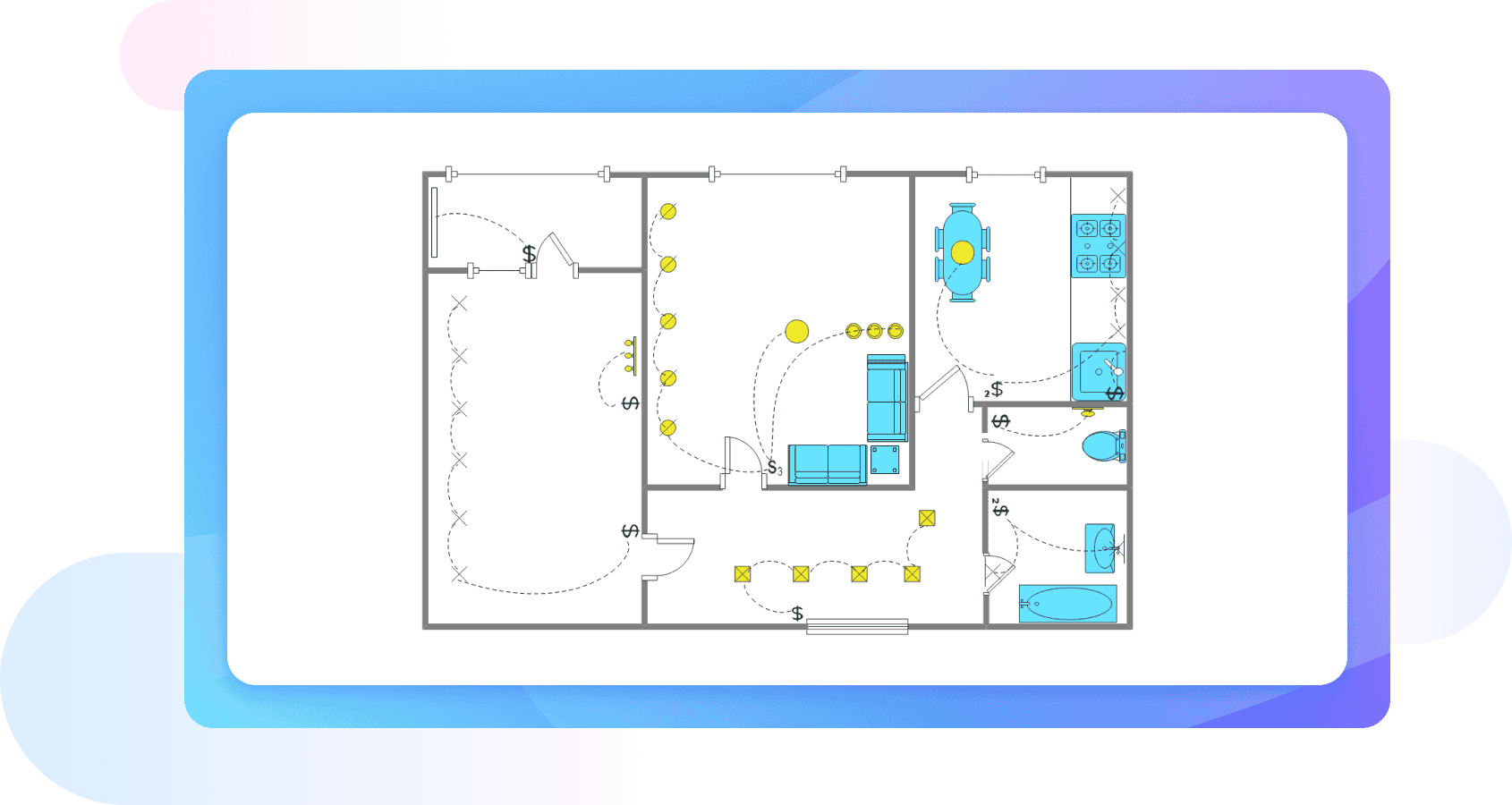
Why Use EdrawMax Reflected Ceiling Plan Maker?
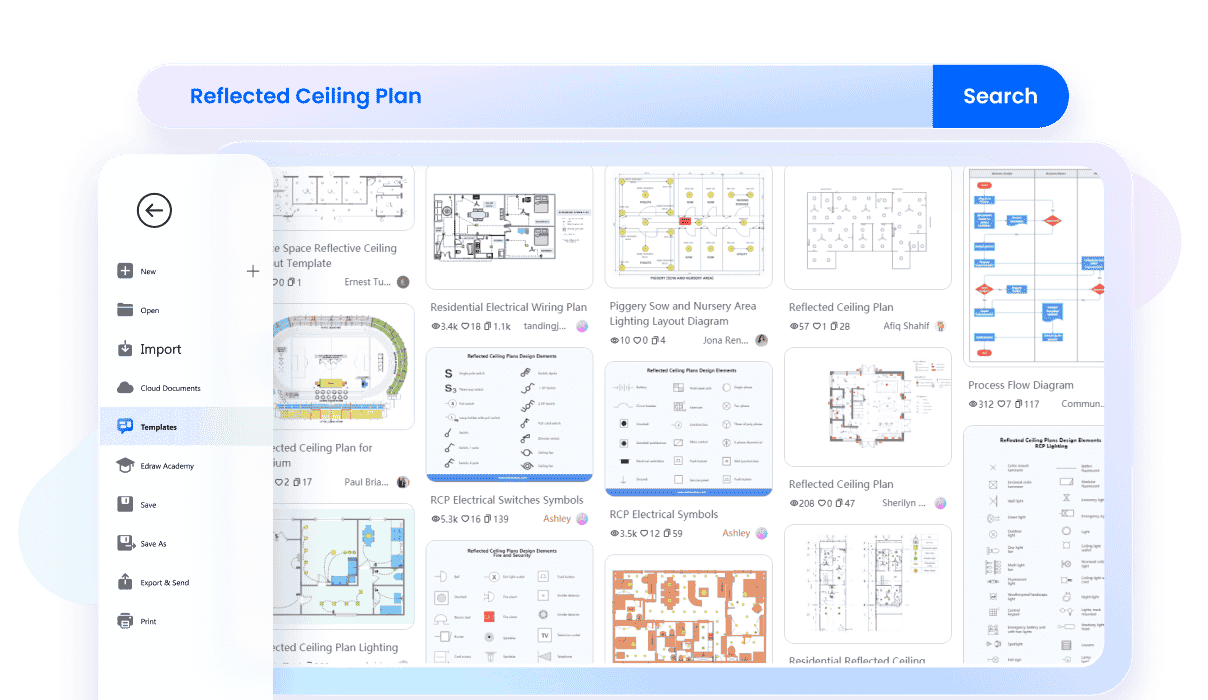
You don’t need to draw everything from zero. EdrawMax offers ready-made reflected ceiling plan templates you can open and edit right away. Select a design that fits your project, then adjust rooms, ceiling layouts, and details as you go. Add vents, lights, or panels until the plan matches your real space.
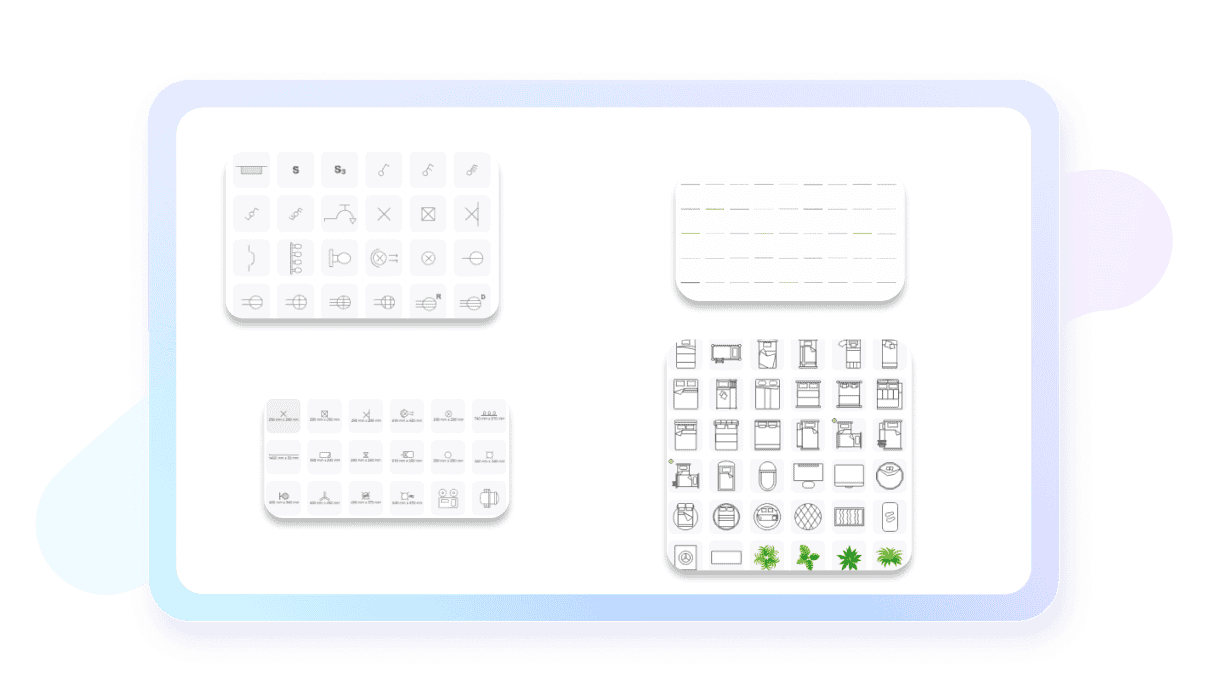
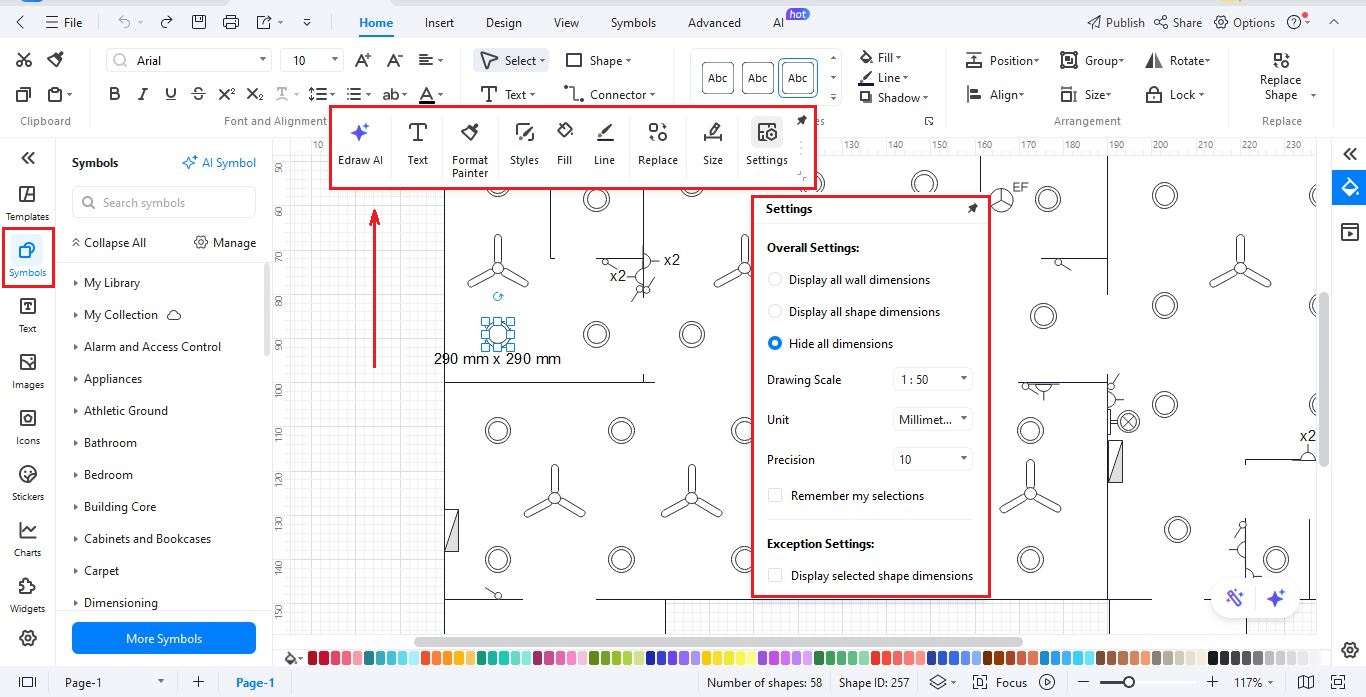
EdrawMax makes ceiling planning easier with hundreds of resizable reflected ceiling symbols. Drag and drop lights, vents, beams, and panels to design your ceiling layout. You can also include details like fixtures, sprinklers, and HVAC elements for a complete plan.
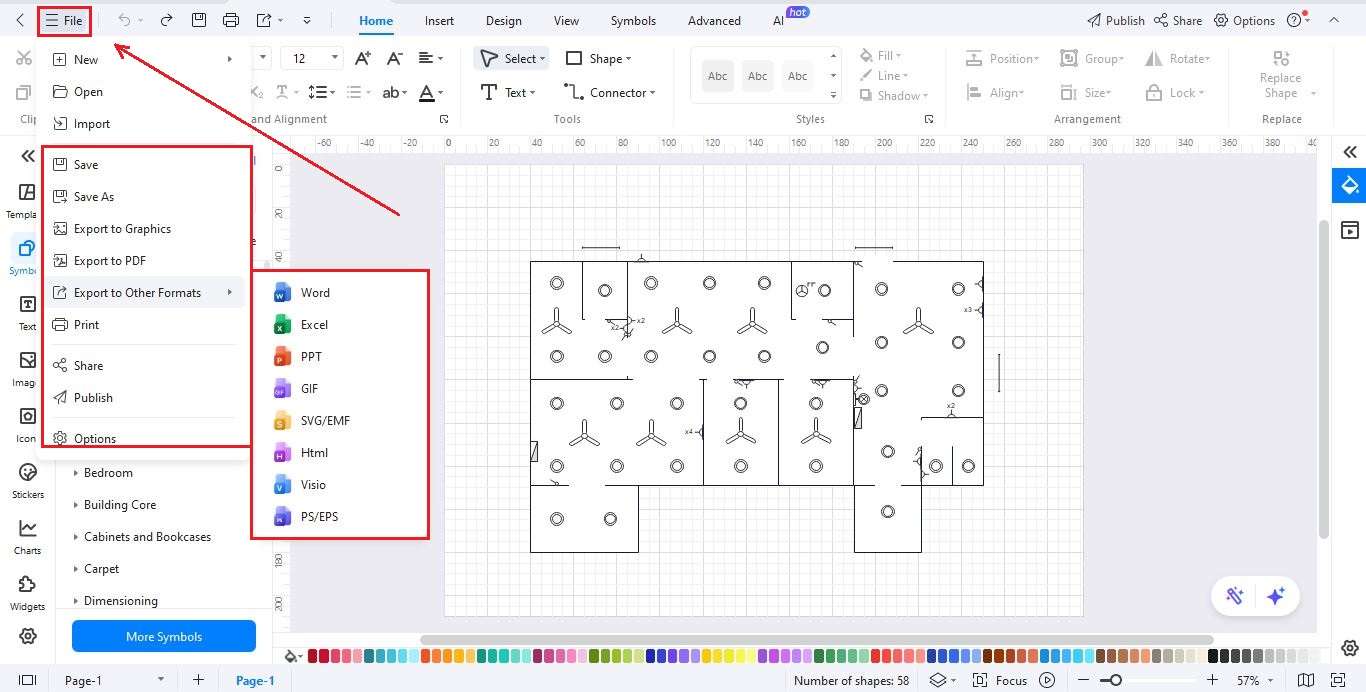
Have existing CAD or Visio ceiling plans? No problem! Import them into EdrawMax and start editing immediately. Refine layouts, add details, or completely redesign without starting from scratch. Export in multiple formats to share or present professionally.

EdrawMax makes teamwork easy! Share your reflected ceiling plans with colleagues or clients via a link or email. They can comment directly on your design, making revisions fast and keeping everyone in sync.

Once your ceiling plan is ready, export it in PDF, SVG, XLSX, or other formats. Or share it directly via Email or your team workspace. EdrawMax ensures everyone involved in your project can access your design instantly.

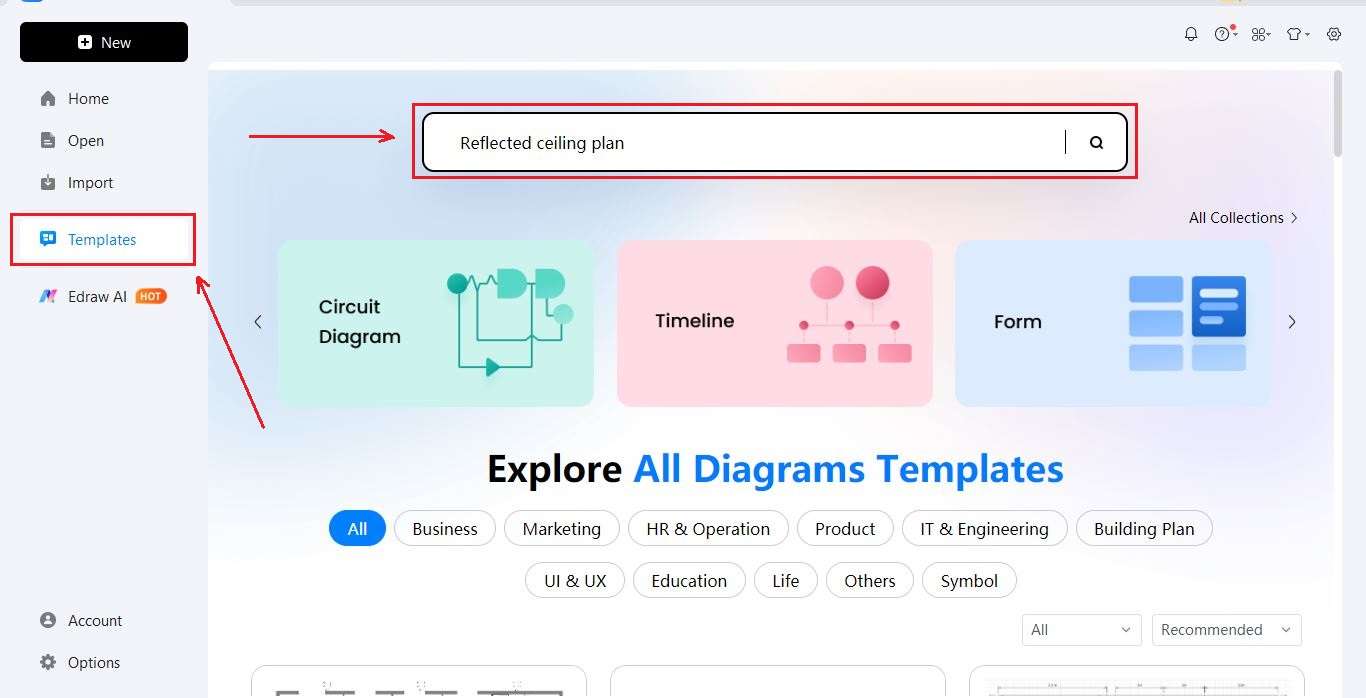
How to Make a Reflected Ceiling Plan in 3 Simple Steps
What our users say

More Reflected Ceiling Plan Tools
Discover more AI-powered diagram makers to boost your productivity.
FAQs About EdrawMax Reflected ceiling plan Tools
-
What is a Reflected Ceiling Plan?A Reflected Ceiling Plan (RCP) is a specialized architectural drawing that provides a view of the ceiling as if it were reflected onto a mirror on the floor. It illustrates the placement of lighting fixtures, HVAC grilles, smoke detectors, and other ceiling-mounted elements relative to the floor layout.
-
What specific elements are typically included in an RCP?An RCP typically includes lighting fixtures, emergency exit signs, sprinkler heads, and smoke detectors. It also details HVAC components like supply and return air diffusers. Additionally, it specifies ceiling materials, heights, and any decorative features like soffits, coves, or acoustic panels necessary for the construction and installation teams.
-
How does an RCP differ from a standard floor plan?While a floor plan shows walls, doors, and furniture from a top-down perspective, an RCP focuses exclusively on what is happening above the head. It highlights the structural and functional components of the ceiling. Both plans share the same basic wall outlines to ensure all overhead features are correctly positioned.
-
What do symbols on a Reflected Ceiling Plan represent?Symbols on an RCP represent various fixtures and devices, such as recessed cans, pendant lights, or fire alarms. Each symbol is standardized and usually corresponds to a legend or schedule. These marks indicate the precise type, model, and location of each component, ensuring the installation matches the design intent.
-
Why is an RCP important for interior design?An RCP is crucial for interior design because it dictates the lighting atmosphere and functional flow of a space. It helps designers plan the placement of decorative fixtures, ensure adequate illumination for tasks, and integrate mechanical systems seamlessly into the aesthetic design, preventing conflicts between functional equipment and decorative elements.
Learn about Reflected Ceiling Plan
Stop drawing. Start describing.
AI diagramming isn't just text-to-diagram.
AI now understands any input, fetches live data, adapts through dialogue, and works everywhere.
 (AI & Web)
Free Reflected ceiling plan templates from EdrawMax