Free DWG viewer online
View and edit DWG files for free with our accurate DWG file viewer. Analyze dimensions, edit scalings, and export your design in various formats.

Why Use EdrawMax DWG Viewer?
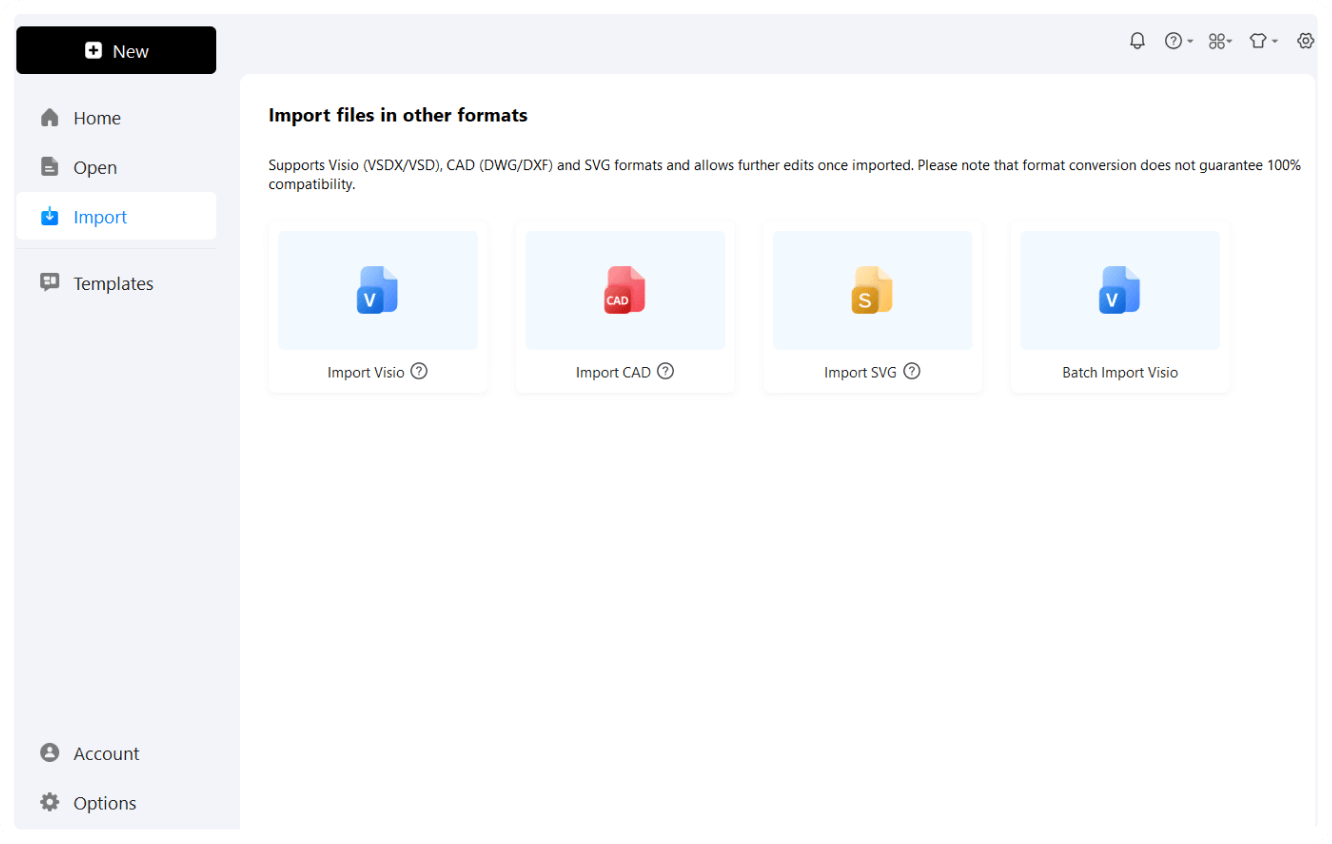
With EdrawMax you can easily view and manage your DWG and DXF files. Simply drag and drop your files into the viewer, and they will open instantly. There’s no need to download anything or install any extra software.
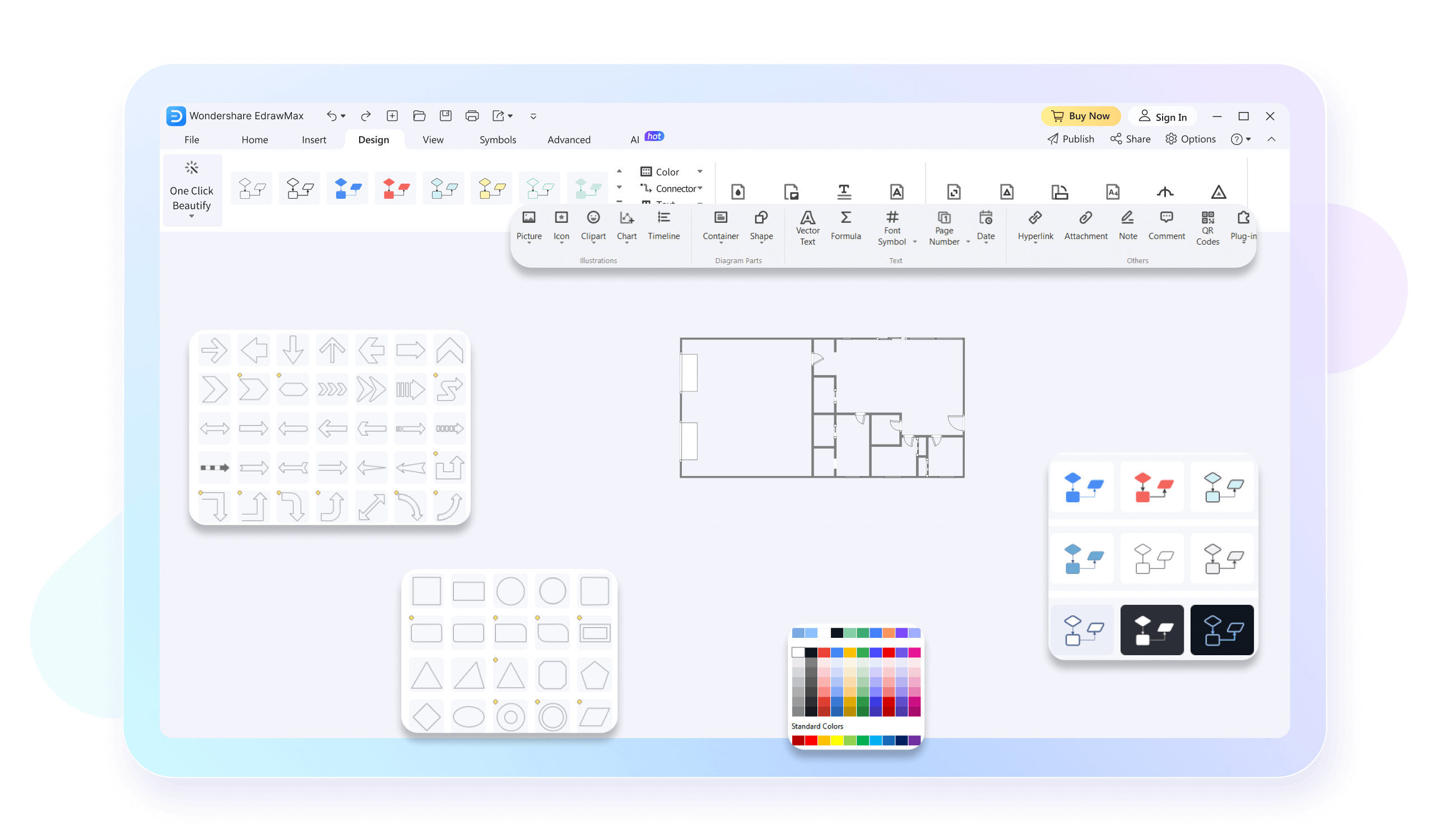
Looking for a cost-effective solution to view DWG files? EdrawMax offers a free and user-friendly alternative to expensive software like Autodesk, AutoCAD. SolidEdge, etc. Enjoy all the essential features of CAD software at a comparatively lower price.

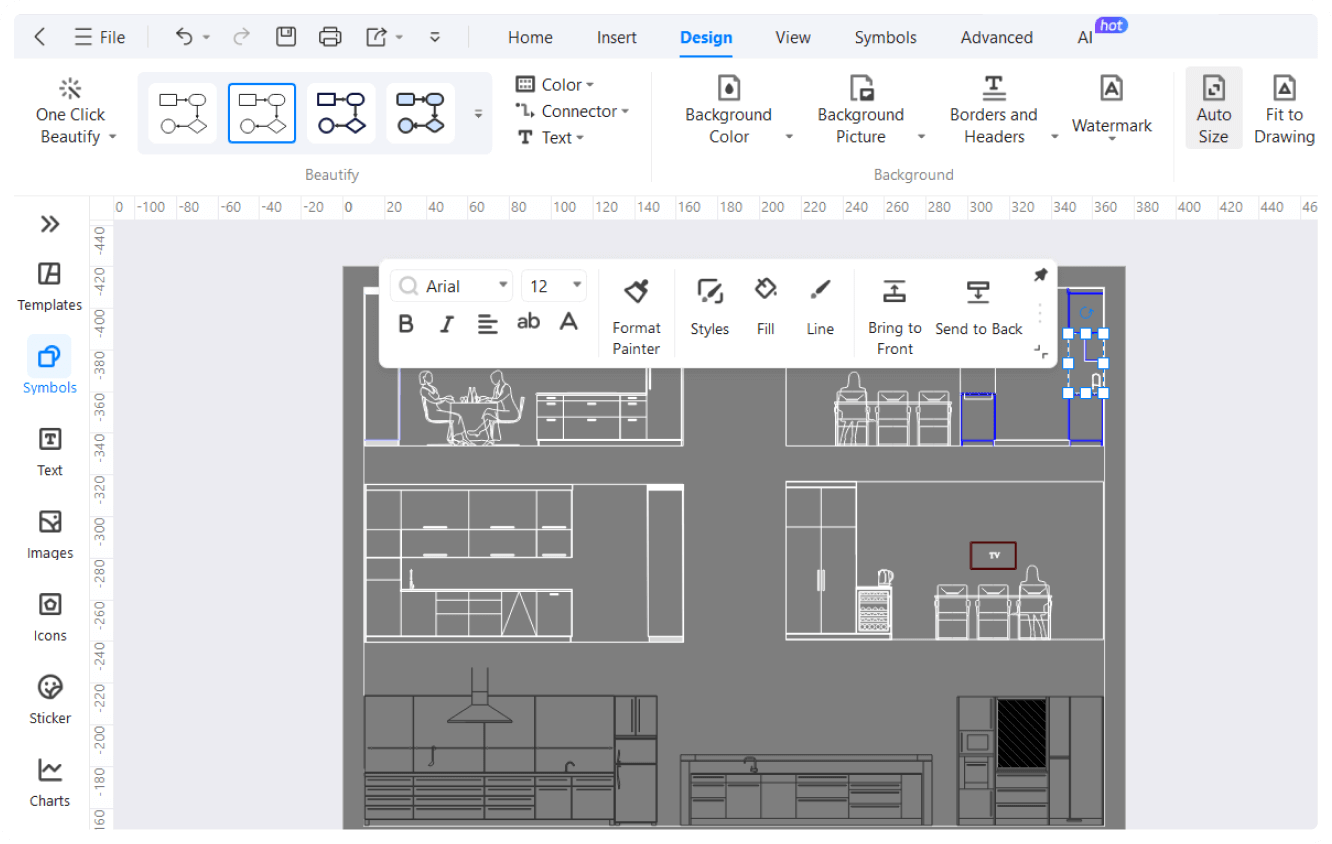
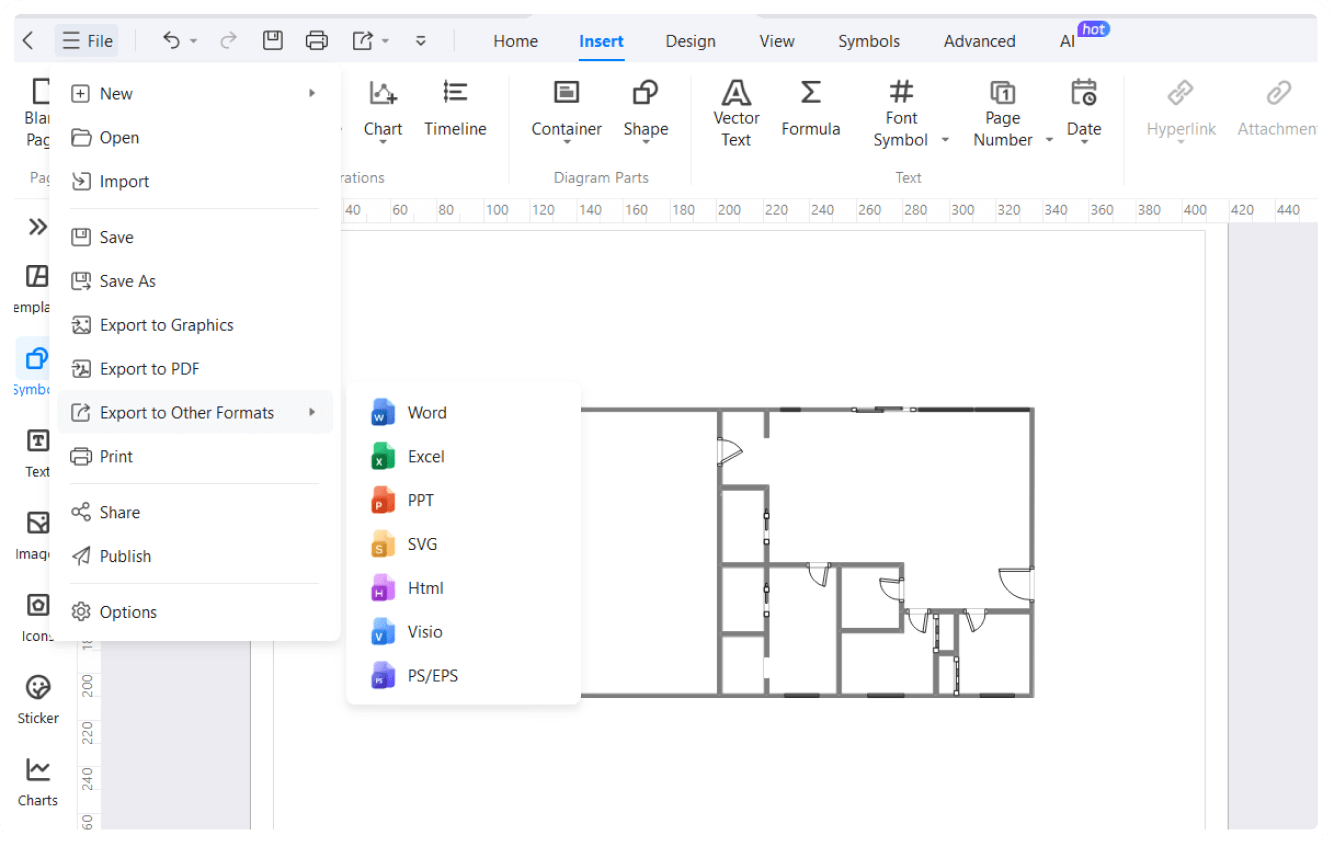
EdrawMax is one of the best alternatives to CAD and Visio. You get all the essential features to adjust scales of the floor plans or get a bird's eye view of your design. What’s even more exciting is that you get to export your design in multiple formats for corporate use and even get a presentation mode with a single button.
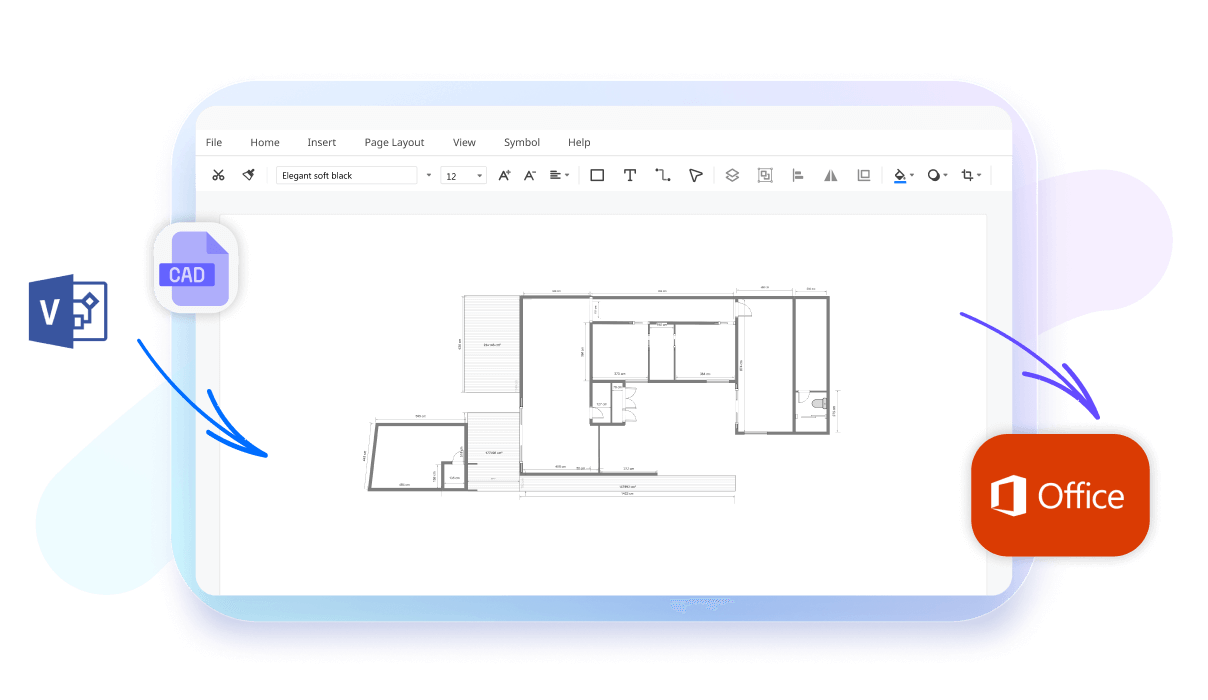
If you’re using Windows, macOS, or Linux, you can open and view your DWG files easily. EdrawMax is compatible with all major operating systems to give you access on your home and office PC. Moreover, you can also use EdrawMax online version from your browser directly.

How to Make a DWG Design in 3 Simple Steps
What our users say

More DWG Viewer Tools
Discover more AI-powered diagram makers to boost your productivity.
FAQs About EdrawMax DWG Viewr Tools
-
What is a free DWG viewer?A free DWG viewer is a software application designed to open, view, and sometimes measure AutoCAD drawing files without requiring a paid CAD license. It is essential for professionals like contractors or clients who need to review technical blueprints but do not need to create or modify complex engineering designs.
-
Do I need to install the full version of AutoCAD to view a DWG file?No, you do not need to install the full version of AutoCAD to view these files. There are many dedicated DWG viewers available, including official free tools from Autodesk and various third-party applications. These programs are lightweight and specifically built to provide access to drawing data without the complexity of editing
-
Can I edit drawings using a standard DWG viewer?Generally, standard DWG viewers are designed for viewing, measuring, and printing rather than full-scale editing. While some advanced viewers offer basic markup tools or annotation features, they typically lack the comprehensive design and drafting capabilities found in professional CAD software. If you need to change geometry, you will likely need an editor.
-
Can I view DWG files on my mobile device while on the go?Absolutely. Many DWG viewer applications are optimized for mobile platforms like iOS and Android. These mobile apps allow architects and engineers to carry their technical drawings to construction sites or client meetings. Most mobile viewers support touch gestures for zooming and panning, making it easy to inspect details on the move.
-
Can I print or export files to PDF from a DWG viewer?Yes, most DWG viewers include printing capabilities, allowing you to produce hard copies of your designs. Many also offer export functions, enabling you to save the drawing as a PDF or an image file like JPEG or PNG. This is particularly useful for sharing designs with stakeholders who lack specialized software.
Stop drawing. Start describing.
AI diagramming isn't just text-to-diagram.
AI now understands any input, fetches live data, adapts through dialogue, and works everywhere.
 (AI & Web)