Free technical drawing software
Draft technical drawings quickly with EdrawMax, an easy-to-use affordable engineering software. Communicate your ideas effectively to stakeholders using our new vector symbols and presentation mode.
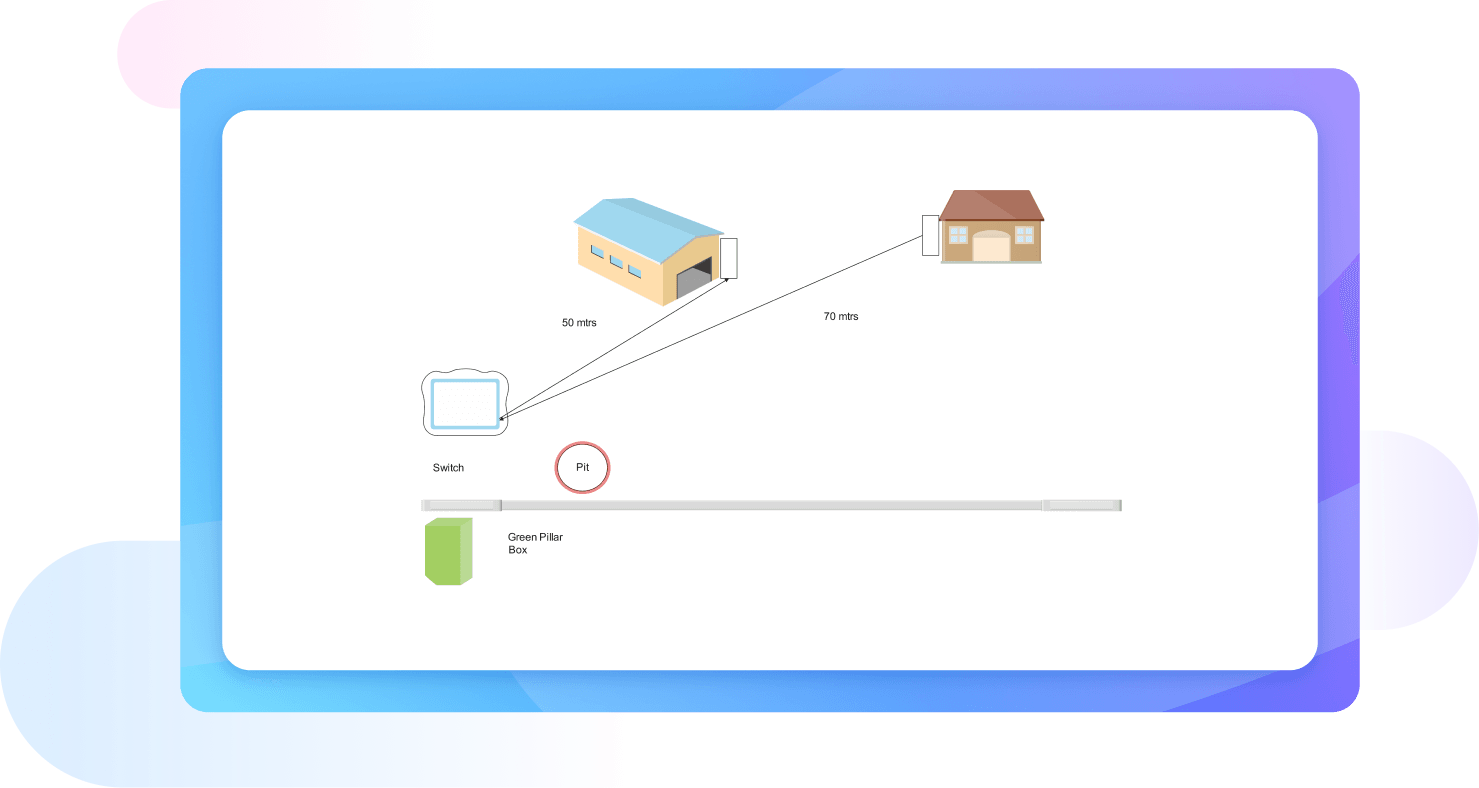
Why Use EdrawMax Technical Drawing Maker?
EdrawMax has a massive template community featuring technical, mechanical, and engineering diagrams. Here, you will find professionals like product designers, architects, and programmers uploading their work. So, find the right draft for your project, set accurate measurements, and start modifying it to your requirements.

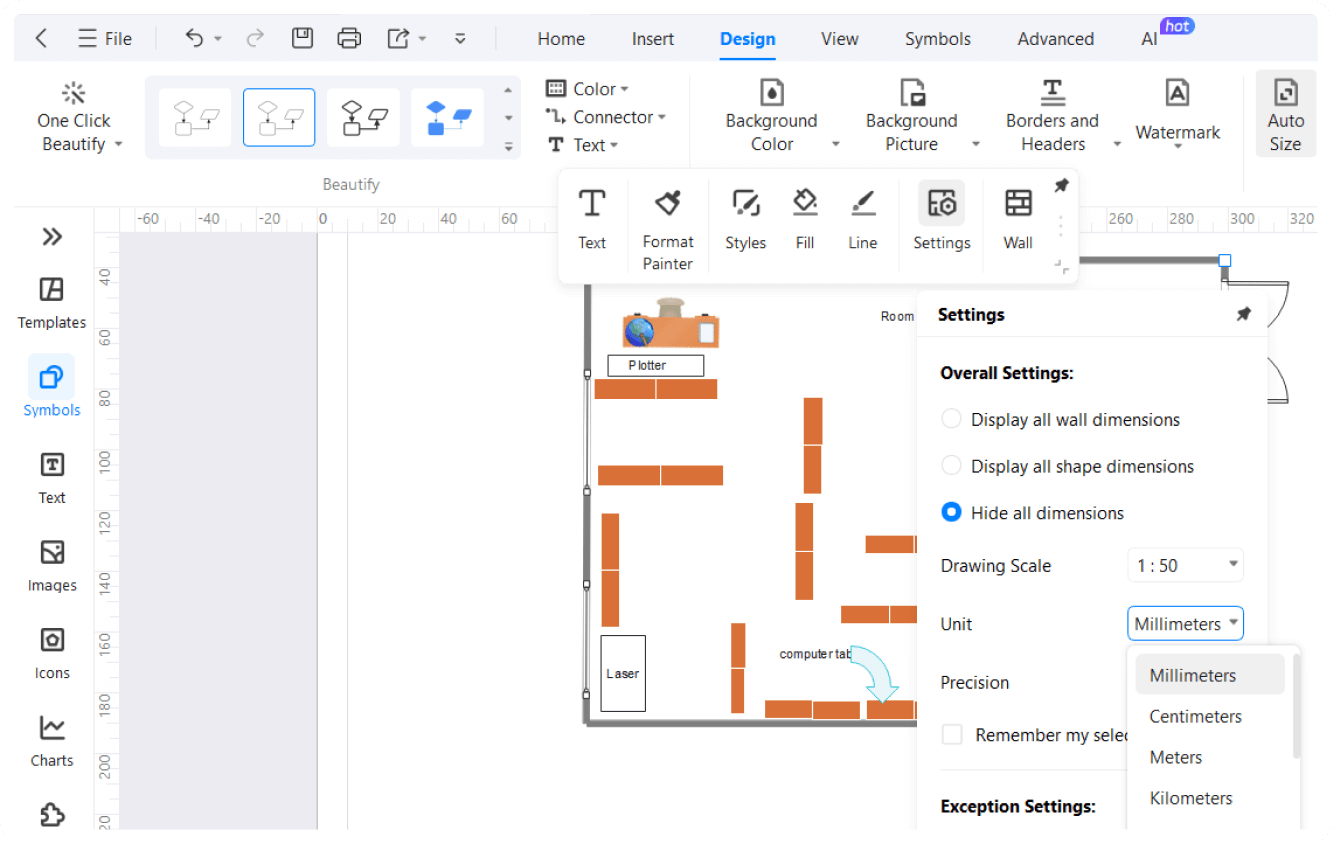
Our tech drawing software has an extensive collection of engineering and architectural symbols. So, you can build intricate connections using these shapes. Plus, all of these symbols are scalable. Just plot them on the canvas and set measurements with metric or imperial units.
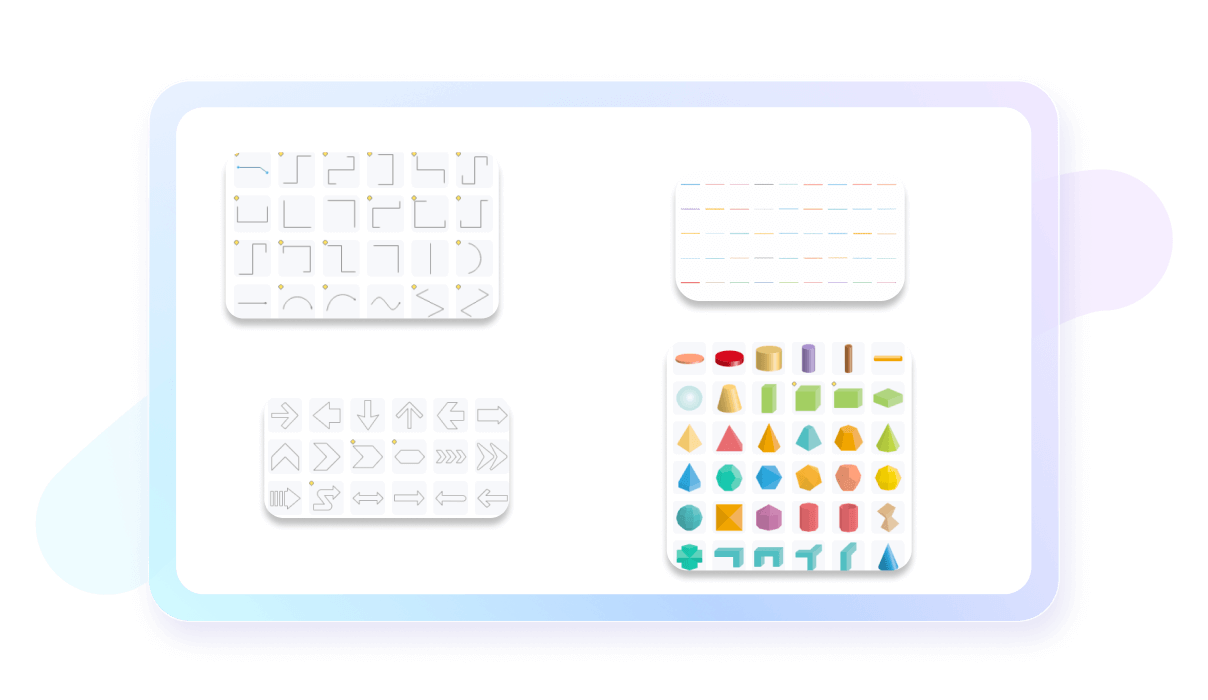
With EdrawMax, you do not need top-level engineering design skills. It is designed with a clean interface, drag-and-drop symbols, and easy navigation menus. Not only this, but you can also take help from video tutorials on the editing panel, whenever stuck in the process.
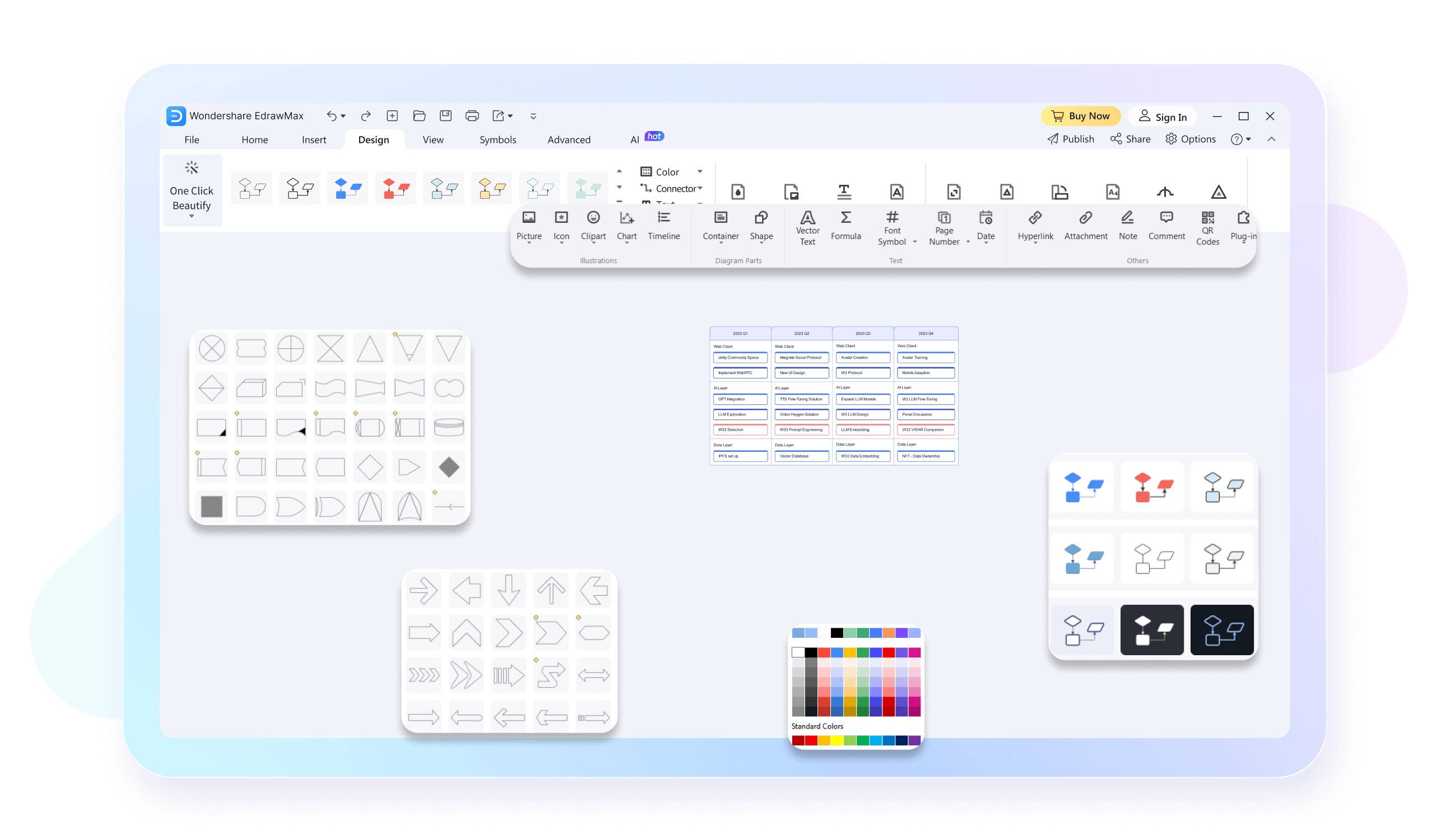
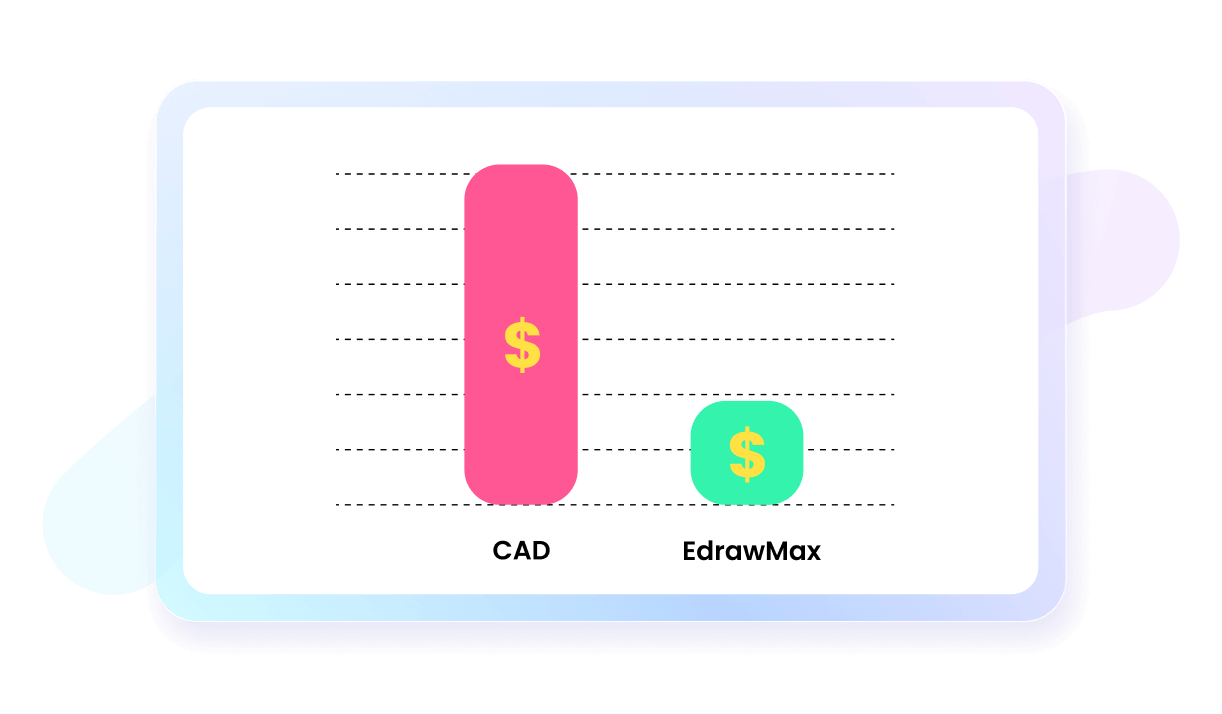
Despite having an advanced toolkit, EdrawMax does not charge you excessively. It has flexible subscription plans for educators, businesses, and teams. You may visit our pricing page to learn more about it. Try out the free version if you are still not sure and decide whether to upgrade.
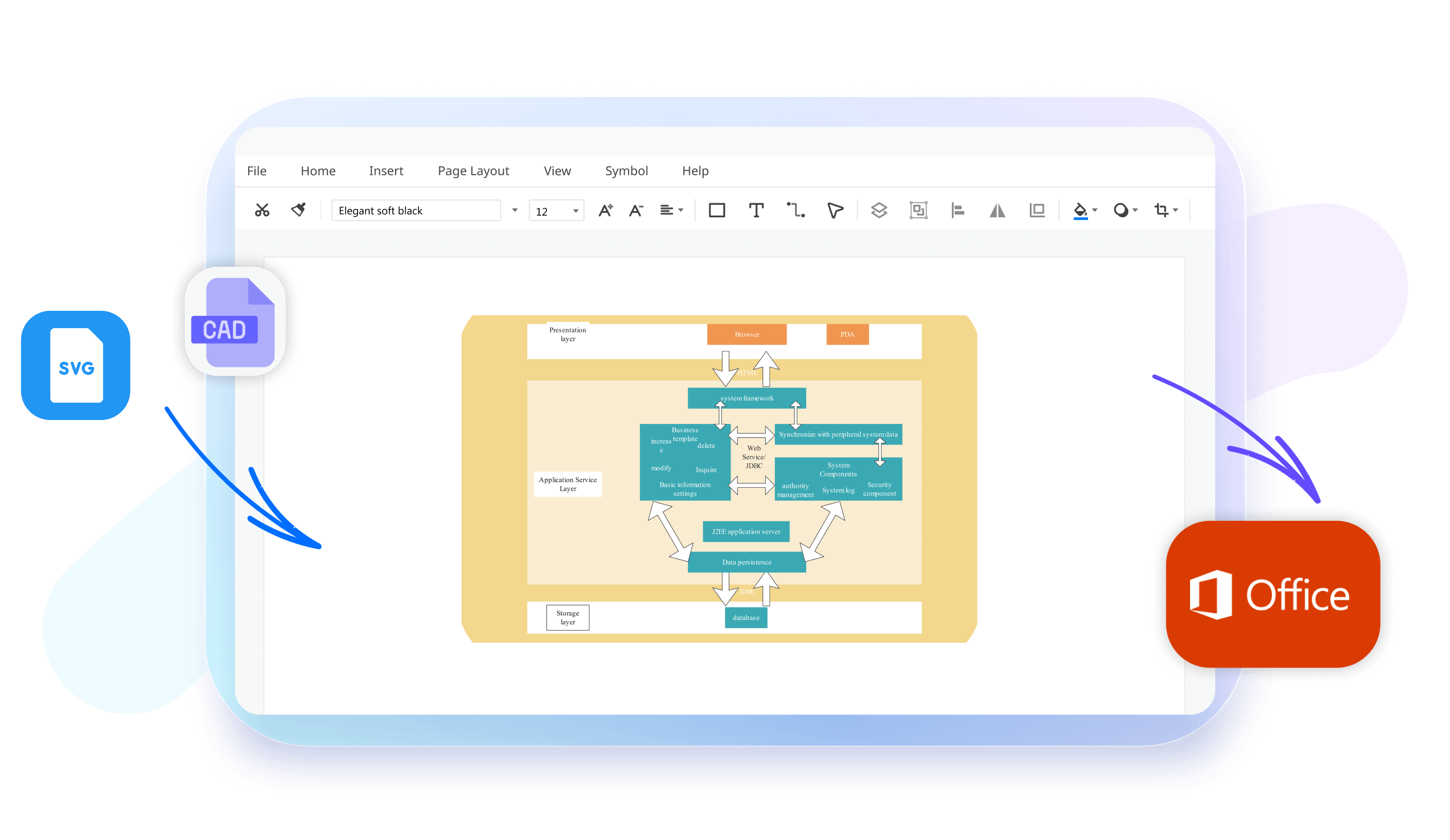
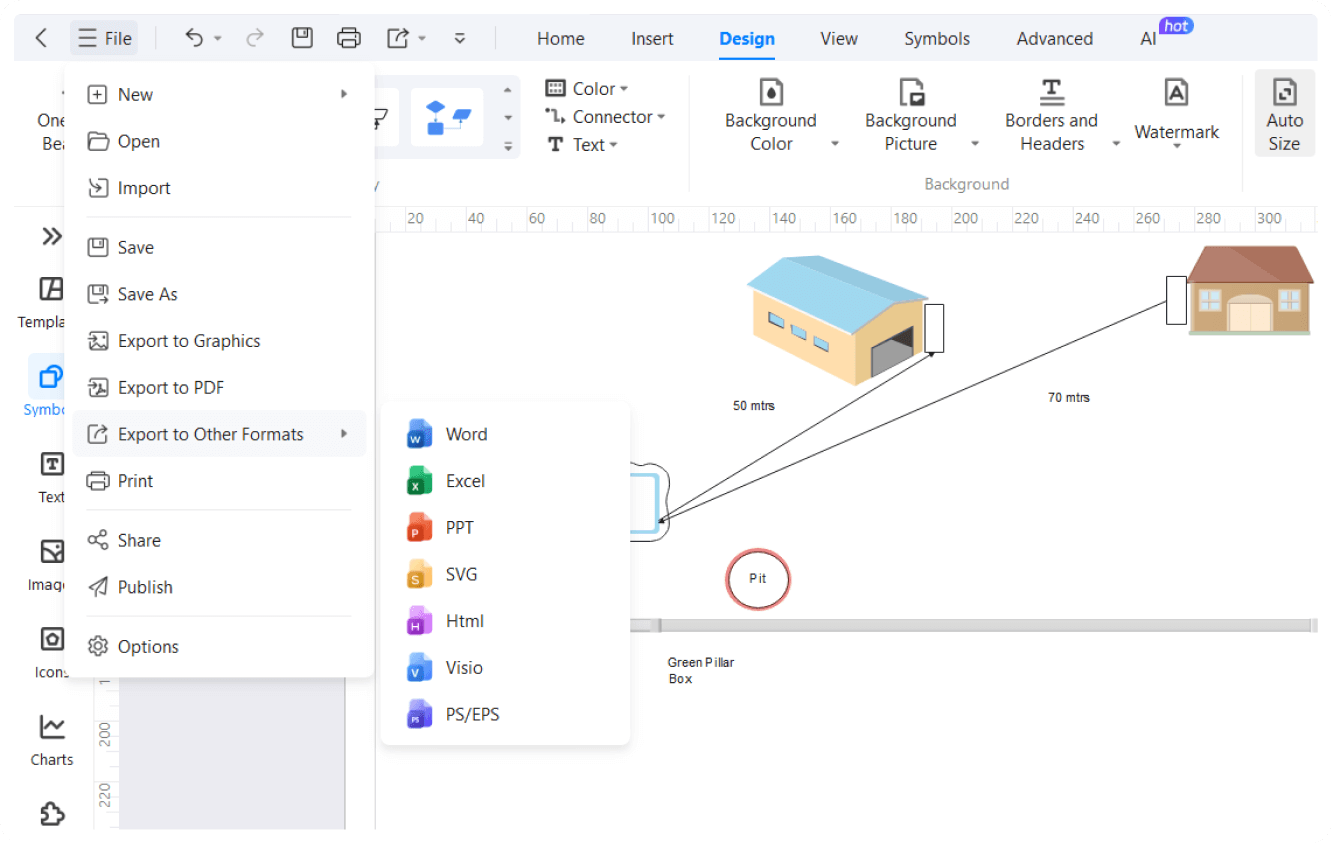
No need to worry about catching up with your clients and colleagues working on other platforms. EdrawMax allows you to import CAD, Visio, and SVG files and edit them however you like. Once edited, embed your work in emails or export it in over ten formats.
Our presentation mode splits your diagram into extensive slides. It showcases significant areas of your work, so you can discuss weaknesses, strengths, and improvement areas with key stakeholders. It even lets you export it in a PPT format for corporate use.

How to Make a Technical Drawing in 3 Simple Steps

What our users say

More Technical Drawing Tools
Discover more AI-powered diagram makers to boost your productivity.
FAQs About EdrawMax Technical Drawing Tools
-
What is technical drawing?Technical drawing serves as a precise communication tool used by engineers and architects to convey complex ideas clearly. Unlike artistic sketches, these drawings follow strict standards to provide exact specifications, dimensions, and instructions. This ensures that a product or structure can be manufactured or built accurately according to the designer's intent.
-
What is orthographic projection in technical drawing?Orthographic projection is a method used to represent a three-dimensional object in two dimensions. It typically features several views, such as the front, top, and side, shown from a fixed direction. This technique is essential because it provides clear, undistorted details of every surface, which is vital for manufacturing.
-
Why are there different types of lines used in technical drawings?Different line types, or the "line alphabet," communicate specific information about an object’s features. For instance, solid thick lines represent visible edges, while dashed lines indicate hidden features not visible from a specific angle. Using standardized line weights and patterns ensures that anyone reading the drawing understands the geometry and details.
-
What information is typically found in a drawing's title block?The title block is a standardized area, usually located in the bottom right corner, containing vital project data. It includes the drawing title, sheet number, scale, date, and the names of the designer and reviewer. This information is crucial for document control, tracking revisions, and identifying the specific project details.
Stop drawing. Start describing.
AI diagramming isn't just text-to-diagram.
AI now understands any input, fetches live data, adapts through dialogue, and works everywhere.
 (AI & Web)
Free technical drawing templates from EdrawMax