Free online vicinity map maker
Design personalized vicinity maps for free using easy-to-edit templates and special symbols for map diagrams.
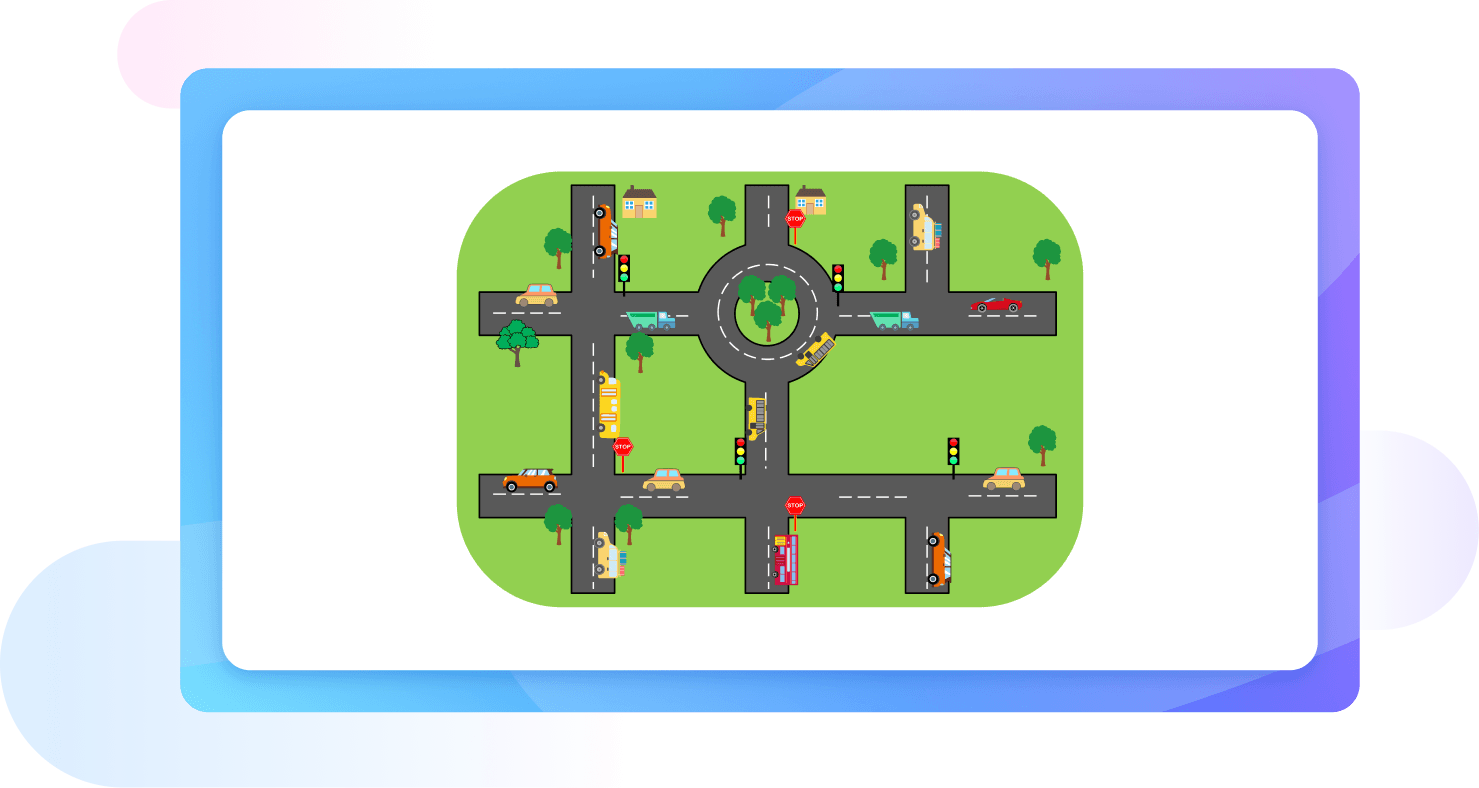
Why Use EdrawMax Vicinity Map Maker?
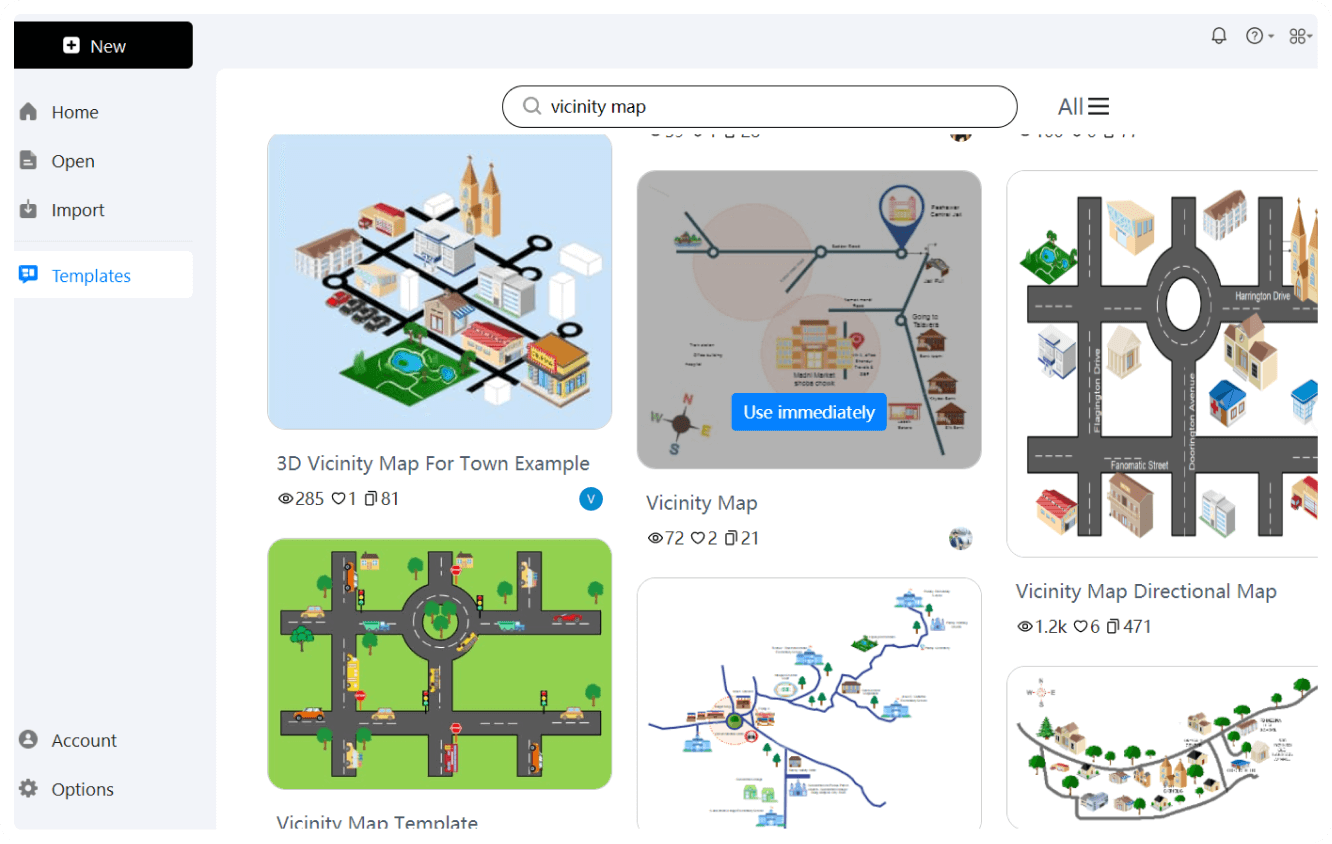
Starting from scratch can seem challenging, so we’ve created starting points with several basic vicinity map templates. These templates are created by professionals and cover various use cases, from urban planning to business marketing. Just pick a template that suits your needs, and customize it to make a detailed and visually appealing vicinity map.
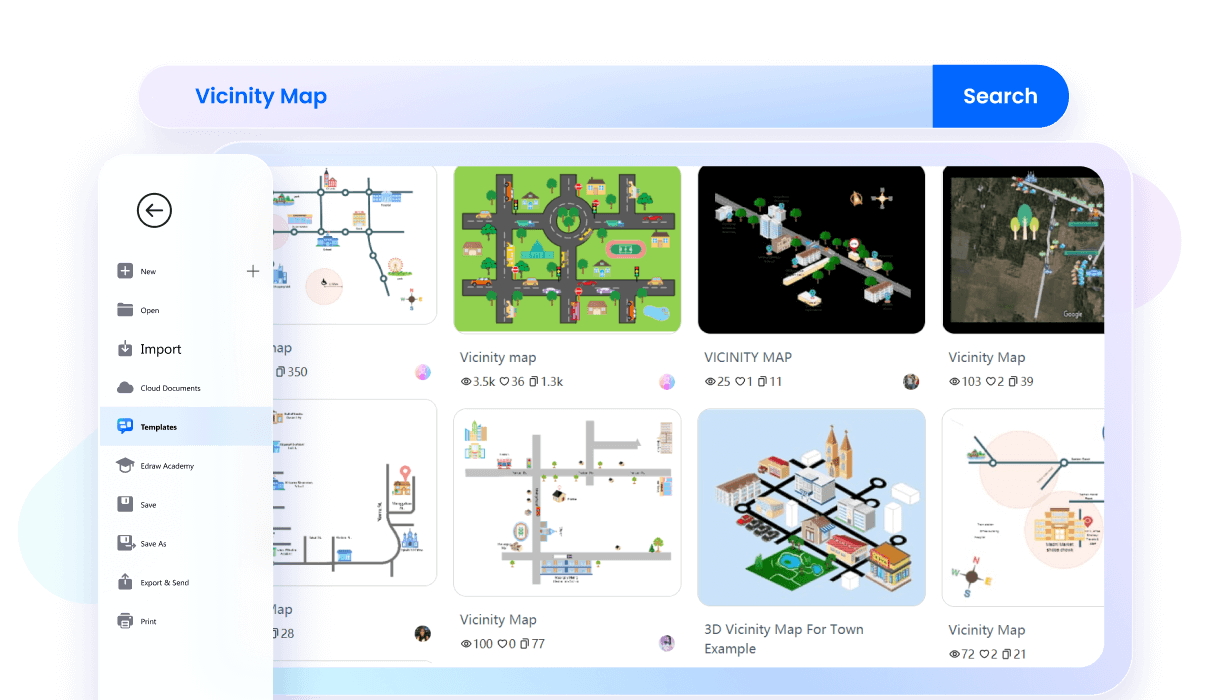
You can customize maps to your needs with EdrawMax's customizable layouts. Adjust the size, shape, and position of various elements to fit your specific requirements. This flexibility ensures that your maps are effective and user-friendly, making them perfect for any project.
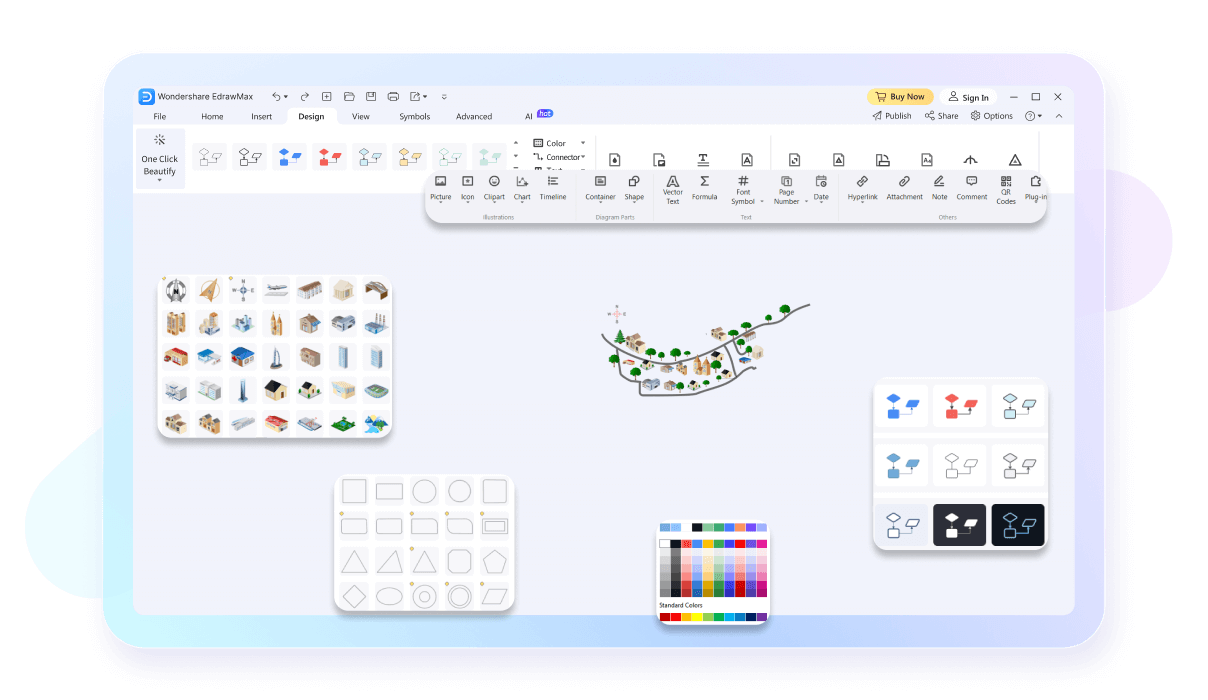
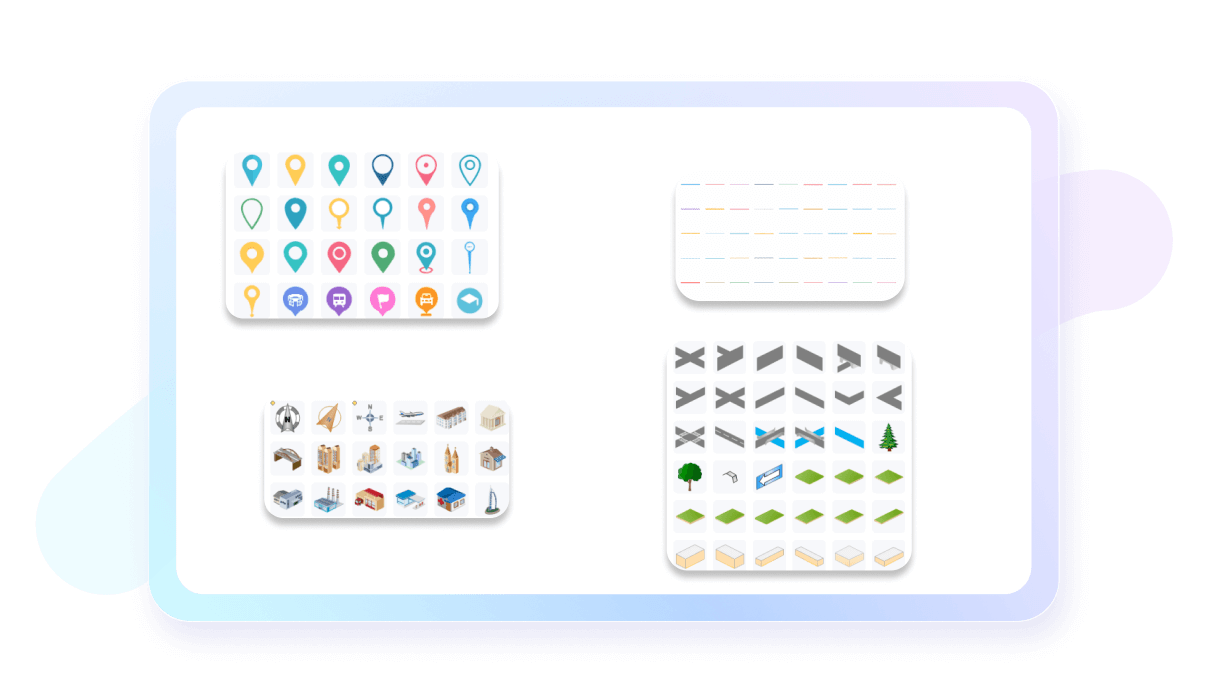
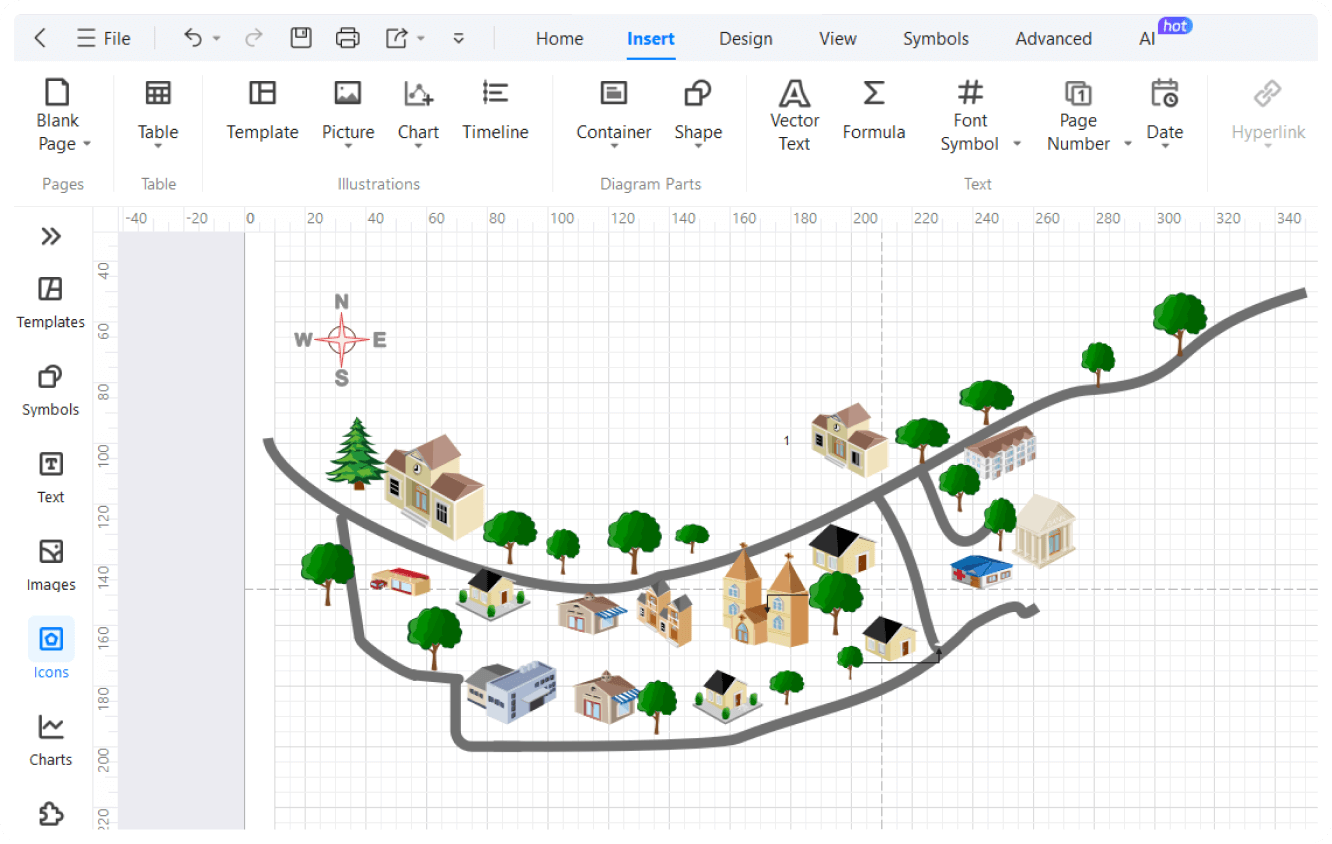
To enhance the application of your vicinity maps, choose your desired icons from EdrawMax's extensive icons library. This library includes icons for transportation, landmarks, and amenities, making your maps more informative and visually appealing. These icons allow you to quickly identify key features and locations, making your maps more effective.
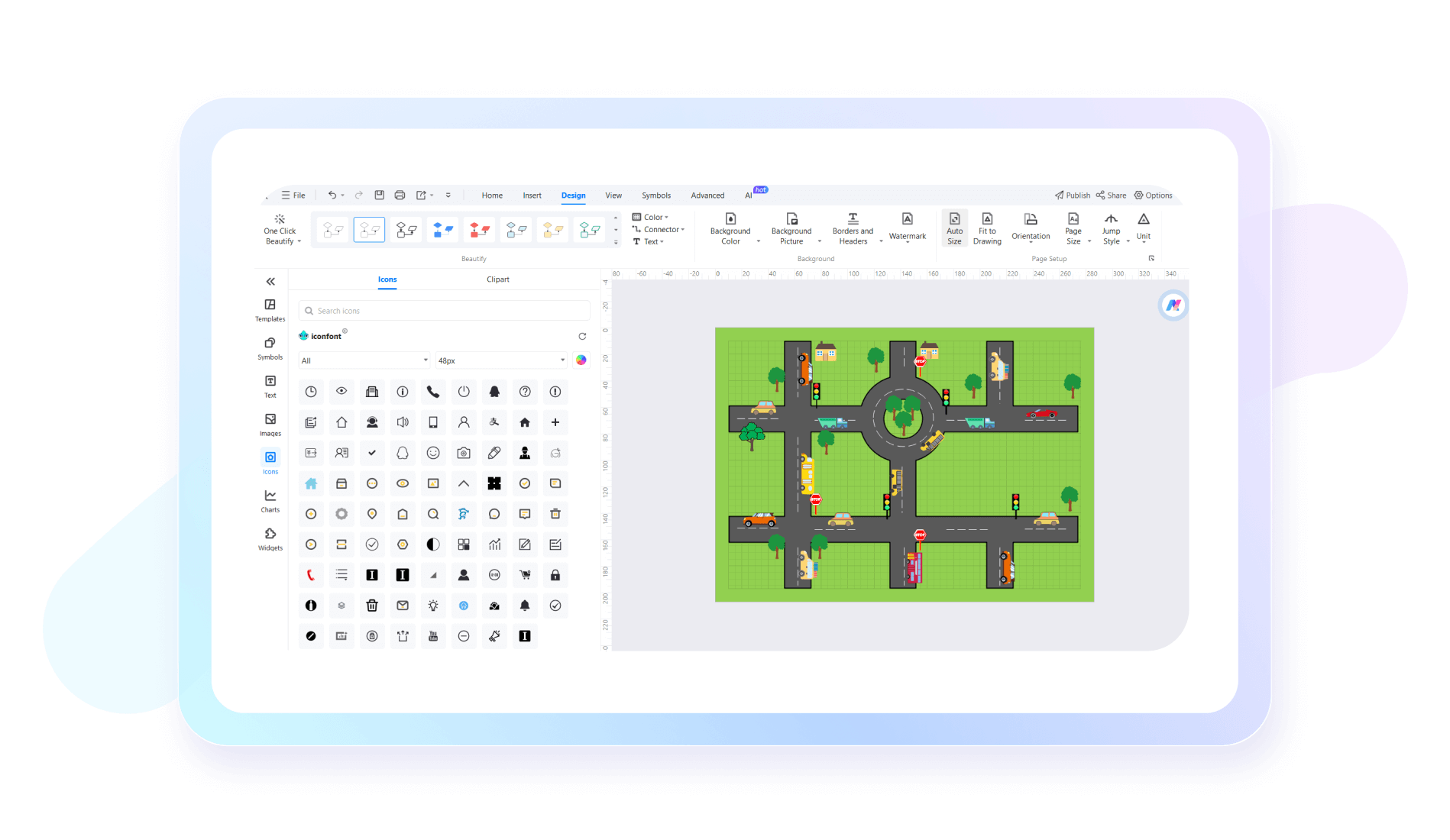
Whether you're an urban planner outlining city infrastructure or a business owner mapping store locations, EdrawMax has you covered. Our tool offers a comprehensive library of symbols to suit any requirement. These symbols cover various categories such as buildings, transportation, and natural features.
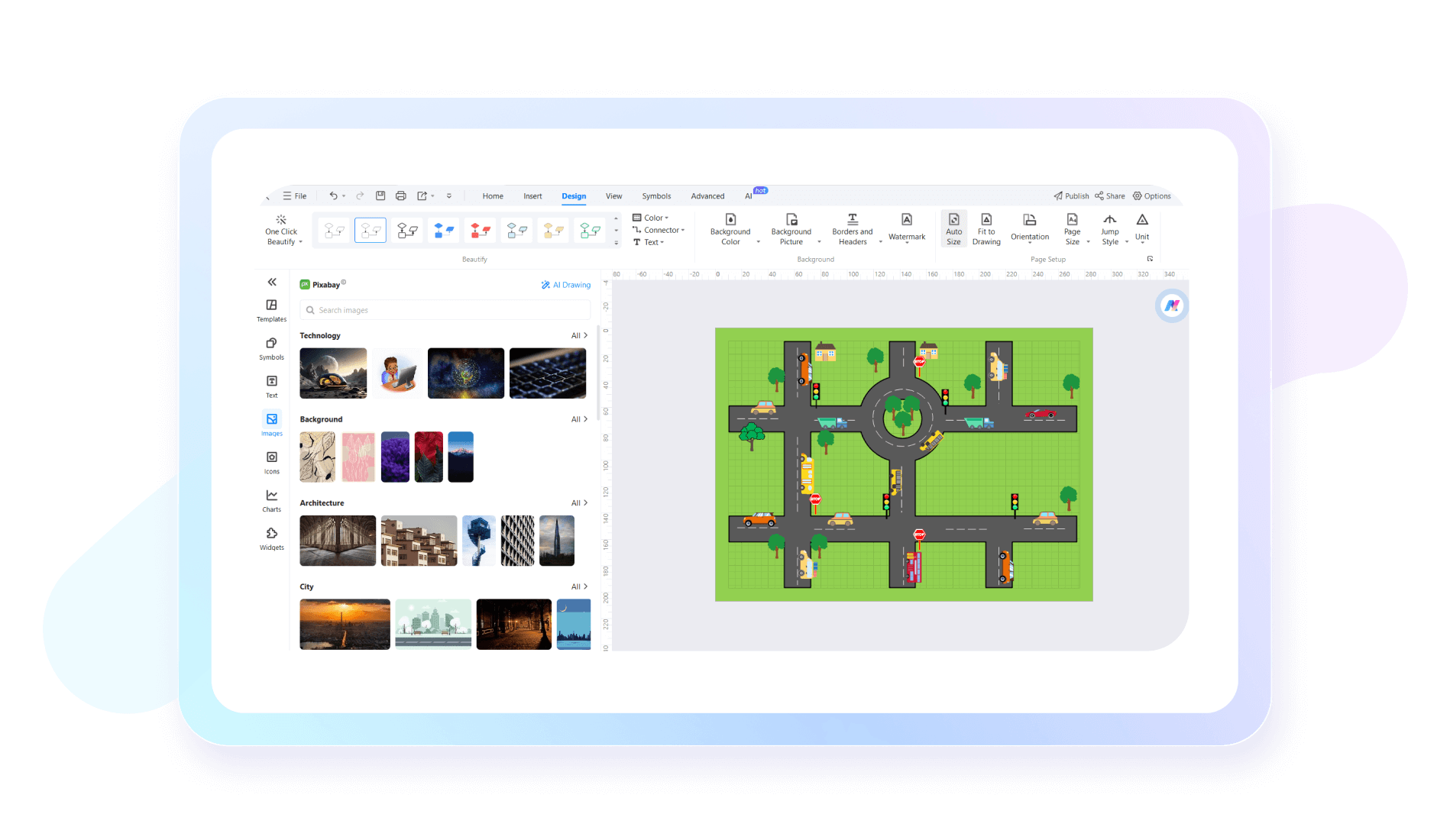
Make your maps more engaging by adding real-world pictures. Using the EdrawMax’s rich picture library, you can include images of locations, landmarks, and other points of interest. This feature not only provides a clearer understanding of the area being represented but also makes your maps more relatable and informative.
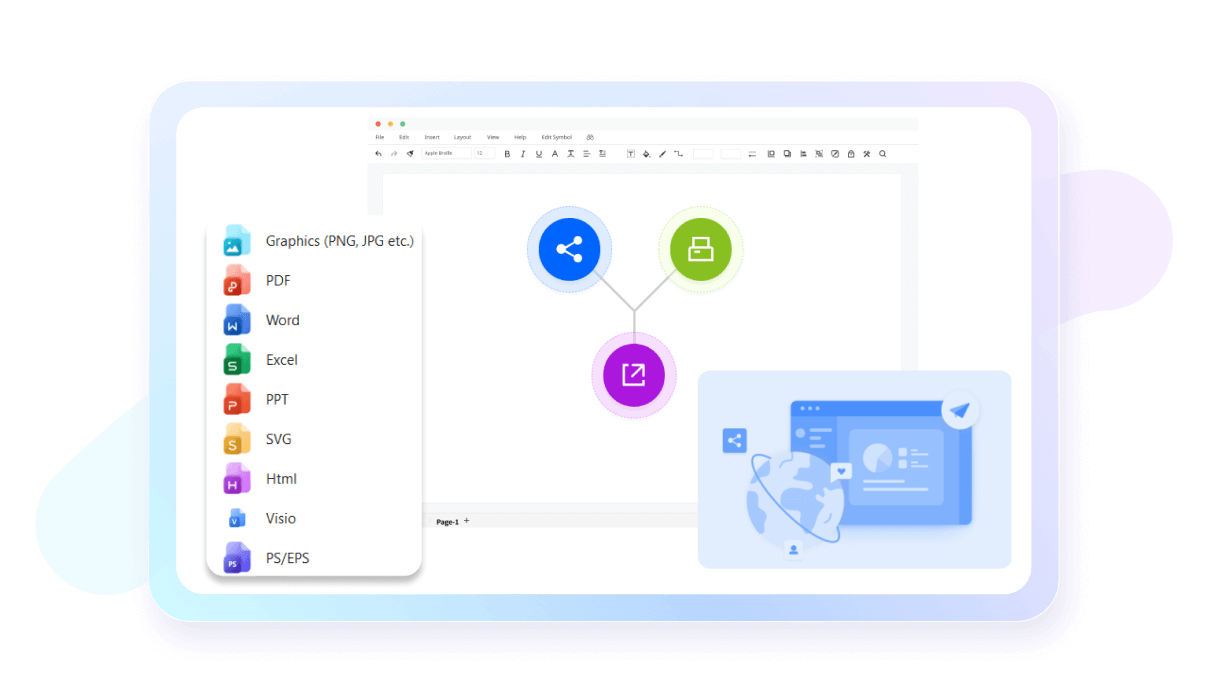
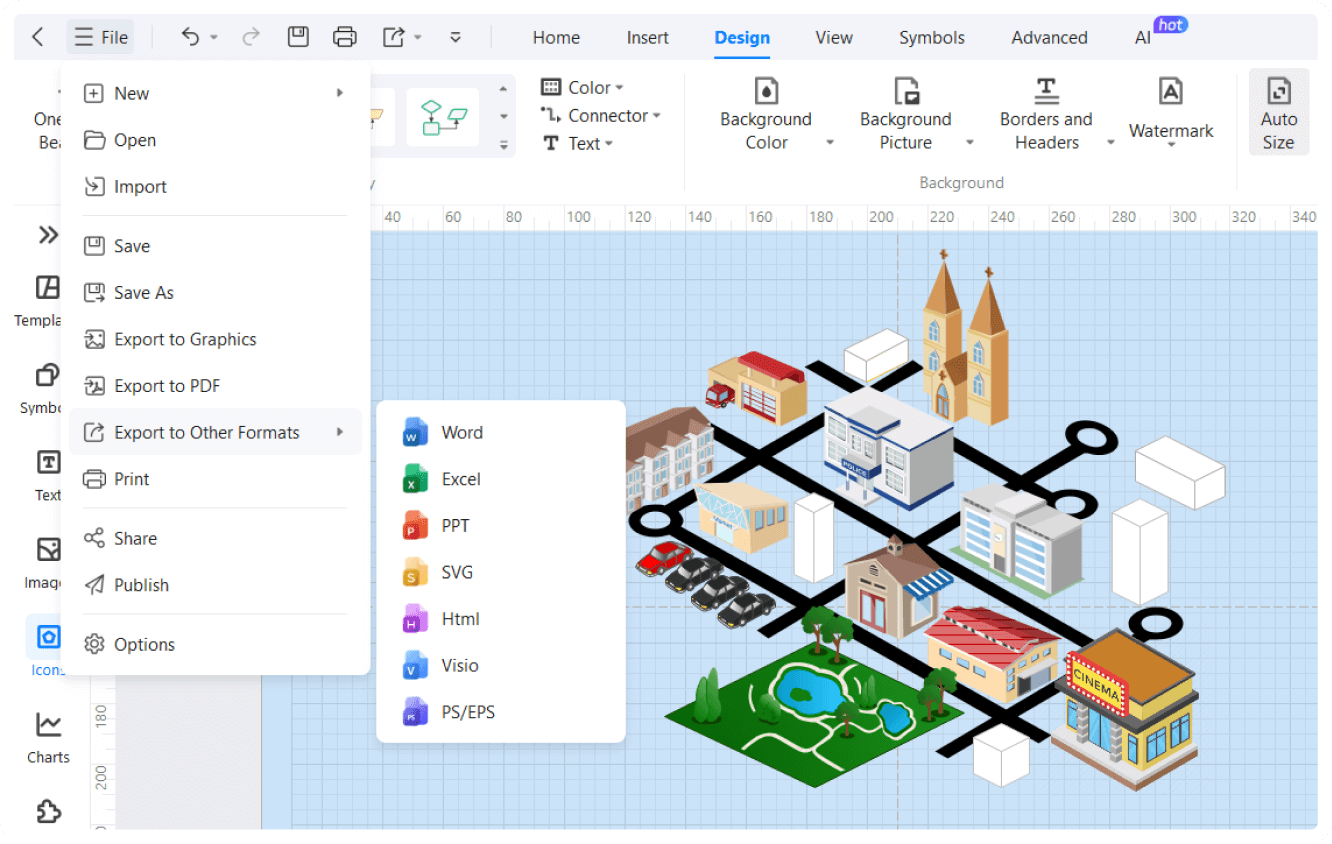
Once you’ve created the perfect map representing your geographical region, you can now easily share your map with your audience. You can export your maps in formats like PDF, PNG, and SVG. This flexibility ensures that your maps can be shared, printed, or embedded in presentations and reports, making them accessible to a wider audience.
How to create a vicinity map using EdrawMax in 3 simple steps
What our users say

More Vicinity Map Tools
Discover more AI-powered diagram makers to boost your productivity.
FAQs About EdrawMax Vicinity Map Tools
-
What is a vicinity map?A vicinity map provides a visual representation of a specific location and its surrounding landmarks. It is essential for businesses to help customers find their physical office, navigate local traffic routes, and identify nearby amenities like public transportation, parking lots, or popular retail centers.
-
What key elements should be included in a vicinity map?A standard vicinity map should include the project site clearly marked, names of major intersecting roads, a North arrow for orientation, and prominent local landmarks like parks or schools. It should also feature a scale bar to indicate distances, ensuring that anyone viewing the map understands the surrounding spatial relationships.
-
How does a vicinity map differ from a site plan?While a site plan focuses on detailed layouts within the property boundaries, such as building footprints and utility lines, a vicinity map provides a "bird's-eye view" of the larger neighborhood. The site plan shows what is on the lot, whereas the vicinity map shows where that lot is located.
-
Can I use a screenshot from Google Maps as a vicinity map?While a screenshot from Google Maps is a helpful reference, it may not meet official requirements for legal or architectural documents. Professionals often redraw these maps to emphasize specific landmarks and remove unnecessary clutter, ensuring the final version is clear, professional, and tailored to the specific needs of the project.
-
What is the ideal scale for a vicinity map?There is no single fixed scale, but a vicinity map is usually drawn at a much smaller scale than a site plan. It needs to be zoomed out enough to show at least two major intersecting streets. Common scales range from 1:2000 to 1:10000, depending on the project's urban or rural density.
Stop drawing. Start describing.
AI diagramming isn't just text-to-diagram.
AI now understands any input, fetches live data, adapts through dialogue, and works everywhere.
 (AI & Web)
Free vicinity map templates from EdrawMax