Free warehouse layout design software
Plan warehouse receiving, storage, picking, packing, staging, and shipping areas with scaled floor-plan tools, racks, aisles, equipment symbols, and editable templates in EdrawMax.
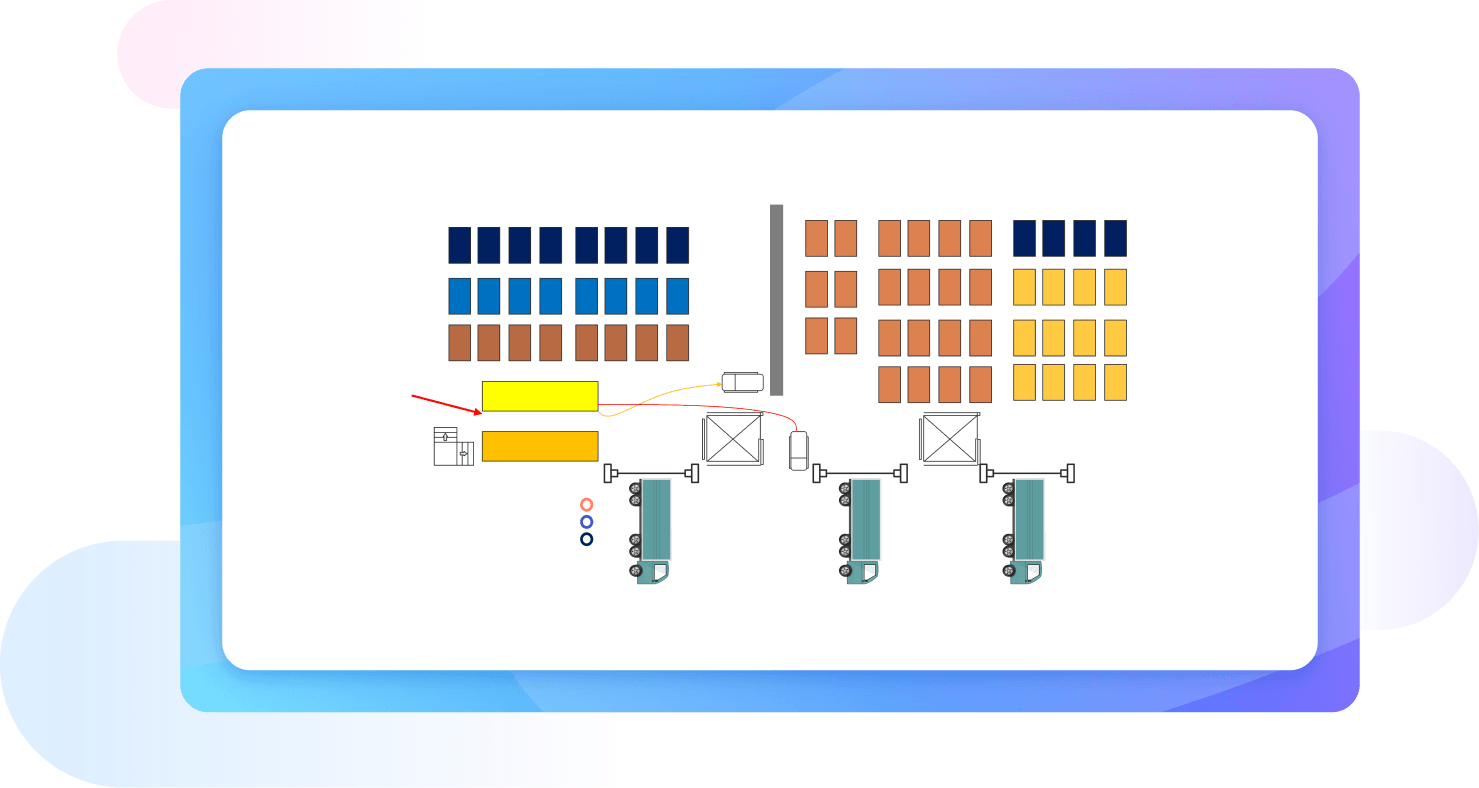
Why Use EdrawMax Warehouse Layout Design Maker?
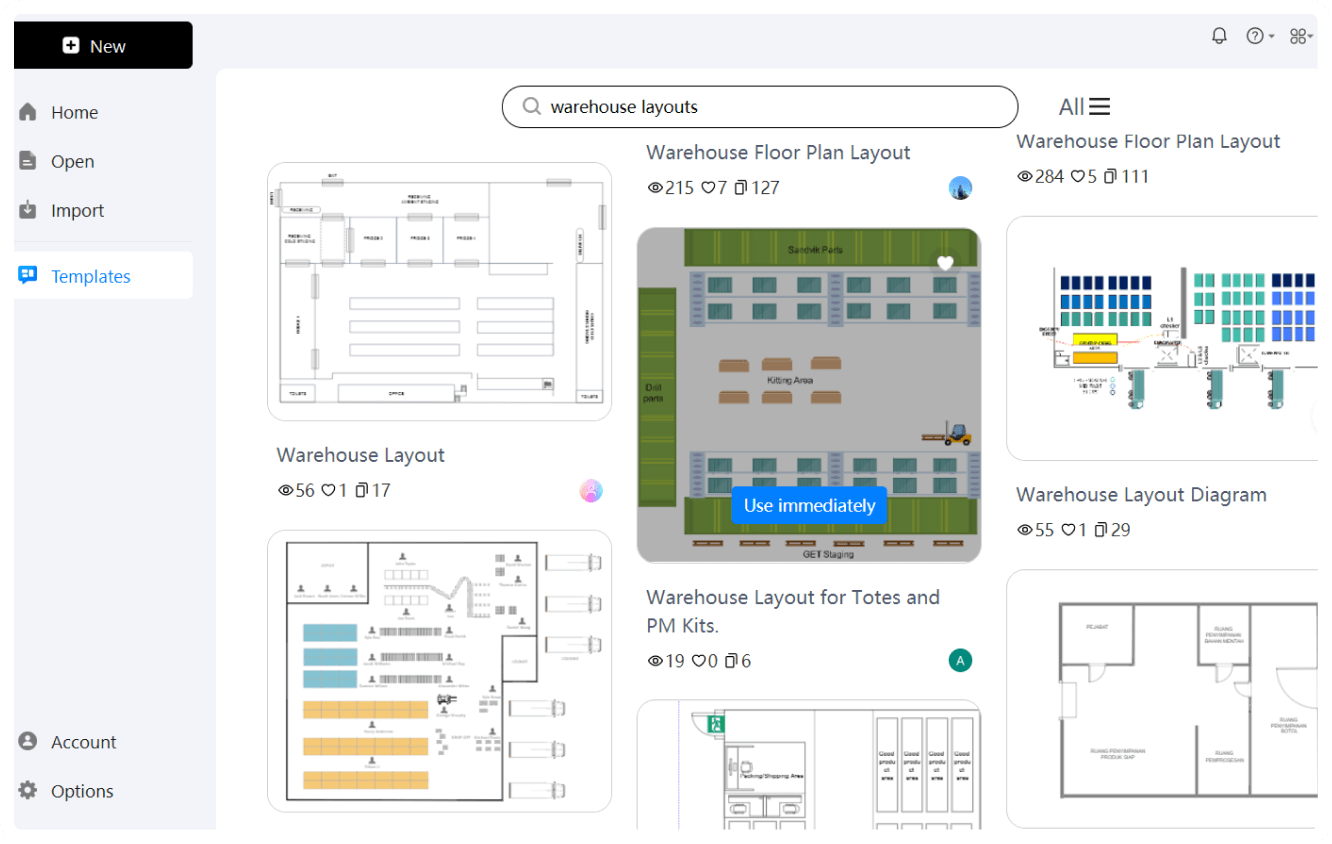
EdrawMax has a massive template community featuring professional warehouse samples. Find an easy-to-customize example and visualize different areas of your warehouse. Access our floor plan shape library and add elements to see how you can increase the space of your warehouse by re-organizing the objects.
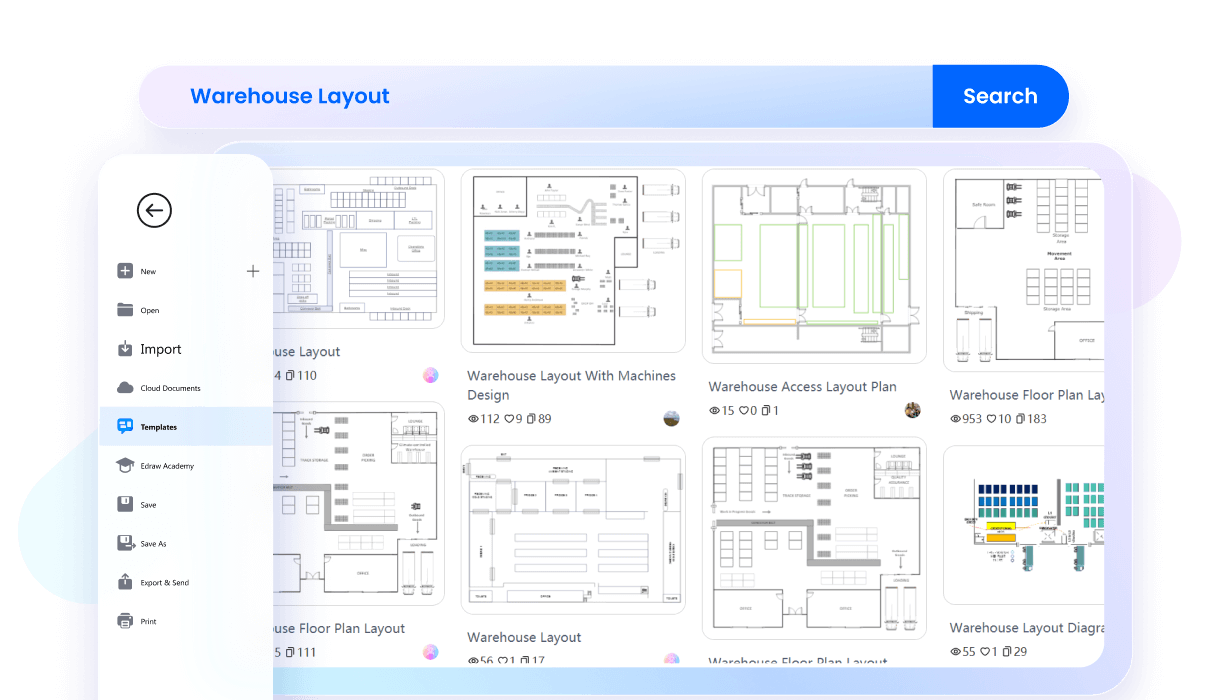
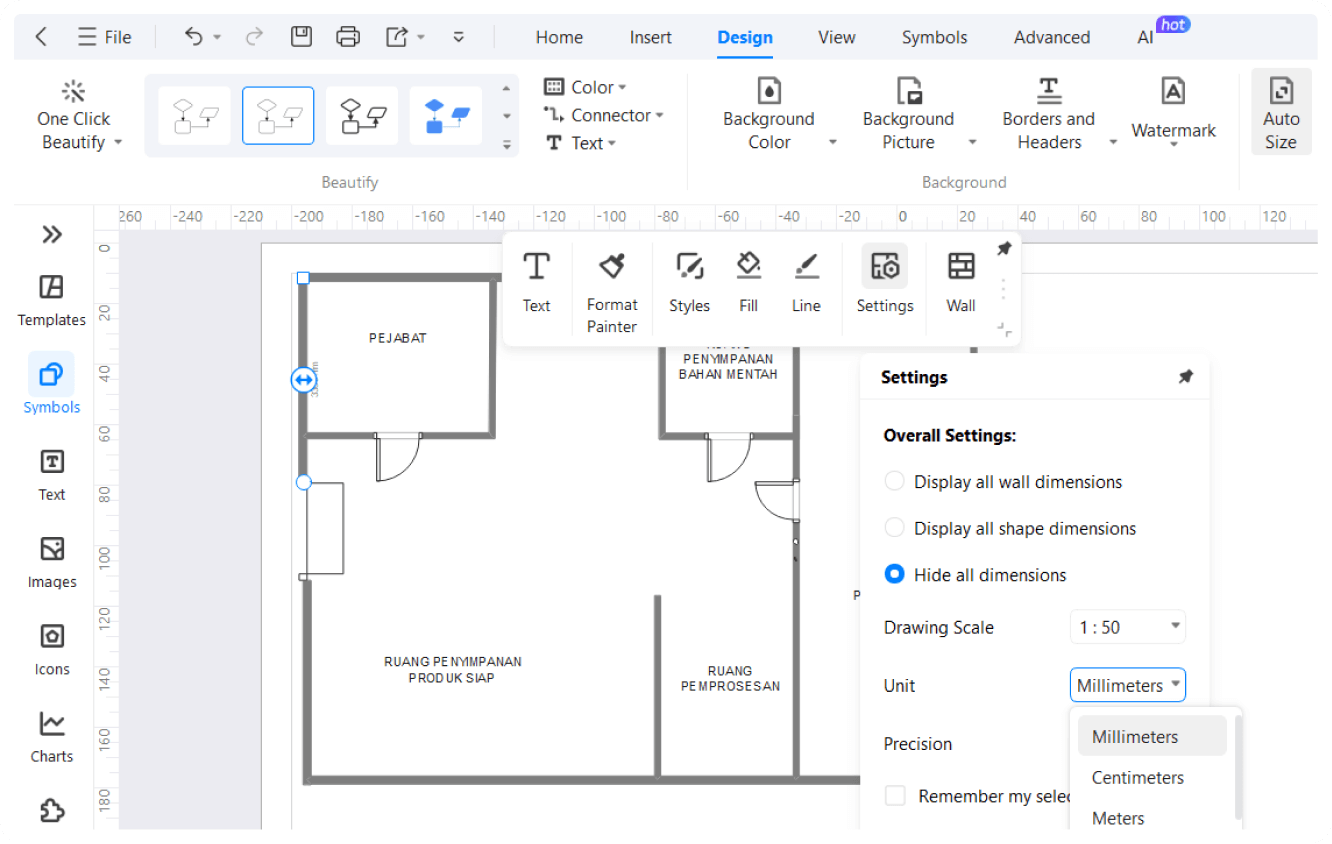
Make use of the built-in precision tools to get a realistic idea of your warehouse plans. Whenever you adjust the dimensions of the property, it automatically shows up the set scale when you move an element. Save scaled elements in your personal library for later use.
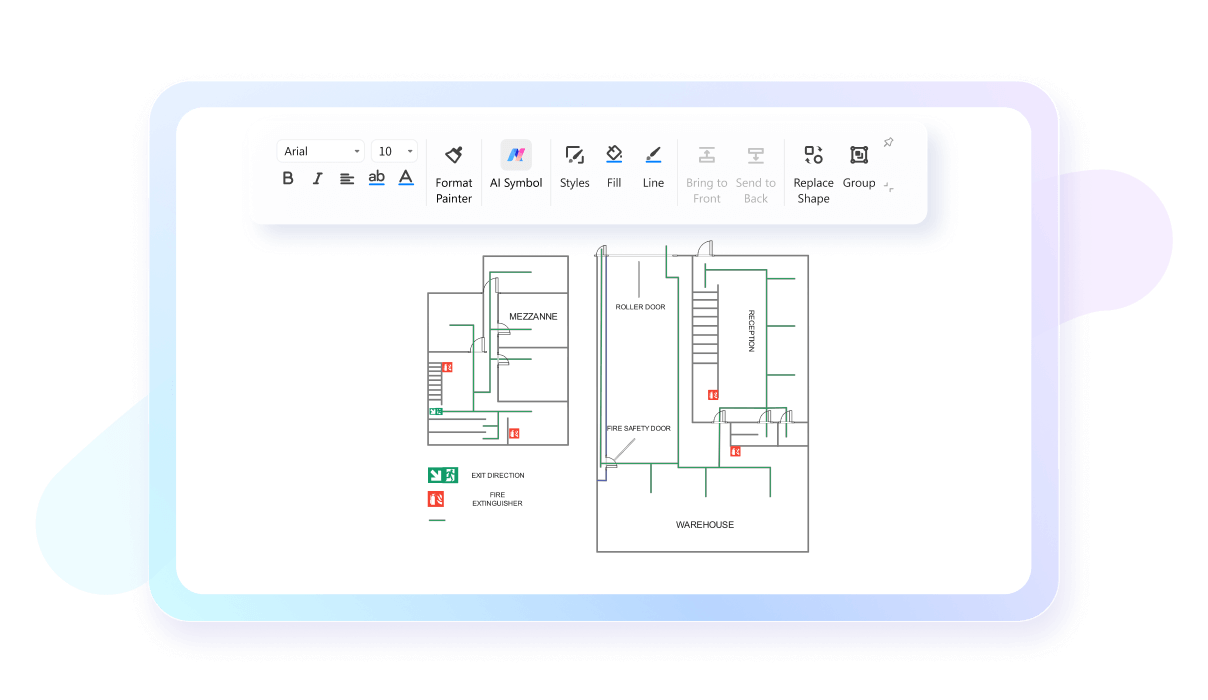
With EdrawMax's intuitive interface, planning your warehouse layout is a simple task. Just select an existing outline or an editable template and set its dimensions. Drag and drop furnishing details like shelves, tables, conveyors, and equipment to see everything in perspective.
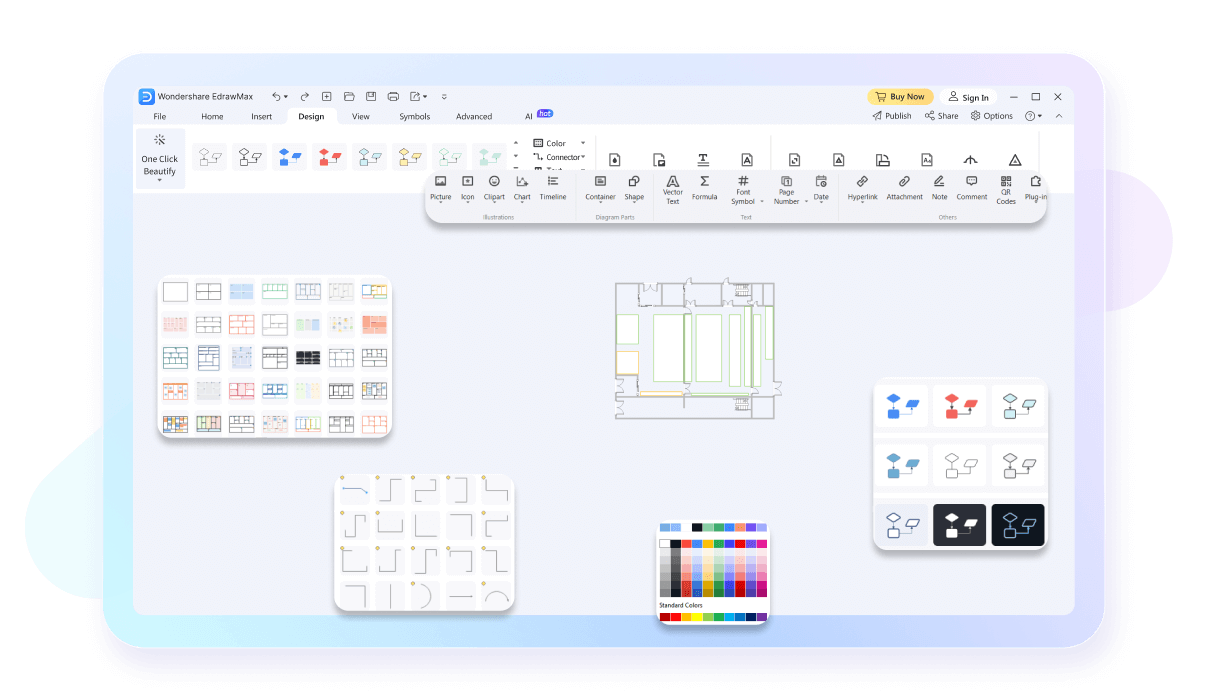
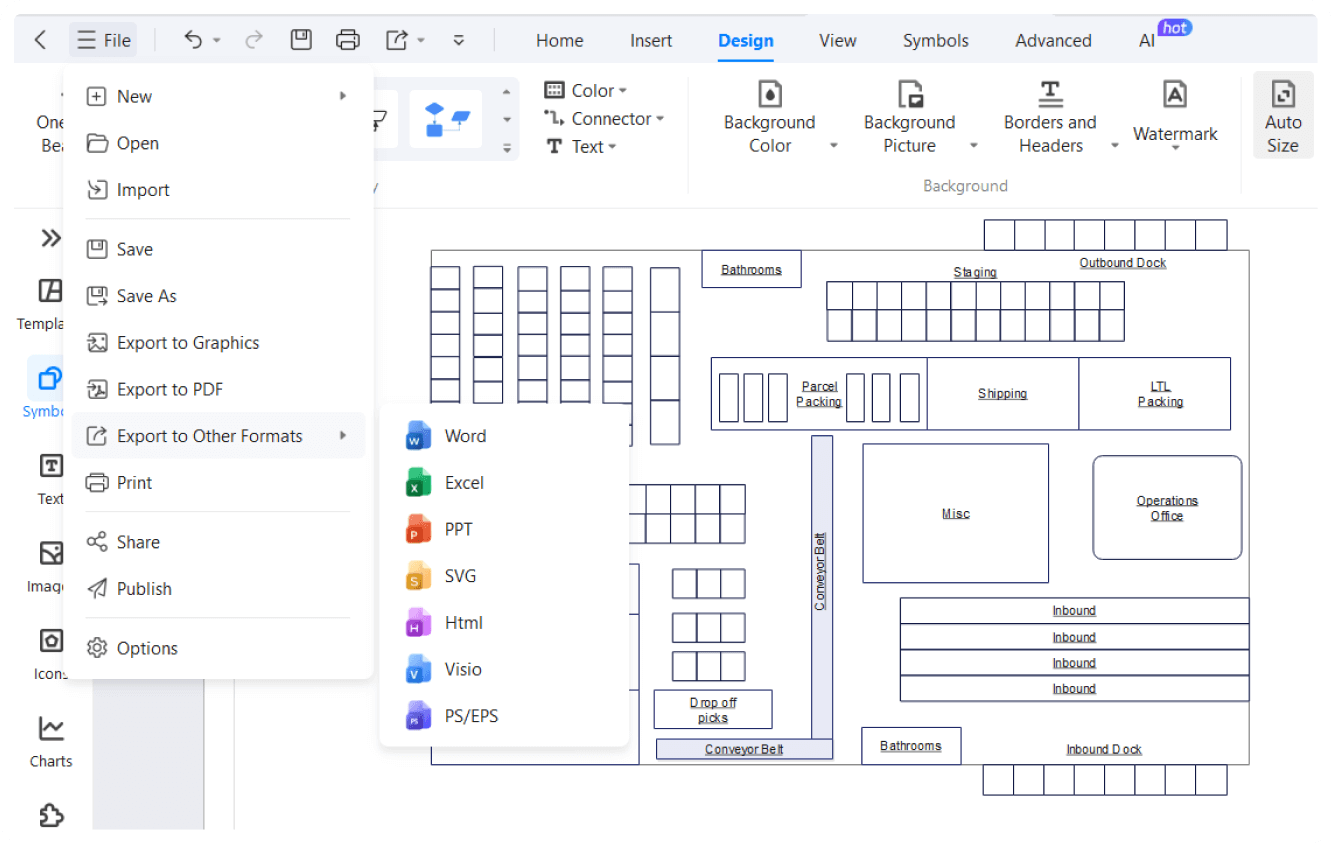
Our warehouse software does not let you worry about working on previous unfinished projects from Visio and CAD. You are free to import files from these platforms and customize them further on the EdrawMax canvas. Once done, you may export them in a desired format.
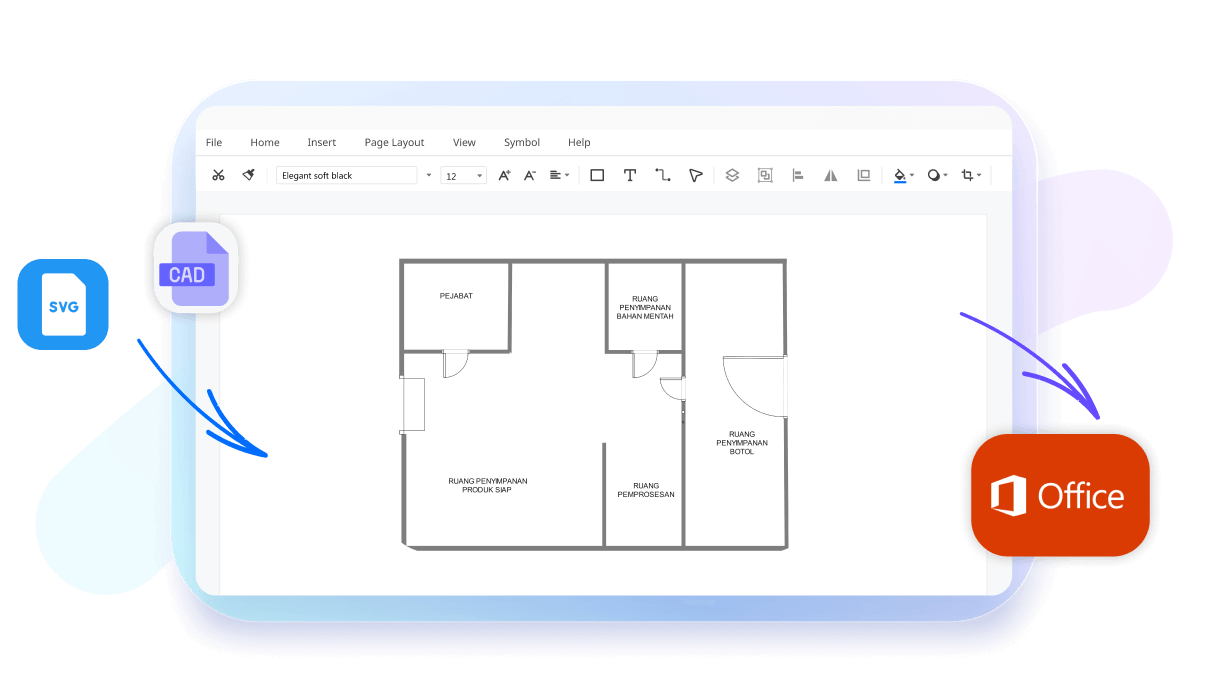
Say goodbye to OS conflicts. EdrawMax shares a wide compatibility with platforms like Windows, Linux, iOS, macOS, and Android. Not enough? It also comes with an online version, which is accessible from any device having internet access.

How to make a warehouse layout using EdrawMax?
What our users say

More Warehouse Layout Tools
Explore related diagram makers for adjacent planning, analysis, or documentation tasks.
FAQs about Warehouse Layout
- What is the best way to organize a small warehouse layout?⌄Start with fixed constraints, maximize usable vertical space, keep travel paths clear, and test rack and staging positions before moving equipment.
- Can I import existing technical drawings into layout software?⌄Yes. Existing floor plans or compatible technical drawings can provide a starting point for placing new racks, zones, and equipment.
- What symbols should a warehouse layout include?⌄Common elements include pallet racks, shelves, docks, forklifts, conveyors, work areas, safety equipment, offices, and labeled storage zones.
 (AI & Web)
Free warehouse layout templates from EdrawMax