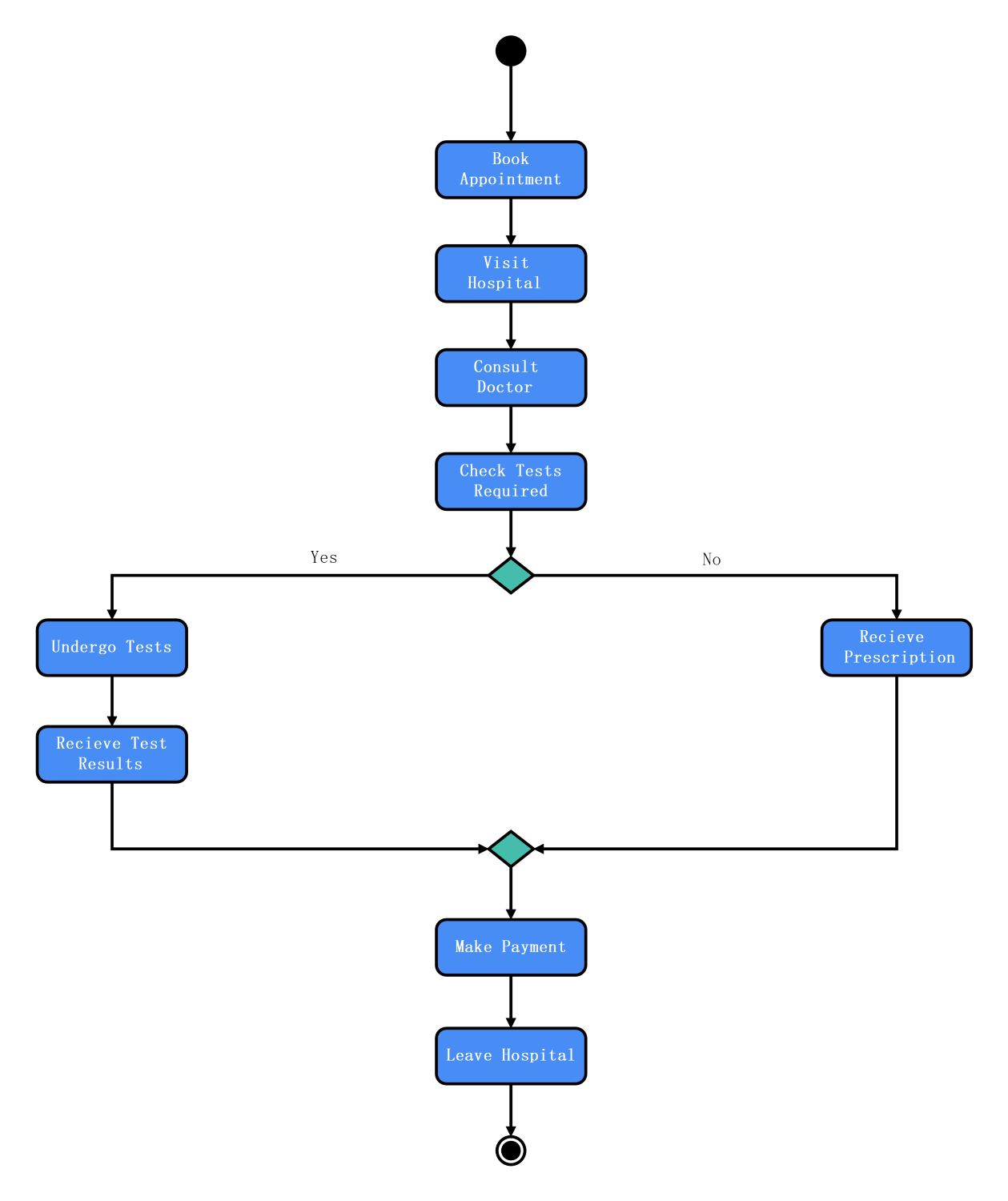
About this Hospital Management System template
This activity diagram template provides a structured visual map for managing medical workflows. It outlines the sequence of actions from patient intake to final discharge. Healthcare administrators and developers can use this model to simplify complex hospital processes and ensure system reliability.
Patient Intake Phase
Staff register patients and document their medical history upon arrival at the facility. They clarify the scope of treatment to ensure clinical teams understand the patient's needs. This initial phase sets the foundation for organized medical care.
- Patient Registration
- Medical History Documentation
- Initial Symptom Assessment
- Insurance Verification
Resource Management
Administrators assign specific doctors and allocate hospital resources to manage the patient's condition. The system monitors recovery progress to ensure that all clinical benchmarks are met. This oversight helps keep the healthcare delivery process on track.
- Doctor Assignment
- Bed Allocation
- Vital Sign Monitoring
- Resource Tracking
Medical Oversight
Doctors review clinical data to identify any sudden health complications or treatment issues. If problems occur, the team resolves them immediately to prevent further medical risks. This stage ensures that all clinical goals for patient recovery are satisfied.
- Data Review
- Issue Resolution
- Treatment Plan Adjustment
- Clinical Progress Assessment
Final Disposition
The hospital team performs a final assessment to decide if the patient is ready for discharge. If recovery is complete, staff finalize the billing and release the individual. Otherwise, they adjust the care plan for further treatment.
- Final Health Review
- Bill Generation
- Patient Discharge
- Plan Modification
FAQs about this Template
-
What is the purpose of an activity diagram in a Hospital Management System?
The activity diagram is essential for mapping the logical flow of medical services and administrative tasks. It helps hospital staff understand how different departments interact during a patient's stay. By visualizing these steps, organizations can identify bottlenecks in registration or discharge. This leads to faster processing times and a much better overall experience for patients and medical professionals.
-
How does an activity diagram improve patient care and safety?
This diagram improves safety by establishing a standardized protocol for monitoring patient health and treatment. It ensures that critical steps, like vital sign checks or diagnostic reviews, are never skipped. When every staff member follows the same visual map, the risk of clinical errors decreases. Clear workflows help teams respond quickly to emergencies, ensuring higher quality care across the facility.
-
Can this template be adapted for other hospital departments?
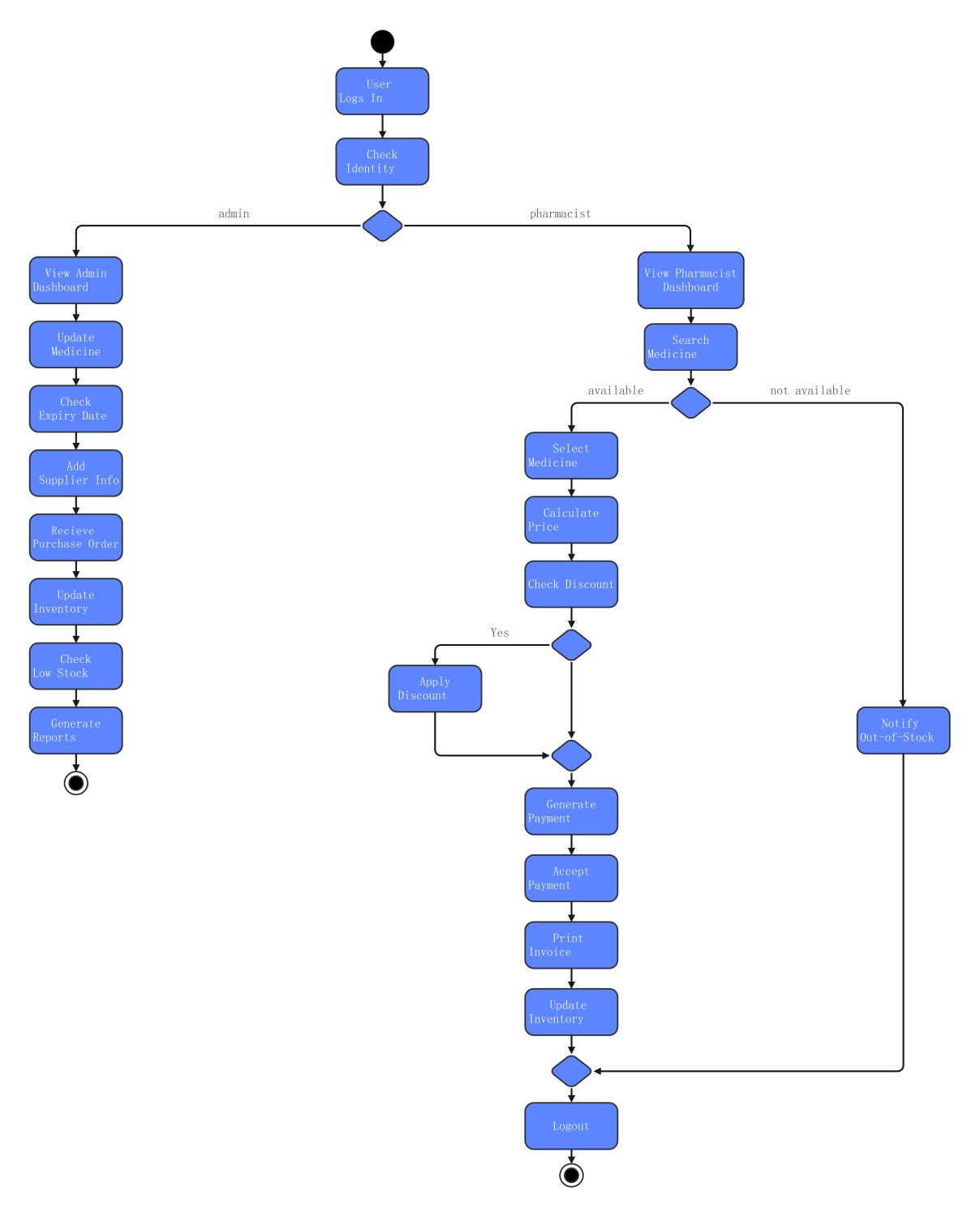
Yes, you can easily adapt this template for pharmacy operations or laboratory testing workflows. You simply replace the generic nodes with specific tasks like medication dispensing or blood sample analysis. The core logic of monitoring progress and making decisions remains effective for any hospital department. It provides a flexible framework that supports the unique technical requirements of various medical software systems.

 (AI & Web)