EdrawMax AI Copilot for Diagram,
Graphs, &
Slides
Instantly generate professional diagrams across apps, browsers, and
desktops
—
without switching tabs.


Start free trial for unlimited edit
Create a file
anyway
How We Create A
Diagram Before
-
- Collect information & data before start
-
- Launch the software to create a diagram
-
- Add nodes and keep adding content
-
- Customize, review, & save
VS
Use EdrawMax AI Copilot
A desktop AI assistant that lets you create professional diagrams instantly — without leaving your current app.
Turn text & files into diagrams
quick & easy
Always On,
Always Ready
Quick Access + One-click activation + No tab switching

Works Across Apps
Browser Documents & PPT Chat tools Project management tools
Context-Aware Diagram Creation
AI Auto Detext prompts Text to diagram files to diagram
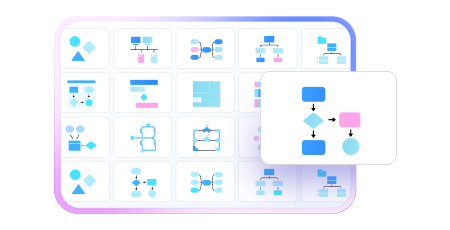
AI Copilot is helpful to for various cases

For
Consultants
Generate client-ready diagrams during meetings
For
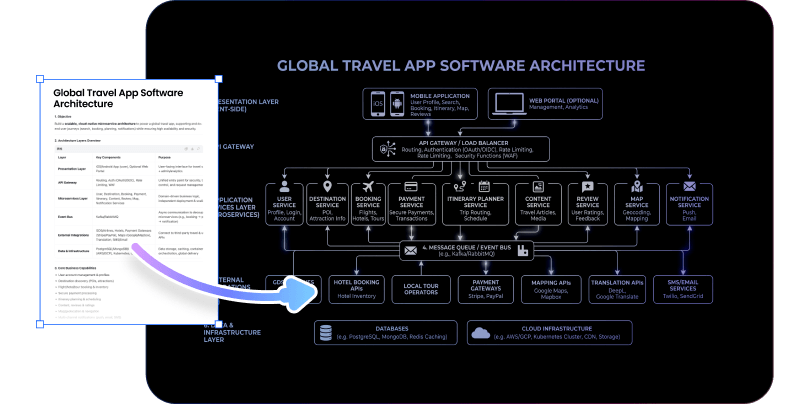
Developers
Visualize system architecture without switching tools
For
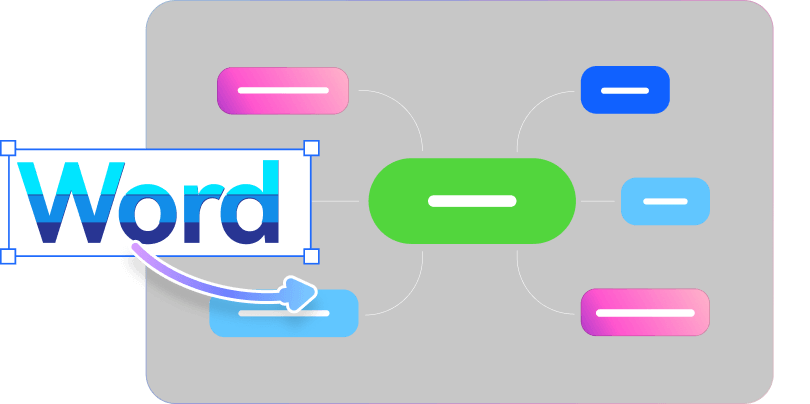
Consultants
Turn notes into structured maps
How to Make diagrams with
 AI Copilot
AI Copilot
1

2
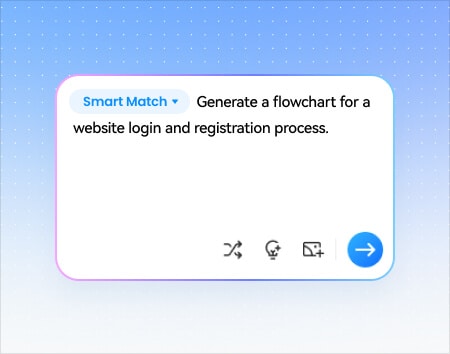
3
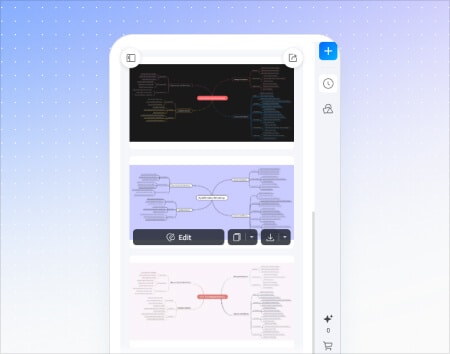

EdrawMax AI
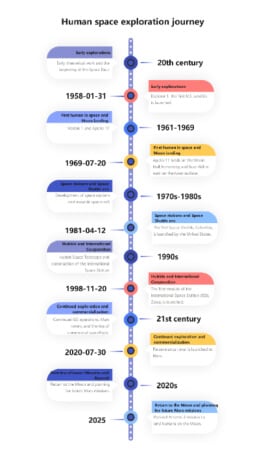
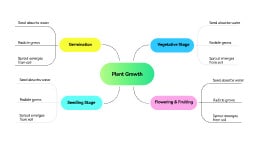
Copilot Supports
These Diagrams:
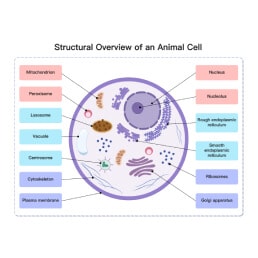
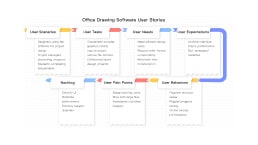

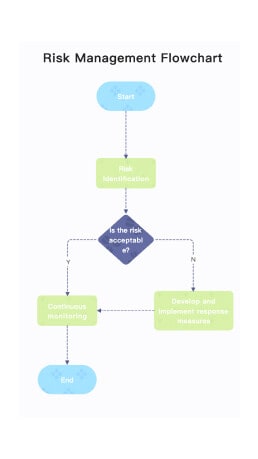
FAQs About EdrawMax AI Copilot
What is EdrawMax AI Copilot?
EdrawMax AI is an intelligent assistant integrated into the EdrawMax diagramming software. It leverages advanced artificial intelligence to automate the creation of various visuals, such as flowcharts and mind maps, through simple text prompts. It also offers tools for content polishing, data analysis, and image-to-text extraction to boost productivity.
On which platforms can I use EdrawMax AI Copilot?
Currently, EdrawMax AI features are fully available on the Windows and Mac desktop version. But we can surely use EdrawMax AI capacities on Web, Linux, Tablets, and Phones. But the quick desktop copilot is not available on the latter platforms.
Is AI Copilot free?
EdrawMax AI Copilot offers a free trial so you can explore its core features. A subscription unlocks
unlimited AI diagram generation, multi-platform support, and priority access to new Copilot
capabilities.
Does it work outside EdrawMax?
Yes! AI Copilot is a floating overlay that works in your browser, documents, presentations, and chat
tools. You do not need to switch to EdrawMax — the Copilot reads your screen context and generates
diagrams from wherever you are.
How is it different from AI diagram generators?
Most AI diagram generators require you to open a separate app and describe your idea from scratch.
EdrawMax AI Copilot is context-aware — it reads the content already on your screen (text, files,
presentations) and turns it into a diagram with one click, right where you are.
Is my data secure?
Your data is processed securely. AI Copilot does not store your screen content or files beyond the
current session. All transmissions are encrypted, and Wondershare follows strict data privacy
policies in compliance with GDPR and other regional regulations.
Can I customize diagrams after they are generated by AI?
Absolutely! Diagrams created by EdrawMax AI are fully editable, just like those made manually. You can change colors, adjust layouts, add new symbols, or modify text using the standard drag-and-drop editor. This allows you to use AI for the initial heavy lifting while maintaining complete creative control.
Work Smarter
. Create
Faster. Stay in Flow.
AI diagramming isn't just text-to-diagram.
AI now understands any input, fetches live data, adapts through
dialogue, and works everywhere.