Free 3D Floor Plan Maker & Home Design
Create professional 3D floor plans with EdrawMax's AI-driven design engine. Access 10,000+ realistic symbols, export to DWG/DXF/PDF, and use advanced rendering to transform architectural concepts into high-fidelity visual realities.
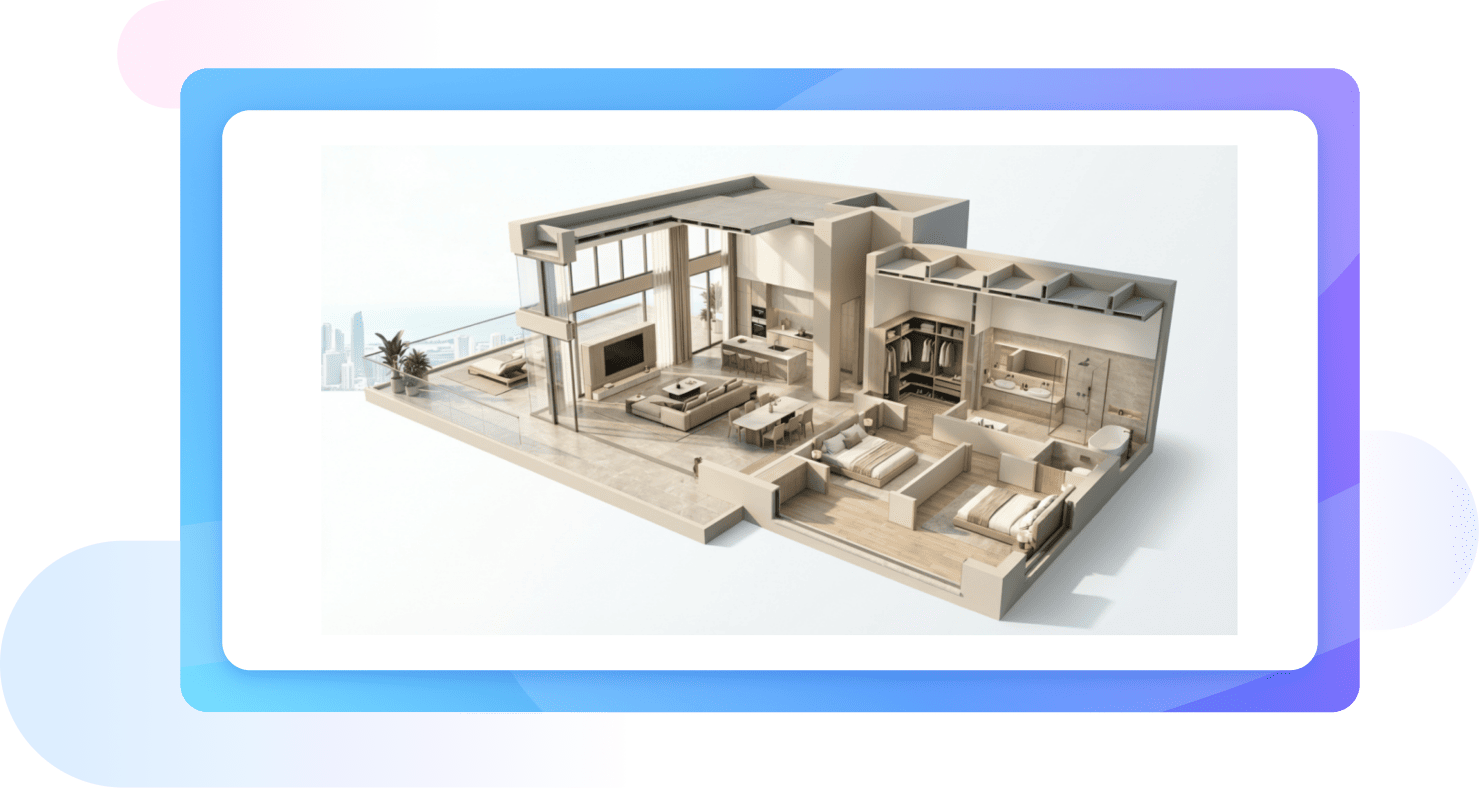
Why Use EdrawMax 3D Floor Plan Maker?
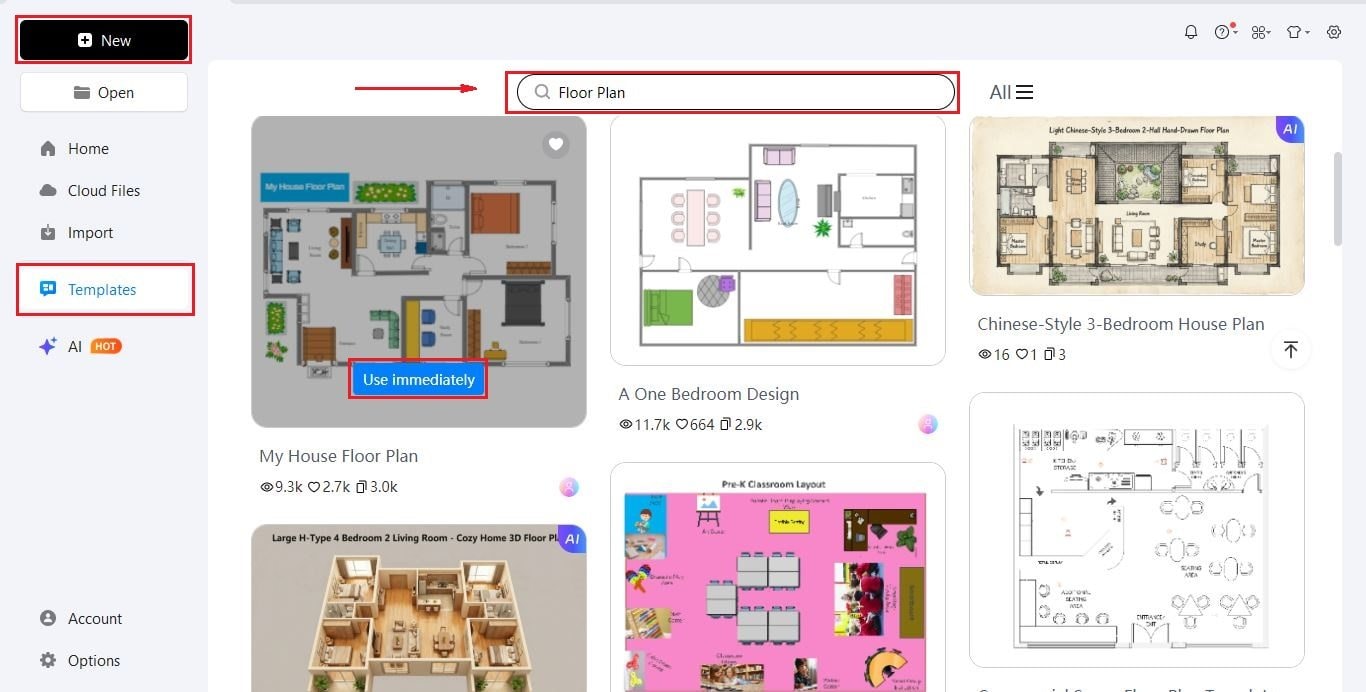
You don’t need to be an architect to start designing. EdrawMax offers a wide range of floor plan templates to help you get moving fast. Simply browse the library, pick a layout that matches your vision, and start tweaking the walls, windows, and furniture to fit your specific project.
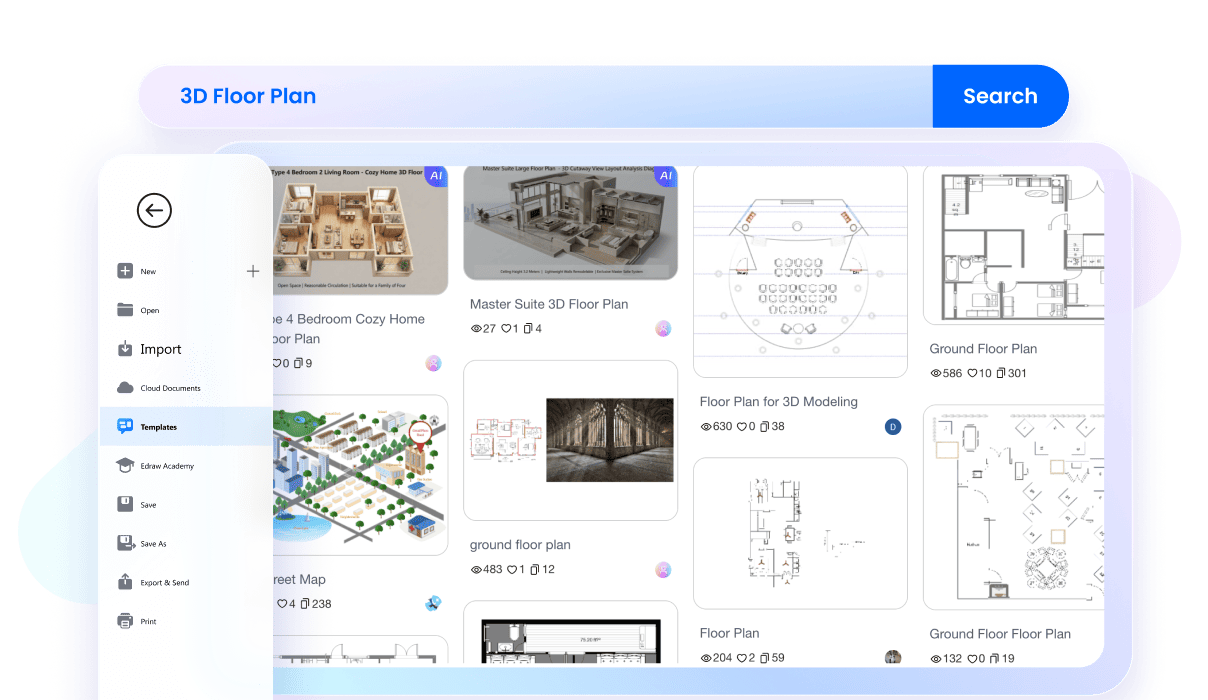
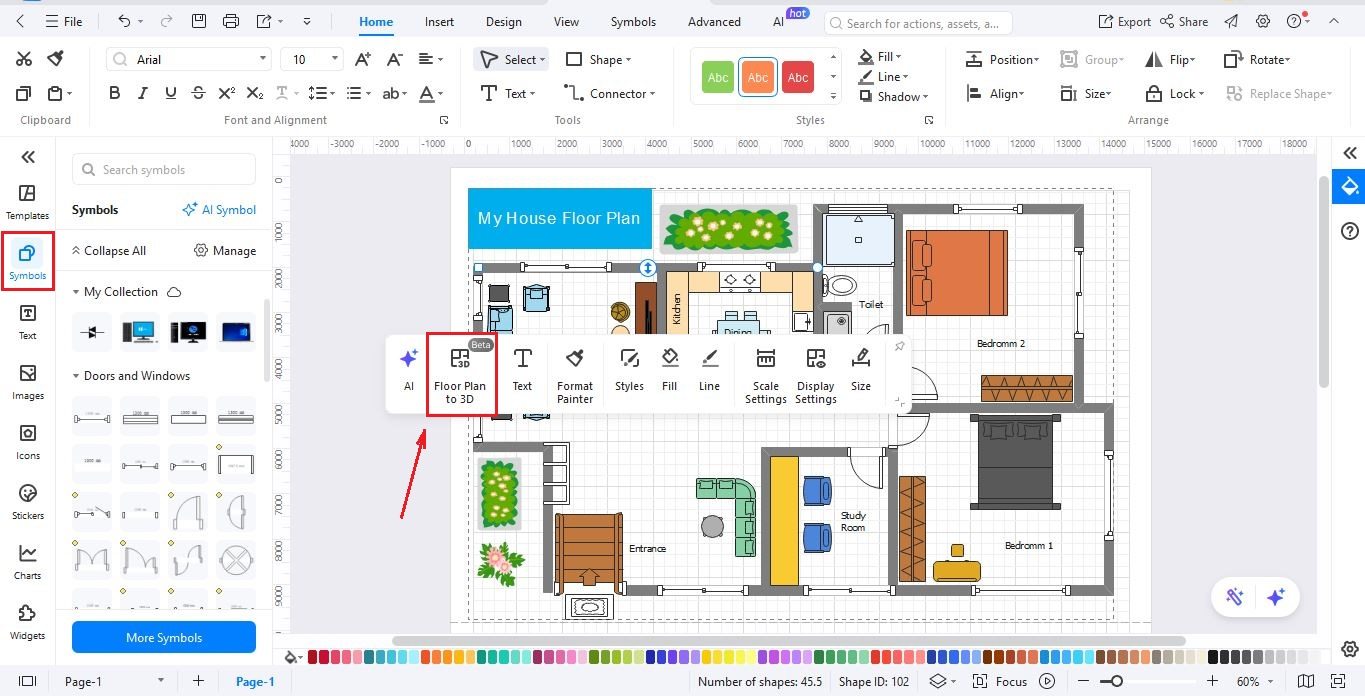
Turn your 2D sketches into detailed 3D floor plans in just one click. You can explore your space from every angle and understand how it will look in real life. Choose from different 3D styles, from a clean wireframe to a fully textured design. View your plan in a way that suits your needs.
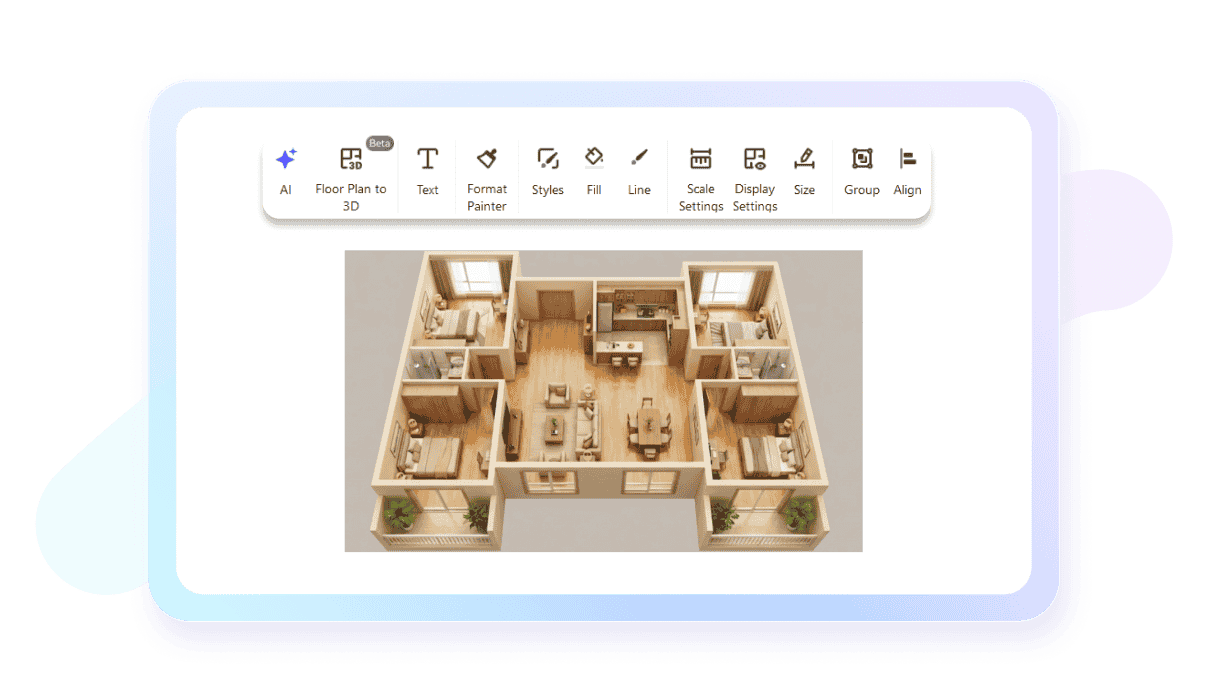
Once you are in 3D mode, you aren't stuck with a static image. You are free to modify the 3D floor plan just by clicking on the parts that you wish to change. Modify the text, edit wall height, or even rearrange furniture; all this is done to give you the most flexibility.
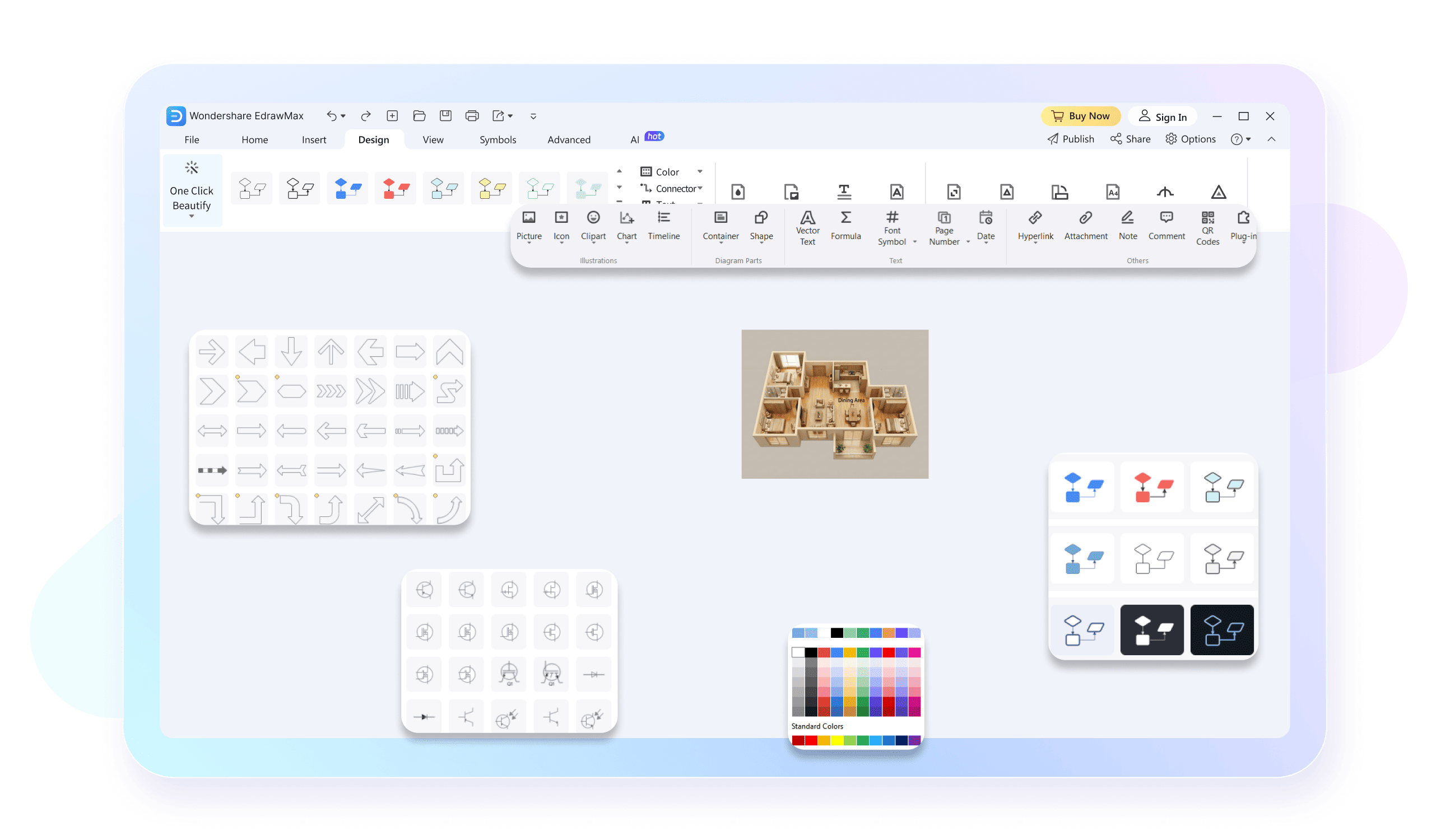
Furnish your house in no time. EdrawMax comes with a lot of kitchen, bathroom, bedroom and office symbols. All you need to do is drag-and-drop the desired symbol on your canvas. Make it look like real life by changing its size and color.
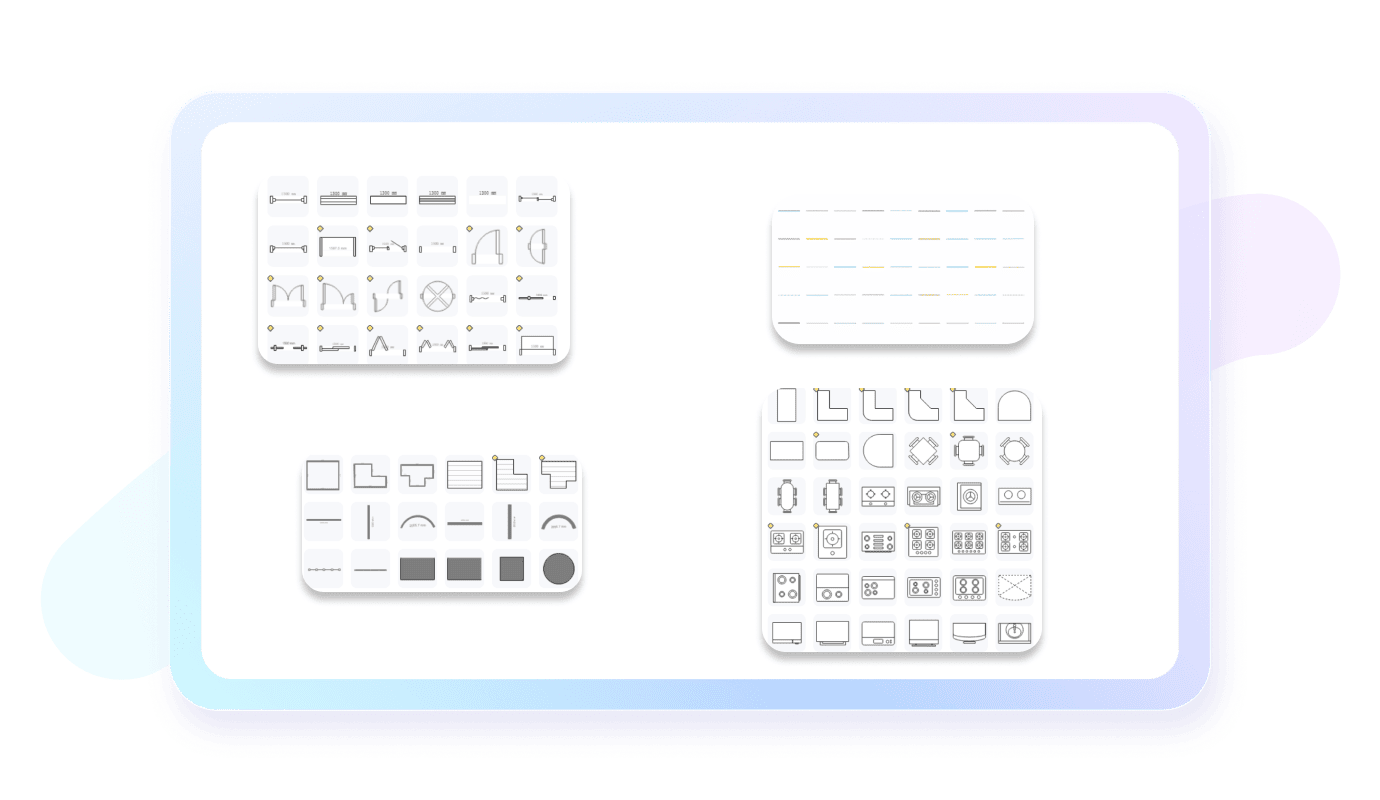
Create 3D floor plans on Windows and Mac computers, and then present them on mobile phones. EdrawMax makes sure that all your diagrams remain up to date regardless of which device you use at a given moment.

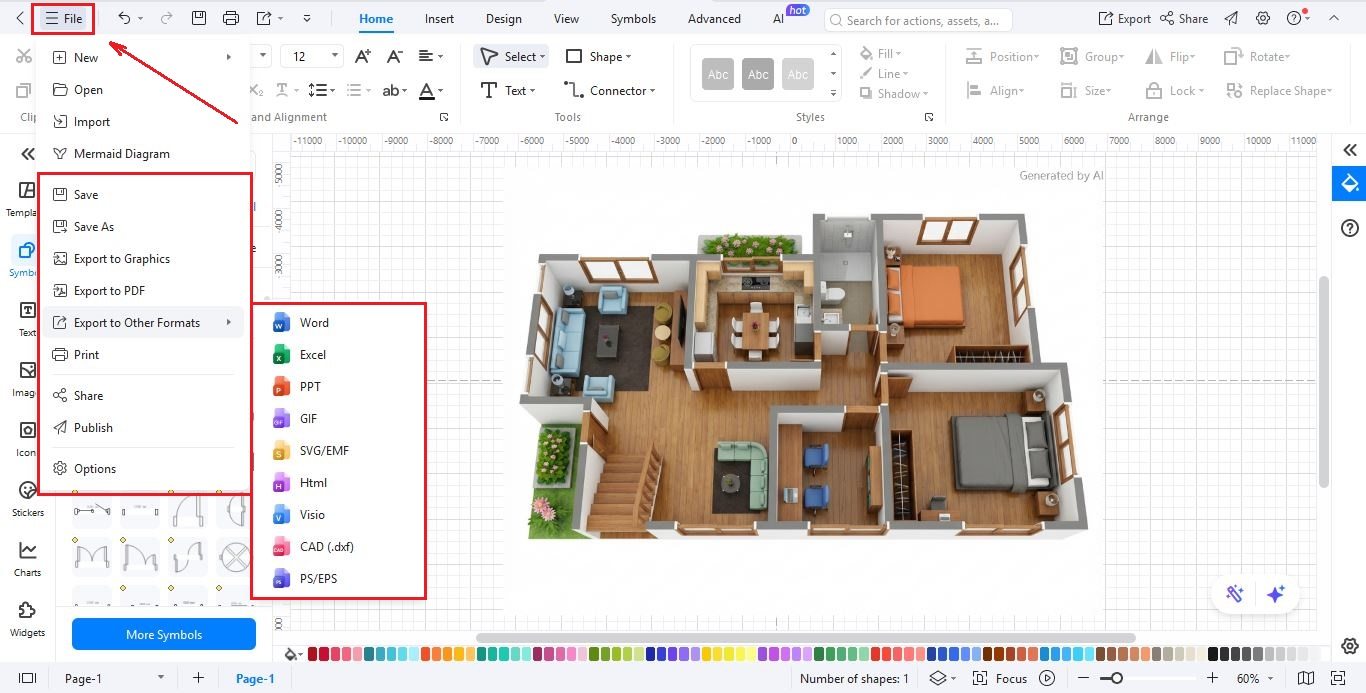
When your design is ready, it is time to share it. You can export your work in various formats, including CAD (DWG/DXF) for professional construction, or as a high-quality picture (PNG/JPG) for presentations. You can also save as PDF or SVG to ensure your team can see the plan on any software.

How to Make a 3D Floor Plan in 3 Simple Steps
What our users say

More 3D Floor Plan Tools
Discover more AI-powered diagram makers to boost your productivity.
FAQs About EdrawMax 3D Floor Plan Tools
-
What is a 3D floor plan?A 3D floor plan is a virtual model of a building's layout, viewed from a bird's-eye perspective. Unlike flat 2D sketches, it includes depth, height, and realistic details like furniture, flooring, and wall textures. This perspective helps people visualize the spatial flow and scale of a property much more effectively.
-
How does a 3D floor plan differ from a 2D one?While a 2D floor plan is a flat technical drawing showing dimensions and walls, a 3D version adds volume and realism. It allows you to see the height of objects and how light interacts with the space. This makes it easier for non-professionals to understand the finished look of a home.
-
What information do I need to provide to create a 3D floor plan?To create an accurate 3D floor plan, you typically need to provide a 2D sketch or blueprint with wall measurements. Including details like window and door placements, ceiling heights, and any specific architectural features is also helpful. The more information you provide, the more realistic and functional the final model will be.
-
What is the difference between a 3D floor plan and a virtual tour?A 3D floor plan is a static, bird's-eye view of the entire layout, whereas a virtual tour is an interactive experience that lets you "walk" through the rooms. While the floor plan provides a sense of scale and arrangement, the virtual tour offers a first-person perspective of the interior environment and finishes.
Learn about 3D Floor Plan
Stop drawing. Start describing.
AI diagramming isn't just text-to-diagram.
AI now understands any input, fetches live data, adapts through dialogue, and works everywhere.
 (AI & Web)
Free 3D Floor Plan templates from EdrawMax