Free 2D to 3D floor plan converter
Turn an editable 2D floor plan into a 3D view with EdrawMax. Start from a floor plan template or create a layout with walls, doors, windows, and room dimensions, then use the Floor Plan to 3D option to visualize the space. This workflow starts with an EdrawMax floor plan; uploading a scanned blueprint is not the same as automatic image-to-3D recognition.


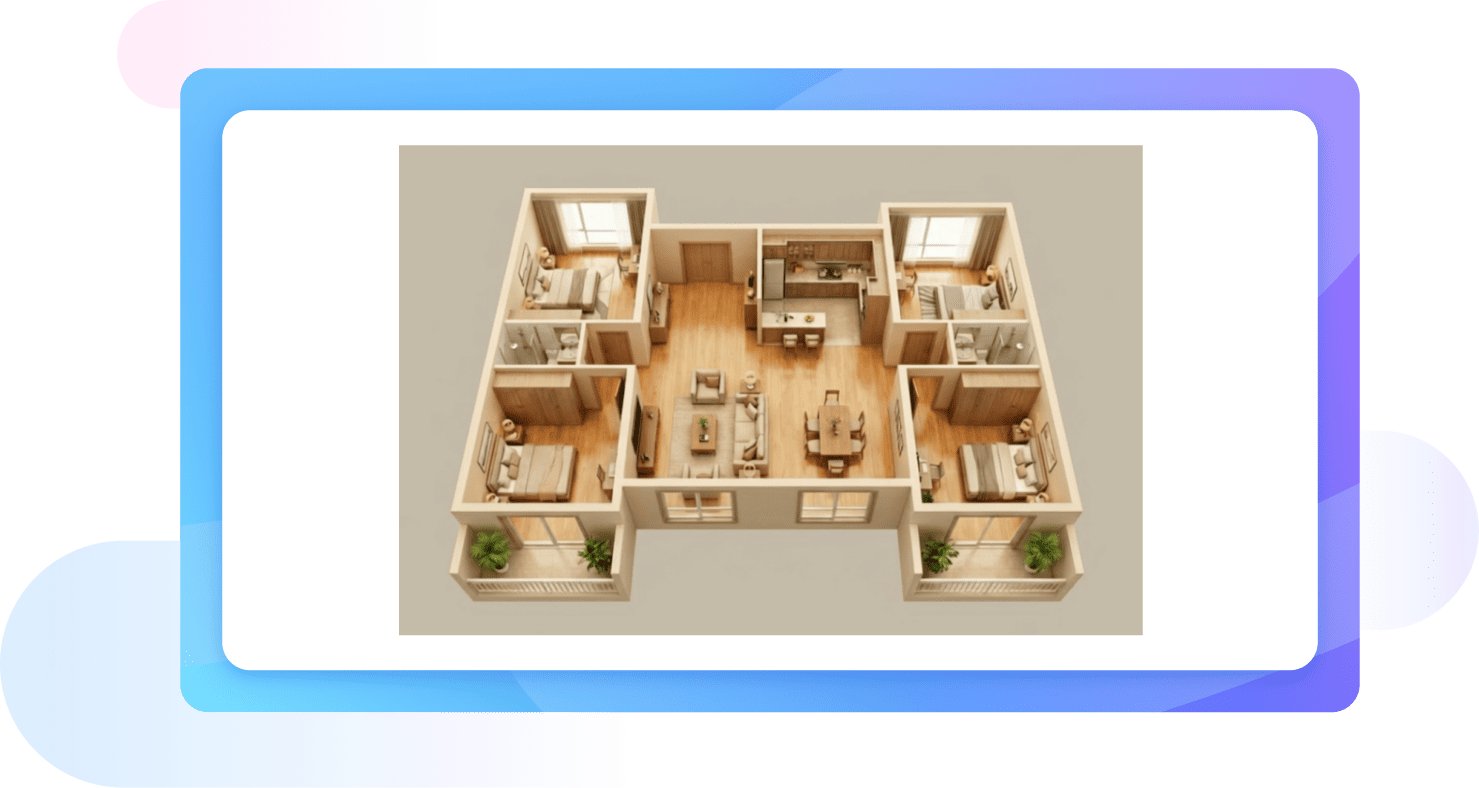
Transform your designs from 2D to 3D
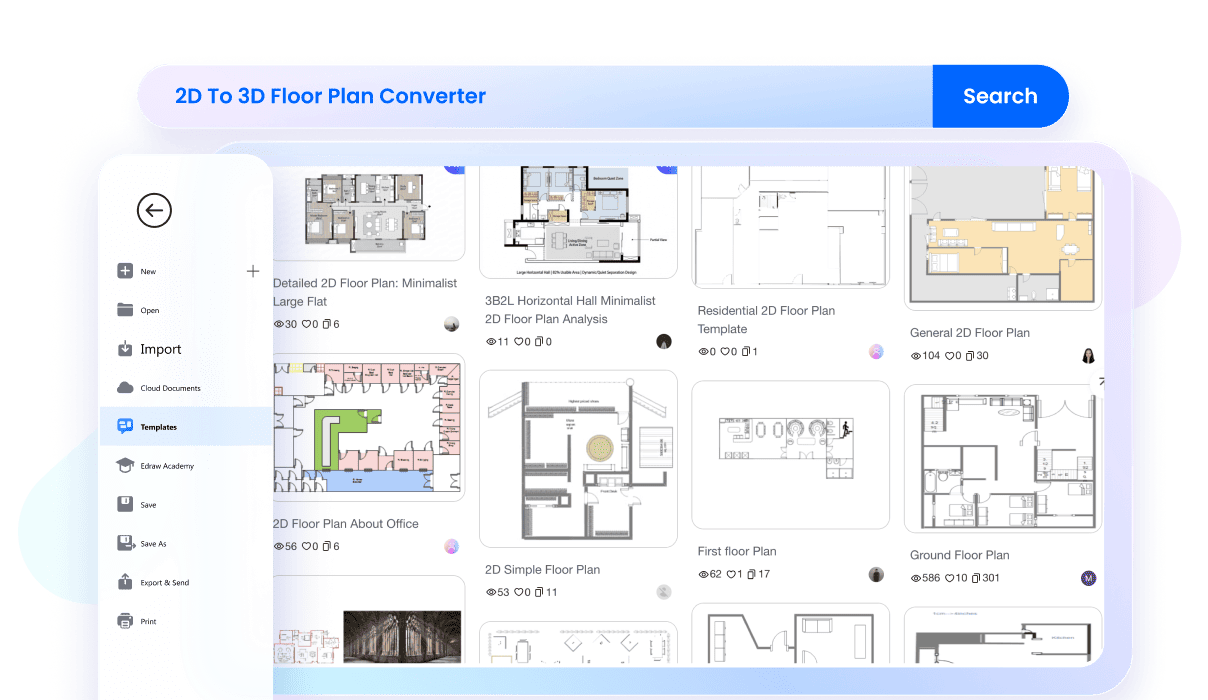
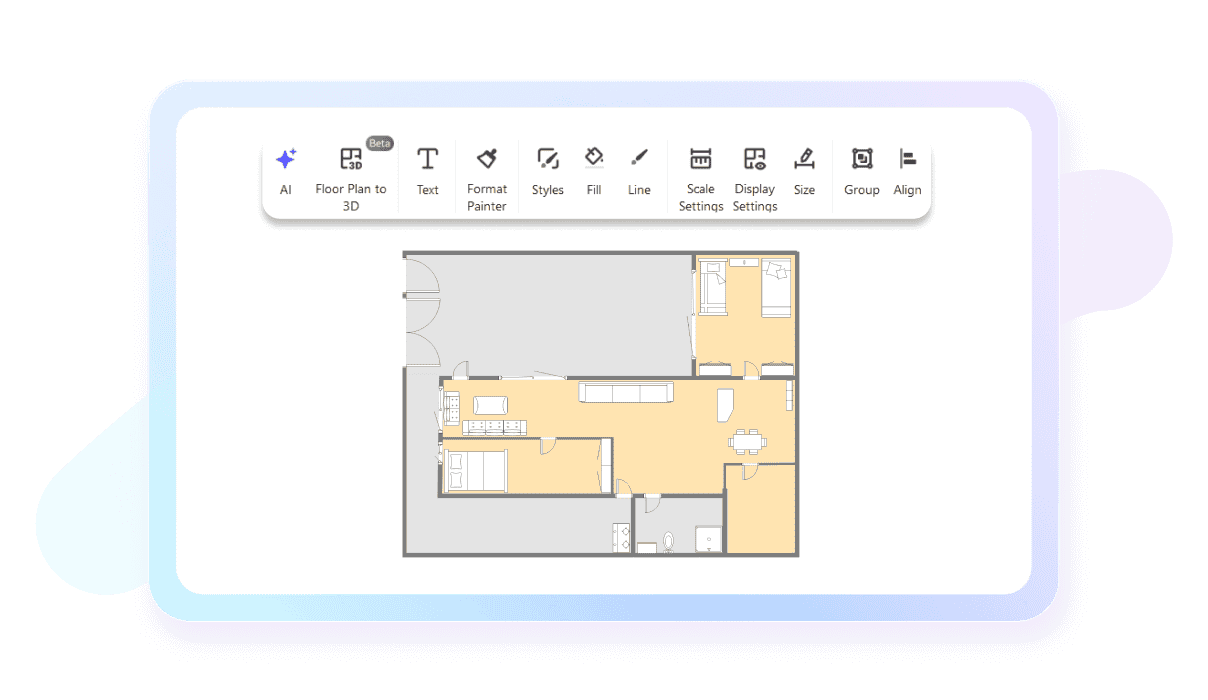
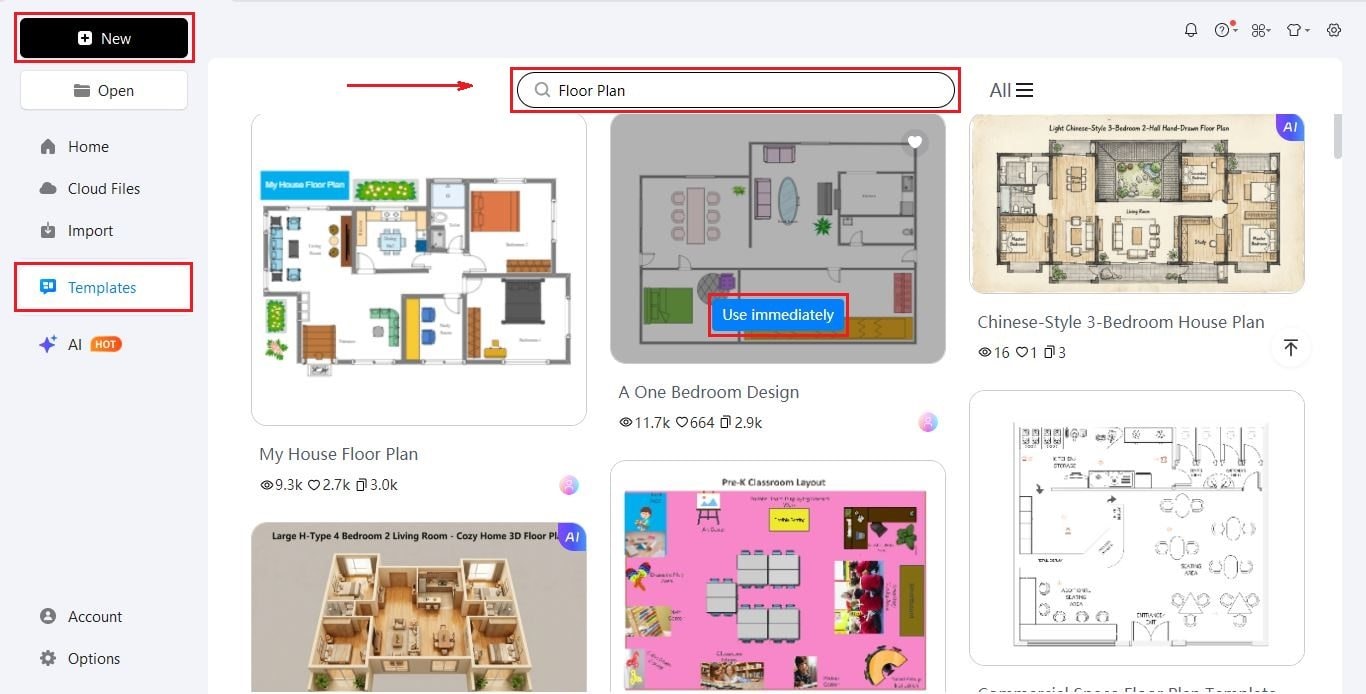
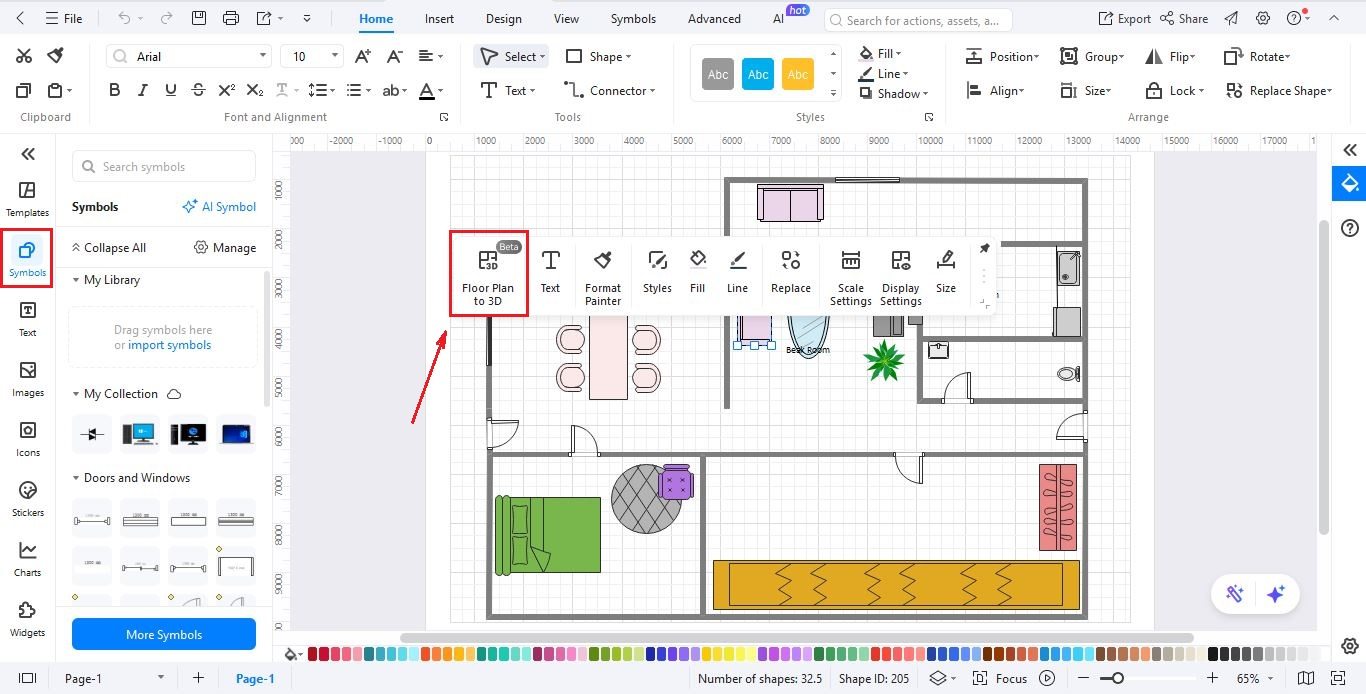
How 2D-to-3D conversion works in EdrawMax: Build or customize an editable 2D floor plan, check room sizes and openings, and select Floor Plan to 3D to preview the layout. Use a floor plan template if you need a starting point.
Before you begin: Make sure the wall layout and dimensions are correct in 2D. A 3D visualization is useful for presenting room relationships, but it should not be treated as a verified architectural or construction drawing.
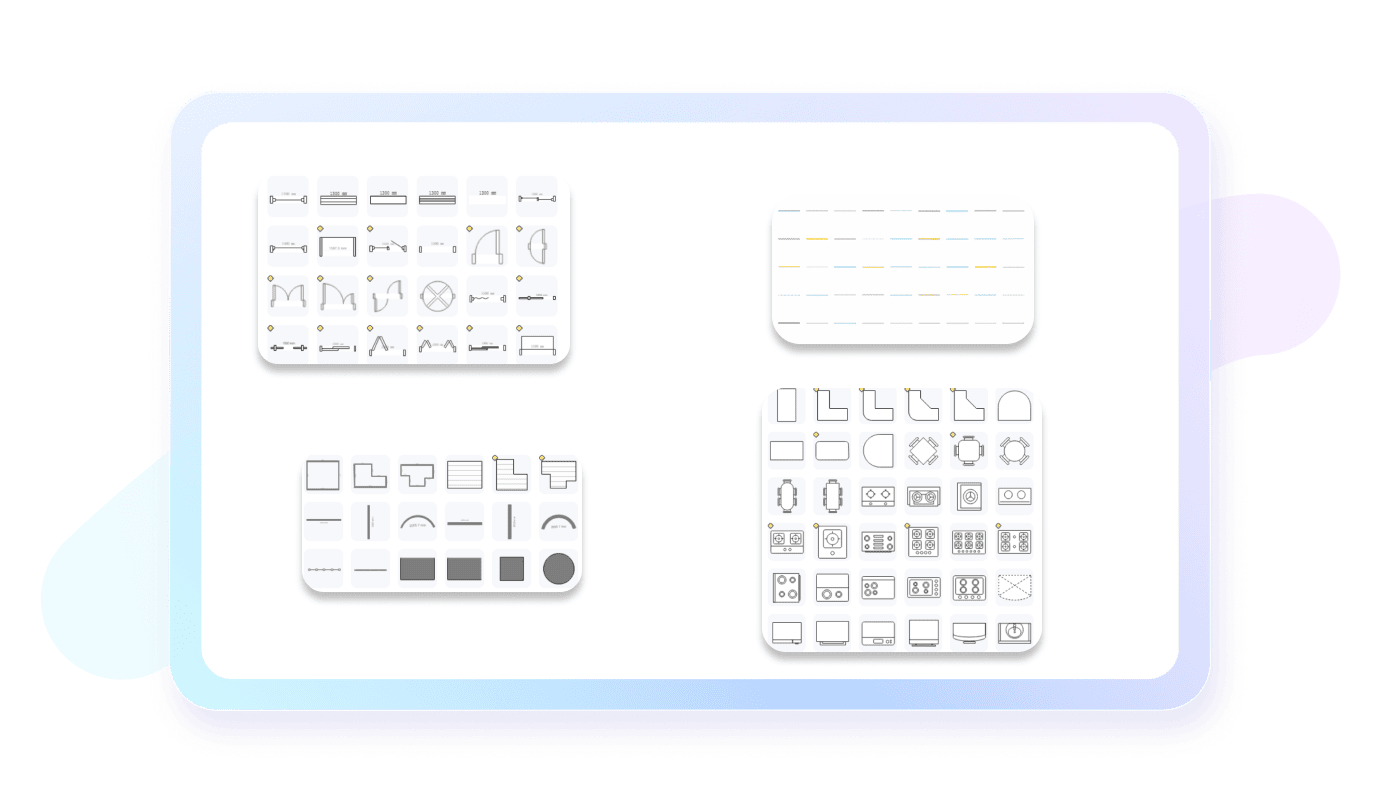


Why users choose EdrawMax?


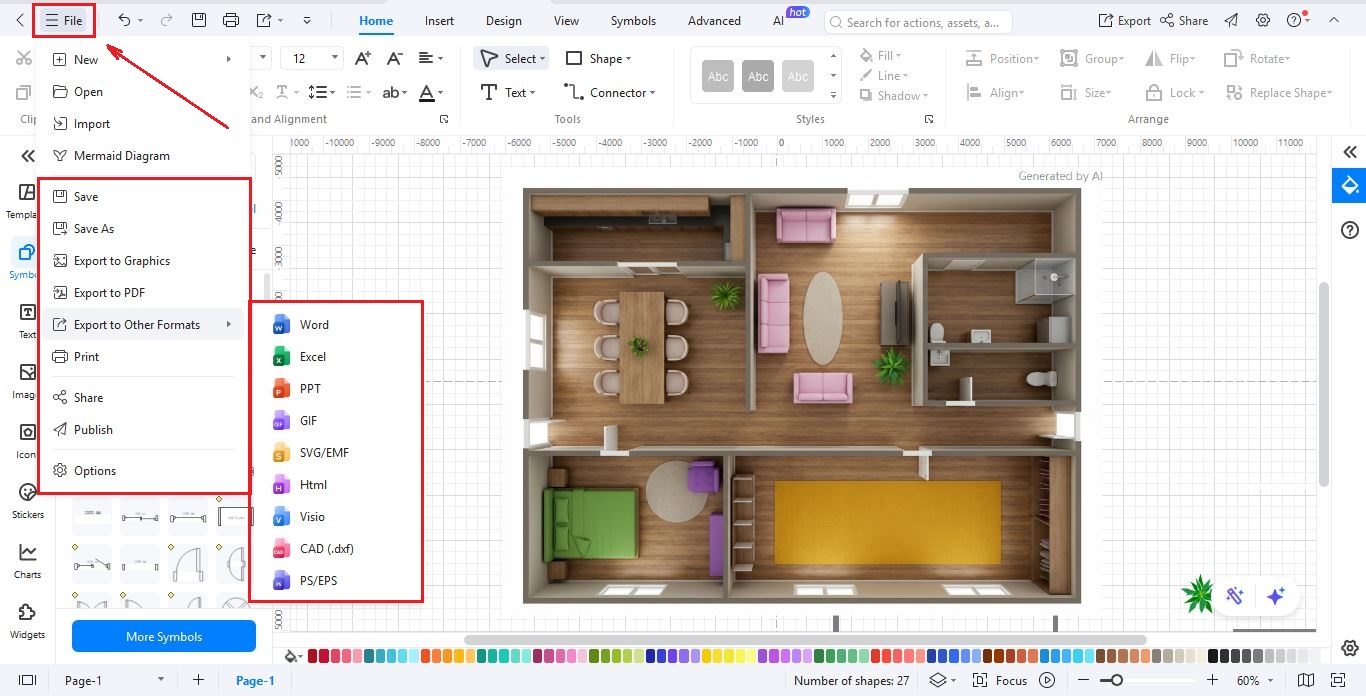
How to convert 2D to 3D in EdrawMax?
For the best result, confirm the 2D room dimensions first, then convert and review the 3D view. New to floor plans? Read how to make a floor plan, or explore the floor plan maker for the broader editing workflow.
FAQs about the 2D to 3D converter
-
Is the 2D to 3D conversion automatic?Yes. After you create or customize an editable 2D floor plan in EdrawMax, use the Floor Plan to 3D option to generate a 3D view. This does not mean that any uploaded image or PDF blueprint is automatically recognized and converted into an editable 3D model.
-
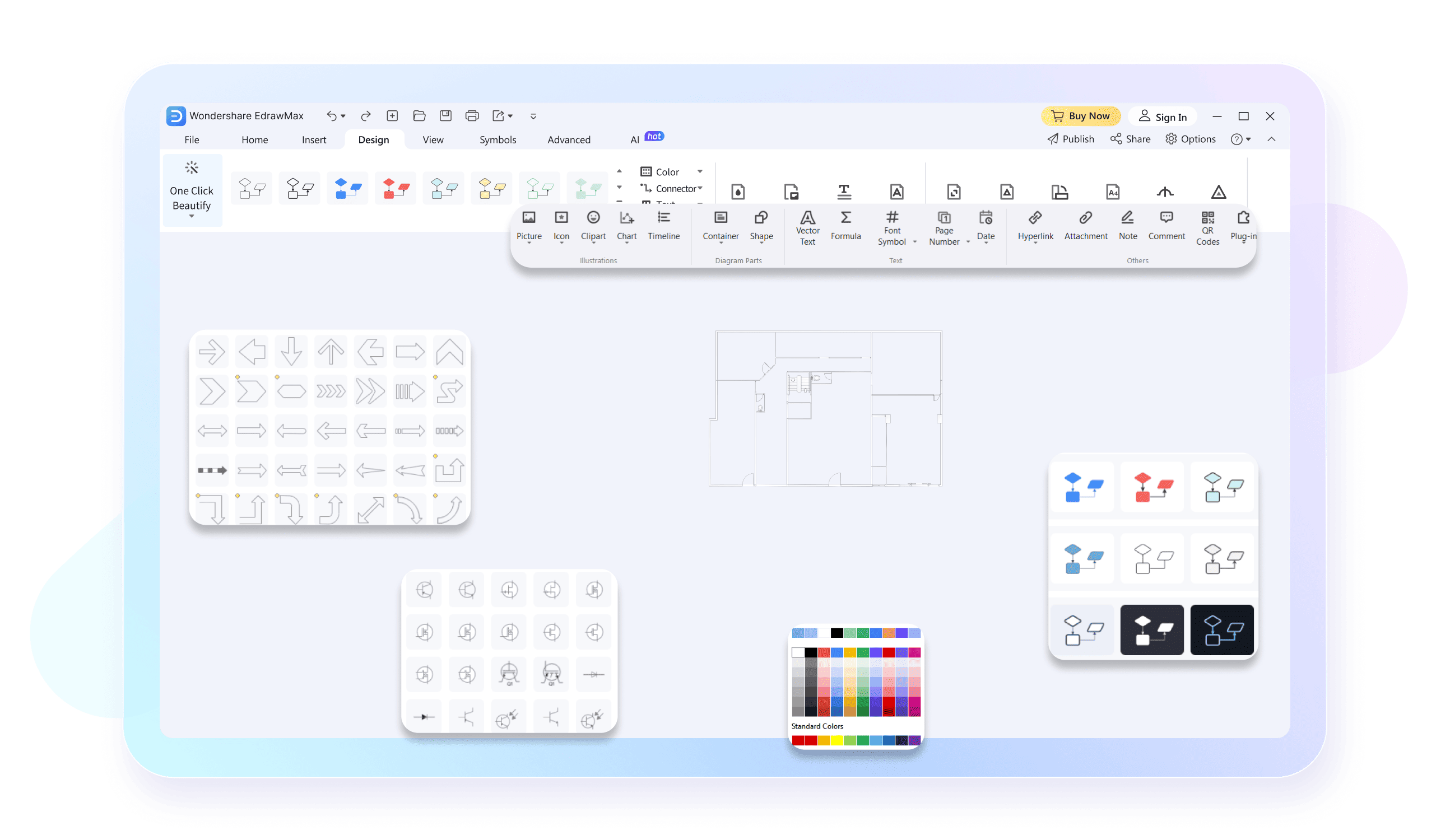
Can I choose different styles for the 3D view?Absolutely. The style is optional. You can view your plan as a simple architectural sketch, a colorful floor map, or a realistic 3D model with textures and lighting.
-
Does EdrawMax offer free templates for floor plans?Yes, we provide a large collection of free 2D templates for homes, offices, apartments, and even specialized spaces like restaurants or seating plans.
-
What formats can I export my 3D plan into?You can export your plans as CAD files (DWG, DXF) for engineering work, or as high-quality Pictures (PNG, JPG, BMP). You can also export to PDF, SVG, and Word/PowerPoint.
-
Can I edit the dimensions after converting to 3D?Yes. Return to the editable 2D floor plan to adjust measurements, wall positions, or room layouts, then review the updated 3D view. Check critical dimensions in the original 2D drawing before sharing the result.
Stop drawing. Start describing.
AI diagramming isn't just text-to-diagram.
AI now understands any input, fetches live data, adapts through dialogue, and works everywhere.
 (AI & Web)
3D Floor Plan Templates on EdrawMax