Free environment diagram maker
Explore environmental science through a free environment diagram maker. Drag and drop trees, animals, and climate icons to create a perfect snapshot of any ecosystem you can imagine.



Free templates & AI tool to to make environment diagrams
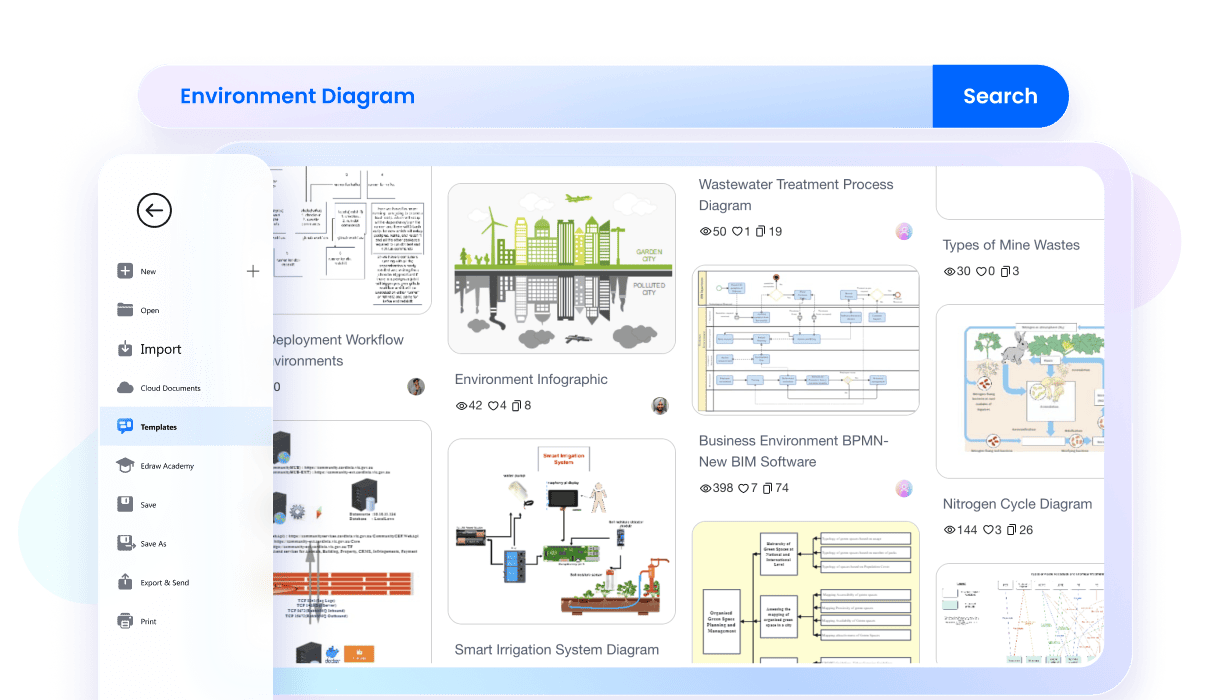
Professional templates
Do not start with a blank screen. Wondershare EdrawMax provides professional templates specifically for environmental science. You can quickly find layouts for water cycles, food webs, or climate patterns. Just pick a pre-made design and customize it to fit your data.
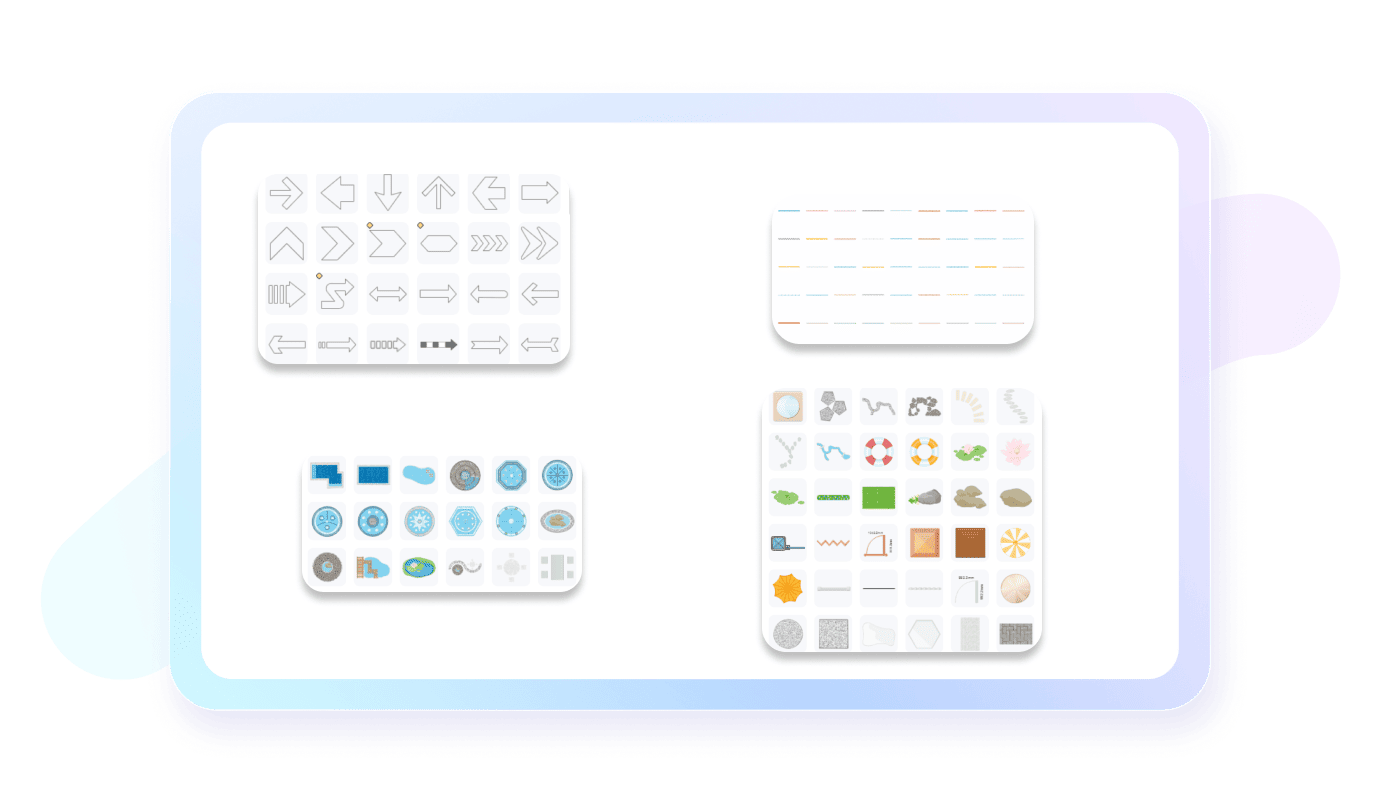
Specialized environmental symbols
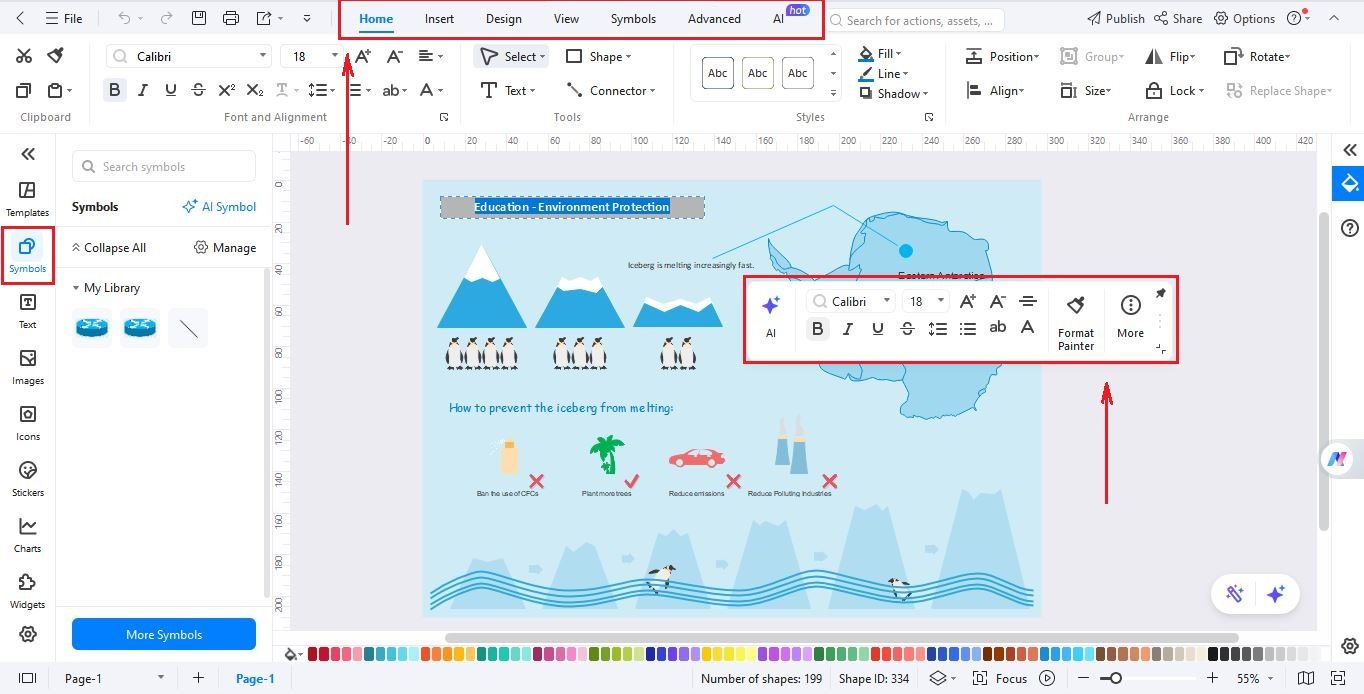
You don't need to be an artist to create environment diagrams. Make your school projects look great with our specialized environmental symbols. You can find everything from trees and animals to wind turbines and water icons in the EdrawMax’s symbol library. Just drag them onto your page and build a clear ecosystem map without doing any of the drawing yourself.
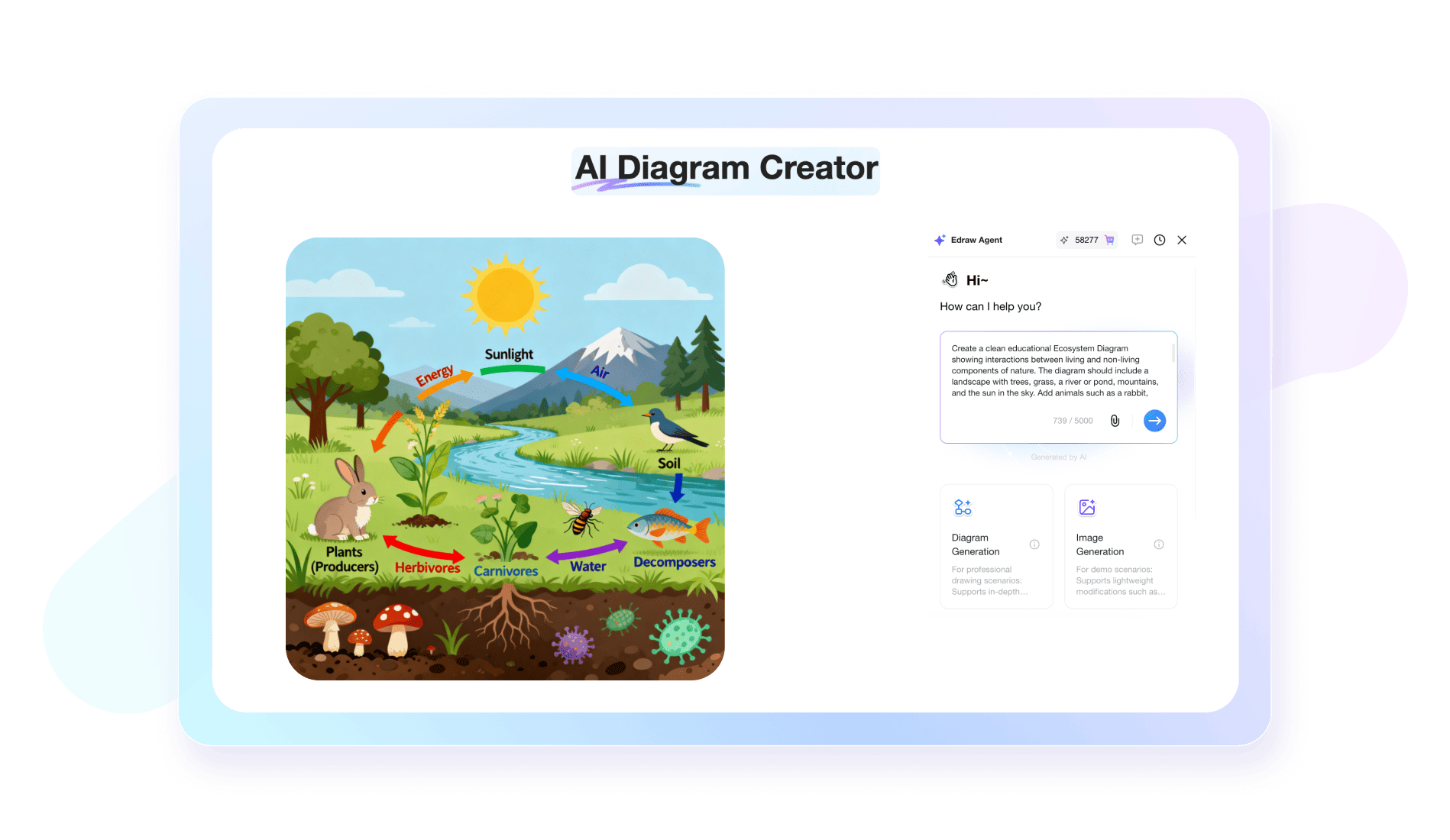
AI environment diagram Powered by Nano Banana Pro)
Accuracy is vital for any science project. EdrawMax uses scientific illustration (powered by Nano Banana Pro) to provide high-quality images of plants and earth elements. You can make a precise and professional environment pollution diagram that is ready for school work or presentations without any extra effort.
Real-time collaboration
Environmental research is usually a team effort. EdrawMax allows your whole group to work on the same environment diagram at the same time through the cloud. You can leave comments and fix your visuals together in real-time. It is the perfect tool for students and remote research teams.

Multi-format export
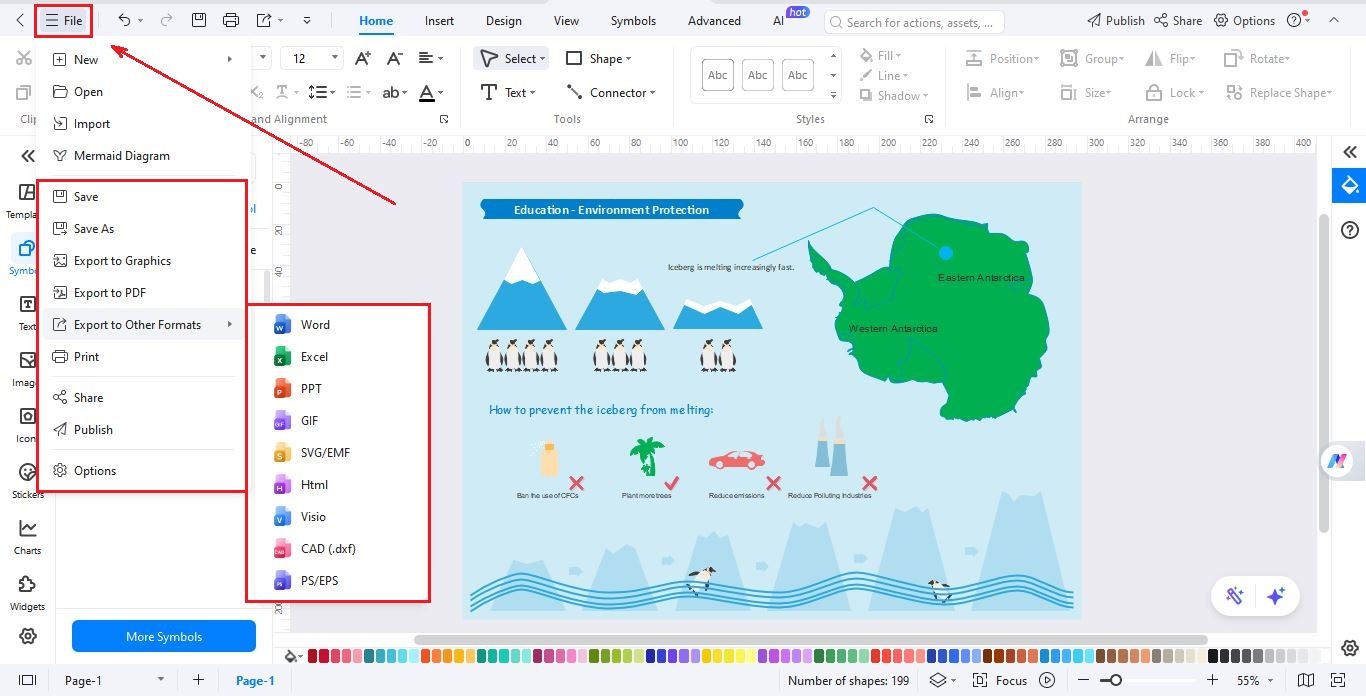
Once your diagram is finished, sharing it is very simple. Export your work as a high-quality PDF, image, or PowerPoint slide. Print directly for class assignments or share a link with your team. You can also present your chart in slideshow mode without even switching apps.

Why users choose EdrawMax?

Precise in design
EdrawMax offers various high-precision features like
auto-aligning for accurate designs, ensuring both visual
appeal and functional efficiency in various spaces.

Intuitive and beginner-friendly
EdrawMax's user-friendly interface and intuitive design
tools make floor planning accessible to all, from
experienced architects to first-time users, fostering
creativity and turning visions into reality effortlessly.

Affordable and cost-effective
EdrawMax's free version and flexible paid plans make it a
cost-effective choice, allowing efficient resource
allocation and empowering users to create intricate floor
plans without high cost.

Efficient and time-saving
EdrawMax streamlines floor planning with robust features
and vast library of templates and symbols, saving time for
architects, designers, and homeowners to bring ideas to
life promptly.
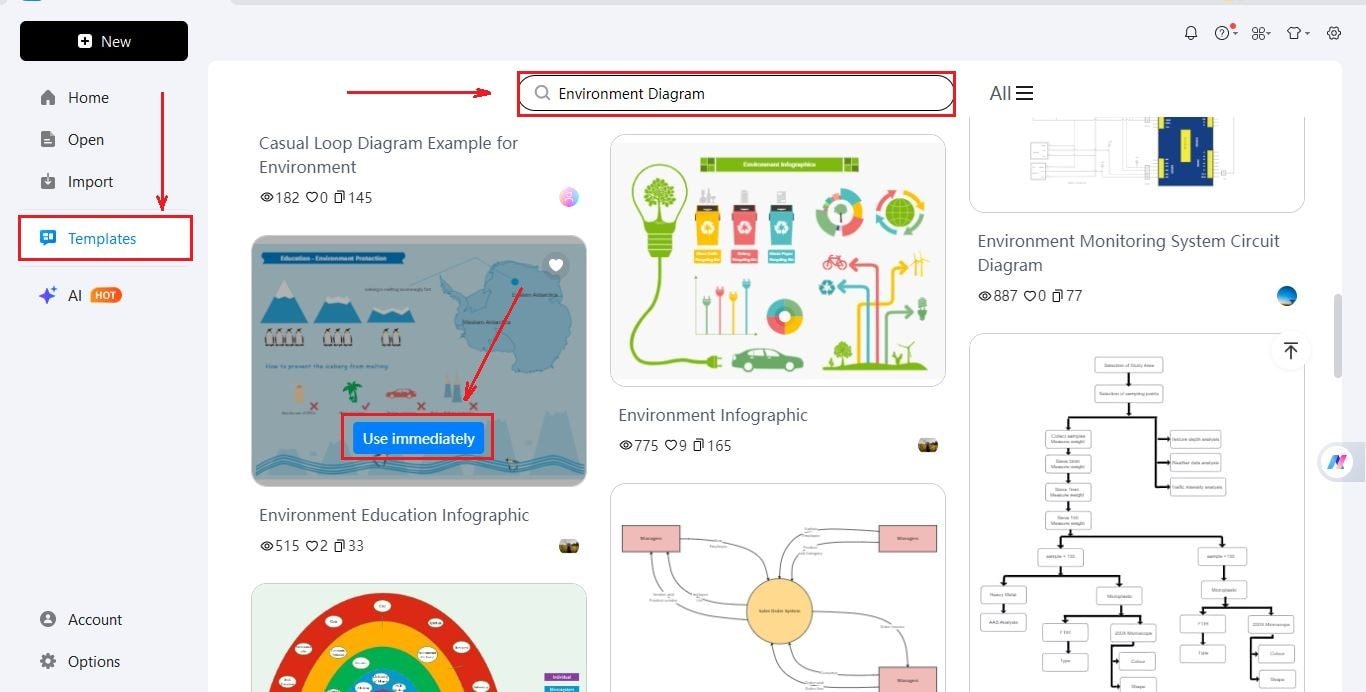
How to make a environment diagram using EdrawMax?
FAQs about environment diagrams
-
What is an environment diagram?An environment diagram is a visual tool used to track the state of a computer program during execution. It maps variables to their values and illustrates how functions interact with different scopes. By representing frames and bindings, it helps programmers understand how data is stored and accessed throughout a script.
-
What are the main components of an environment diagram?The primary components include the Global Frame, local frames, and the heap. The Global Frame stores top-level variables and function names, while local frames are created when functions are called. The heap contains objects like lists or dictionaries, which are referenced by variables within the frames for visual clarity.
-
How is a new frame created in an environment diagram?A new frame is created whenever a function is called. This frame includes a label, a return value, and a parent link pointing to the environment where the function was defined. It stores local variables and parameters specific to that call, ensuring that execution remains isolated from other scopes.
-
What does the "parent" link signify in a frame?The parent link indicates the environment where a function was originally defined, rather than where it was called. This is crucial for lexical scoping, as it tells the program where to look for variables if they are not found within the current local frame during the code evaluation process.
-
What is the difference between the Global Frame and a local frame?The Global Frame is the starting environment that exists throughout the entire program's life, holding global variables and functions. Local frames are temporary; they are created when a function is invoked and disappear after it returns. Local frames always link back to a parent, eventually leading to the Global Frame.
-
What is an environment diagram maker?An environment diagram maker is a software that is used to draw graphical representations of ecosystems, pollution, and energy flow. It helps students, teachers and professionals to understand complicated environmental relationships without drawing everything manually.
Stop drawing. Start describing.
AI diagramming isn't just text-to-diagram.
AI now understands any input, fetches live data, adapts through dialogue, and works everywhere.
 (AI & Web)
Environment diagram templates on EdrawMax