




Printed circuit boards are the core of modern electronics, and KiCad has gained popularity as a tool to design them. It is an adaptable tool and has a huge community. Still, it isn't flawless. With the increase in the project, users may experience problems such as the absence of advanced features, incompatibility, or collaboration problems.
These loopholes force users to seek the best KiCad alternatives that can support particular projects and processes. When it comes to making the right choice, it is all about what you want your design tool to do. Some users wish to have better automation, whereas others desire a more user-friendly interface. That’s where KiCad alternative software comes in.
Here you will find the most popular ones, their advantages, and suitable use cases. Let’s check out the list!
In this article
Factors to Consider Before Choosing a KiCad Alternative
While searching for free KiCad alternatives, you should look into the following elements:
User Interface and Ease of Use
The design tool must not seem like a barrier. An easy-to-follow layout and friendly shortcuts are time-saving in any project. Novices usually want a tool that guides them step-by-step; meanwhile, experienced individuals prefer to use software that can make fast adjustments without lagging. The appropriate balance in this case minimizes errors and assists thoughts in turning into actual boards quickly.
Advanced PCB Design Features
Not all projects are the same. Some require powerful simulation tools, a 3D display, or a fast design check. Others just need simple schematic generation. Picking a KiCad alternative with features that match your project scope prevents you from switching later. You should never forget to consider the needs of your present and future projects.
File Format Support and Compatibility
It is important to have a smooth file exchange. You might need to submit designs to customers, suppliers, or colleagues. Poor file support can frequently cause delays, additional conversions, and even data loss. This is important to check before picking a new software.
Update Frequency and Long-Term Reliability
Software that does not become better with time can become obsolete soon. Frequent updates will guarantee higher stability, security, and access to new features. By considering the frequency of updates and the reliability of the development team, you can select an option that will not leave you alone with outdated technology in the midst of urgent projects.
Top 10 KiCad Alternatives
EdrawMax
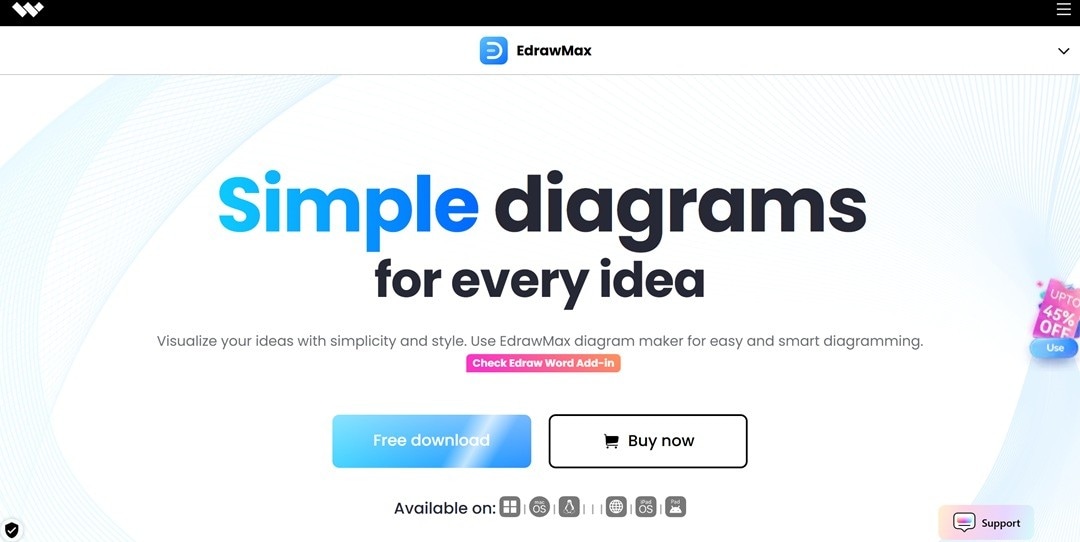
EdrawMax takes the top position among the best KiCad alternatives. It supports various types of diagrams. You get to make electrical schematics, circuit diagrams, and wiring layouts. You can use its humongous symbol library to add resistors, transistors, and ICs in your project. It offers multi-platform accessibility. You can work on desktop, web, and mobile.
 Get 500 free AI tokens
EdrawMax also provides exporting options such as PDF, SVG, and Visio. This enables the design to be shared and reused easily. The combination of symbols, templates, and compatibility makes it a good choice for a user looking for a flexible KiCad alternative software.
My Verdict
EdrawMax is the kind of tool I would recommend to anyone who values flexibility without getting stuck in complicated workflows. The broad support of symbols and export options makes it reliable when it comes to design work in a circuit. Moreover, the ease of cross-platform usability is a real bonus.
EasyEDA
EasyEDA is an online PCB design system that is linked to the supply chain. It facilitates schematic capture across 500-plus sheets to 100,000 pins. You get PCB layouts containing over 10,000 pads. The tool provides real-time 2D and 3D display, as well as Gerber display inspection.

My Verdict
EasyEDA integrates design, supply chain, and manufacturing in a single location. I enjoy that it decreases the time between circuit drawing and ordering PCBs. It may be complicated initially, but the integration and scale are what make it a powerful KiCad alternative.
Altium Designer
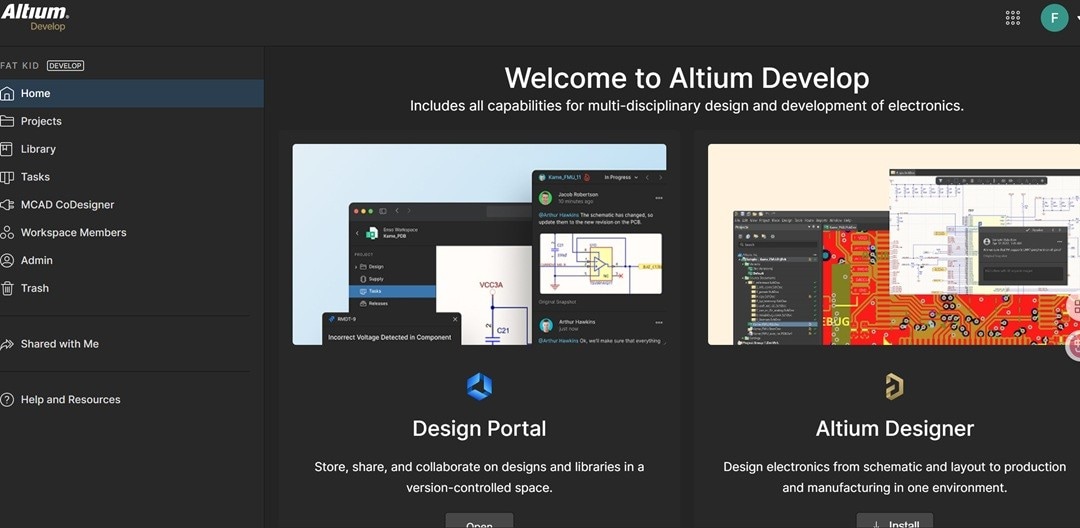
Altium Designer is an all-inclusive PCB design solution that performs schematic capture, layout, simulation, and manufacturing deliverables in the same environment. It provides sophisticated routing engines, complex net constraint management, and fast design support. Its capabilities, such as interactive 3D routing, HDI design, and multi-board system creation, provide the necessary ability to handle modern electronics.
My Verdict
Altium Designer is a powerful and challenging tool. I view it as an ideal solution for businesses and advanced users that require accuracy and teamwork on a larger scale. It can be overwhelming to novices, but its features are unsurpassed when it comes to advanced PCB work.
Autodesk Eagle
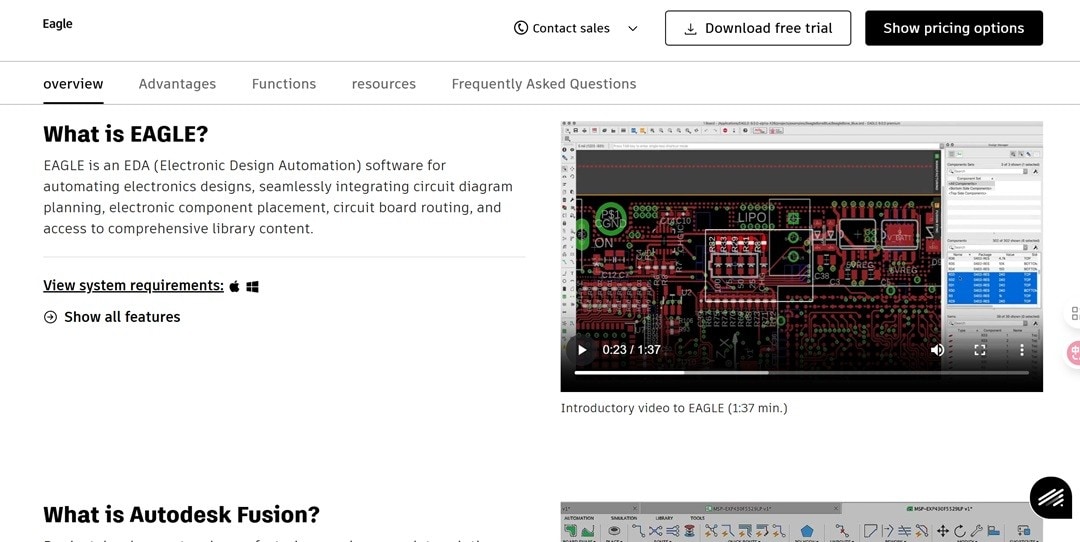
Eagle is an EDA system with schematic capture and PCB layout that is part of Autodesk Fusion. It facilitates multi-sheet schematics, hierarchy, and a wide range of electronic component libraries. The software provides enhanced routing features such as differential pair routing and length tuning, which are of great importance to high-speed boards.
My Verdict
Autodesk Eagle is most appropriate for users seeking potent PCB functions with mechanical integration. I appreciate the fact that it integrates with Fusion 360. Although a subscription system and ecosystem lock-in may be a disadvantage to people who are fond of individual tools.
OrCAD
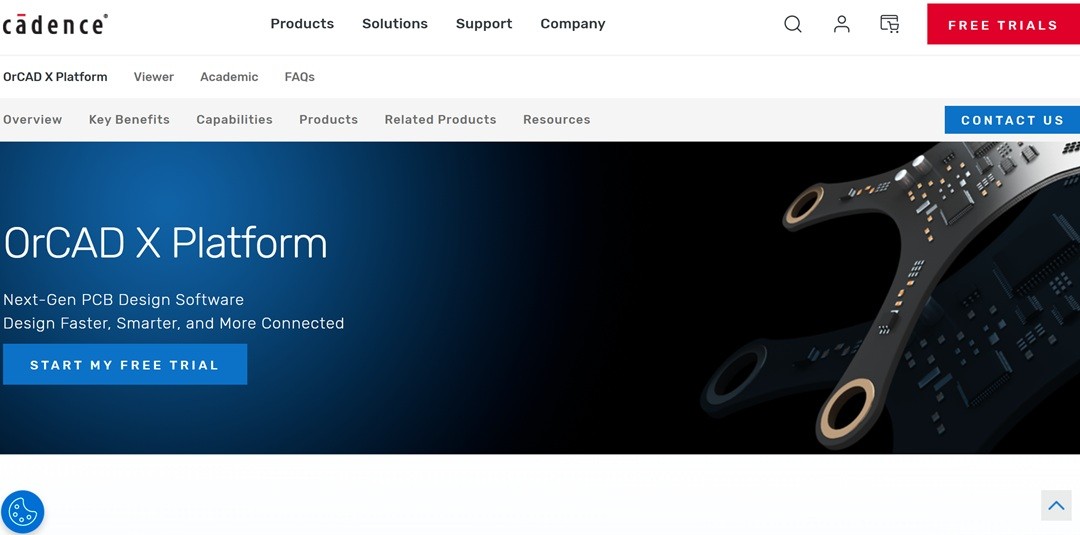
OrCAD X integrates schematic capture, PCB layout, and simulation in a unified workflow. It has PSpice mixed-signal simulation embedded in the schematic tool. Its constraint manager keeps both schematic and layout design rules in sync. Real-time BOM analysis extracts part data from suppliers. The PCB editor has on-board routing, layer stack, and 3D board previews.
My Verdict
What I like about the OrCAD is that it brings simulation, layout, and manufacturability together in a single environment. Personally, I believe that its price and complexity make it impractical with smaller teams. However, in industries where errors are monetized, OrCAD is worth the money.
DipTrace
DipTrace is designed to support simple and sophisticated multi-layer boards. Its power is in its comprehensive libraries. You get more than 160,000 packaged parts, which are ready to use. The tool aids in real-time design rule checks and push-and-shove functions that maintain layout accuracy.

My Verdict
DipTrace is a suitable product for engineers who require powerful routing and simulation, but are not willing to delve into the depths of top-end EDA suites. I think its pricing model is tricky when it comes to large projects, but with mid-size boards, it provides a good value.
CircuitMaker
CircuitMaker is a free PCB and schematic tool developed by Altium. It has no restrictions on the number of layers or board space. Every design becomes public by default in the Community Vault. It helps in the hierarchical schematics, real-time rule checks, differential pair routing, and STEP exports to 3D modeling.

My Verdict
CircuitMaker is the best option when you desire extensive EDA features at no cost. In case the need to be seen publicly or reliance on the internet is a deal-killer, then it might not be the right fit. It's a fantastic alternative for makers and students who do not require closed designs but want to have powerful features.
Proteus
Proteus is a PCB design and high-tech simulation. It enables testing of microcontrollers, embedded systems, and complete circuits before prototyping. The library includes over 15 million parts, which can be used to prevent duplicates and mismatches. The VSM module is written directly on boards such as Arduino, Raspberry Pi, and ARM processors.

My Verdict
I like the way Proteus combines PCB design with real-time simulation. Its licensing price is expensive. However, when dealing with microcontrollers and IoT, it saves time by reducing hardware cycles.
Fritzing
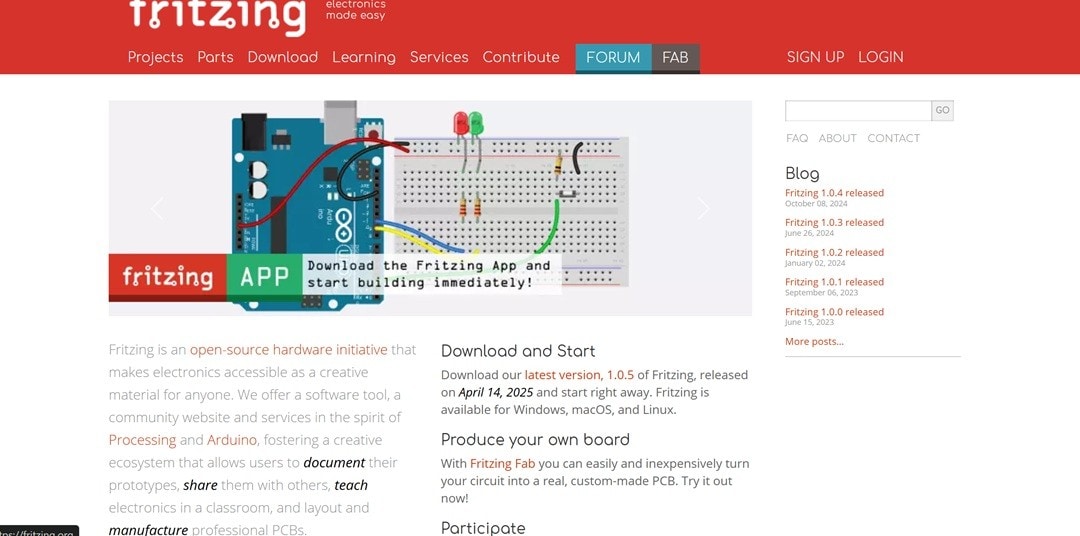
Fritzing is an open-source software that is used to document electronics prototypes as well as create PCBs. It has three primary design views: breadboard, schematic, and PCB layout. These assist users in transitioning from an idea to production with ease. The built-in editor allows you to create and modify parts in case they are not in the library.
My Verdict
Fritzing is not a typical EDA engine, but rather a middle ground between tinkering and actual PCB design. It's good for teaching and rapid prototyping. It is not a high-technology engineering board, but it does the job of converting classroom projects or hobby circuit boards to real boards.
Upverter
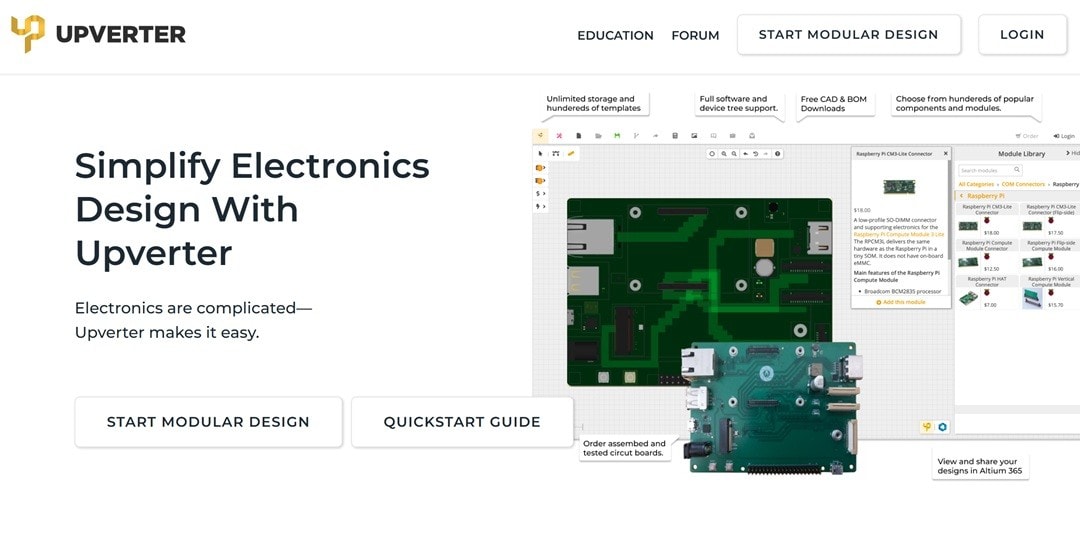
Upverter is a cloud-based modular design tool by Altium. It is completely web-based and supports drag-and-drop circuit creation. You get ready-made templates to start with. The library contains hundreds of tested elements, and it can create custom designs. It has a 3D preview, which allows you to see boards in real-time and share them to get reviews.
My Verdict
Upverter is made to be fast and easy. Its templates and drag-and-drop design reduce hurdles for new designers and educators. When the boards are more complex and high-end, they might not be up to the mark. However, in the case of fast prototyping and teaching, it is efficient and practical.
Comparison of 10 KiCad Alternatives
| Tool | Strengths | Platform | Output Quality |
| EdrawMax | Allows multipurpose diagramming. Presents AI-powered features | Windows, macOS, Web, Linux | 5/5 |
| EasyEDA | Integration with the LCSC & JLCPCB supply chain | Web, Windows, macOS | 4.5/5 |
| Altium Designer | Unified platform with high-speed & multi-board PCB | Windows | 3.5/5 |
| Autodesk Eagle | Fusion 360 integration & SPICE simulation | Windows, macOS | 4/5 |
| OrCAD | Built-in PSpice & real-time BOM checks | Windows | 3/5 |
| DipTrace | Push-and-shove routing + 3D STEP export | Windows, macOS | 3/5 |
| CircuitMaker | Unlimited layers & board size, open project vault | Windows | 4/5 |
| Proteus | VSM simulation (Arduino, ARM, Raspberry Pi) | Windows | 4/5 |
| Fritzing | Breadboard view + Fritzing Fab PCB service | Windows, macOS, Linux | 4/5 |
| Upverter | Drag-and-drop modular design + fab integration | Web-based | 3/5 |
Final Thoughts on KiCad Alternatives
Printed circuit boards require tools to suit the size of your ideas and the specifics of your process. While KiCad remains a strong open-source option, many users discover gaps once their projects become larger or more complex. And there the list of the best KiCad alternatives comes in handy.
All of these tools have their advantages, be it the EasyEDA’s direct link to manufacturing or Proteus with its embedded simulation. Among them, one worth trying is EdrawMax. If you want to have flexible diagramming, a solid symbol library, and effortless sharing, EdrawMax is your tool to go for.
With this mix of KiCad alternative software, you have a free hand to decide which tool is best for your project. Don’t leave it to guesswork. Try them, compare the results, and pick the best one!
AI Diagram Generator
Enter your prompt. Upload files if needed. Generate diagrams, charts, or slides instantly.





 (AI & Web)