Free AI-powered presentation maker
Create stunning presentations in minutes with our innovative AI presentation maker. Transform your ideas into captivating slides effortlessly!
Why Use EdrawMax AI-powered Presentation Maker?
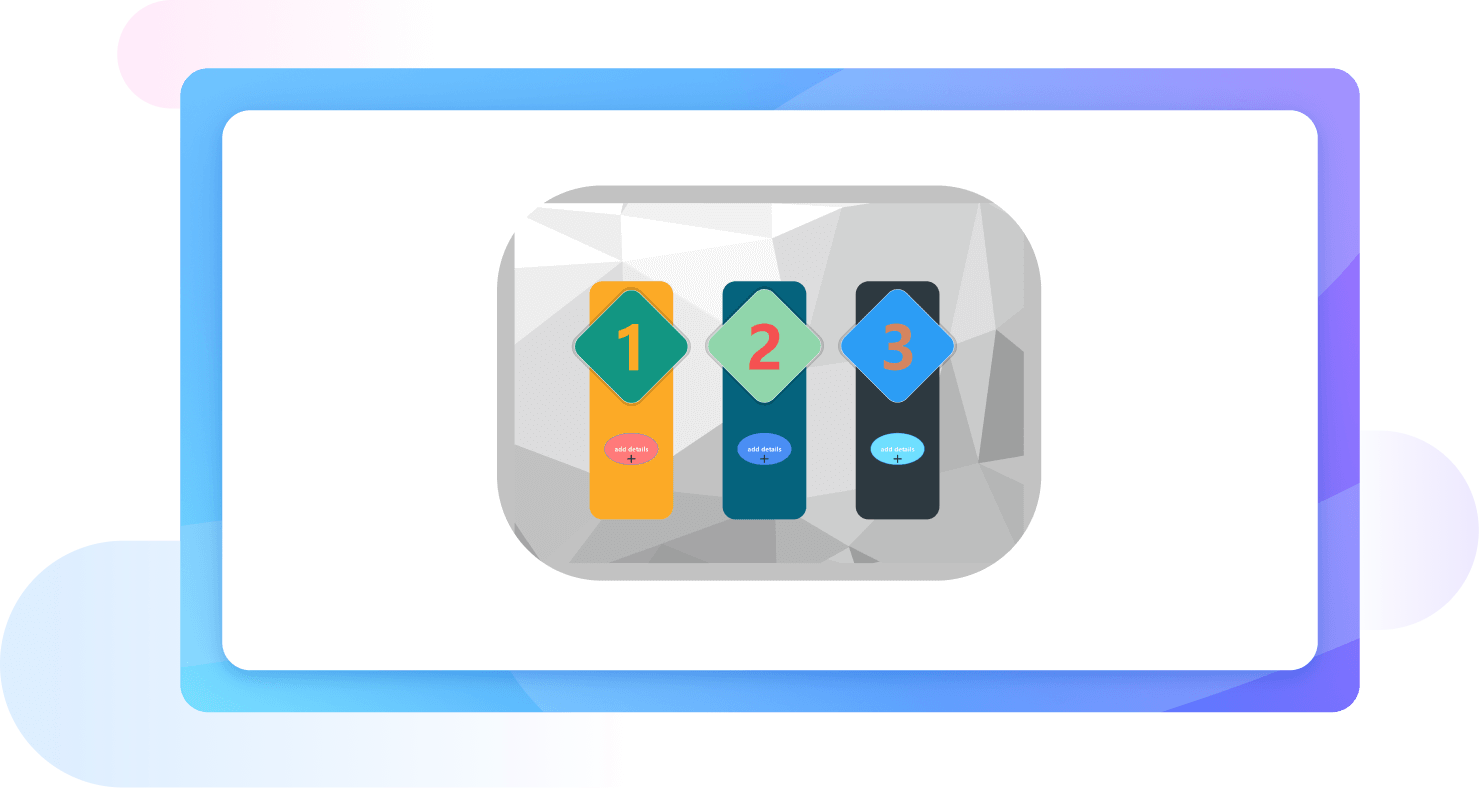
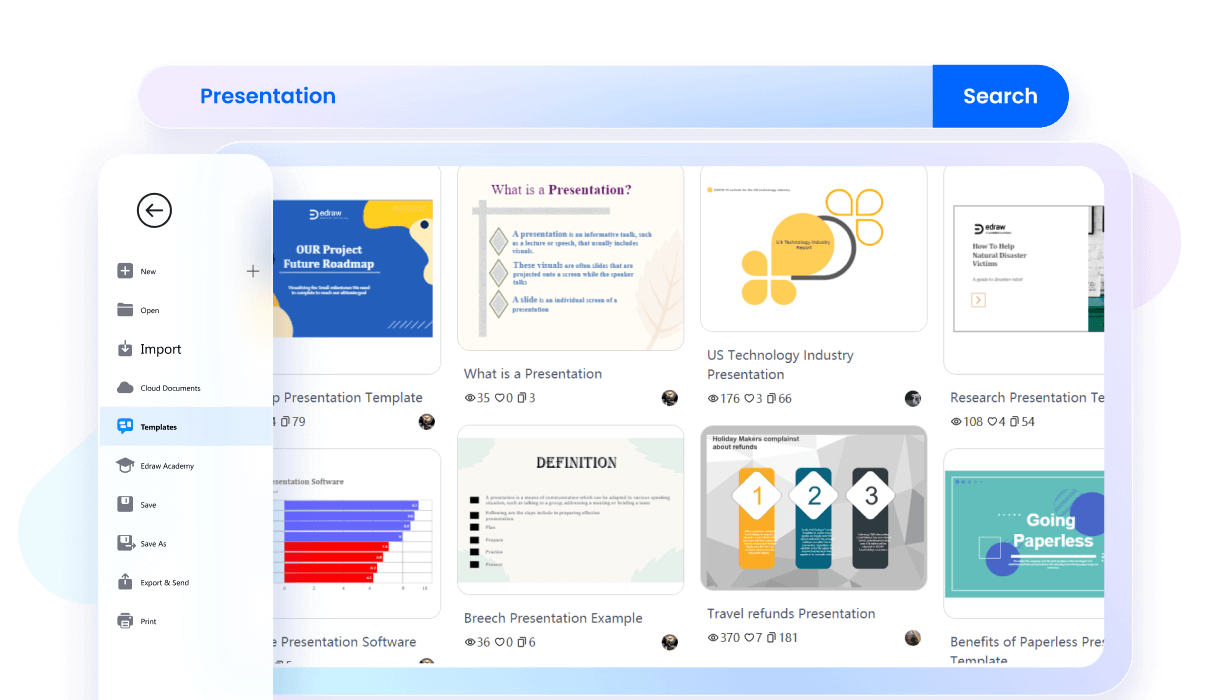
EdrawMax's ai-powered presentation maker offers an extensive library of templates customized to various needs. Whether you're creating a business report or an academic presentation, there's a template to suit your requirements. These templates are designed to save time and ensure a professional look. This makes it an ideal ai ppt maker for quick and efficient presentation creation.
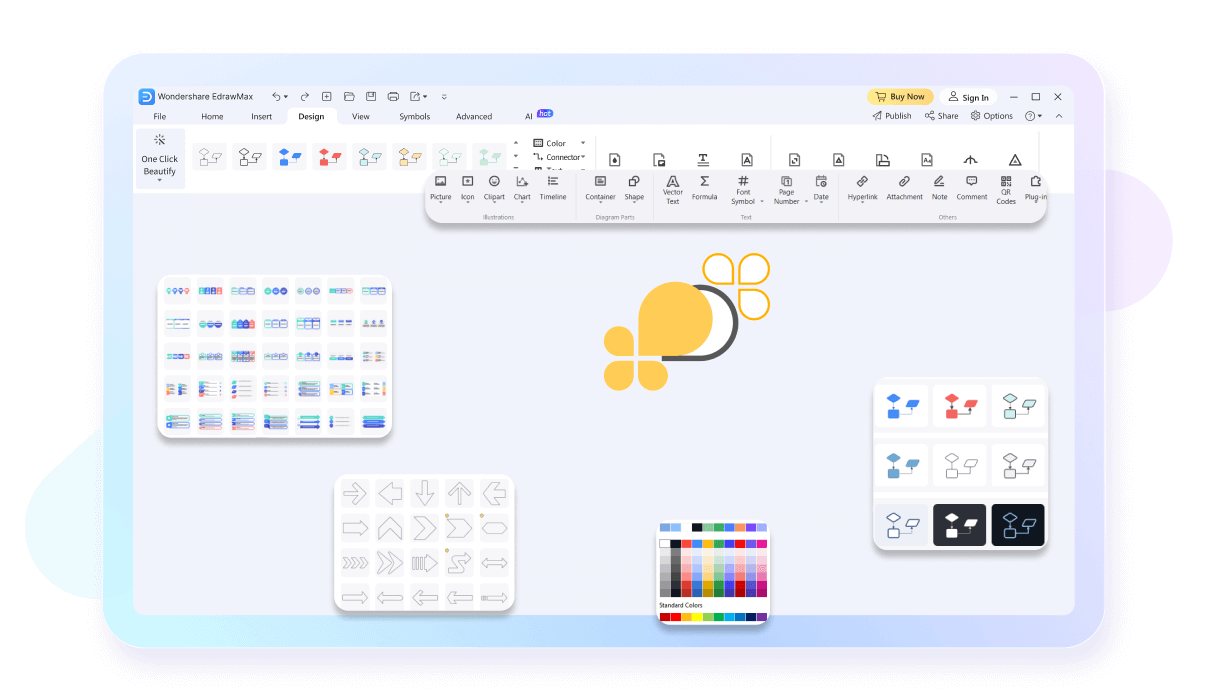
The infinite canvas feature in EdrawMax provides users with limitless space to organize their ideas and data. This flexibility is perfect for complex presentations that require more room than traditional tools offer. As an online powerpoint maker, it allows for detailed visualization and creative freedom, enhancing your overall presentation experience.
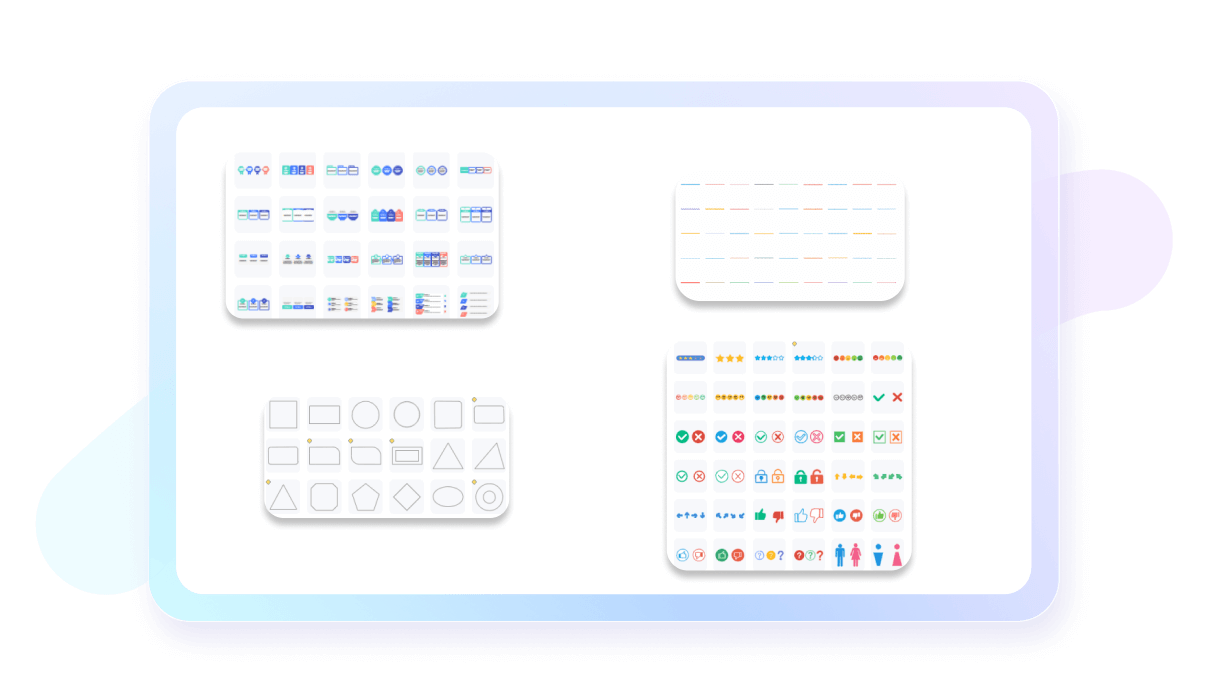
EdrawMax supports an impressive range of over 210 types of diagrams including bar charts, line charts, pie charts, and radar charts. This versatility of our online ppt maker ensures you can select the best chart to represent your data. It also offers diverse data visualization options, which helps you represent data accurately. With over 5000 vector symbols available, you can customize each chart to meet precise needs.
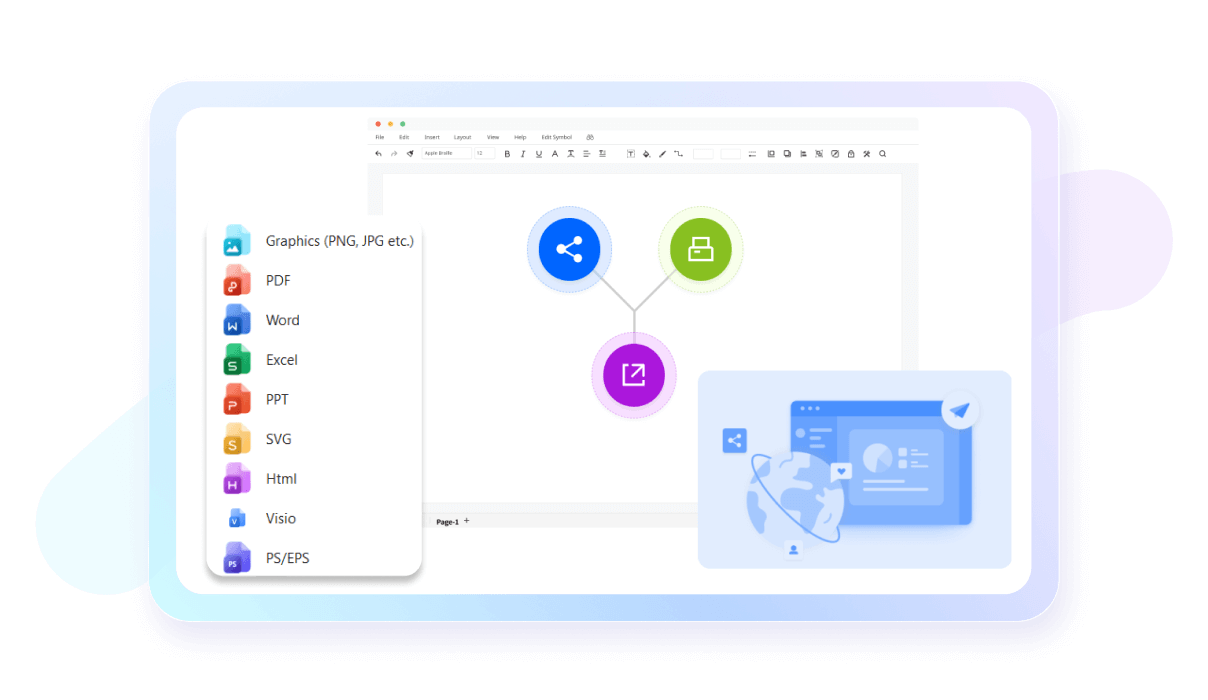
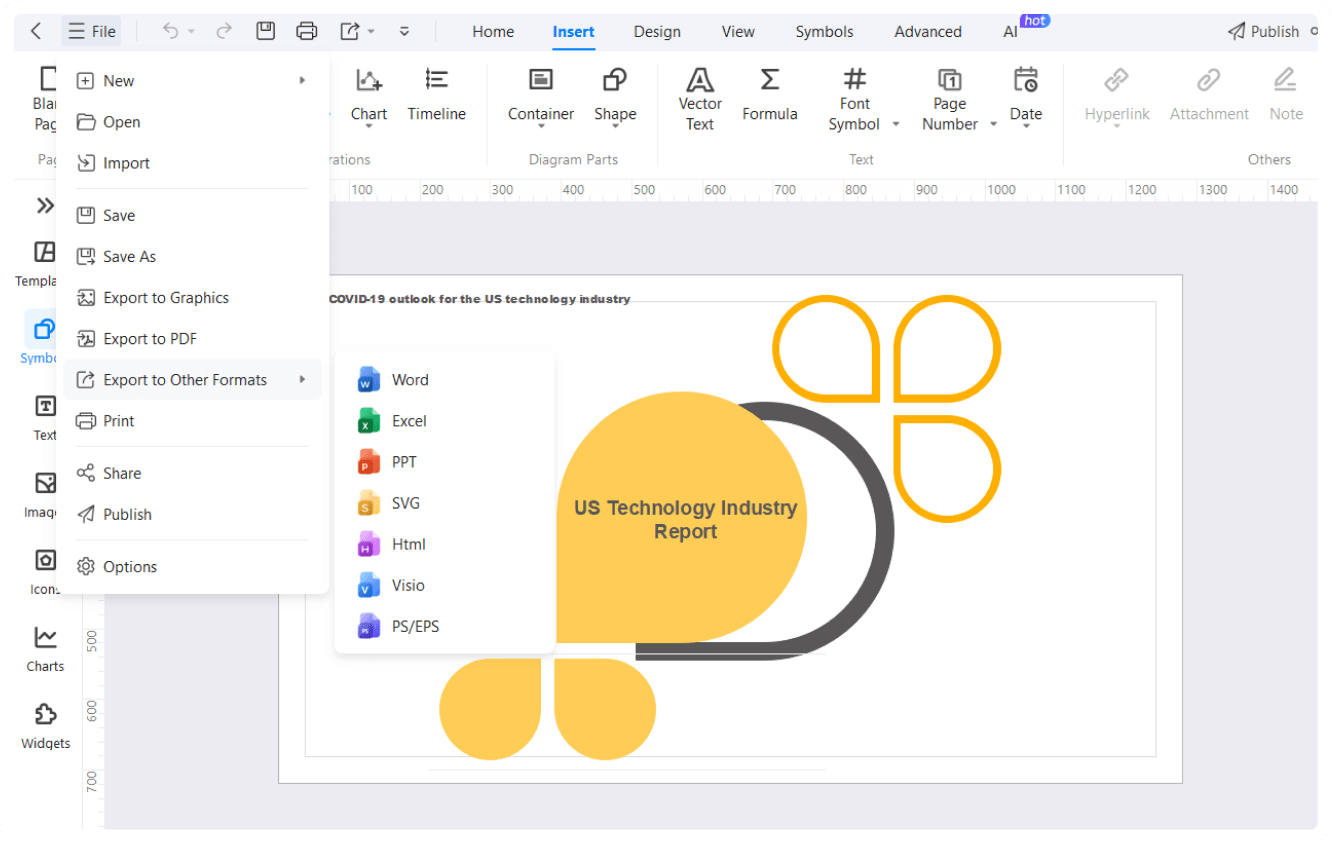
With EdrawMax, you can create your entire presentation within the platform and present it directly. Alternatively, you can also export your diagram in PPT format for further customization in the PowerPoint. This seamless workflow allows you to switch between different tools of presentation however you need. As a top presentation generator, it supports multiple export formats, making it convenient for any presentation needs.
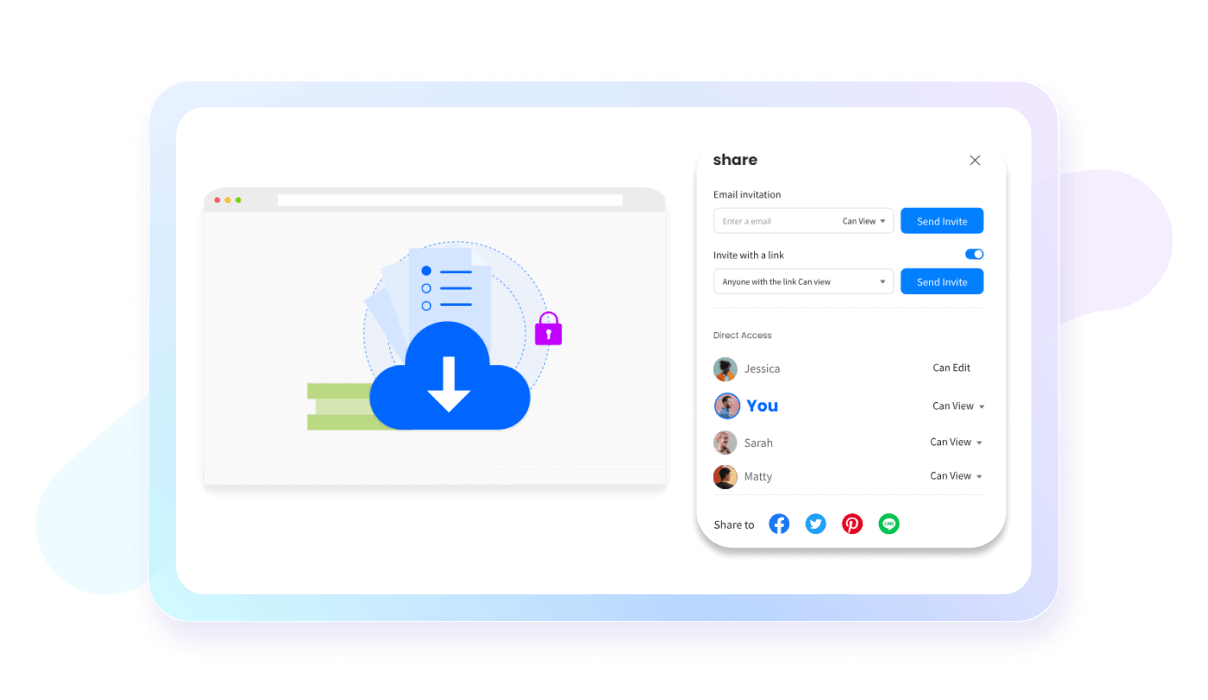
EdrawMax's ai presentation maker integrates cloud storage for secure, convenient access to your presentations from anywhere. This online powerpoint maker feature ensures your work is always backed up and easily shareable. Collaborate easily with your team and access your projects across multiple devices, enhancing flexibility and efficiency.
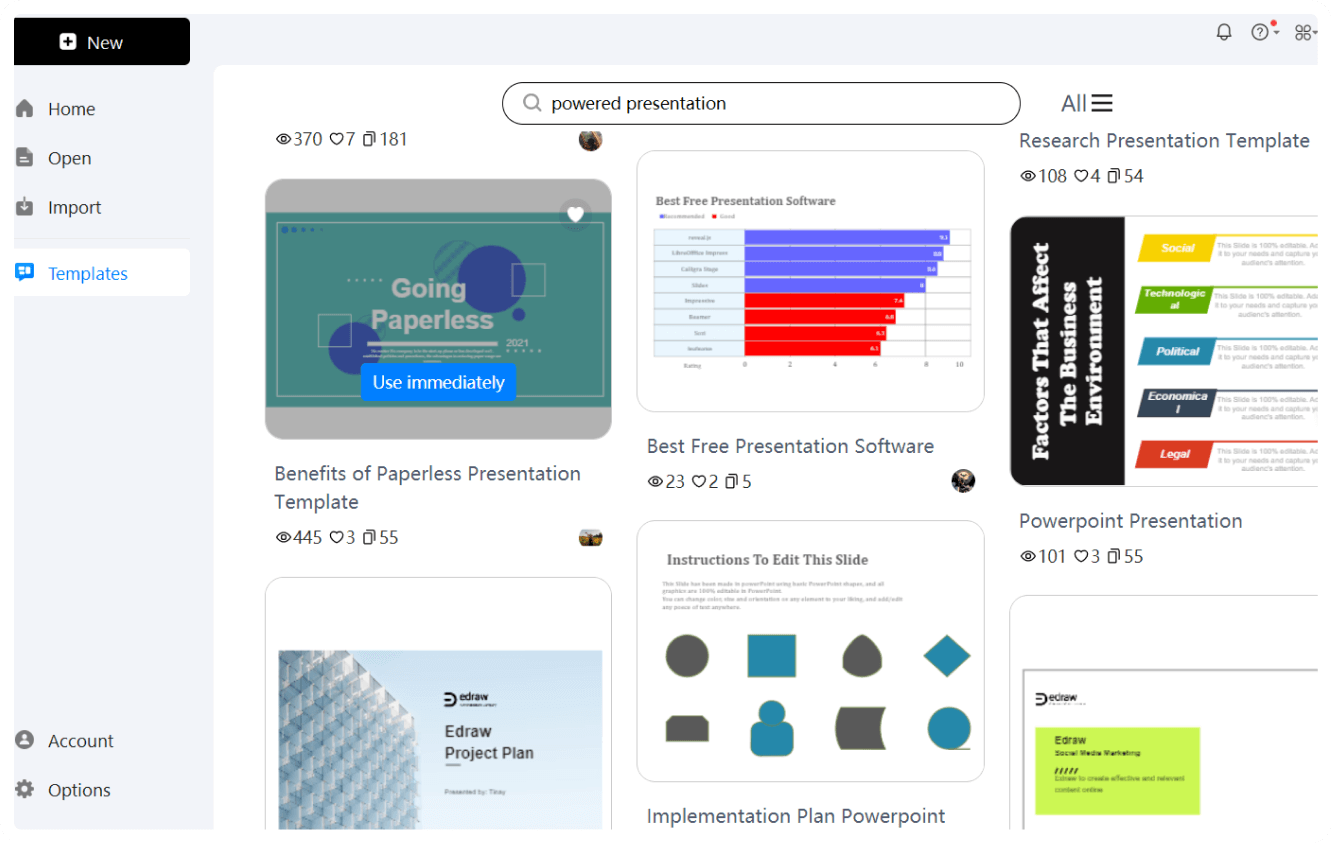
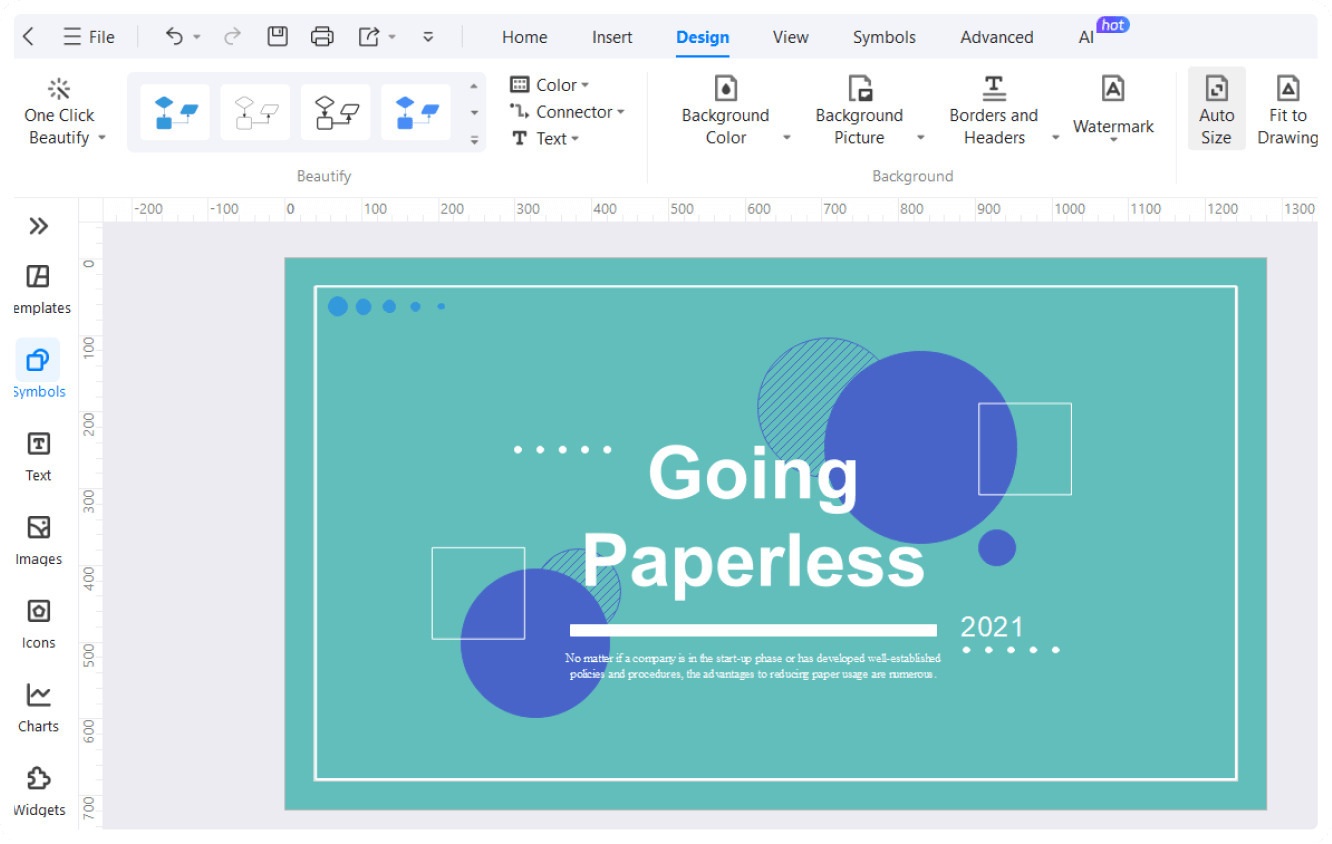
How to create an AI-powered presentation using EdrawMax in 3 Simple Steps
What our users say

More Presentation Tools
Discover more AI-powered diagram makers to boost your productivity.
FAQs About EdrawMax AI-powered Presentation Tools
-
What is an AI presentation maker?An AI presentation maker is a software tool that uses artificial intelligence to automate the creation of slide decks. By providing a simple text prompt or a detailed outline, the AI generates layouts, selects relevant images, and writes concise bullet points, significantly reducing the time spent on manual design.
-
Is the information generated by AI always accurate?While AI is highly efficient, it can occasionally produce inaccuracies or "hallucinations." It is essential to fact-check the data, statistics, and claims generated by the tool. Always review the content carefully and cross-reference it with reliable sources to ensure your presentation remains credible and professional for your target audience.
-
Can AI help me turn a long document into a presentation?Absolutely. Many AI tools feature a "document-to-deck" capability. You can upload a PDF, Word document, or long article, and the AI will summarize the key points, organize them into a logical flow, and create individual slides. This is an excellent way to transform complex reports into digestible visual stories.
-
How do I write a good prompt for an AI presentation?o get the best results, be specific in your prompt. Include the main topic, the target audience, the desired tone, and any key points you want covered. For example, instead of "make a sales deck," try "create a professional five-slide pitch for a new eco-friendly water bottle for investors."
-
Can AI assist with the actual delivery of a presentation?Yes, some AI tools offer features like "Presenter Coach" or AI-generated speaker notes. These tools can analyze your pace, tone, and use of filler words during rehearsals. By providing real-time feedback and structured talking points, AI helps you build confidence and deliver a more impactful and persuasive live performance.
Learn about Presentation
Stop drawing. Start describing.
AI diagramming isn't just text-to-diagram.
AI now understands any input, fetches live data, adapts through dialogue, and works everywhere.
 (AI & Web)
Free AI-powered presentation templates from EdrawMax