Free online rack diagram software
Design professional and accurate rack diagrams for free with ready-made templates and drag-and-drop symbols.

Why Use EdrawMax Rack Diagram Maker?
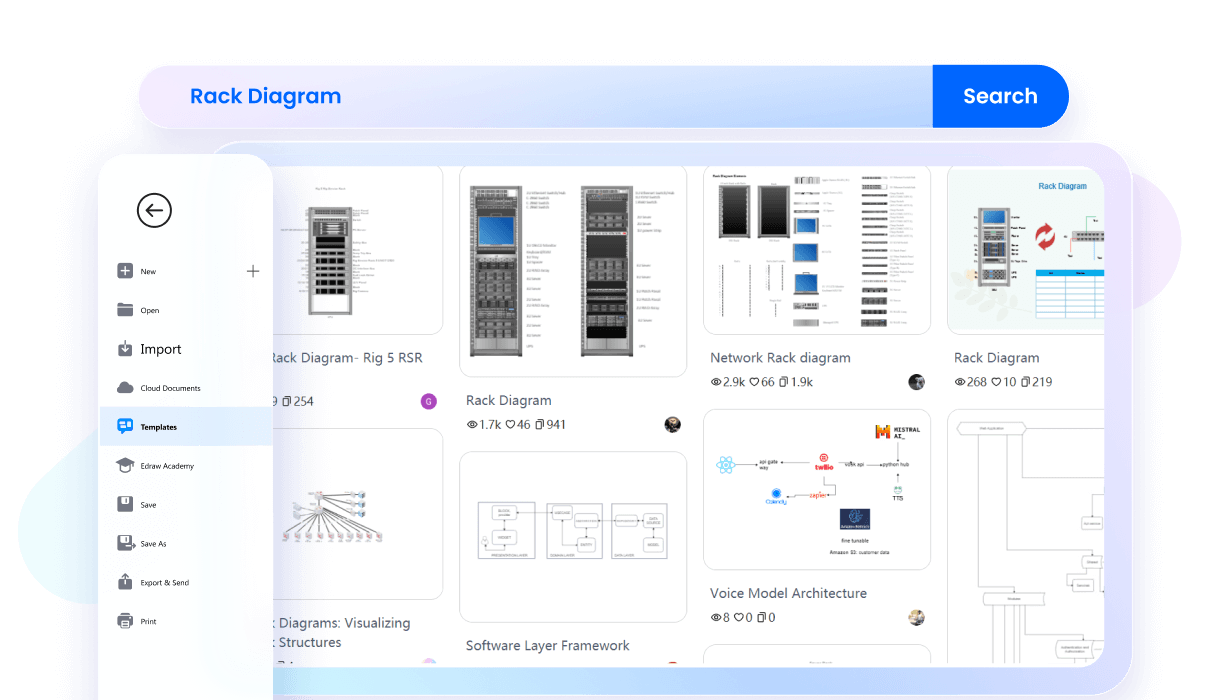
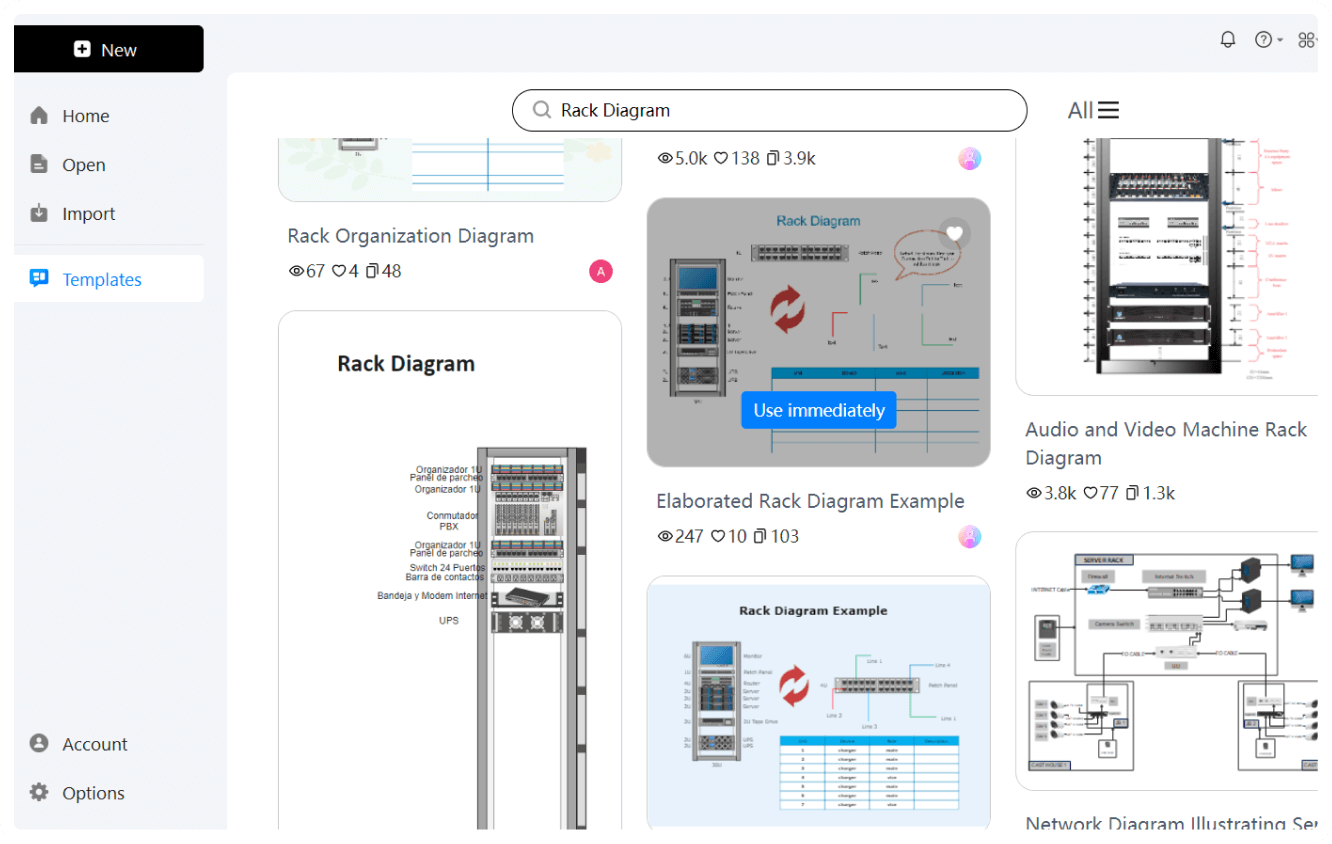
Get a head-start with our ready-made rack templates. These examples are designed by experts to meet the needs of different jobs. Simply pick one that suits your project, and you’ll have a polished rack diagram ready in minutes. The best part is that all of them are editable, so you can make all the changes you need for your project.
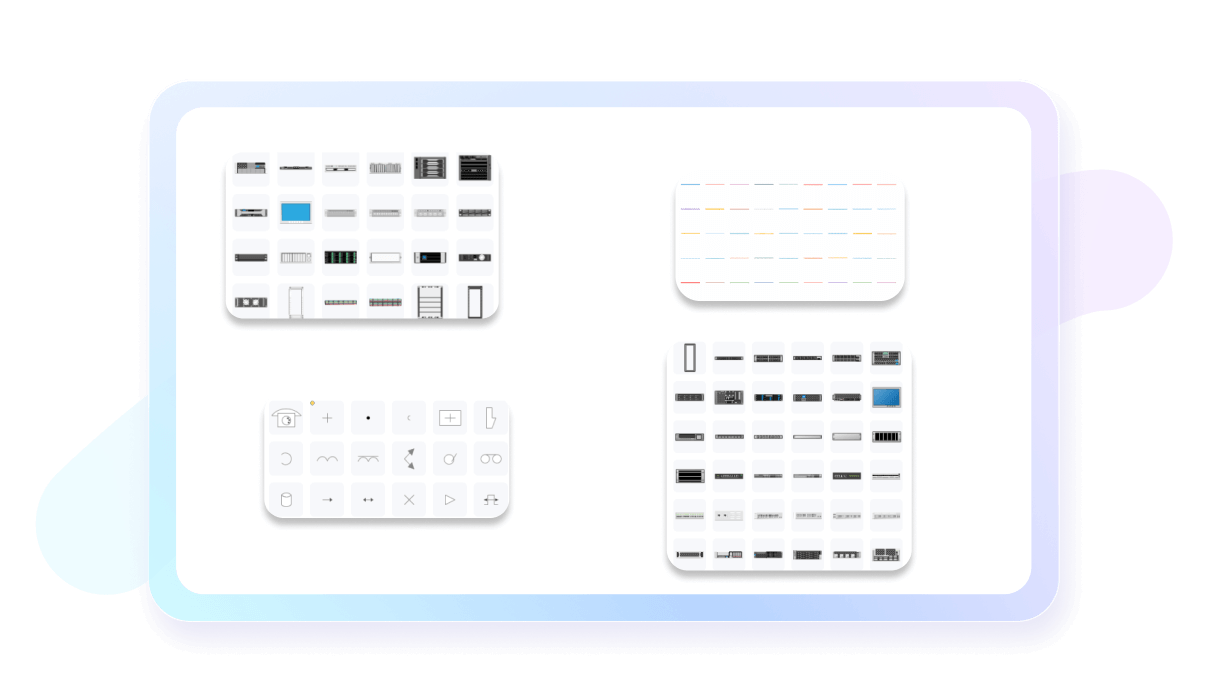
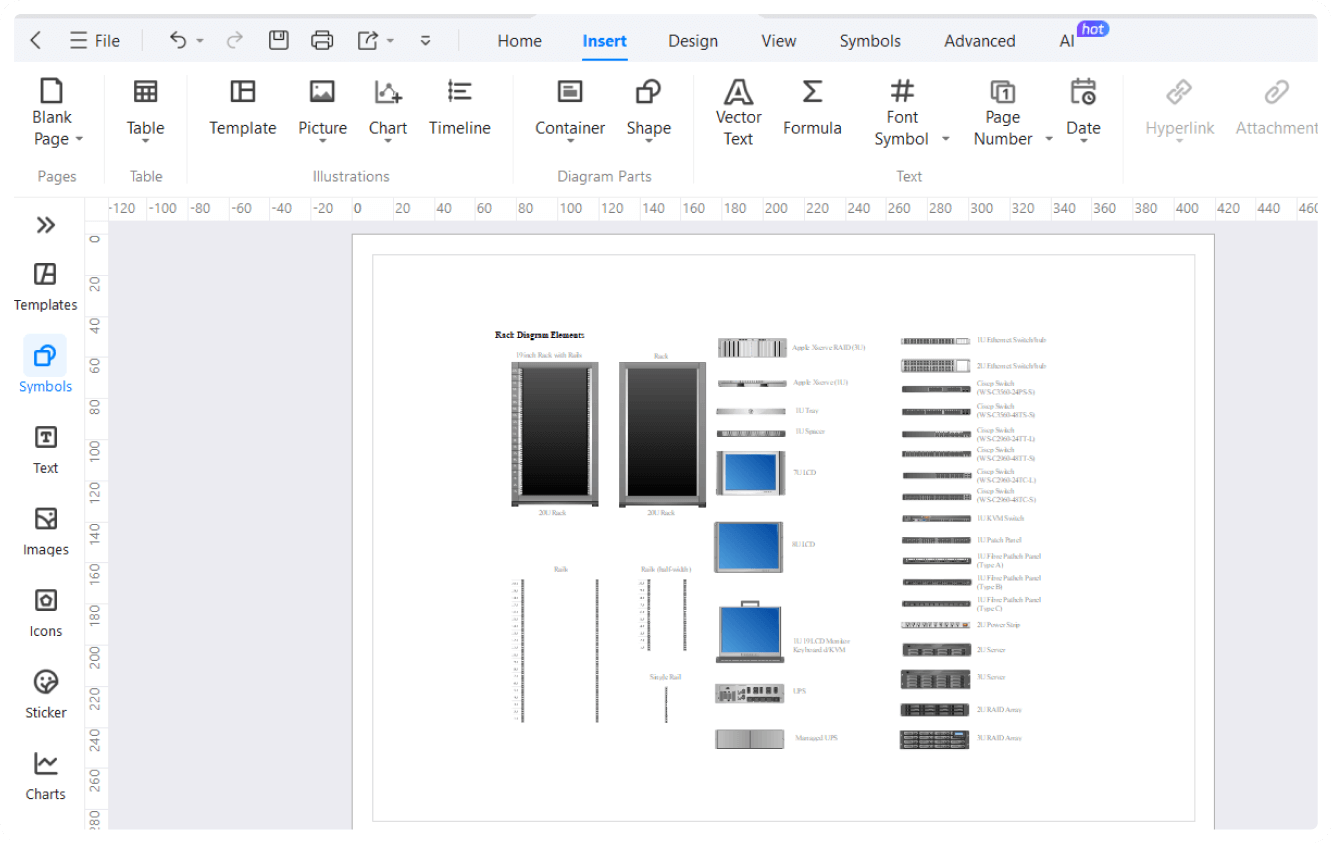
Customize your rack diagrams with a rich collection of symbols. From servers to switches, routers, and more, our drag-and-drop feature makes it easy to create detailed and accurate diagrams. Just drag and drop the symbols into your design to show your server rack layout and functions.
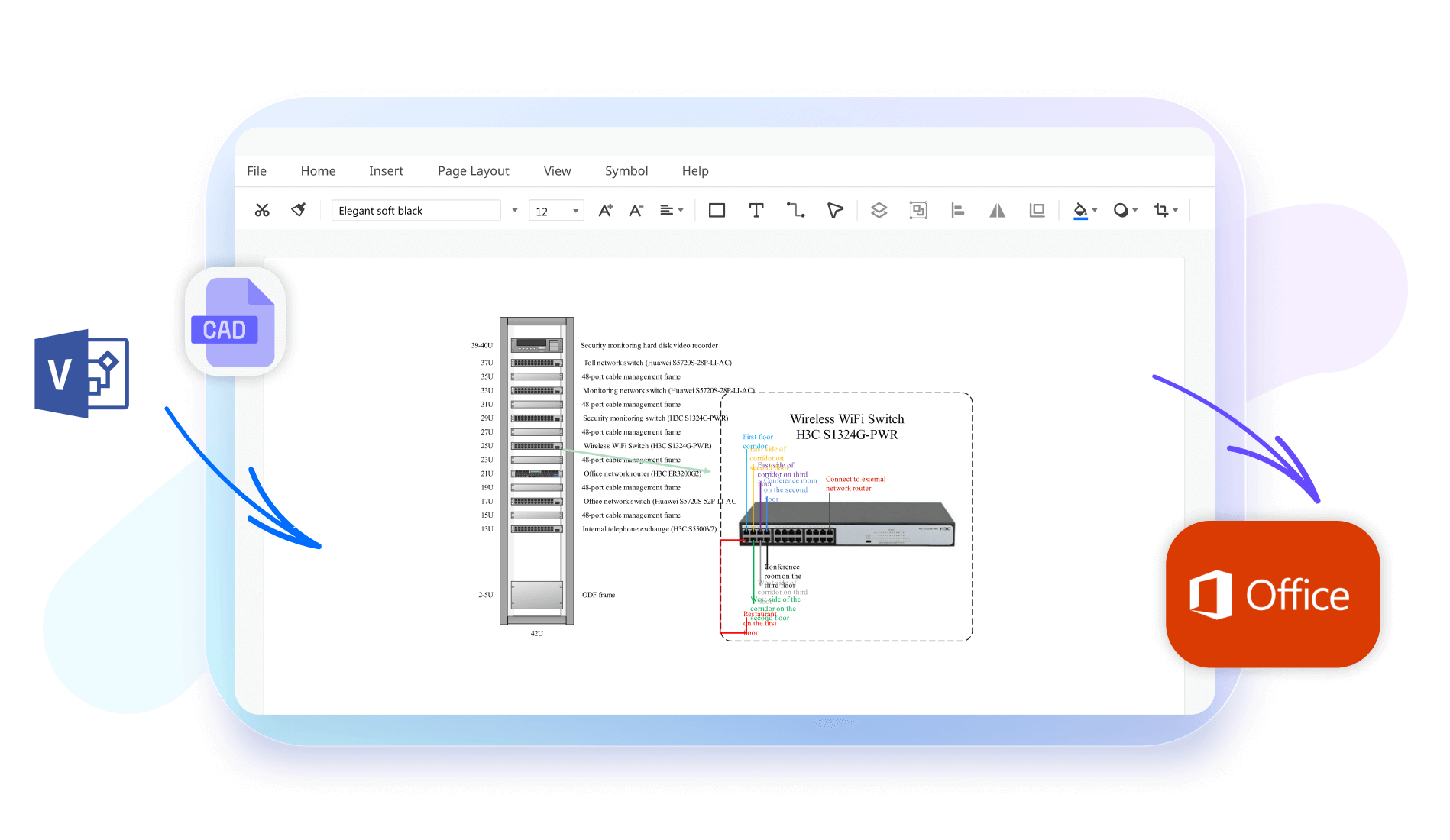
EdrawMax lets you import Visio files directly into the software. Once imported, you can edit and customize them using similar features and tools available within EdrawMax. This integration makes it easy to refine and enhance existing diagrams seamlessly.
EdrawMax is a cross-platform tool that works on Windows, Mac, and Linux. This means you can create and edit your rack diagrams from anywhere—at home, in the office, or while traveling. Your work is saved in the cloud, making it easy to collaborate with colleagues using different systems.

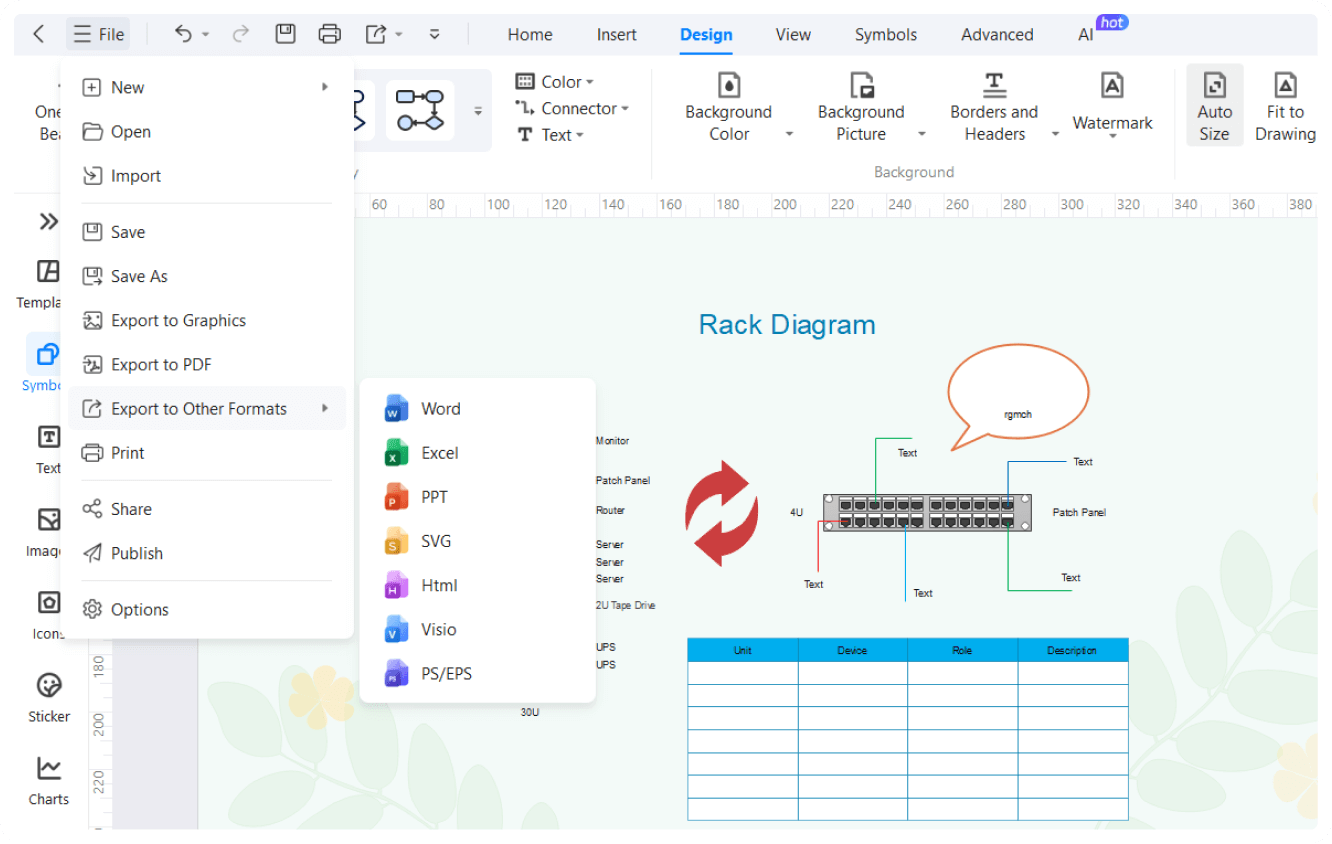
After completing your rack diagram, you can easily export it in various formats like PDF, JPG, DOCX, HTML, SVG, PNG, and more. Additionally, you can embed your rack diagrams directly into presentations, reports, or websites.

How to Make a Rack Diagram in 3 Simple Steps
What our users say

More Rack Diagram Tools
Discover more AI-powered diagram makers to boost your productivity.
FAQs About EdrawMax Rack Diagram Tools
-
What is a rack diagram?A rack diagram is a visual representation of IT equipment mounted in a server rack. It shows the precise physical placement of servers, switches, and patch panels. These diagrams are essential for organizing hardware, planning space utilization, and ensuring that technicians can quickly locate specific devices within a data center.
-
What does the term "Rack Unit" or "U" mean in a diagram?A Rack Unit, often abbreviated as "U," is a standard measurement of vertical space in an equipment rack, equaling 1.75 inches. Rack diagrams use these units to show exactly how much height each device occupies. Understanding "U" measurements ensures that your equipment fits perfectly and that vertical space is maximized.
-
Should a rack diagram include both front and rear views?Yes, comprehensive rack diagrams should include both views. The front view displays the main interface and status lights of servers and switches. The rear view is critical for mapping power connections and complex network cabling. Having both perspectives provides a complete understanding of how equipment is powered and interconnected.
-
What specific details should be included for each device in the diagram?Each device entry should include the manufacturer name, model number, and its specific function. It is also helpful to note the serial number, asset tag, and IP address. Including these details turns a simple drawing into a powerful inventory management tool, making it easier to track and maintain hardware.
Stop drawing. Start describing.
AI diagramming isn't just text-to-diagram.
AI now understands any input, fetches live data, adapts through dialogue, and works everywhere.
 (AI & Web)
Free rack diagram templates from EdrawMax