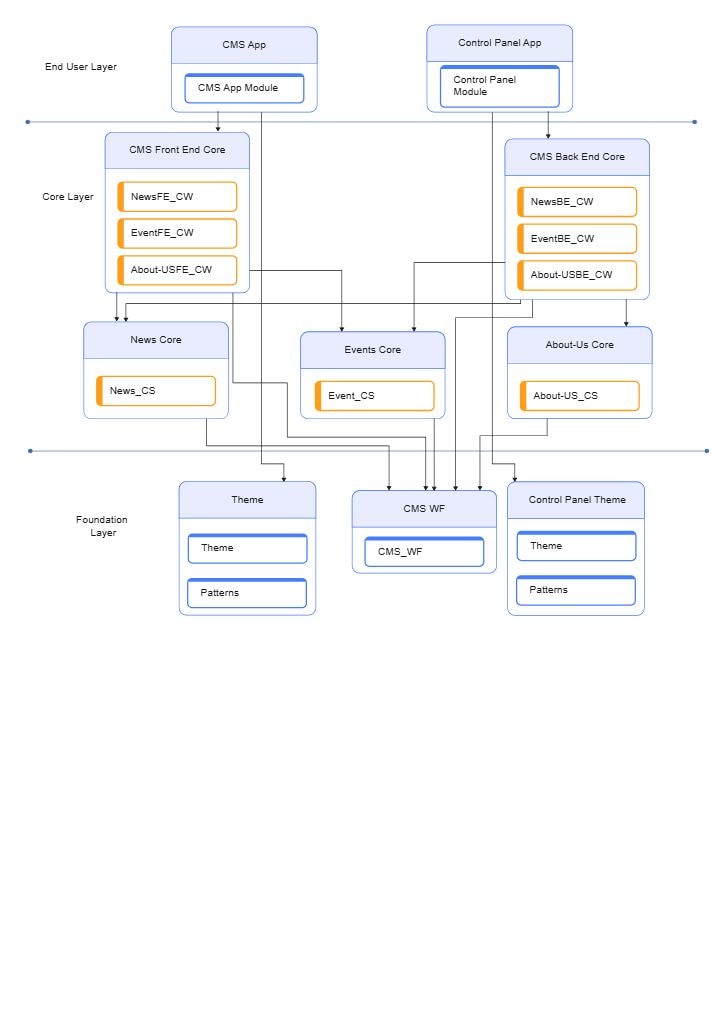
About this CMS Design Architecture Diagram
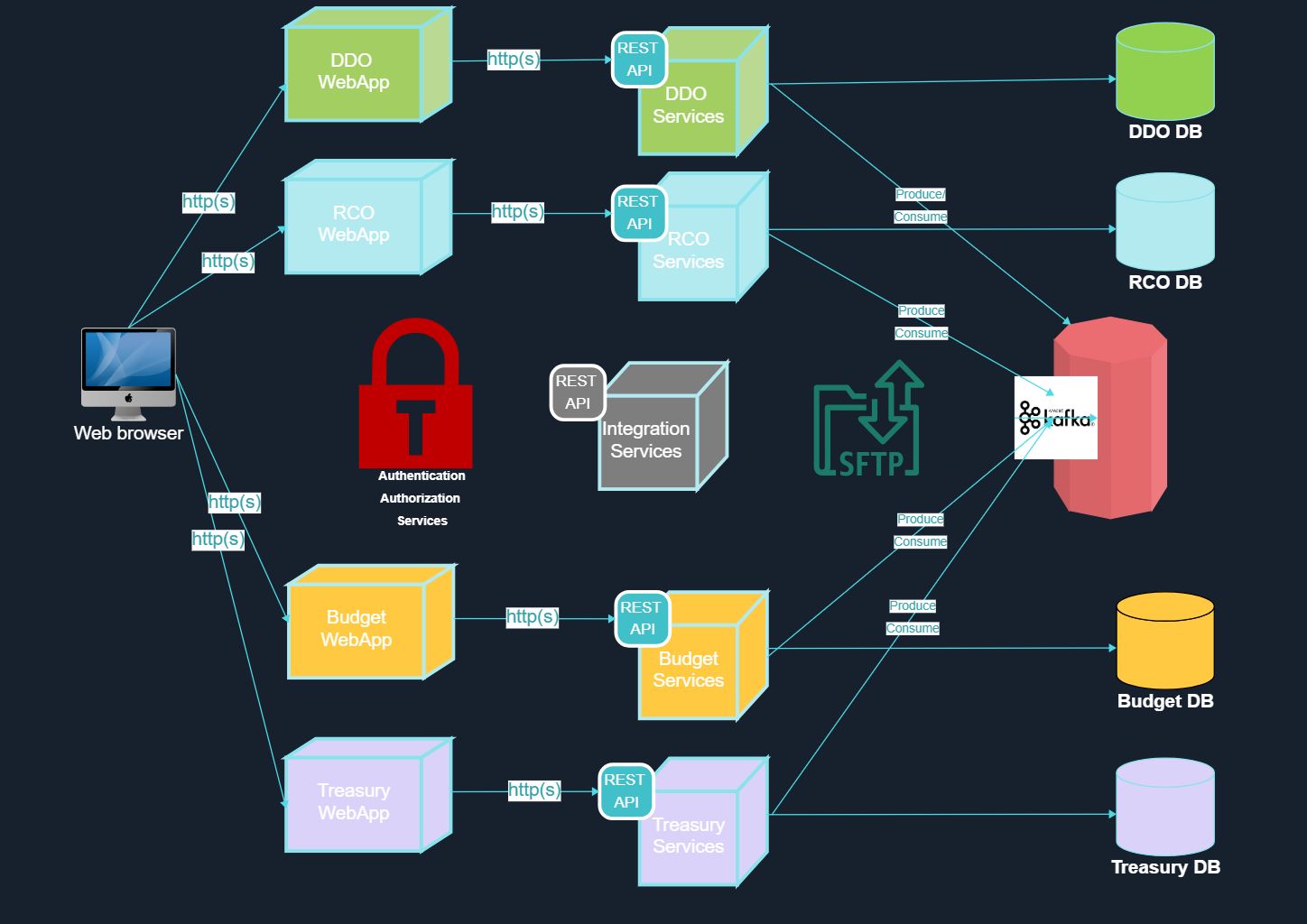
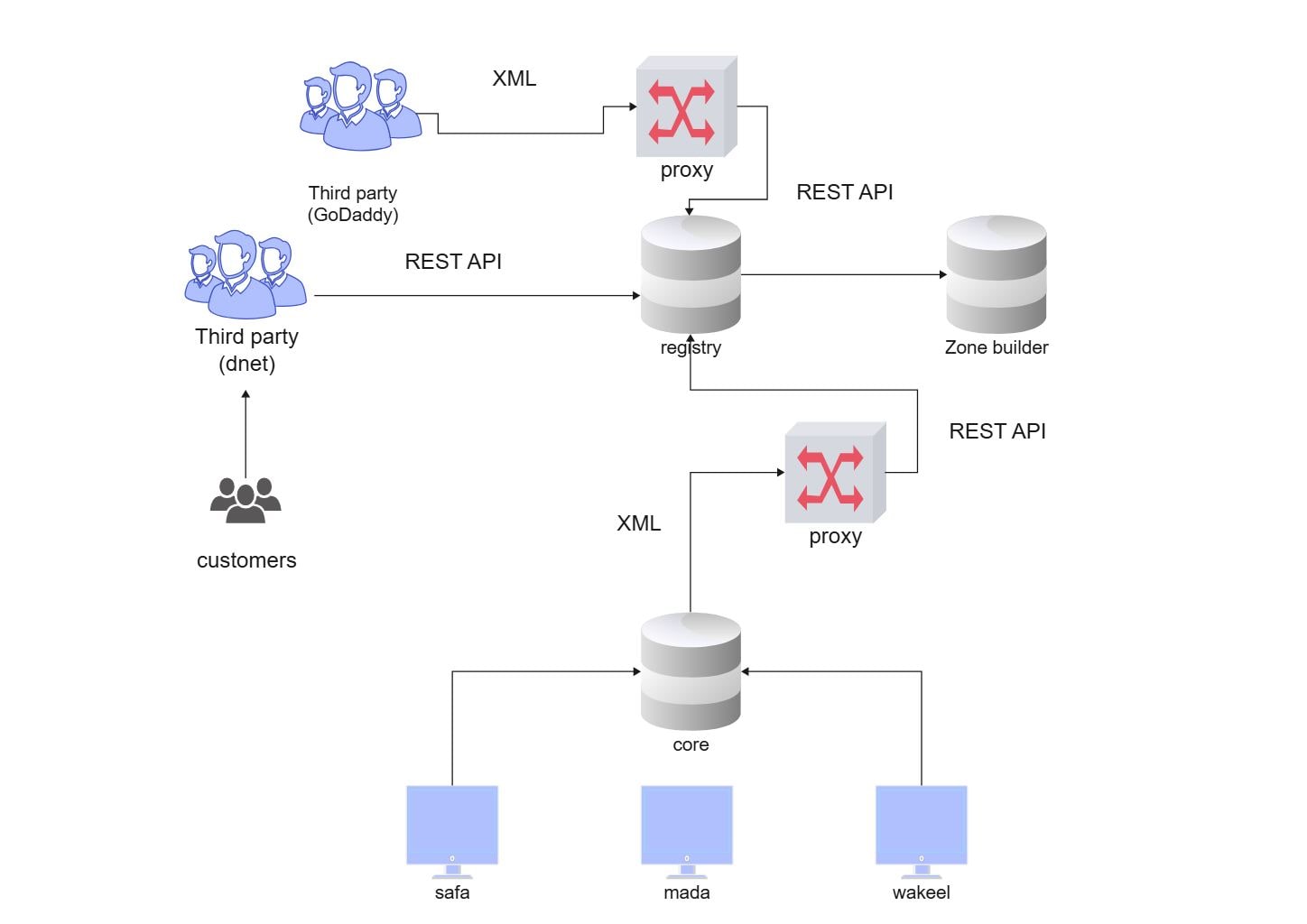
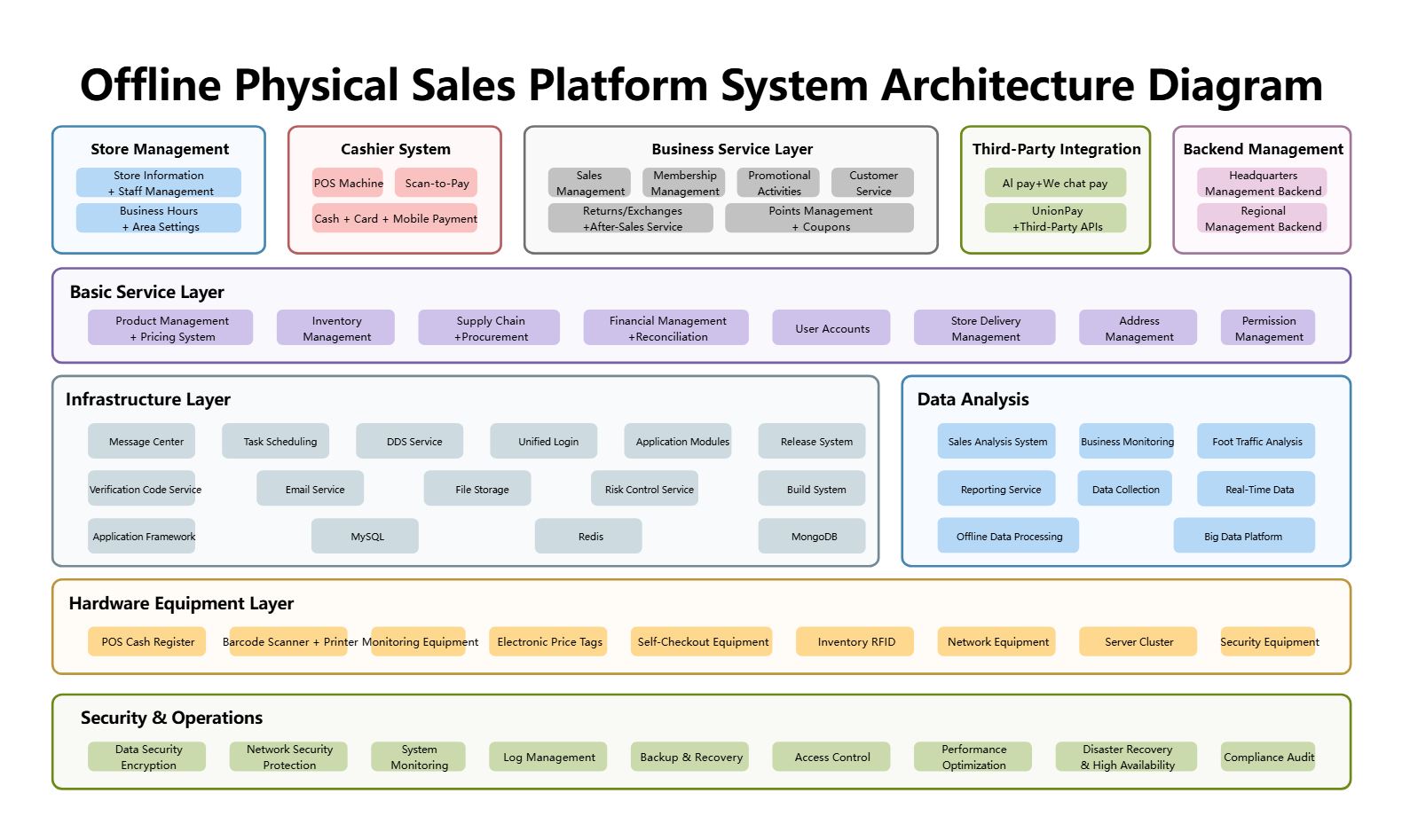
This diagram shows the main structure of a cms design architecture diagram, with the visible layers or blocks separated so each part of the system can be explained more clearly.
Foundation Layer
The Foundation Layer section is one visible block in the diagram. Its position helps explain how this part fits into the wider architecture without mixing it into unrelated layers.
- Foundation Layer
FAQs about this Template
-
How do teams document CMS architecture clearly?
Teams usually document CMS architecture with a diagram that separates content management, delivery logic, user roles, and supporting services. This makes it easier to review how content moves through the system, how different modules interact, and where administration, publishing, storage, integration, governance, or review responsibilities are placed. This also makes technical review, stakeholder communication, and future changes easier to manage.
-
What is the difference between CMS architecture and application architecture?
CMS architecture focuses specifically on content workflows, publishing logic, roles, and integrations, while application architecture is a broader term for overall software structure. CMS diagrams are more useful when teams need to explain content editing, management layers, front-end delivery, headless integration, workflow control, or the relationship between authors, systems, and users.
-
What should a CMS architecture diagram include?
A strong CMS architecture diagram should include content sources, management modules, user roles, publishing flow, and the main delivery or integration points. It should also show where storage, APIs, permissions, front-end rendering, and workflow controls connect, so the platform can be reviewed for maintainability, governance, and content operations. This also makes technical review, stakeholder communication, and future changes easier to manage.
-
Can AI generate CMS architecture diagrams automatically?
Yes, AI can generate a first-pass CMS architecture diagram, but the final version still needs human review. AI can help organize content layers and integration flow, while engineers or solution architects should validate the actual CMS modules, publishing rules, access boundaries, connected services, and workflow assumptions before using the diagram in planning or delivery.
-
Which diagram type is best for documenting a headless CMS setup?
An architecture diagram is usually the best starting point for documenting a headless CMS setup because it shows APIs, content management layers, front-end delivery, and supporting services together. Teams often add data flow or integration diagrams later when they need to explain how specific channels, pipelines, external platforms, or publishing dependencies interact in production.

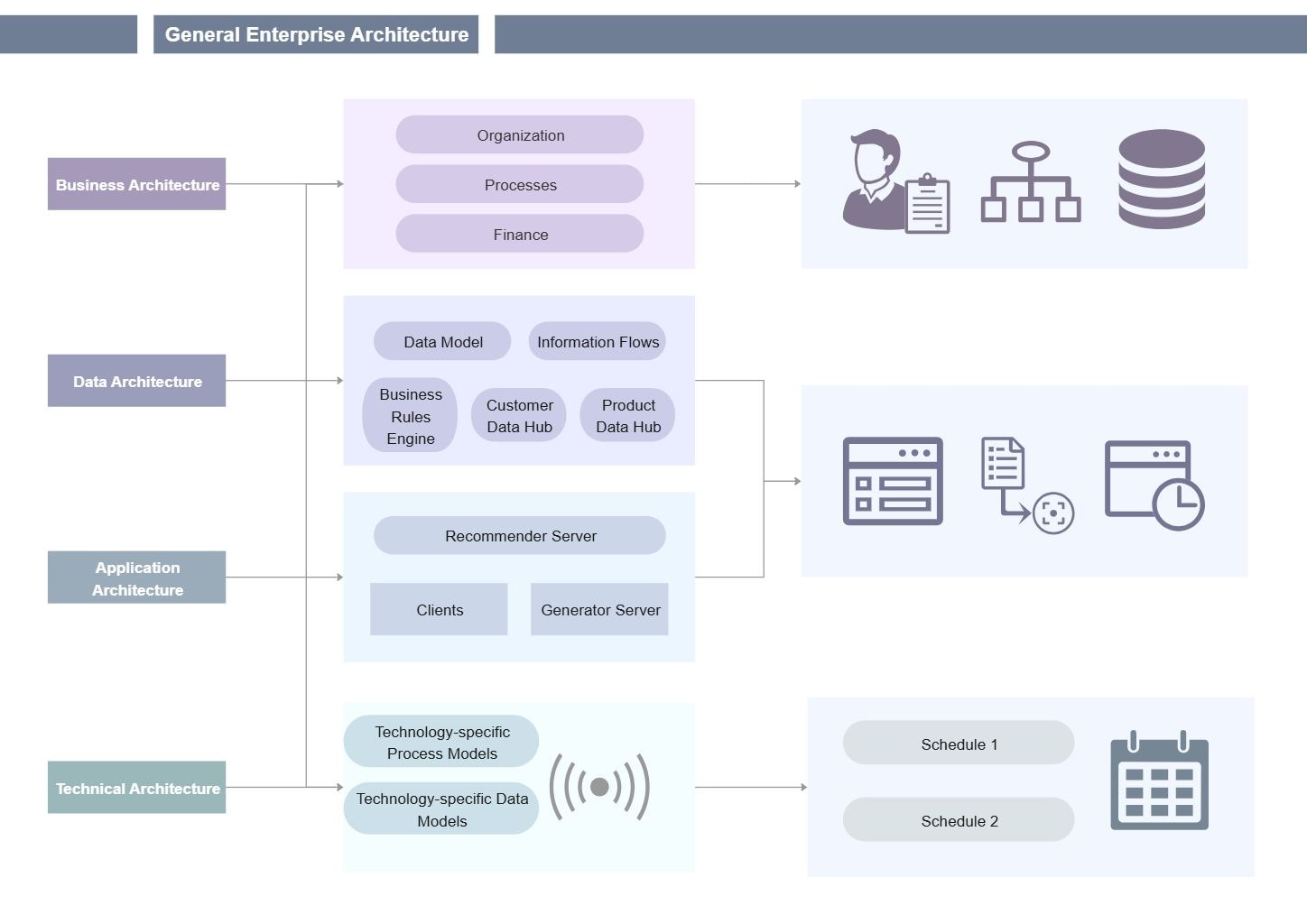
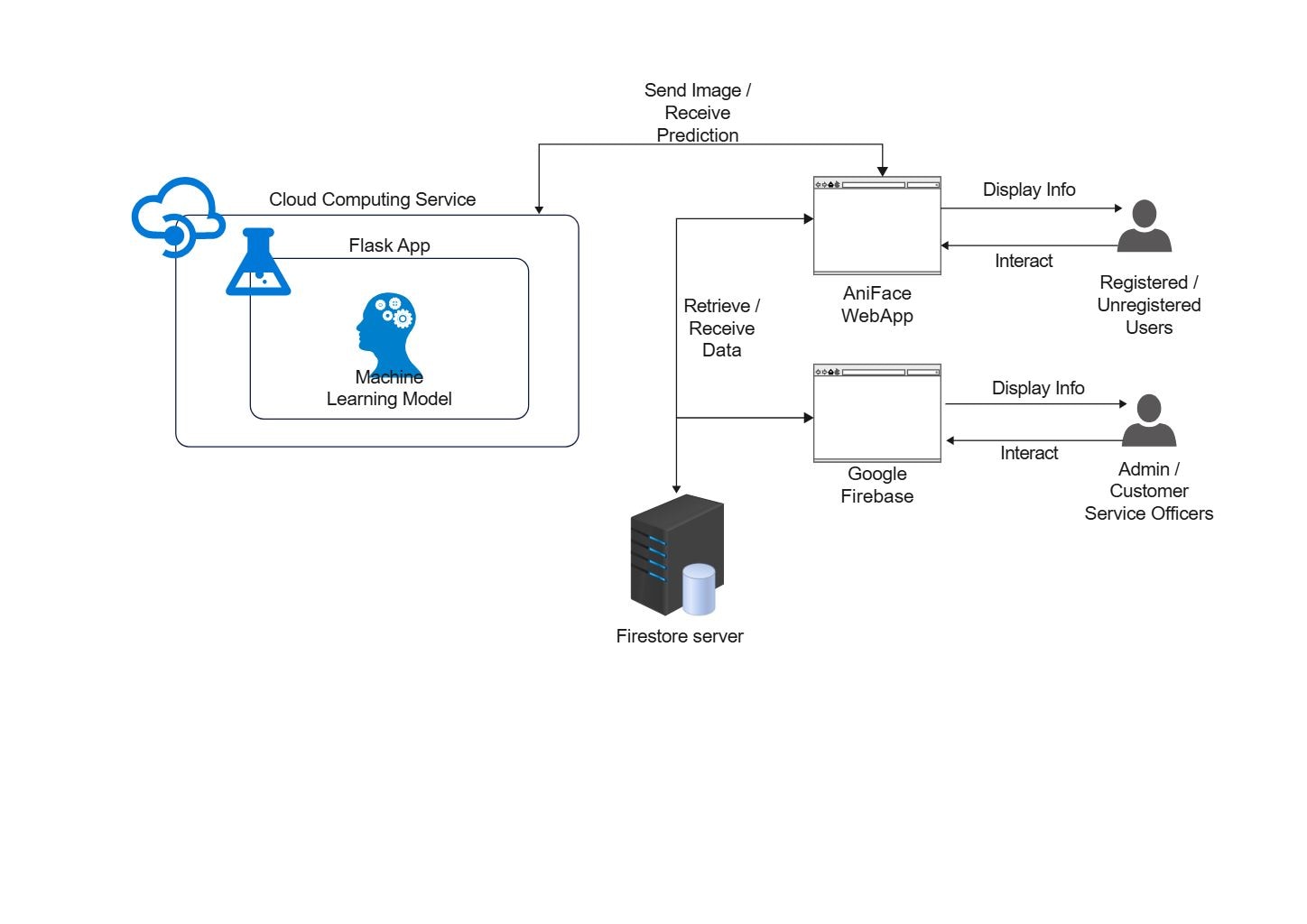
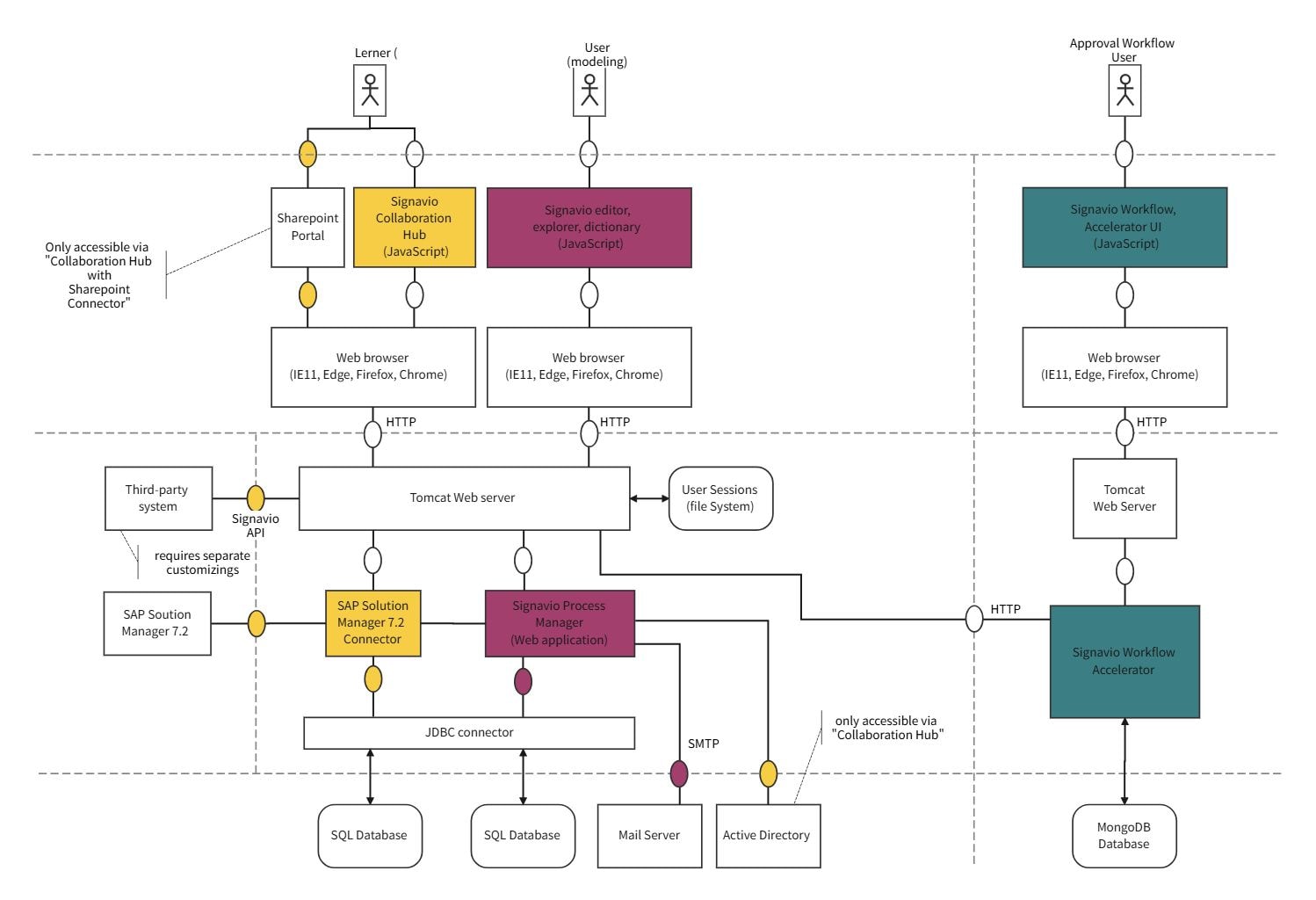
 (AI & Web)