- Templates
- Org chart templates
13 Organizational Chart Templates
Explore 13 organizational chart templates for teams, industries, and company examples. Customize roles, departments, and reporting lines to show how your organization works.
Categories
-
Teams
-
User cases
-
Diagram types
Flowchart Mind map Concept map Bubble map Org chart Gantt chart Pie chart Bar chart Form Table Genogram Pedigree charts Timeline Family tree Floor plan PID diagram Circuit diagram Wiring diagram Block diagram Network diagram ER diagram UML diagram Class diagram Activity diagram Interaction overview diagram Sequence diagram Deployment diagram Communication diagram Internal block diagram Composite structure diagram Use case diagram Package diagram Timing diagram SWOT analysis Value chain analysis PESTEL analysis Decision tree Fishbone diagram WBS diagram Math diagram Road map Graphic organizer Data flow diagram
Choose an Organizational Chart Template
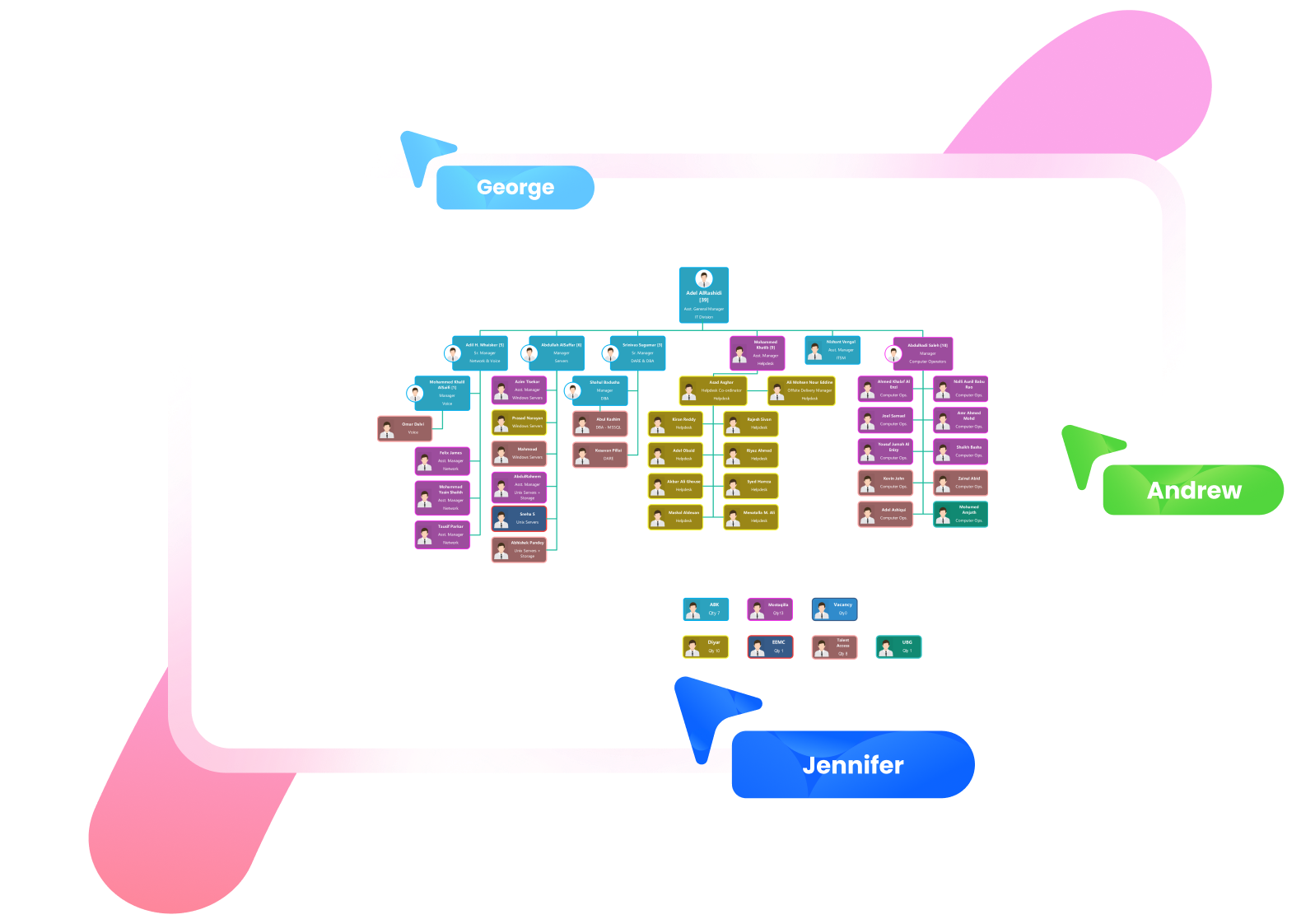
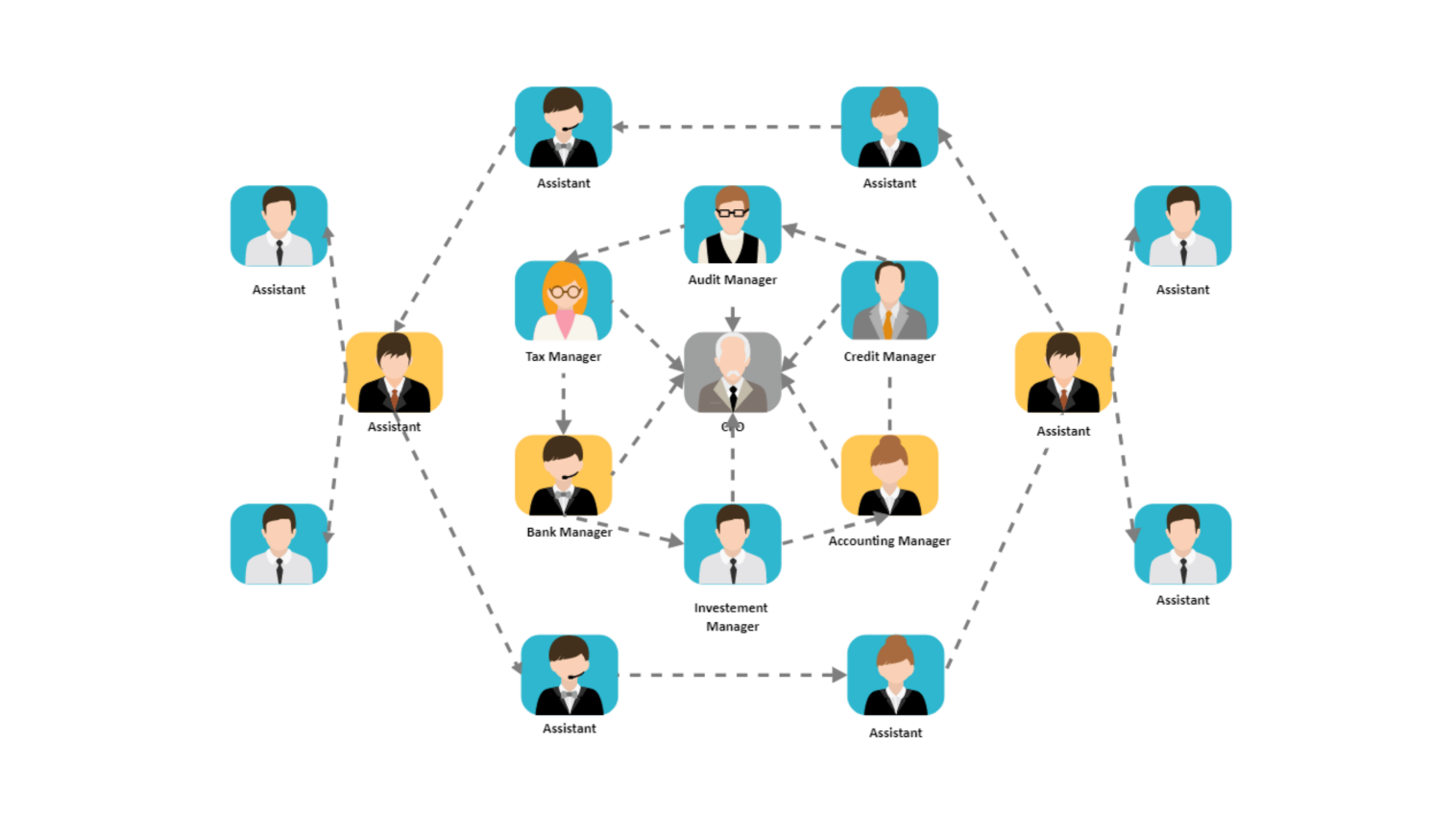
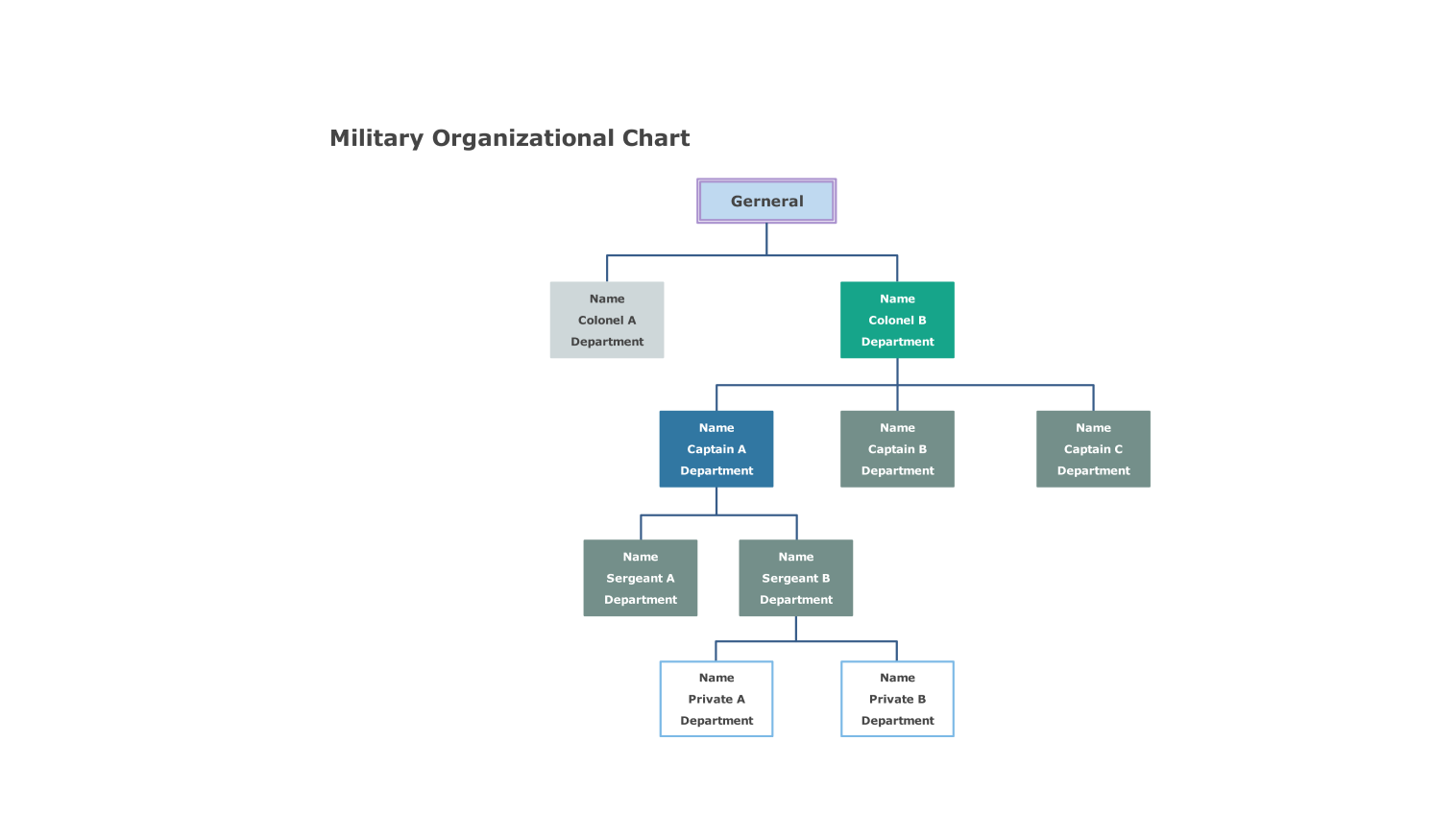
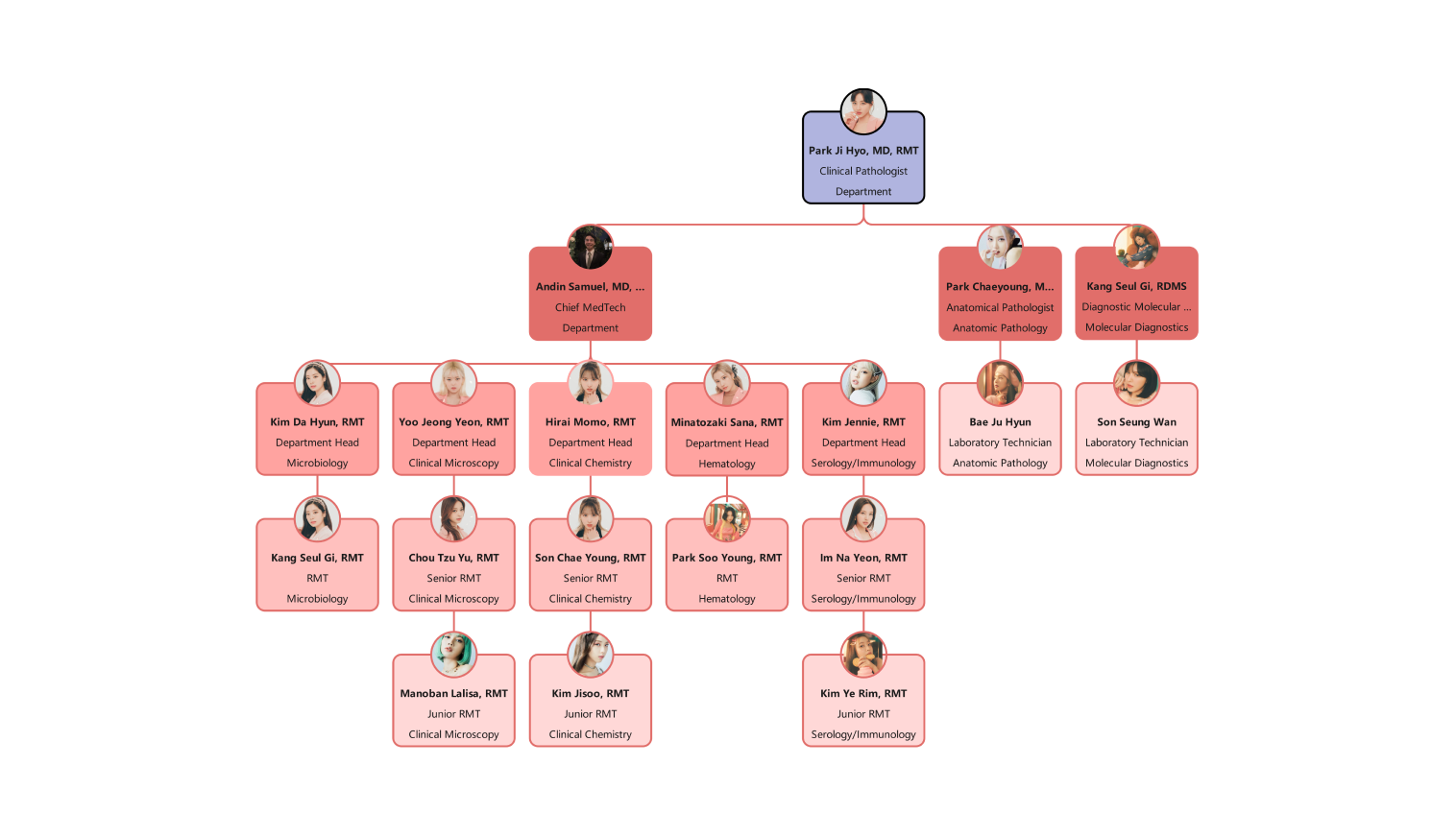
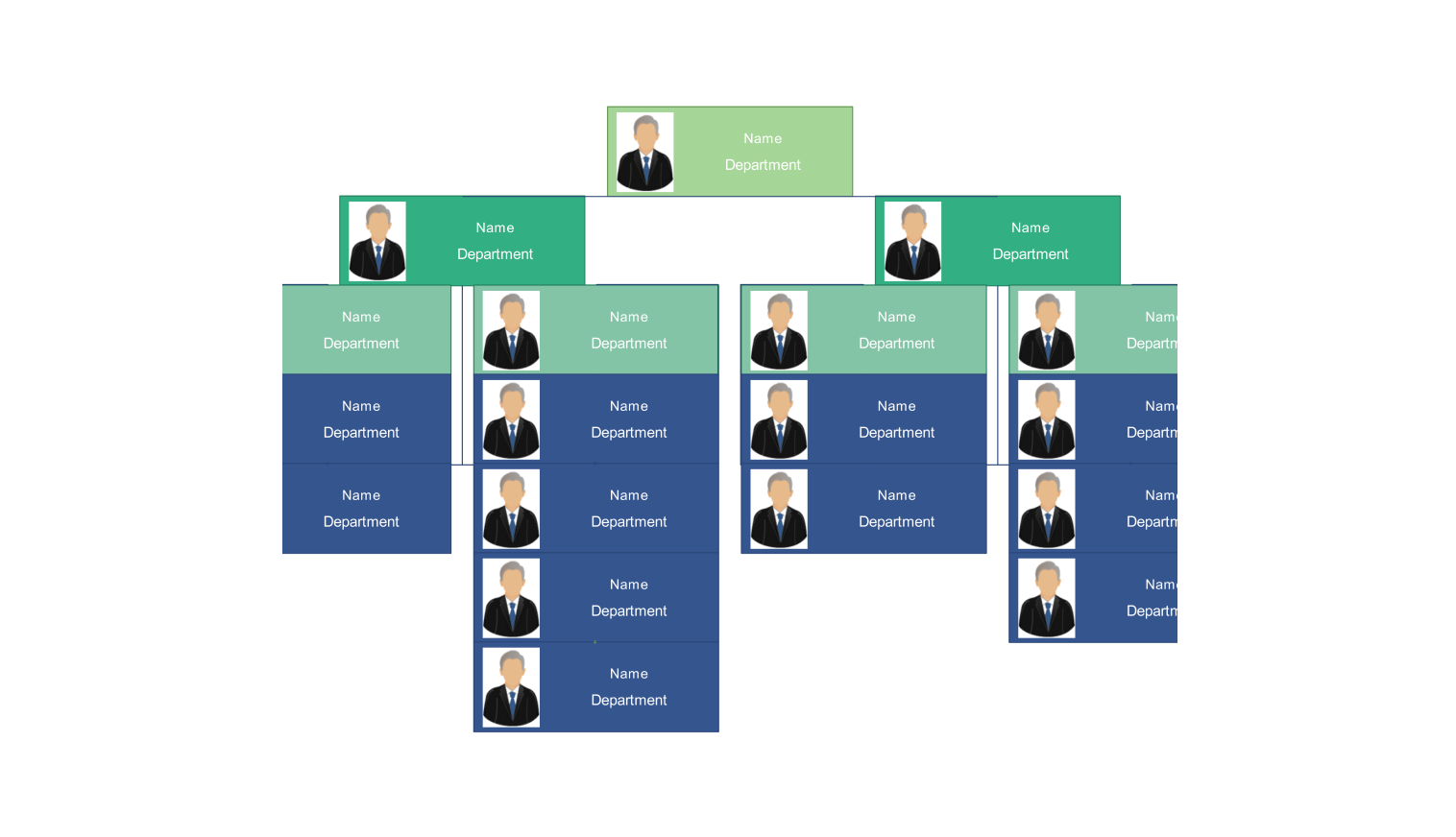
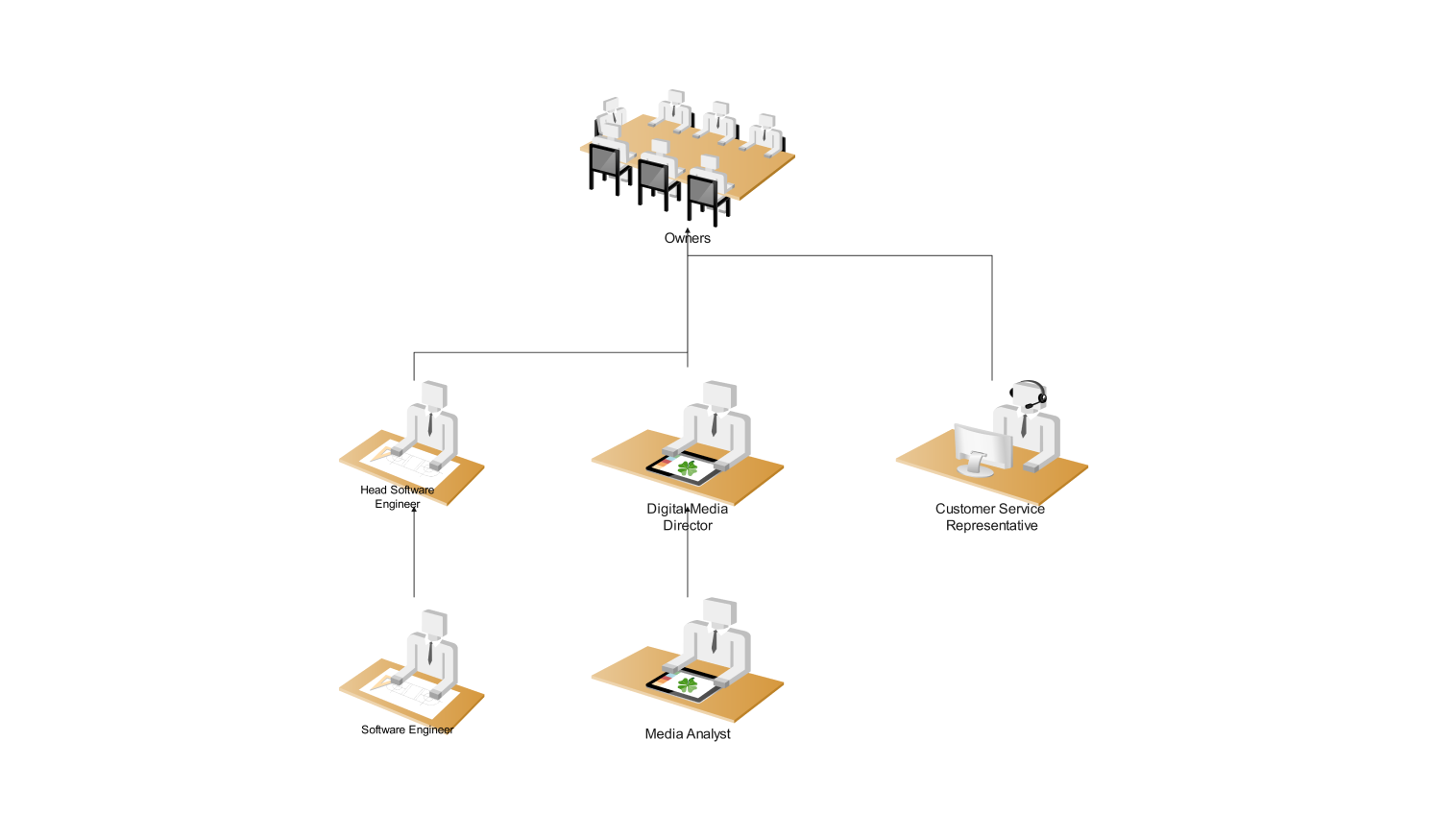
An organizational chart shows roles and reporting relationships. Choose a layout that reflects your actual structure, then use an industry example to adapt its labels and departments.
- Flat teams: use the flat org chart when your organization has few management layers.
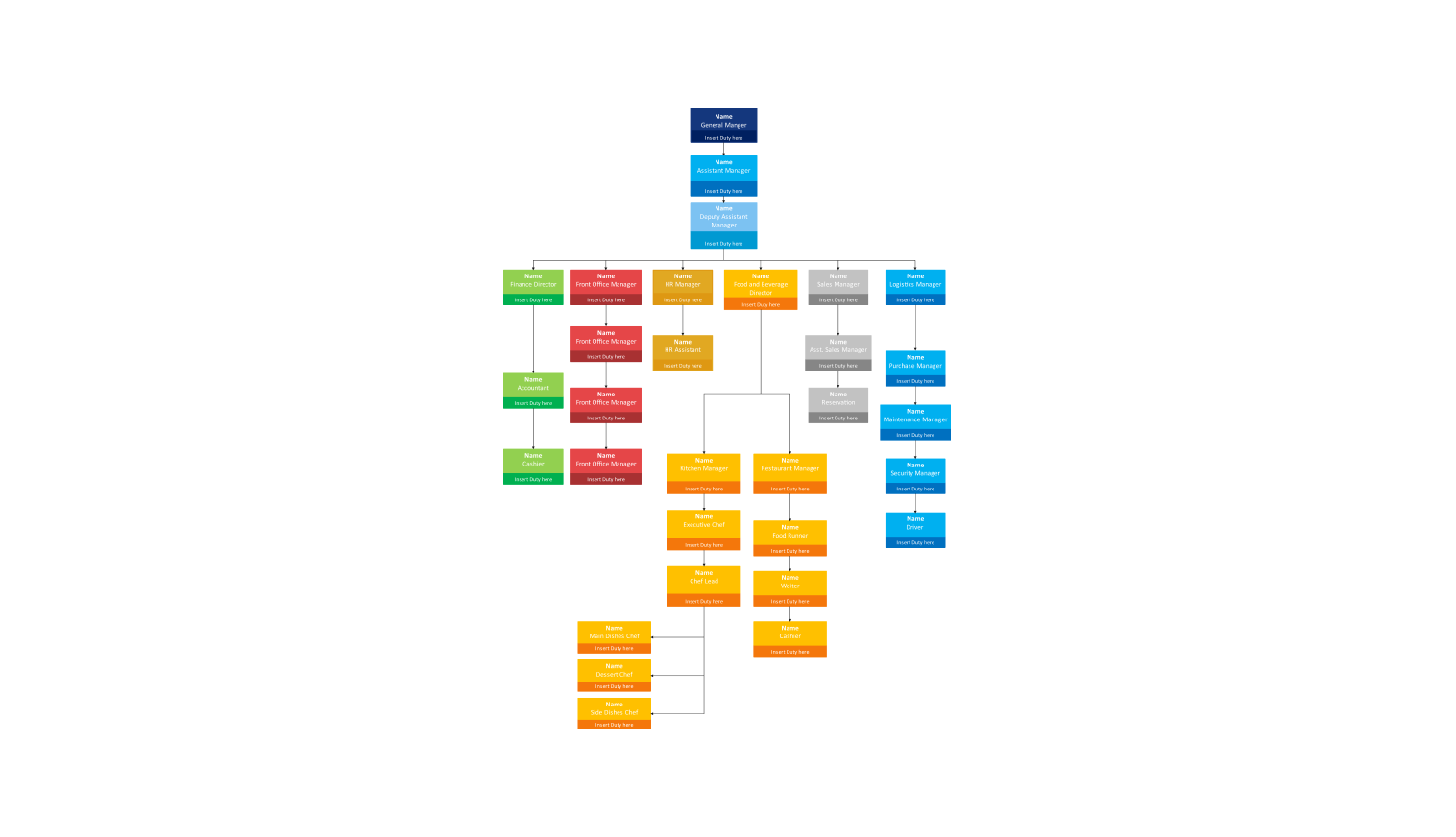
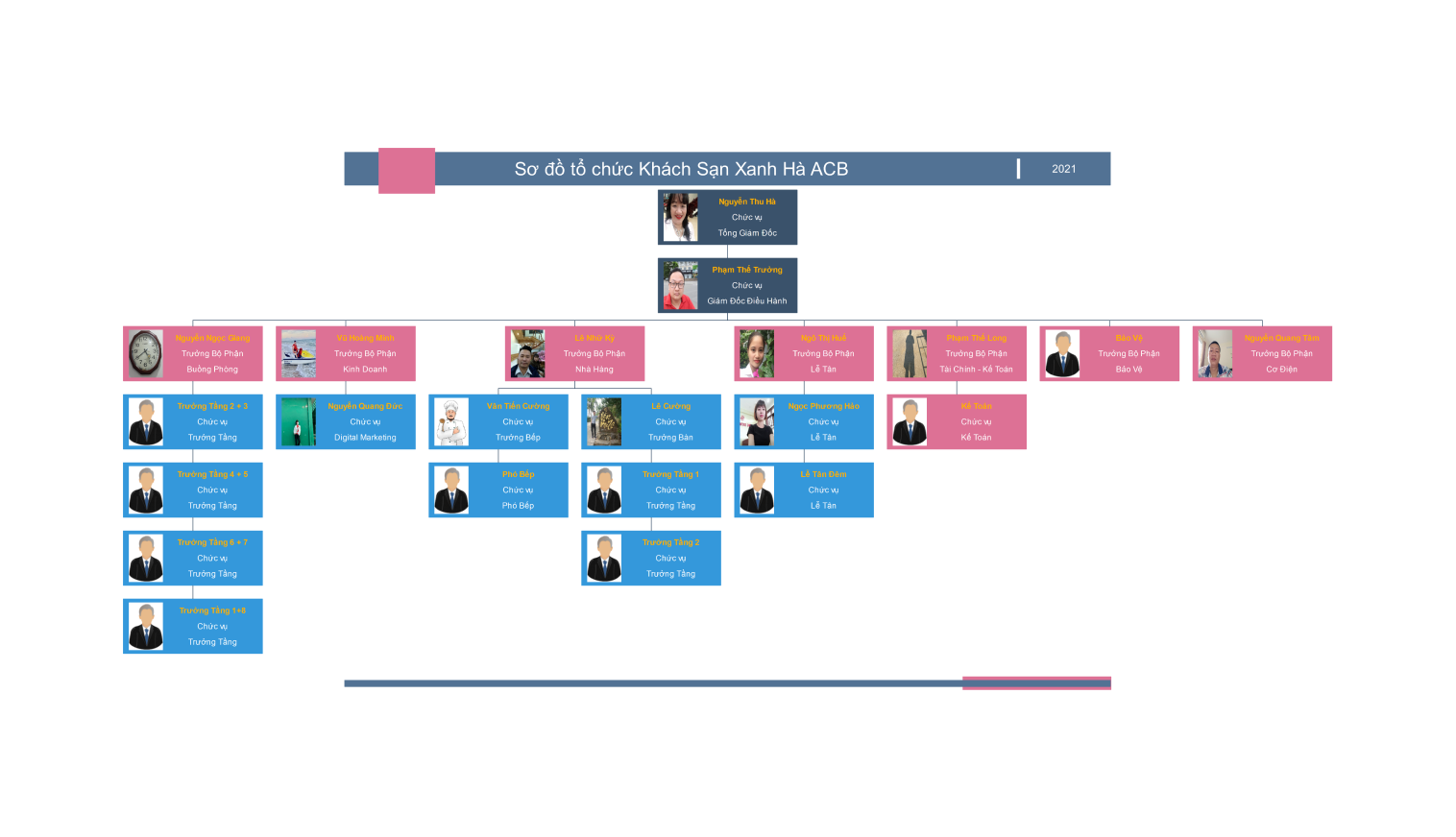
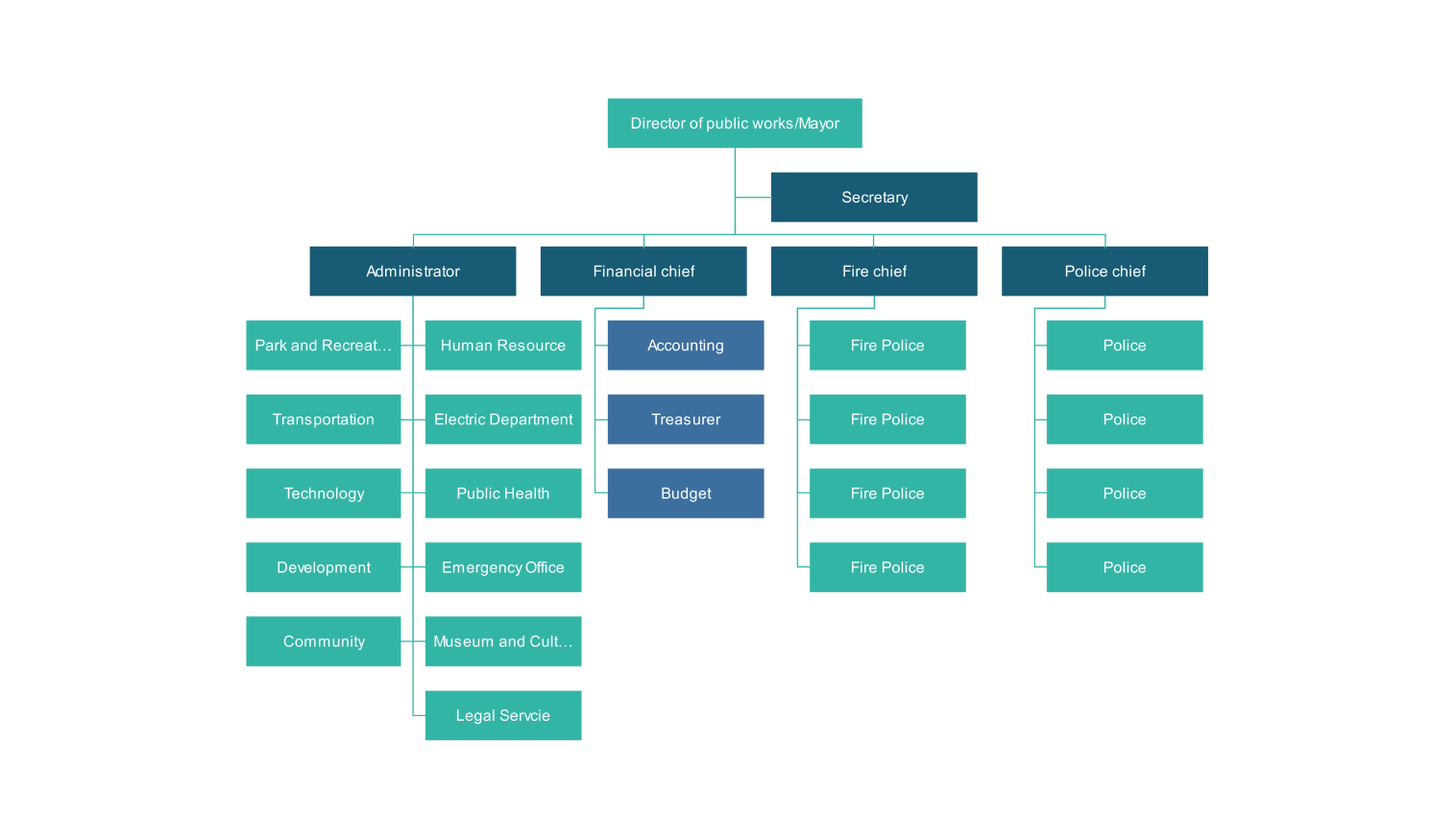
- Industry examples: start with hospital, restaurant, hotel, government, marketing, or technology-company layouts for relevant department arrangements.
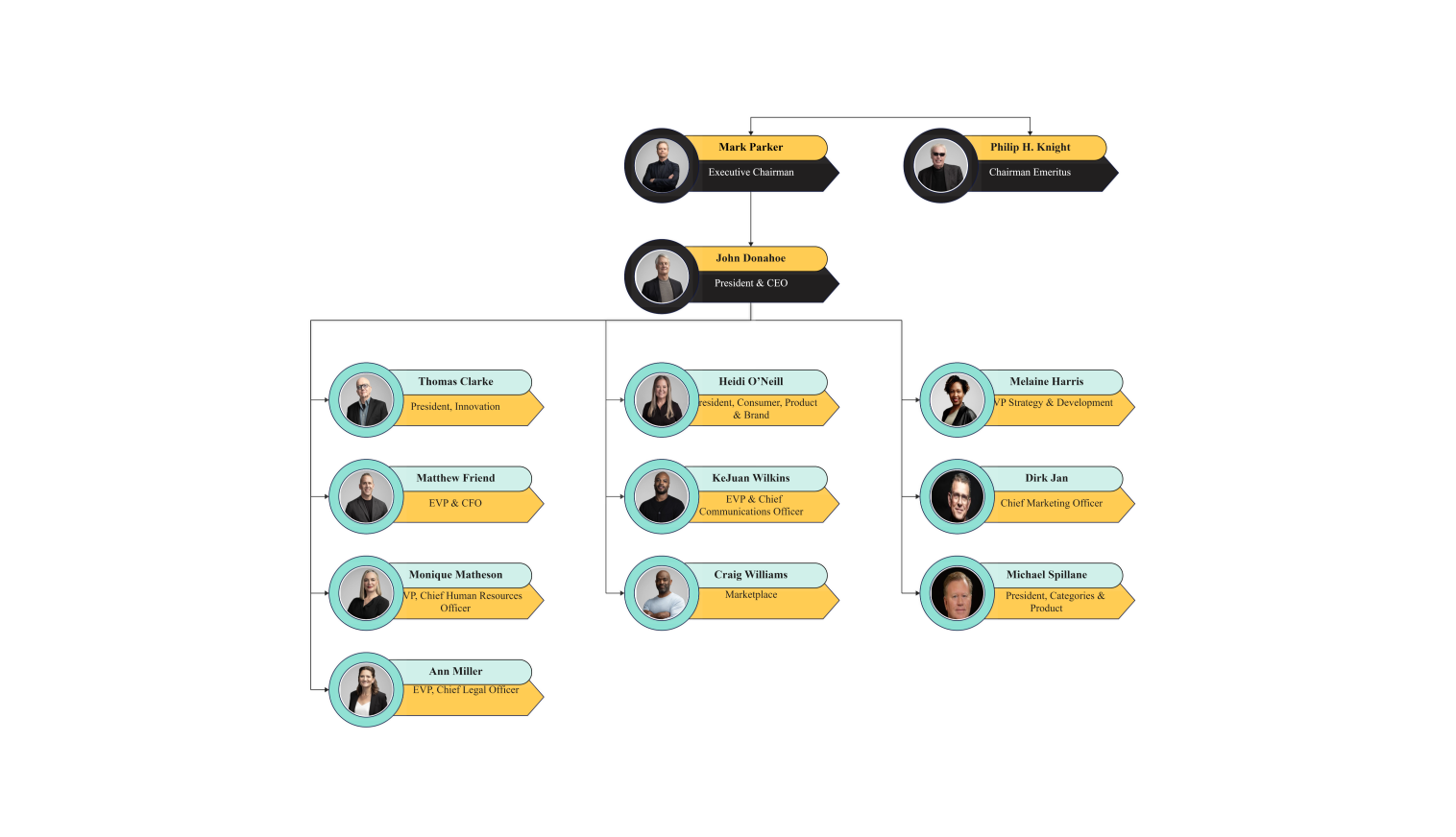
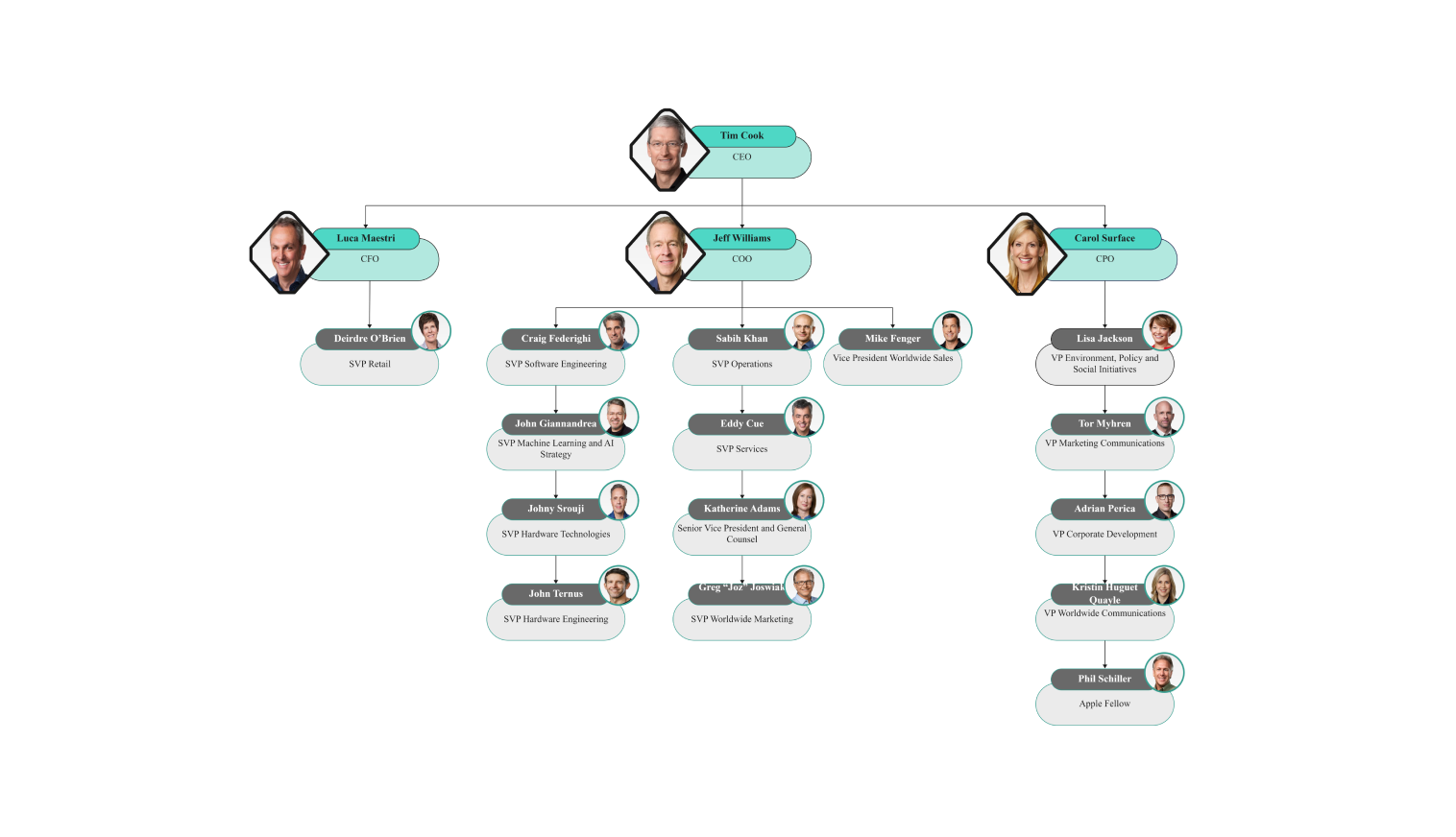
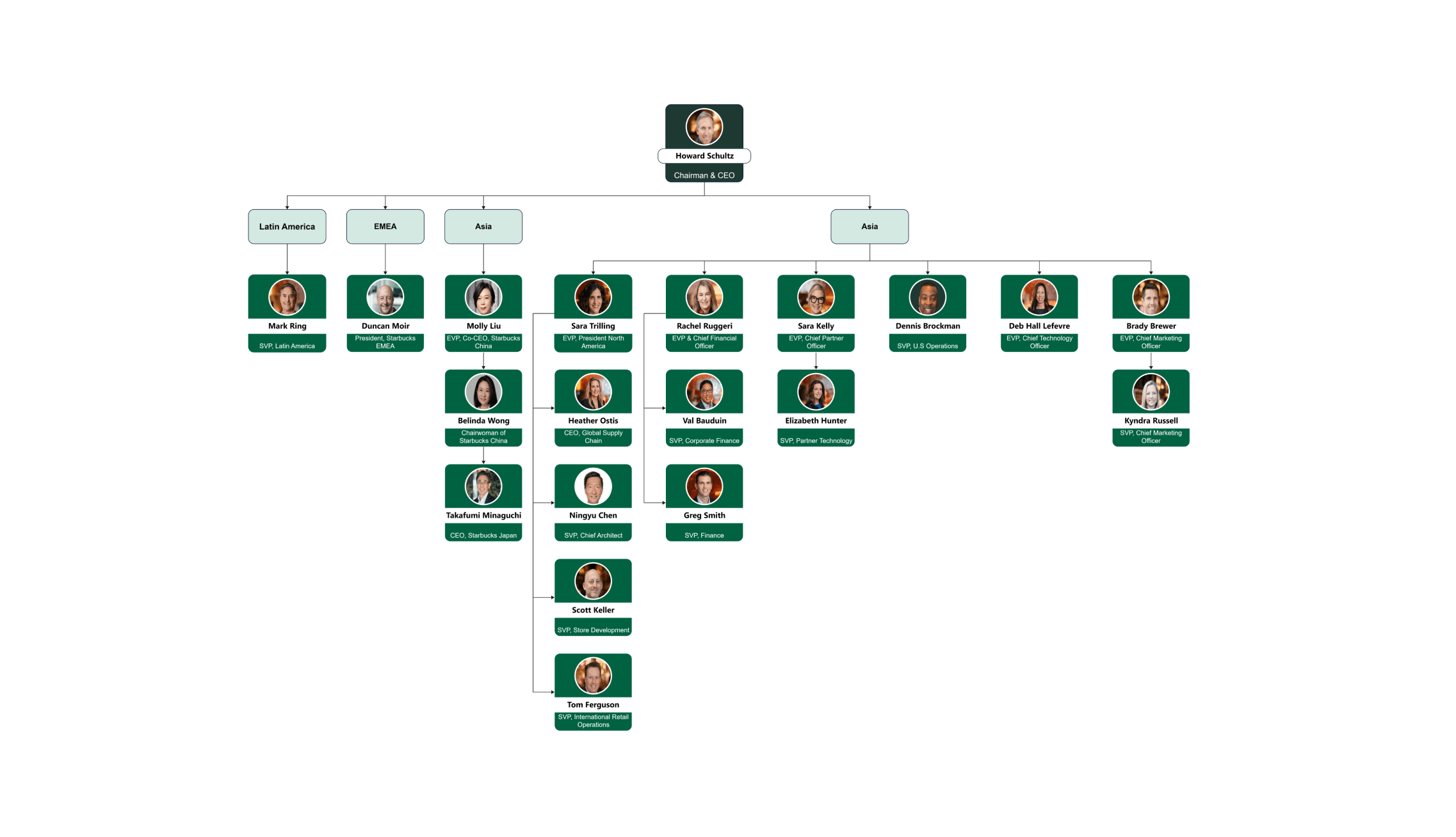
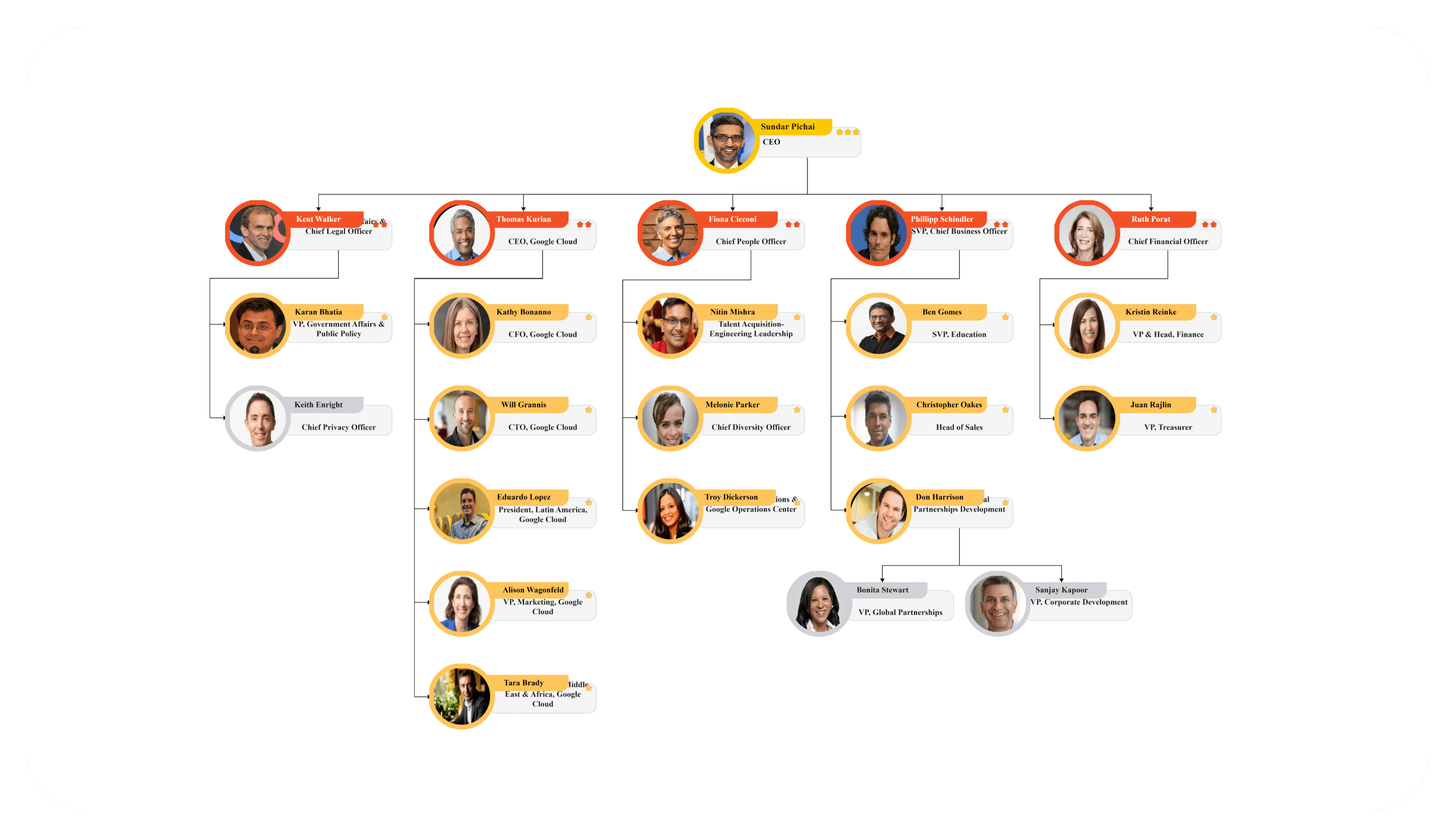
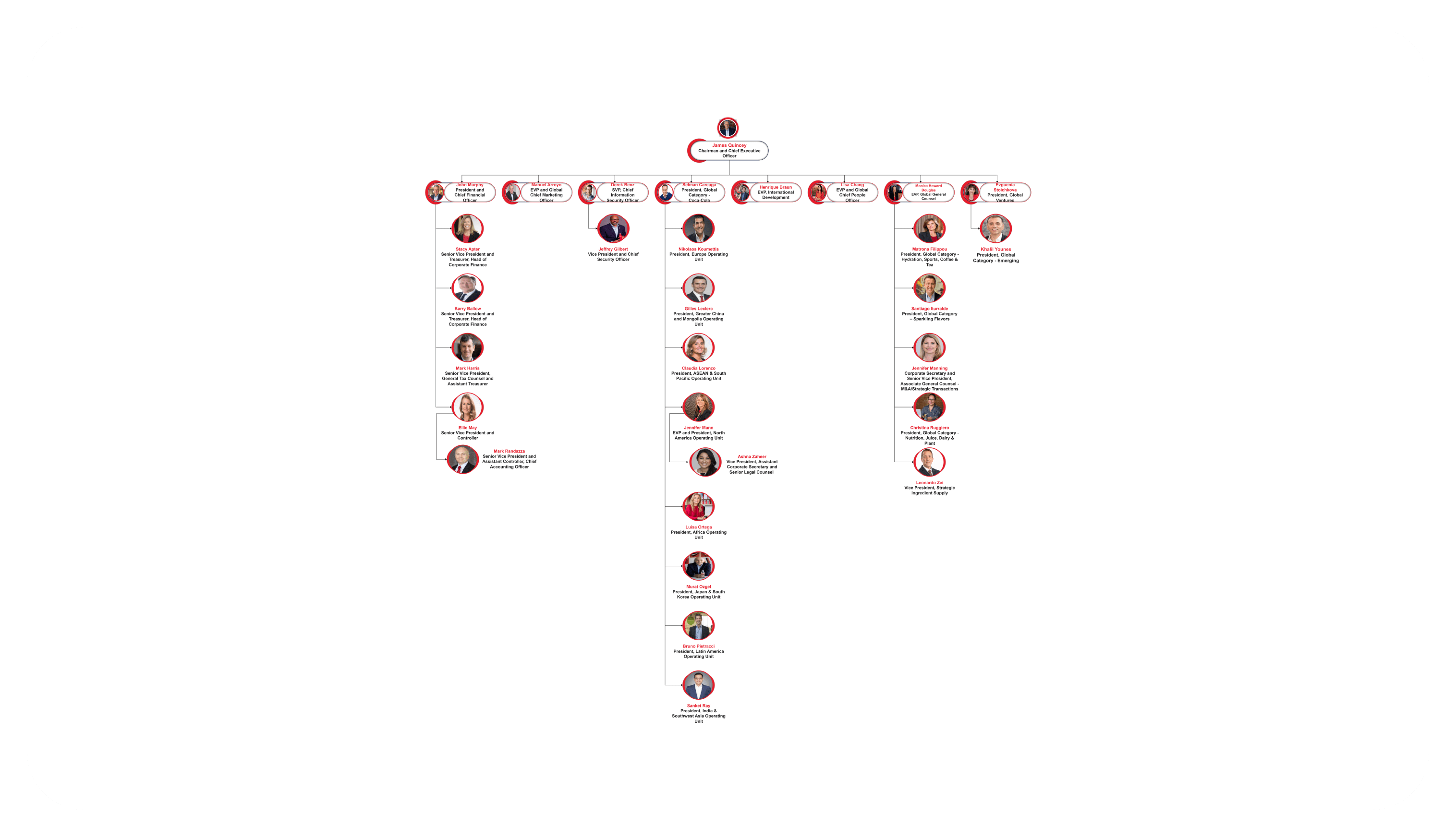
- Company examples: use Nike, Apple, Starbucks, Google, and Coca-Cola diagrams as illustrative starting points. Verify current roles and reporting lines before relying on them as factual company charts.
If a role has both a functional and project manager, distinguish the two relationships with labels or connector styles. A standard hierarchy should not imply that only one relationship exists.
Customize Your Organizational Chart
- Choose a template and open its detail page to access the editable chart.
- Replace example names, titles, and departments. Connect each position to the appropriate manager and label any secondary reporting.
- Check missing managers, duplicate roles, and proposed positions. Separate the current organization from future hiring plans.
- Save an editable copy, share an available export, and assign an owner and review date so later organizational changes can be reflected.
Get started with EdrawMax today
Create 210 types of diagrams online for free.
Free Download Free Download Draw a diagram free Draw a diagram free Draw a diagram free (AI & Web)