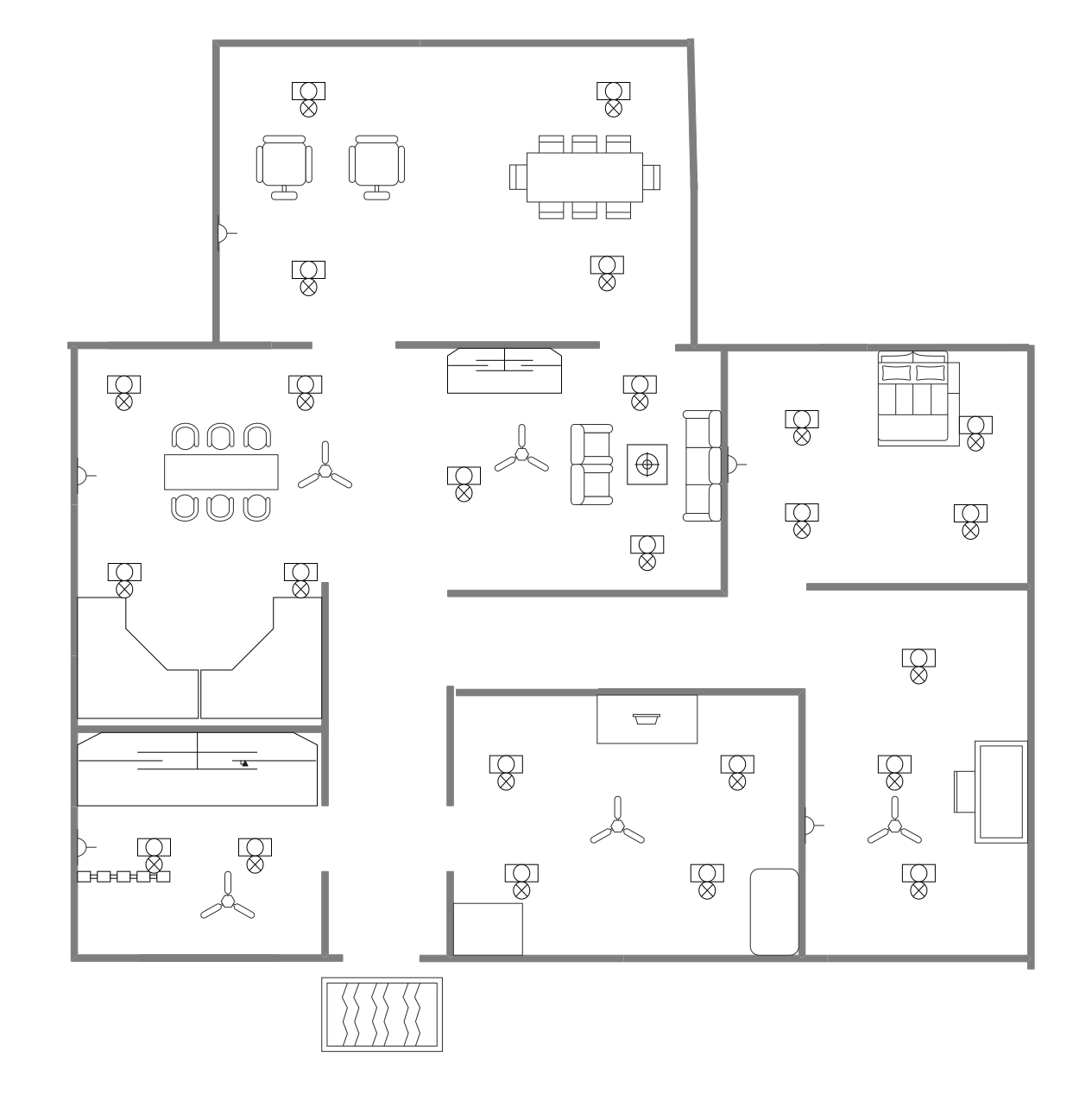
About the Open-Concept Office Floor Plan Template
Use this open-concept office floor plan template to review workstation areas, meeting rooms, and shared workplace circulation.
Workstations and shared rooms
The layout brings open work areas and meeting rooms into one plan. Use the room labels and boundaries to discuss how shared and enclosed spaces fit together.
Review workplace circulation
Follow the routes between workstations, meeting rooms, support areas, and entrances shown in the diagram. Check that paths remain clear in the intended office arrangement.
Adapt it to the workplace
In EdrawMax, update the labels, partitions, and furniture symbols to reflect the proposed office. Confirm the arrangement with the people who use and manage the space before implementation.
FAQs about this Template
-
What is an open-concept office floor plan?
It is a visual layout for an office that uses shared work areas alongside meeting rooms or other defined spaces. This template can be edited to show the arrangement planned for a particular workplace.
-
What should I show on an open-concept office floor plan?
Show the work areas, meeting rooms, support spaces, entrances, and circulation that matter to the project. Add furniture or partitions when they help explain how the space will be used.
-
How do I customize this office floor plan?
Edit labels, boundaries, furniture, and circulation in EdrawMax to match the workplace. Review the revised plan with office users and facilities staff.
-
Does an open office layout suit every team?
No single layout suits every team. Compare the planned arrangement with the team’s work patterns, need for private rooms, meeting needs, and available space before choosing a final design.

 (AI & Web)