About this Quiz Application template
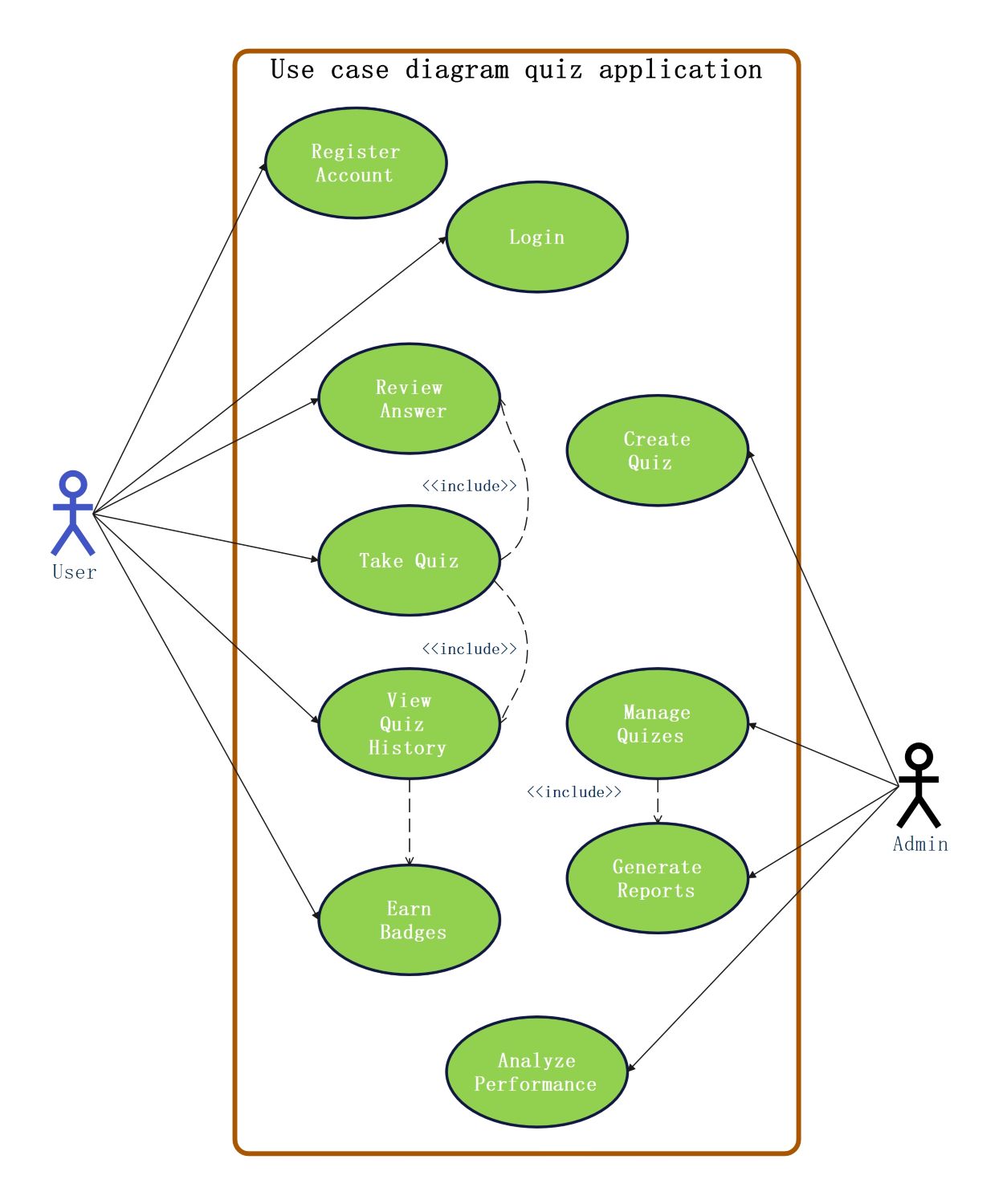
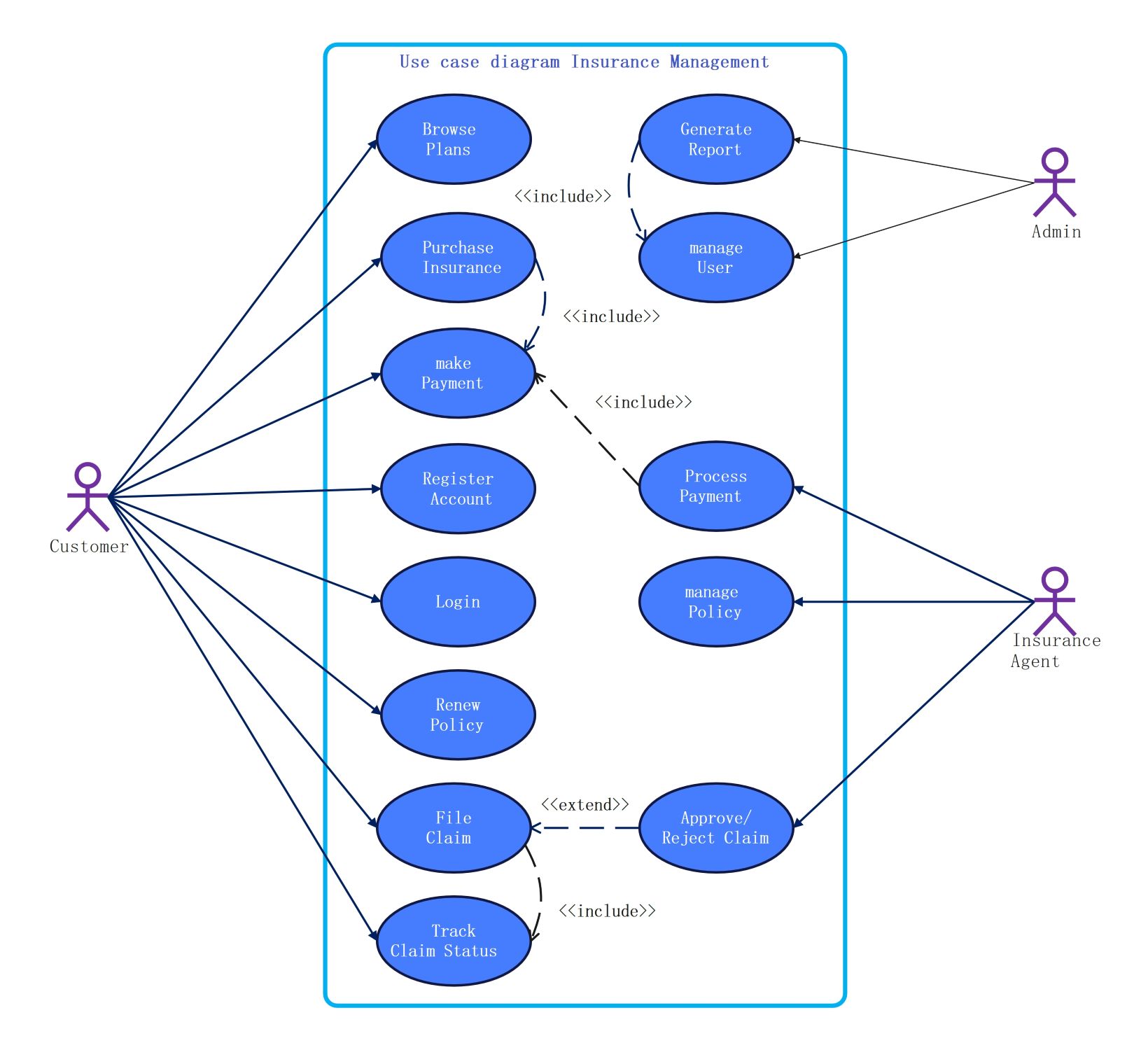
This use case diagram outlines the primary interactions within a digital quiz platform. It highlights how different users interact with the system to perform tasks like taking tests, managing content, and viewing performance reports effectively. It is a vital tool for software architecture planning.
End User Functions
The end user interacts with the front-facing part of the application to engage with learning materials. This section covers the essential journey from account creation to earning rewards based on their quiz scores and activity.
- Register Account
- Login
- Take Quiz
- Review Answer
- View Quiz History
- Earn Badges
Administrative Functions
Administrators hold the responsibility of maintaining the quality and oversight of the platform. Their roles involve content creation and data analysis to ensure the educational goals of the quiz application are met for all participants.
- Create Quiz
- Manage Quizzes
- Generate Reports
- Analyze Performance
FAQs about this Template
-
What are the main benefits of using a quiz application for education?
Quiz applications offer immediate feedback, which helps learners identify their strengths and weaknesses right away. They increase engagement through interactive elements and gamification, such as badges or leaderboards. Furthermore, these platforms allow educators to automate the grading process and easily track the progress of multiple students over time using digital reporting tools and data analytics.
-
How does the Take Quiz use case interact with other system features?
In this specific diagram, the Take Quiz use case is the core interaction for users. It includes the Review Answer function, allowing users to see their mistakes immediately. It also links to the View Quiz History feature so users can track previous attempts. Once a quiz is successfully completed, the system can trigger the Earn Badges function to reward performance.
-
Why is it important to have separate roles for Users and Admins?
Defining distinct roles ensures security and efficiency within the application. Users focus on learning and participation, while Administrators have the authority to manage sensitive data and create new content. This separation prevents unauthorized changes to quizzes and maintains the integrity of the testing process. It also simplifies the user interface by only showing relevant tools to each specific person.

 (AI & Web)