Free fault tree analysis tool
Try EdrawMax to create a professional, visually impressive fault tree analysis. It is an online event tree analysis maker with easy-to-customize templates and an intuitive toolkit, containing a diverse range of symbols for tree making.
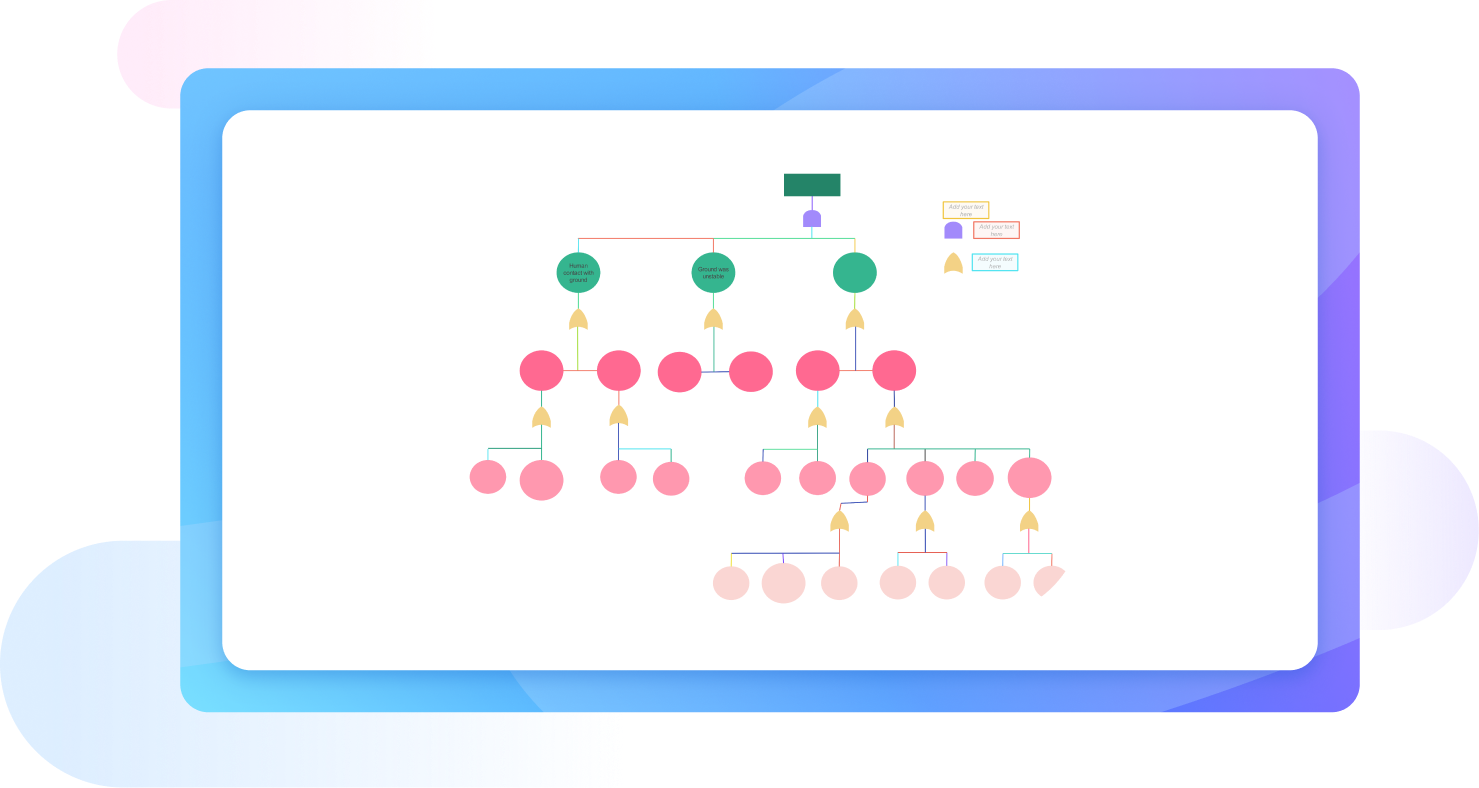
Why Use EdrawMax Fault Tree Analysis Maker?
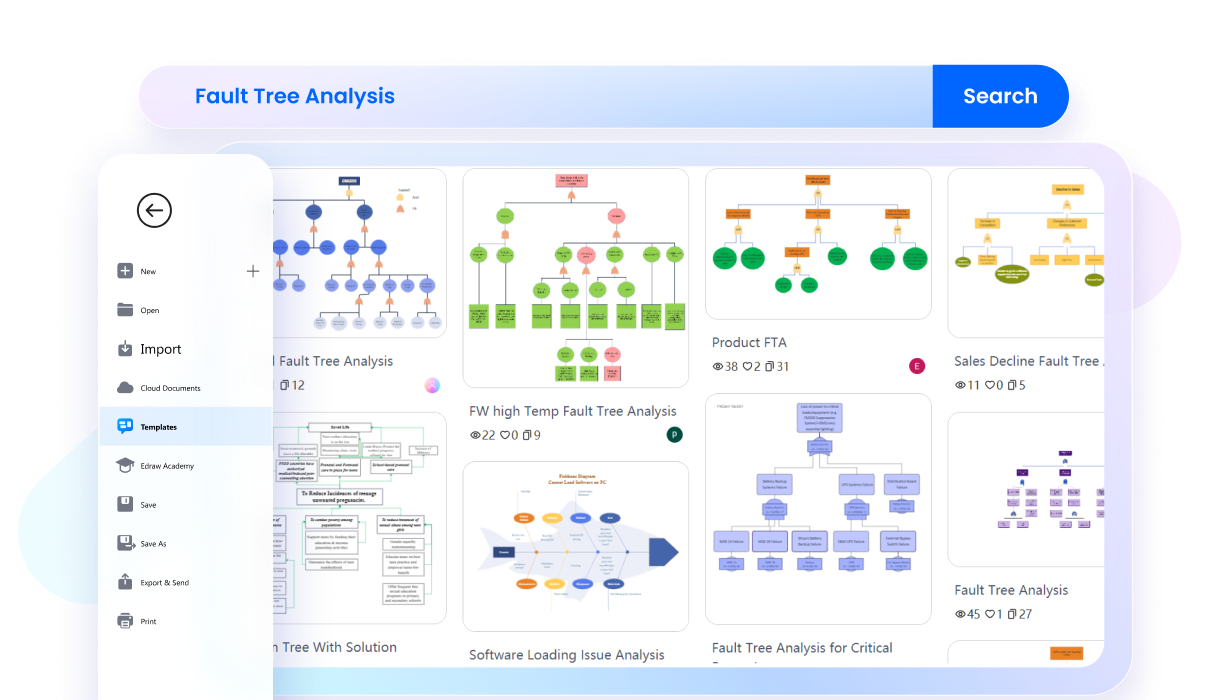
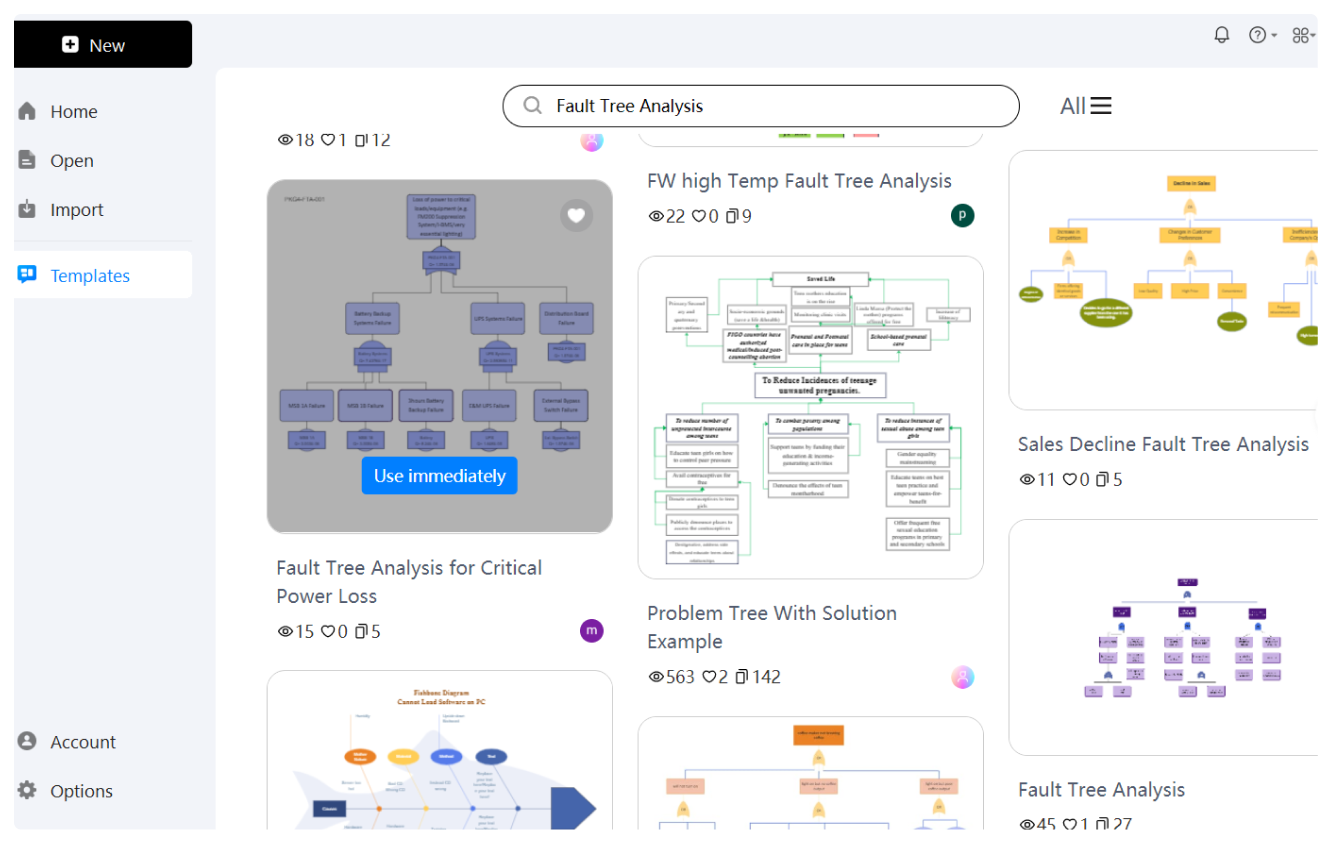
Head start your journey with EdrawMax's template community. It has thousands of engineers, students, and project managers uploading their fault tree analyses every day. You can use their examples as an inspiration and edit them to make them suitable for your needs. These templates allow you to identify the best way to minimize risks.
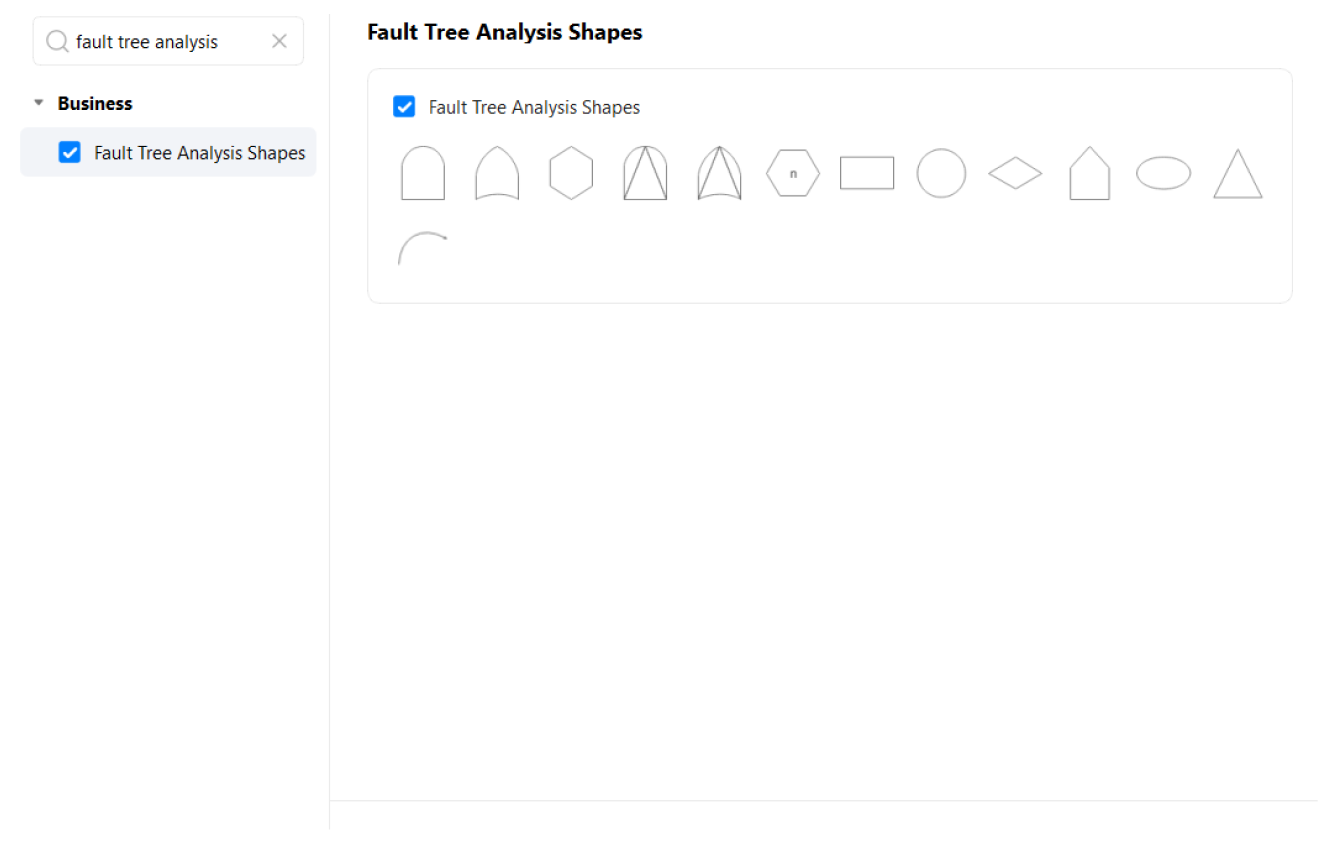
Fault tree analyses are functional with graphic details. EdrawMax gives you access to the FTA symbol library featuring icons from events to gates, transfers, combinations, and connectors. Just drag and drop these shapes onto the infinite canvas for effective analysis in minutes.

EdrawMax offers automated design support for users with tight deadlines? Once you have a fault tree draft ready, enable the one-click beautify function to modify its visual appeal. It adjusts your diagram’s themes, color schemes, orientation, dimensions, and font details in seconds.

Say goodbye to format conflicts with this fault tree analysis software. Here, you are free to import and edit your unfinished Visio and CAD FTAs. It even allows embedding your diagrams into numerous formats for easy sharing with key stakeholders.

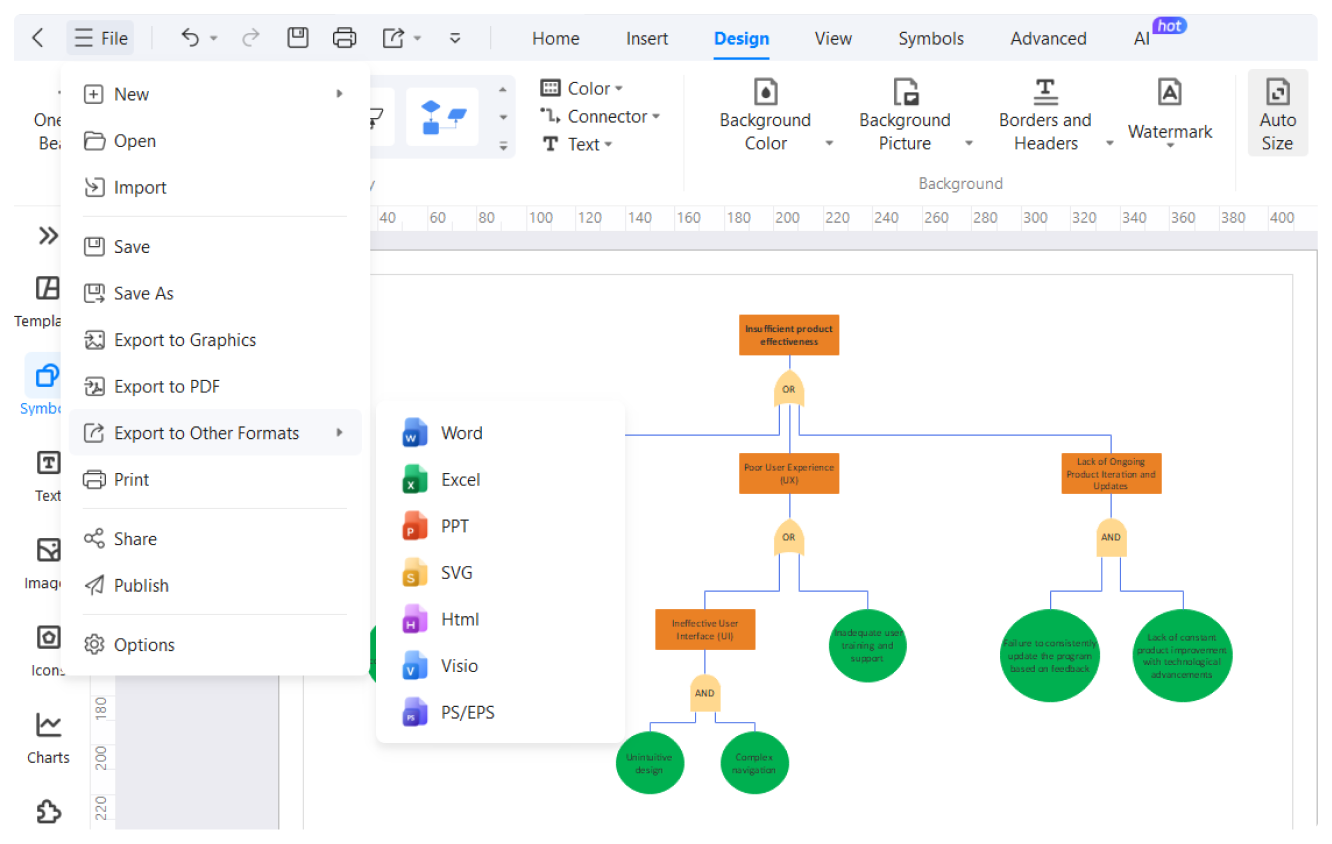
EdrawMax offers compatibility with over ten popular export formats, including Visio, PNG, JPG, SVG, PDF, etc. Or, you are free to share it with your team over the cloud. Not only this, EdrawMax also allows users to encrypt their files with a unique password for better security.

How to Make a Fault Tree Analysis in 3 Simple Steps
What our users say

More Fault Tree Analysis Tools
Discover more AI-powered diagram makers to boost your productivity.
FAQs About EdrawMax Fault Tree Analysis Tools
-
What is Fault Tree Analysis and how does it work?Fault Tree Analysis is a top-down logical approach used to identify the root causes of system failures. It uses boolean logic, such as AND and OR gates, to visually represent how various sub-events contribute to a specific unwanted top-level event, helping teams mitigate risks.
-
What is the difference between a top event and basic events?In FTA, the top event represents the main system failure being analyzed. Basic events are the lowest-level components or human errors that can trigger the failure. The analysis maps how these basic events interact through logic gates to ultimately cause the undesired top event to occur in the overall system.
-
How do logic gates function within a fault tree?Logic gates, such as AND and OR gates, connect events in the tree. An AND gate signifies that all input events must occur for the output to happen. An OR gate means at least one input event is sufficient. These symbols help visualize the logical paths leading to system failure.
-
What is a "cut set" in the context of FTA?A cut set is a combination of basic events that, if they occur simultaneously, will cause the top event to happen. A "minimal cut set" is the smallest group of events required for failure. Identifying these sets helps engineers pinpoint the most critical failure paths that need immediate attention.
-
What is the difference between FTA and FMEA?While FTA is a top-down approach starting with a failure and looking for causes, Failure Mode and Effects Analysis (FMEA) is bottom-up. FMEA examines individual components first to see how their failure affects the system. FTA is better for complex interactions, while FMEA is ideal for component-level reliability.
Learn about Fault Tree Analysis
Stop drawing. Start describing.
AI diagramming isn't just text-to-diagram.
AI now understands any input, fetches live data, adapts through dialogue, and works everywhere.
 (AI & Web)
Free fault tree analysis templates from EdrawMax