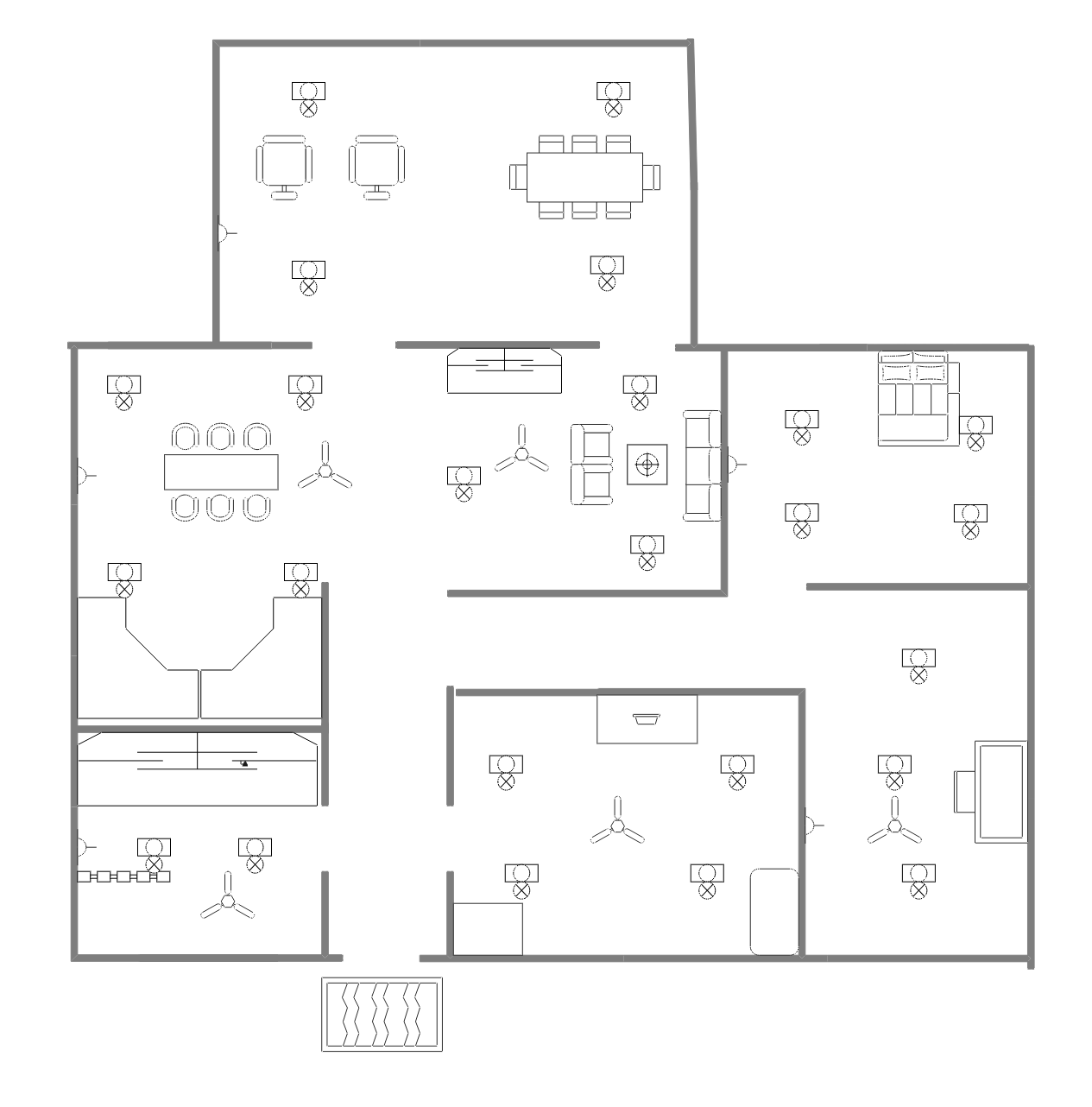
About the Open Office Floor Plan Template
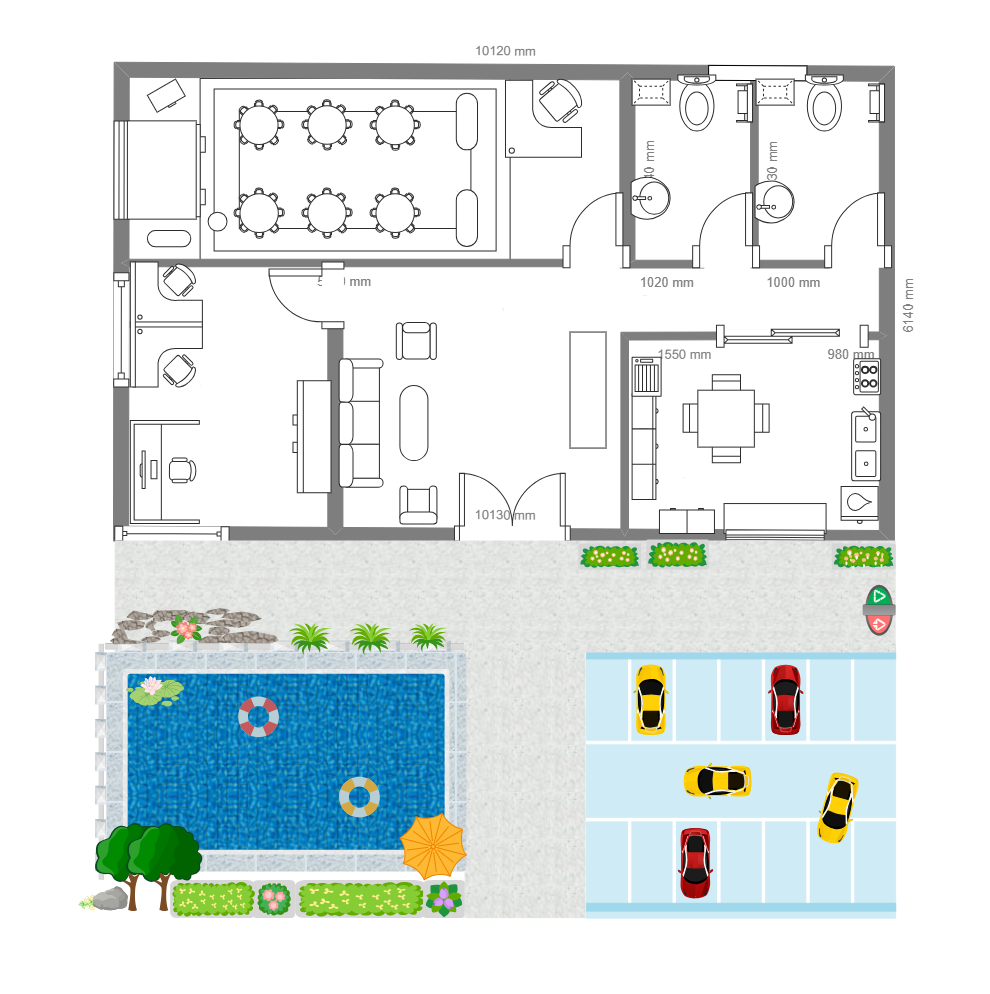
Use this open office floor plan template to review shared work areas, support rooms, and movement through a workplace.
Shared work areas
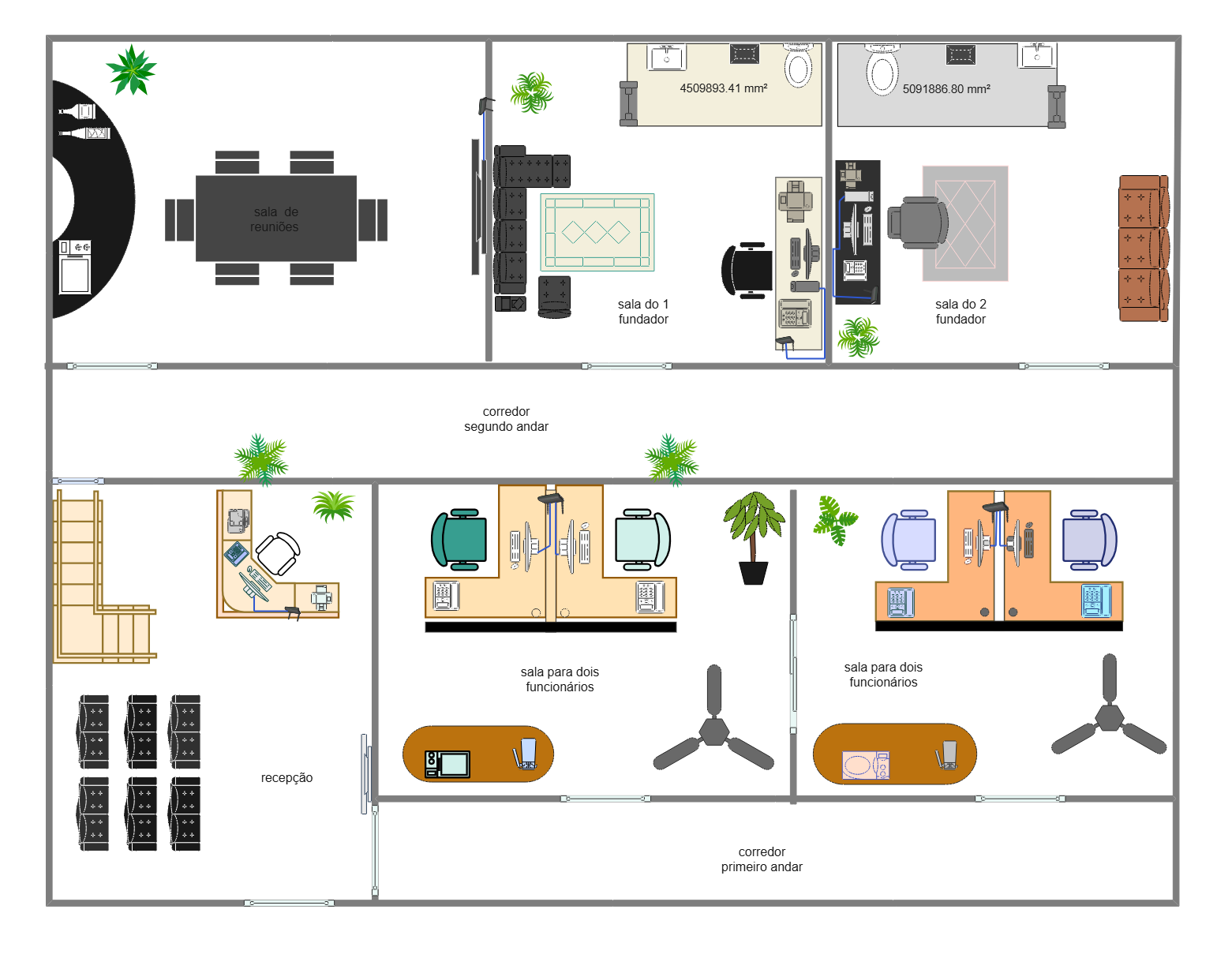
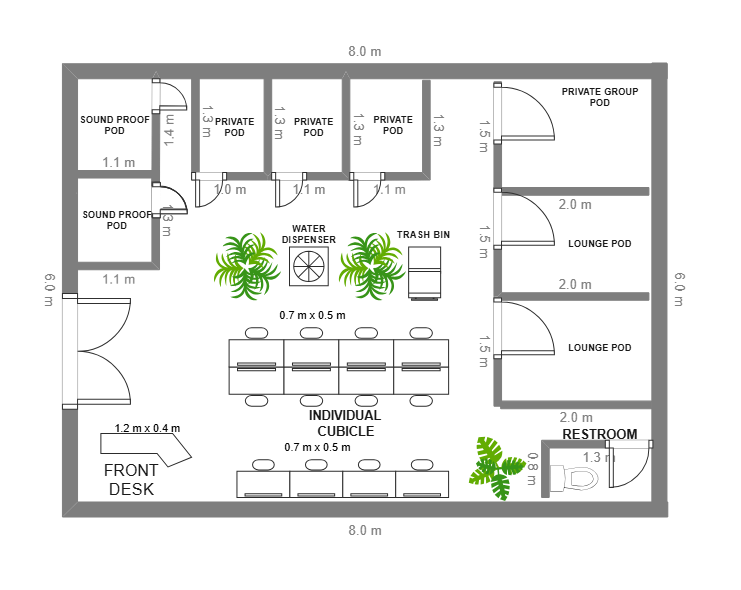
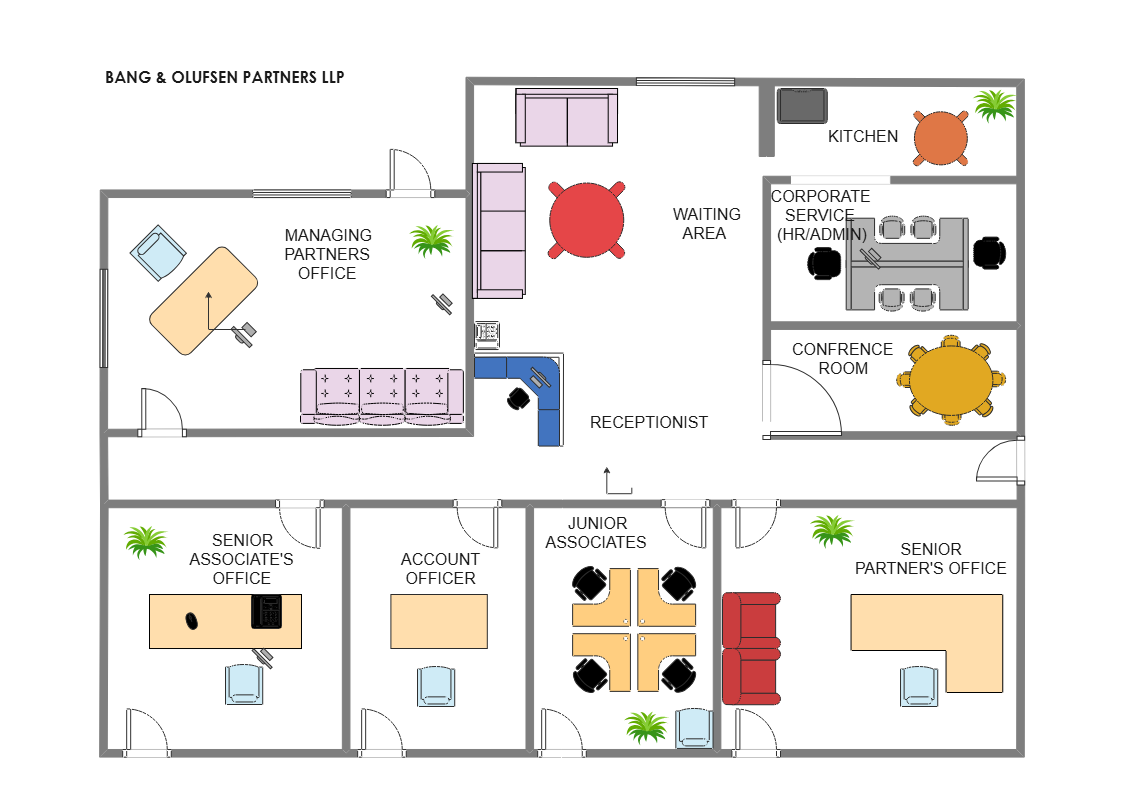
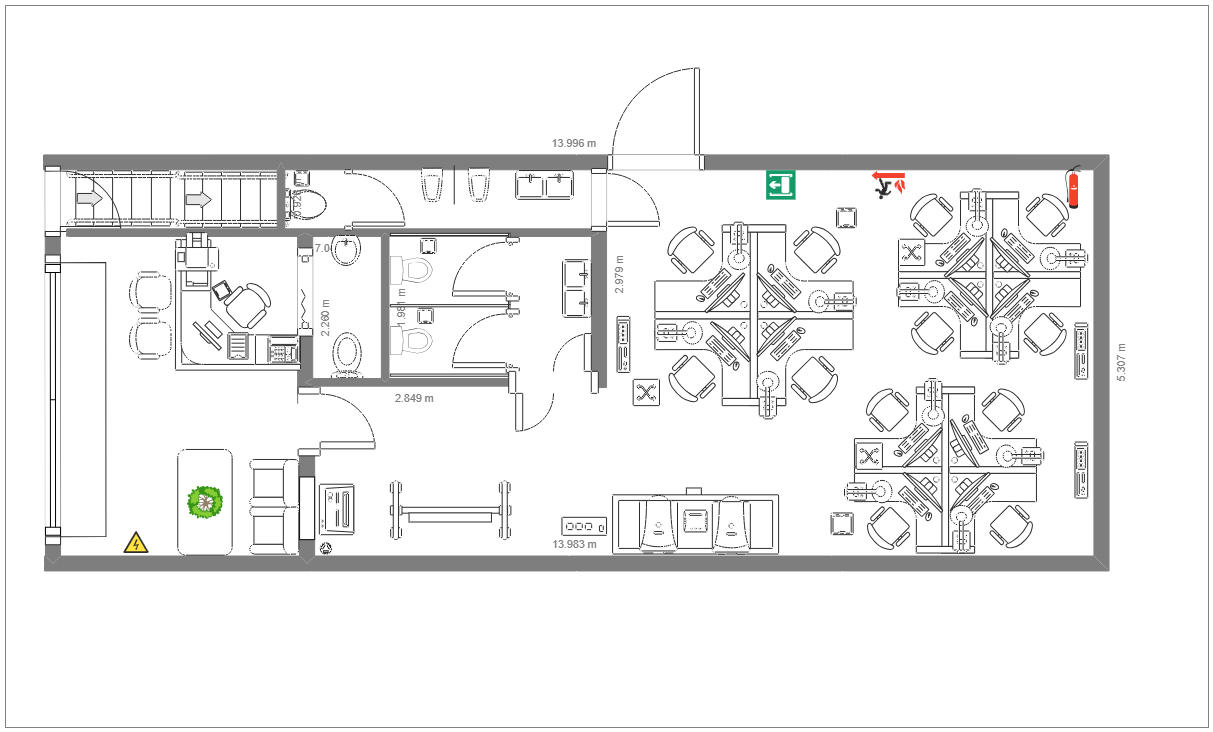
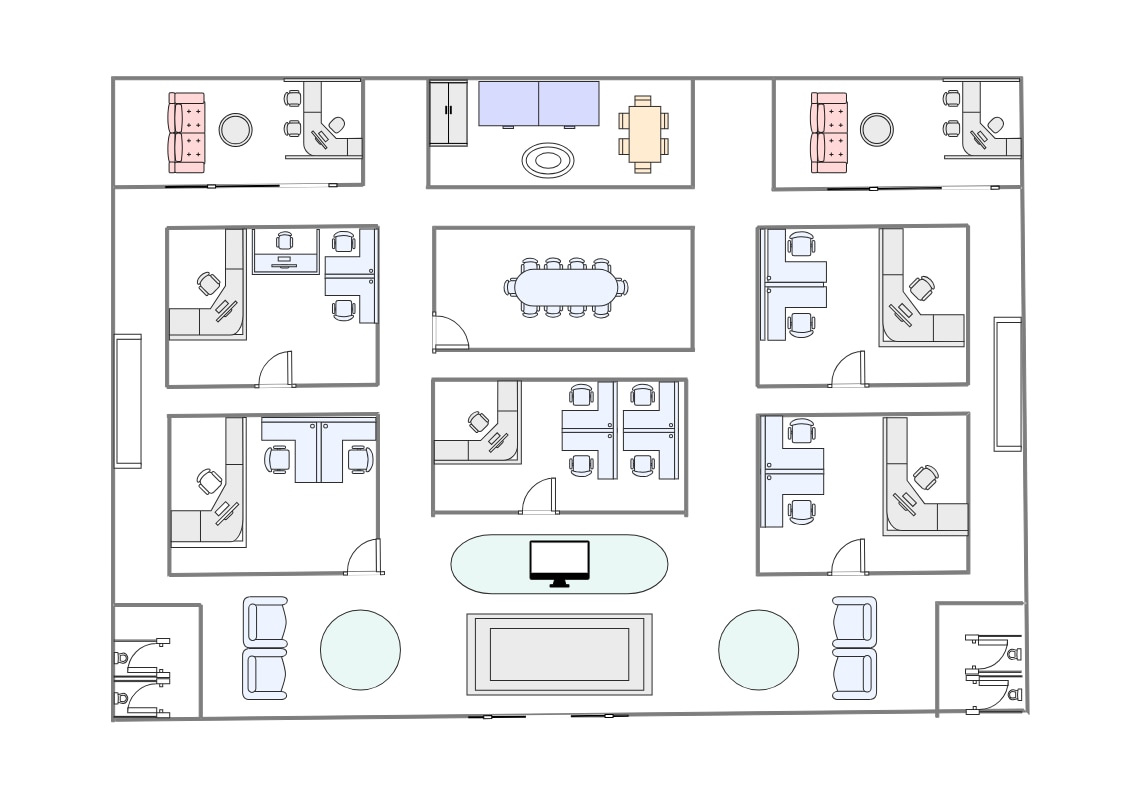
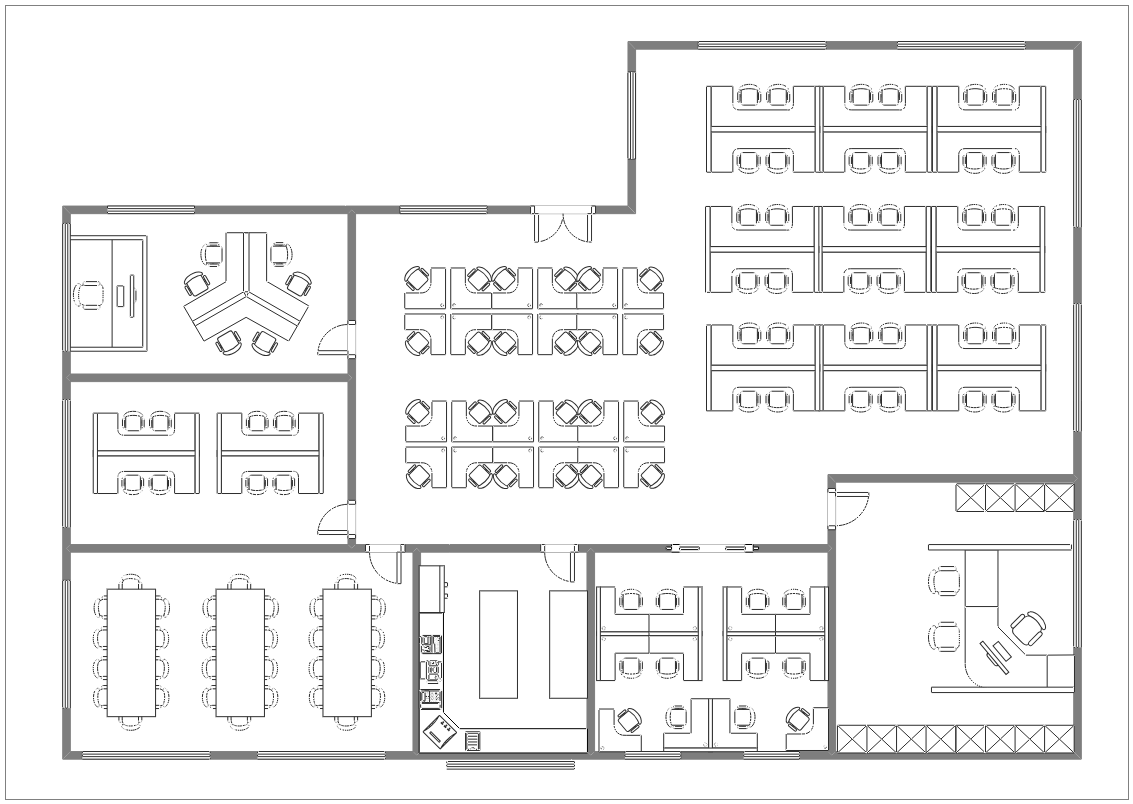
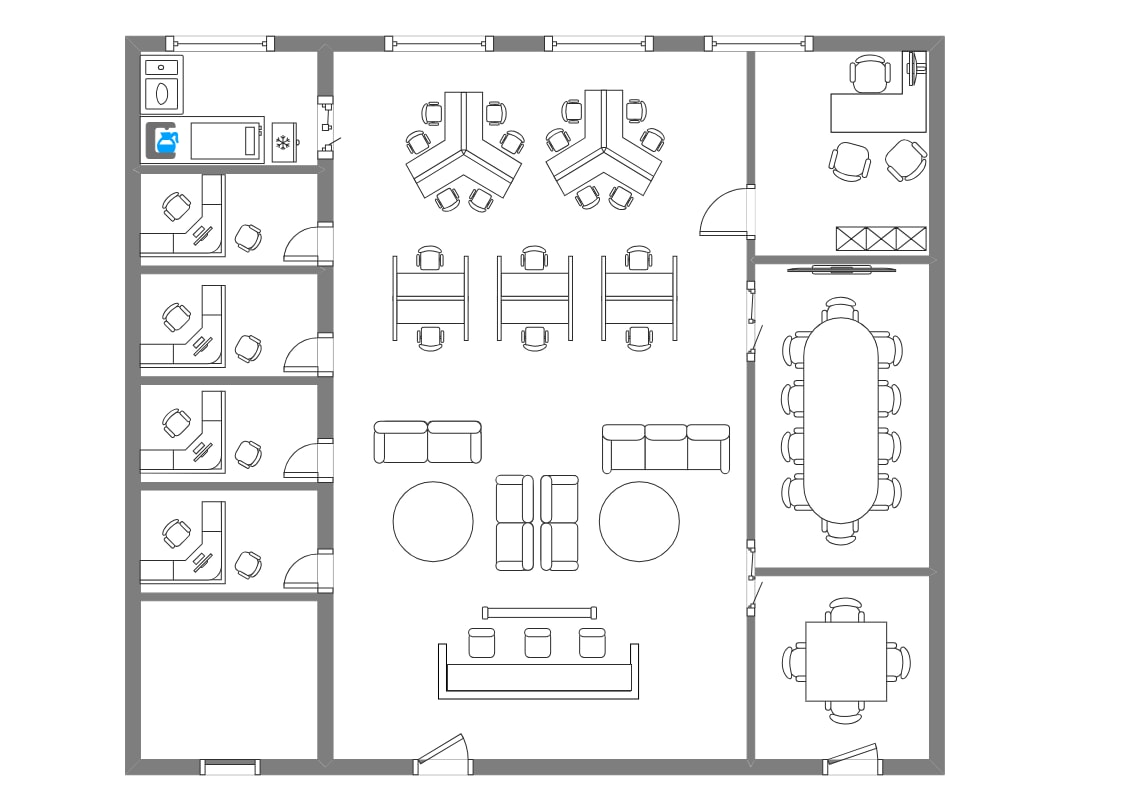
The plan represents a workplace organized around shared workstations. Use labels and furniture to show how work areas relate to meeting or support rooms in the proposed layout.
Rooms and circulation
Review how enclosed rooms and support spaces connect to shared areas. Mark the circulation needed to understand movement through the workplace and check that it matches the actual building.
Adapt the office layout
In EdrawMax, edit desks, rooms, boundaries, and labels to reflect the office. Consider the team’s work patterns and privacy needs, then confirm the plan with workplace users and facilities staff.
FAQs about this Template
-
What does an open office floor plan show?
It shows how shared work areas, support rooms, and circulation can be arranged in an office. This template can be edited to represent a specific workplace.
-
What should I consider when planning an open office?
Review how people move between workstations and shared rooms, and whether the team needs enclosed spaces for meetings or focused work. The right balance depends on the workplace.
-
How can I customize this open office floor plan?
Update the furniture, room boundaries, labels, and circulation in EdrawMax. Check the revised drawing against the office dimensions and user needs.
-
Is an open office layout right for every team?
No. Team tasks, privacy, collaboration, meeting patterns, and the available space affect the choice. Use the plan to discuss those needs before settling on a layout.

 (AI & Web)