Free anatomy diagram maker
Create clear and detailed anatomy diagrams using free anatomy diagram maker. Use ready-made templates, symbols, and AI-powered scientific illustration tools to make anatomy diagrams in minutes.

Why Use EdrawMax Anatomy Diagram Maker?
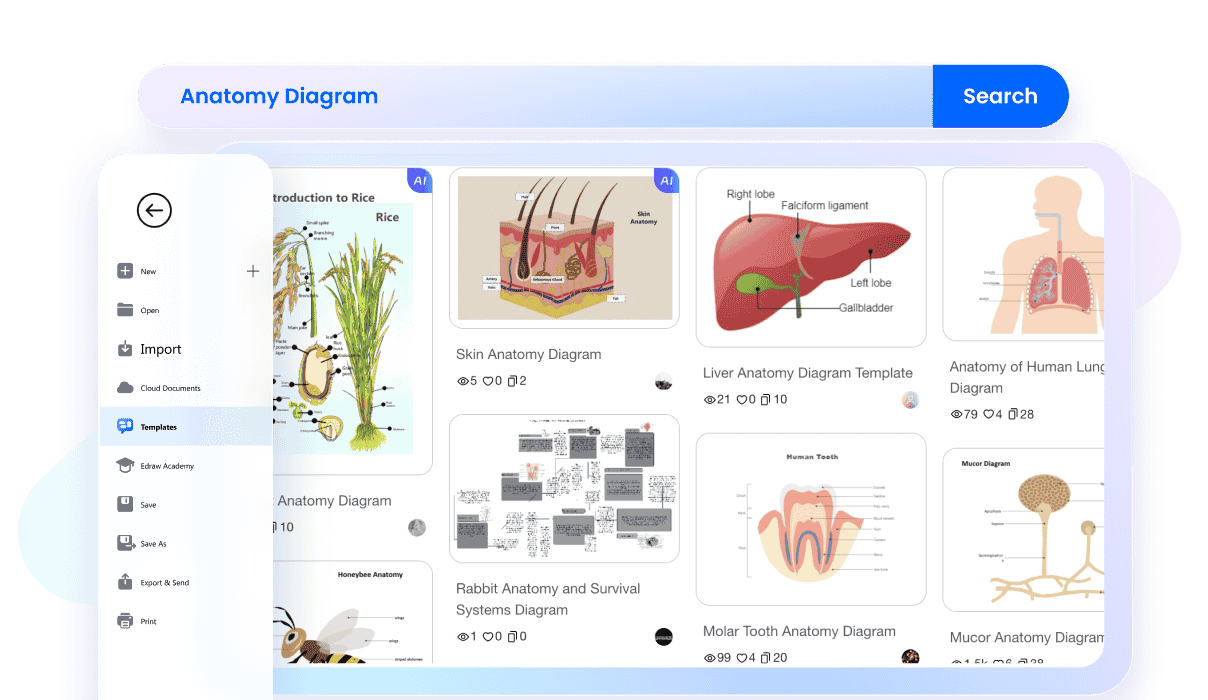
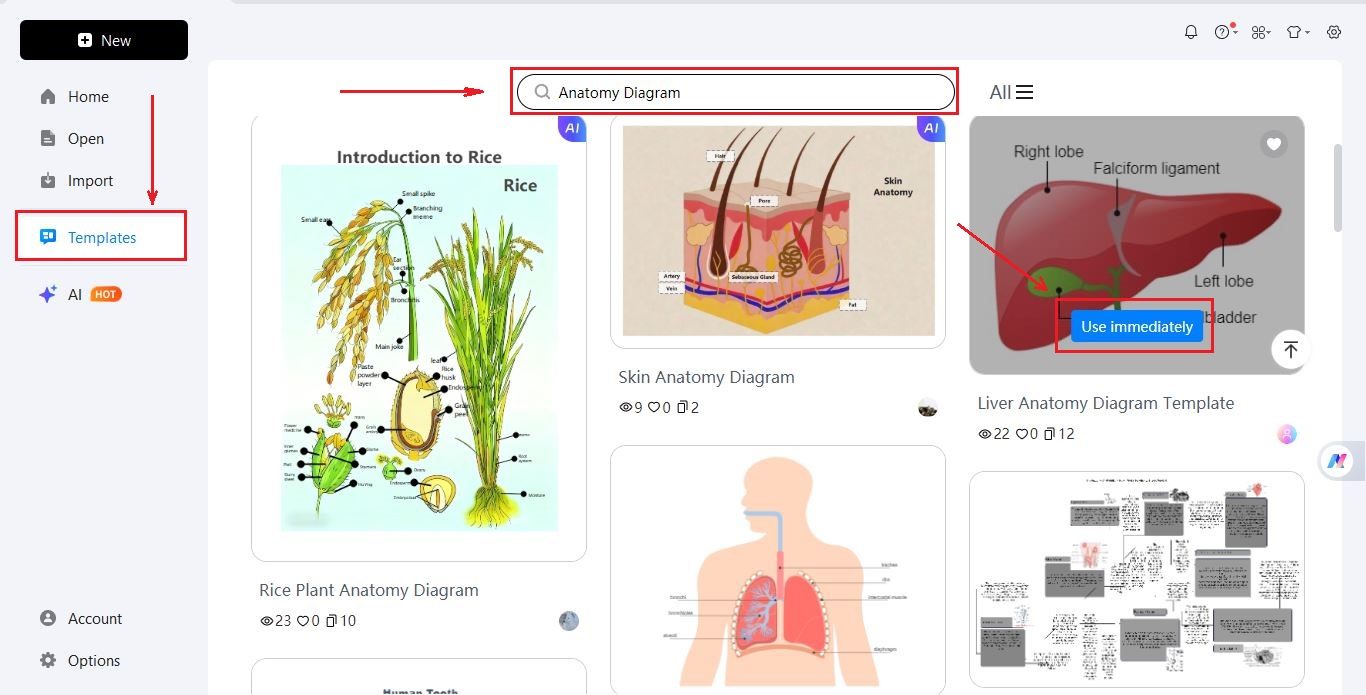
Starting from a blank page is not always easy. EdrawMax includes a huge collection of anatomy diagram templates that help you begin quickly. Browse the available templates and pick a layout that fits your topic. Adjust the labels, colors, and diagram parts so the design matches your project.
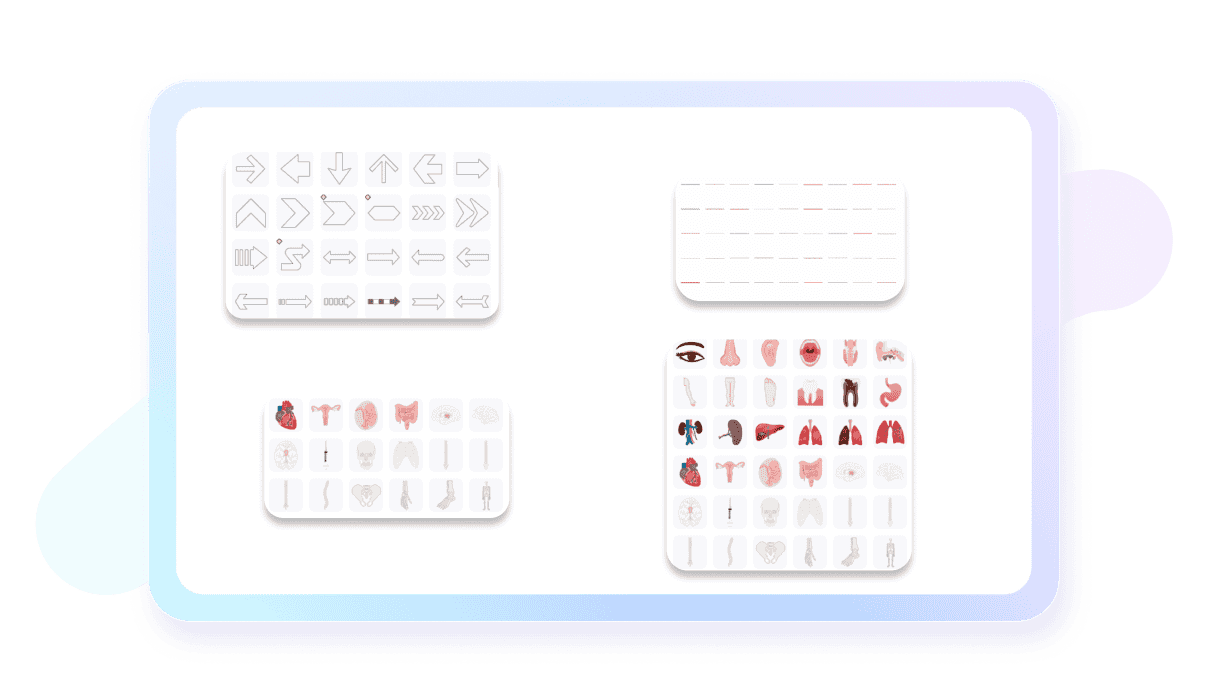
Wondershare EdrawMax offers a vast library of professional anatomy symbols, allowing you to create detailed diagrams effortlessly. Simply drag and drop symbols like organs, bones, and cells onto your canvas to build high-quality medical and educational visuals in minutes.
EdrawMax includes a scientific illustration feature powered by Nano Banana Pro. Type the name of the body part or body system you want to show and the tool generates a visual illustration instantly. Once the image is generated, you can adjust it, add names to different parts, or place it alongside other diagram elements.

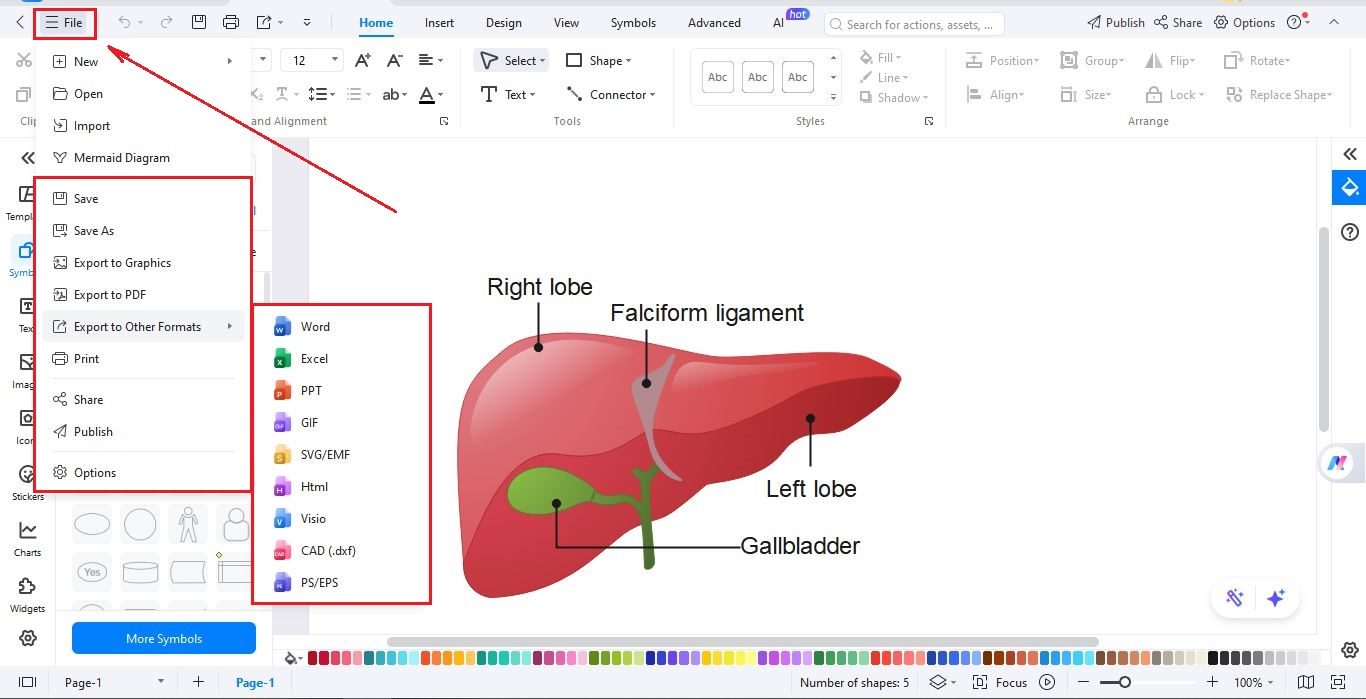
When the diagram is finished, download your file in different formats, including PNG, PDF, and SVG and more. You can also share your work with students, teachers, or team members. And if you want, you can also print or embed your diagram into slides, documents, or learning resources.

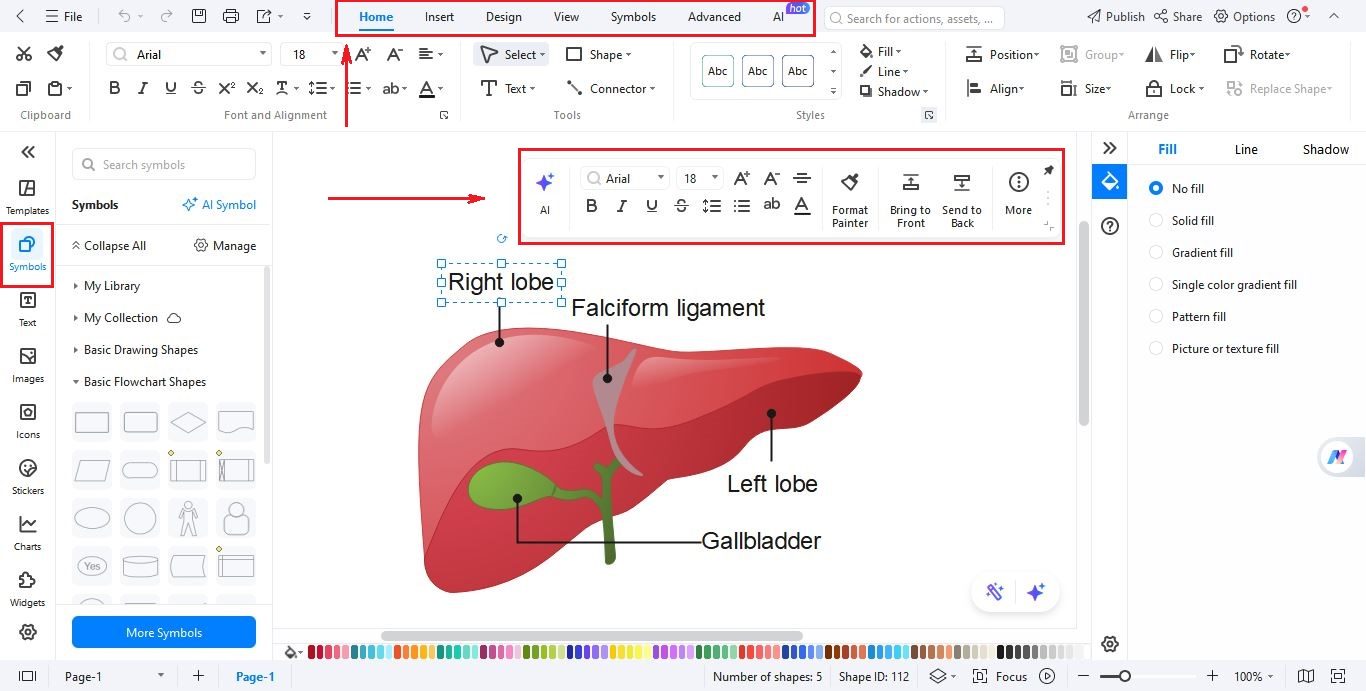
How to Make an Anatomy Diagram in 3 Simple Steps
What our users say

More Anatomy Diagram Tools
Discover more AI-powered diagram makers to boost your productivity.
FAQs About EdrawMax Anatomy Diagram Tools
-
What is an anatomy diagram?An anatomy diagram is a visual representation of the internal or external structures of living organisms. These illustrations identify organs, tissues, bones, and systems, helping students and professionals understand spatial relationships. They are essential tools in medical education, providing a clear map of how the body is organized and functions.
-
What is the difference between gross and microscopic anatomy diagrams?Gross anatomy diagrams focus on structures visible to the naked eye, such as the heart, lungs, or skeletal system. In contrast, microscopic anatomy diagrams illustrate cells and tissues at a much higher magnification. Both are crucial for understanding biology, as gross anatomy shows the "big picture" while microscopic views explain function.
-
What are the main body systems shown in anatomy diagrams?Anatomy diagrams typically cover the eleven major organ systems, including the skeletal, muscular, nervous, circulatory, and respiratory systems. Other common diagrams illustrate the digestive, endocrine, reproductive, urinary, lymphatic, and integumentary systems. Each diagram focuses on how these parts work together to maintain homeostasis and support life within the body.
-
How do 3D anatomy diagrams differ from 2D versions?While 2D diagrams provide a flat, easy-to-print view of body parts, 3D diagrams offer an immersive experience. They allow users to rotate structures and see depth, which is vital for understanding complex spatial relationships. 3D models are particularly helpful for surgeons and students who need to visualize internal organs accurately.
-
Are anatomy diagrams standardized across the world?Yes, anatomy diagrams generally follow a standardized set of names known as "Terminologia Anatomica." This international system ensures that medical professionals and researchers worldwide use the same language to describe body parts. This consistency prevents confusion during surgery or diagnosis, regardless of the language the practitioner speaks or where they trained.
Stop drawing. Start describing.
AI diagramming isn't just text-to-diagram.
AI now understands any input, fetches live data, adapts through dialogue, and works everywhere.
 (AI & Web)
Free anatomy diagram templates from EdrawMax