Free physics diagram maker
Create professional physics diagrams in minutes with our online physics diagram maker. Drag and drop symbols, use ready-made templates, and add labels to illustrate concepts like motion, forces, and free body diagrams easily.

Why Use EdrawMax Physics Diagram Maker?
EdrawMax gives you several ready-made templates for physics diagrams. Pick one that is most relevant to your assignment and start editing. The template options available are motion diagrams, free body diagrams, mechanics diagrams and more. Some templates even have animations that help you show ideas in your lessons or presentations.
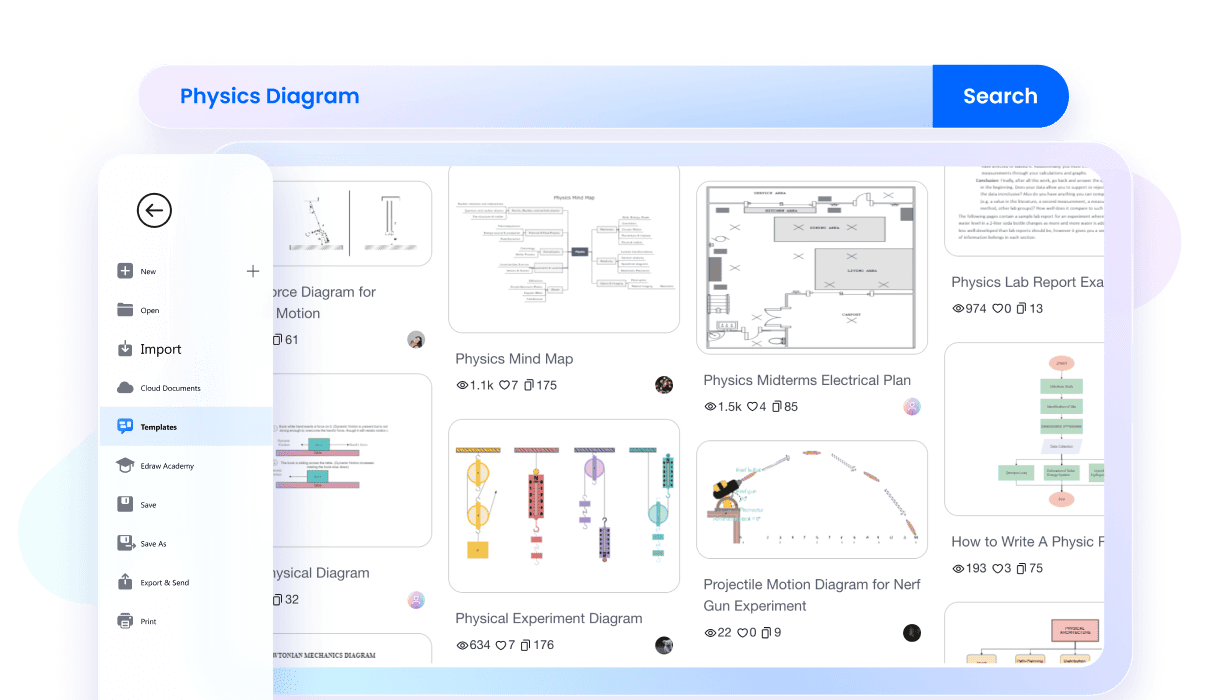
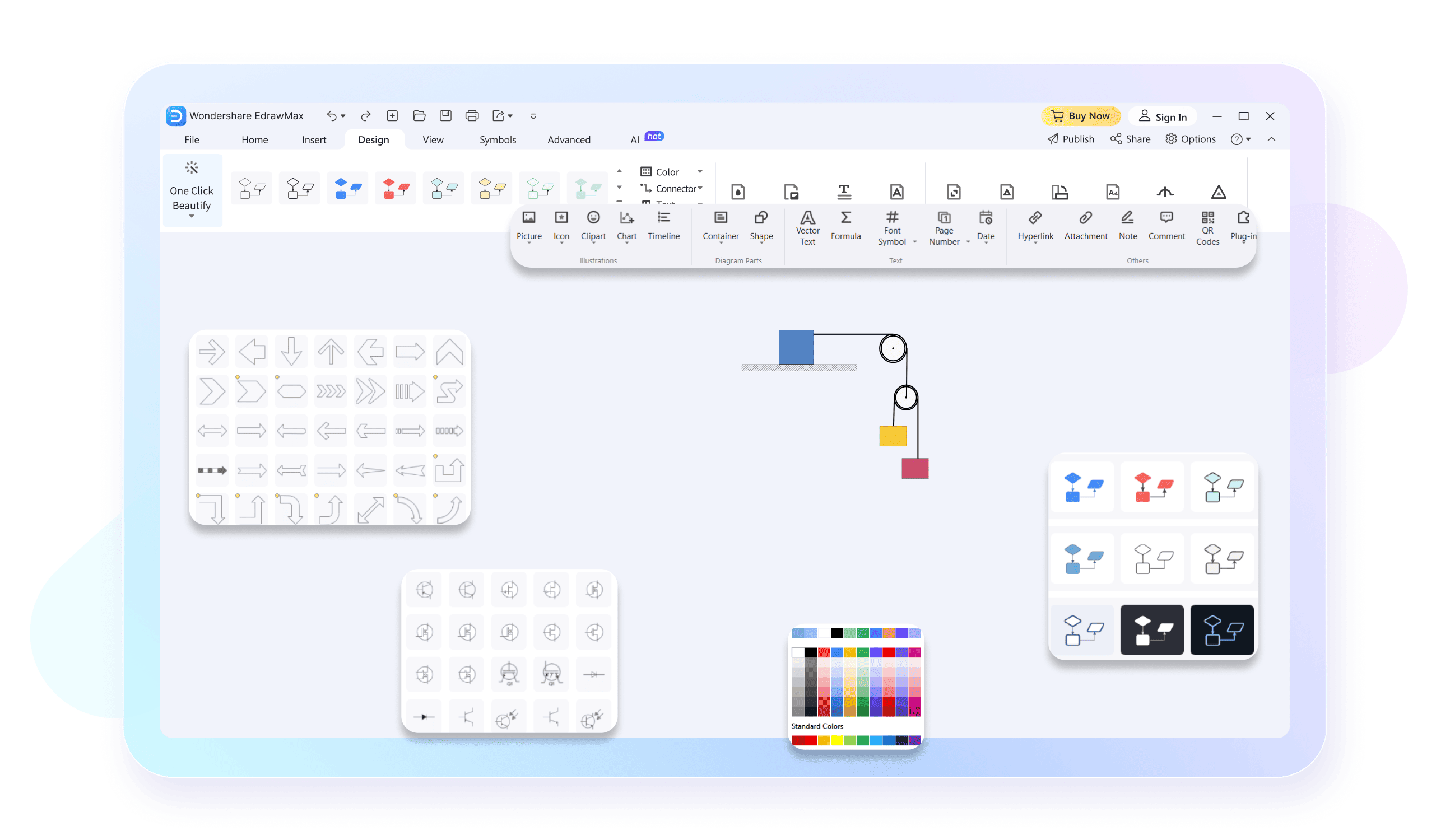
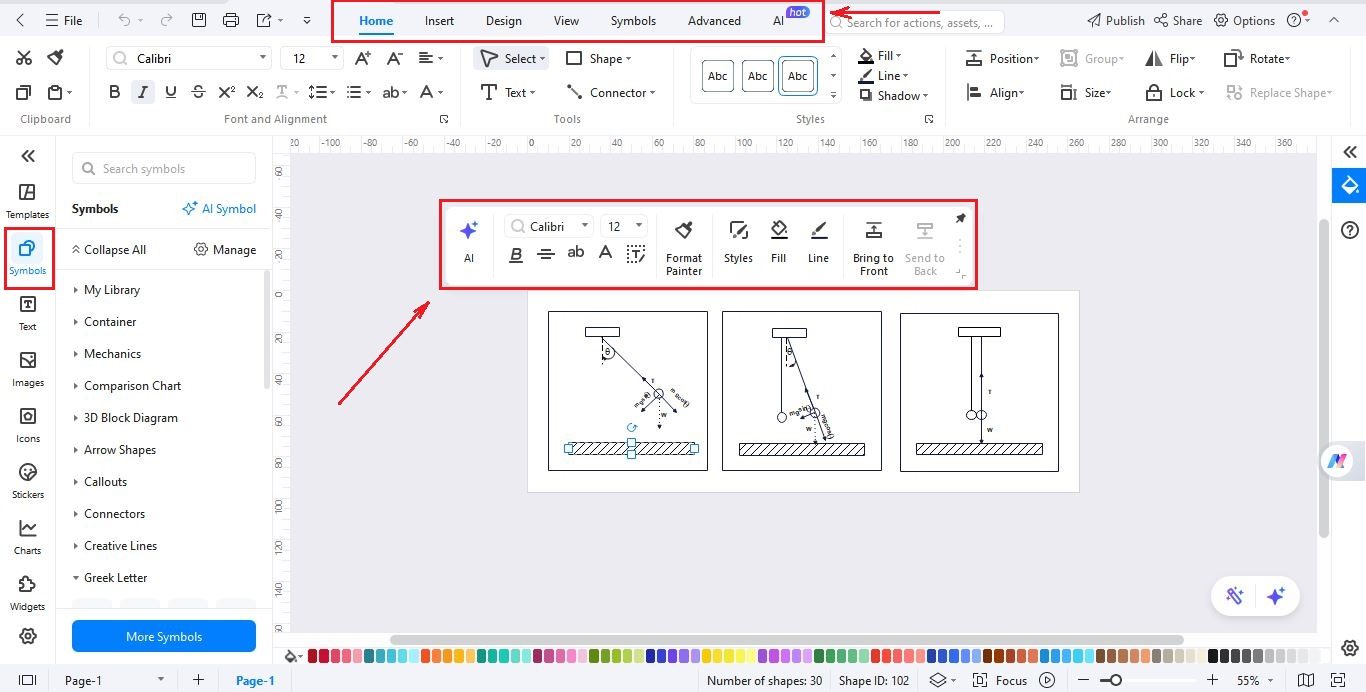
EdrawMax provides a simple and intuitive interface to make physics diagrams. Drag arrows, shapes, or labels exactly where you want each part. No special skills are required. The best part is that you can drag and drop any symbols or arrows with a single click. Drag and drop a weight symbol to show force or a spring symbol to show elasticity, it is super simple now.
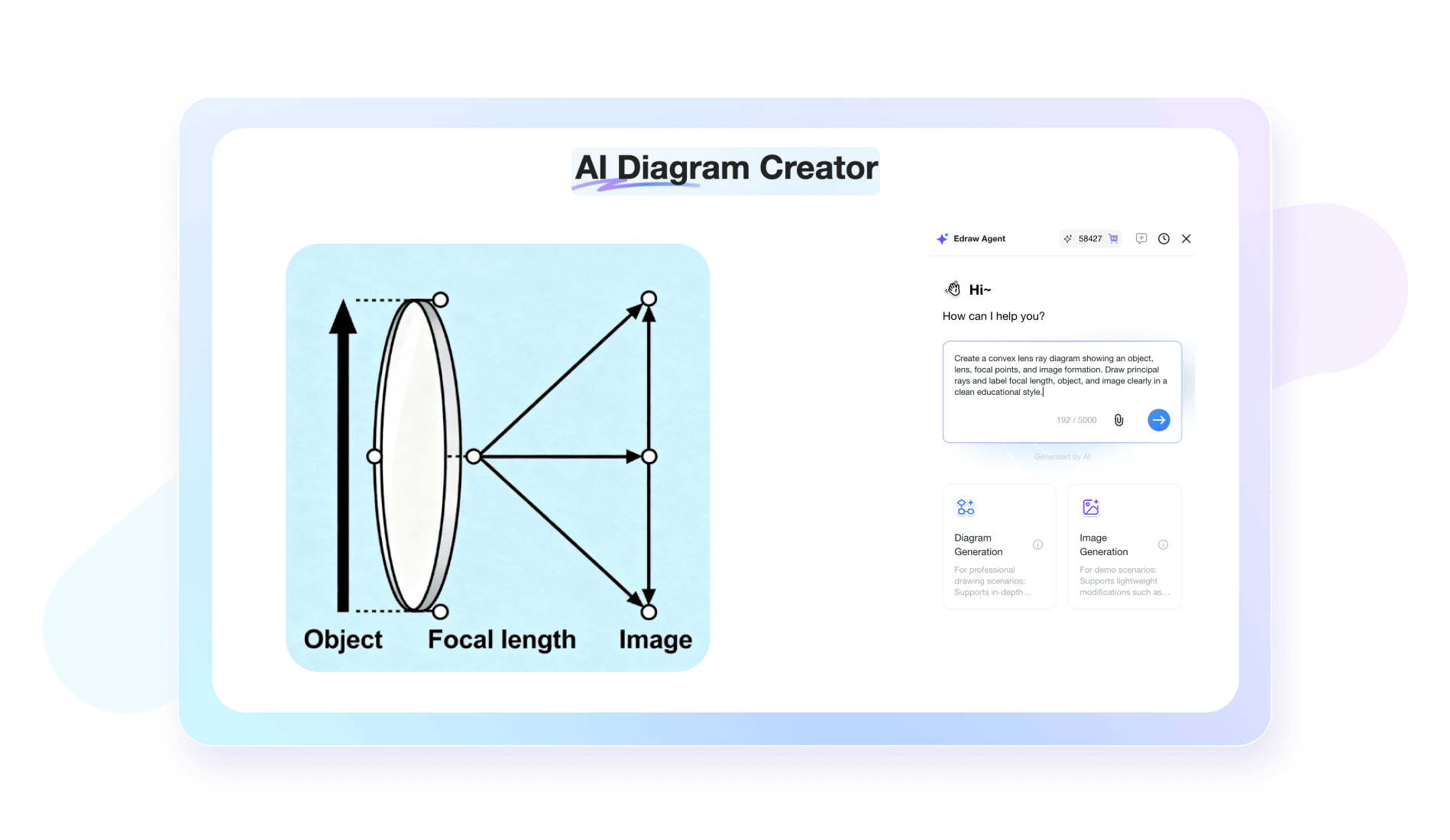
You can generate clear physics visuals using scientific image generator powered by Nano Banana Pro. Just write and explain clearly your requirements and what you need to include in the diagram, the AI generates it in under a minute. You can change the picture, add a label, and fit it perfectly into your diagram; everything connects smoothly.
EdrawMax provides a large set of physics symbols to choose from. You get arrows, vectors, force signs, and motion parts for your diagrams. All you need is to drag particular symbols and connect your diagram. The complete process takes less than five minutes.

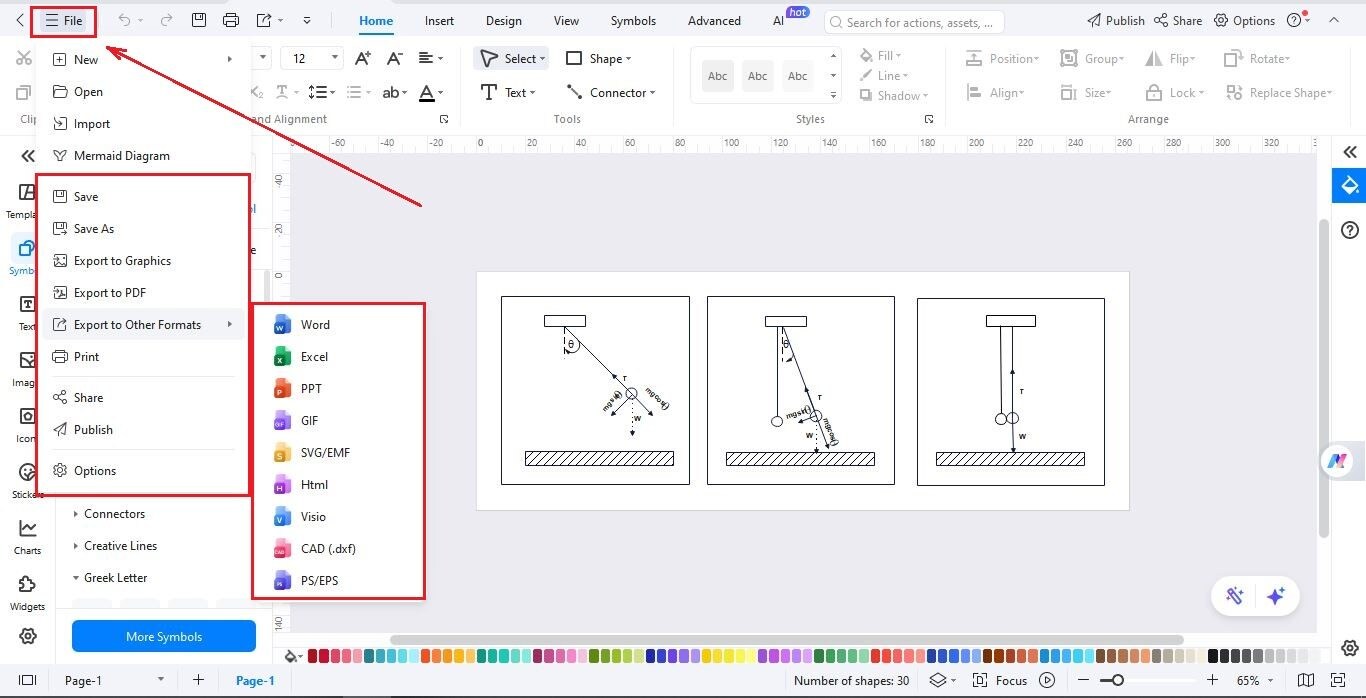
After finishing your diagram, you can save it as PNG, PDF, SVG or another format. Or, you can share your diagram by a link. It is easy to send your work to teachers, classmates or to the public if you want to contribute to the template community.

Work on your physics diagrams whenever you want using EdrawMax on your computer or browser. You can start a project at home, finish it at school, or update work while traveling using EdrawMax cloud services. It is simple to review, edit, or collaborate from any device you own.

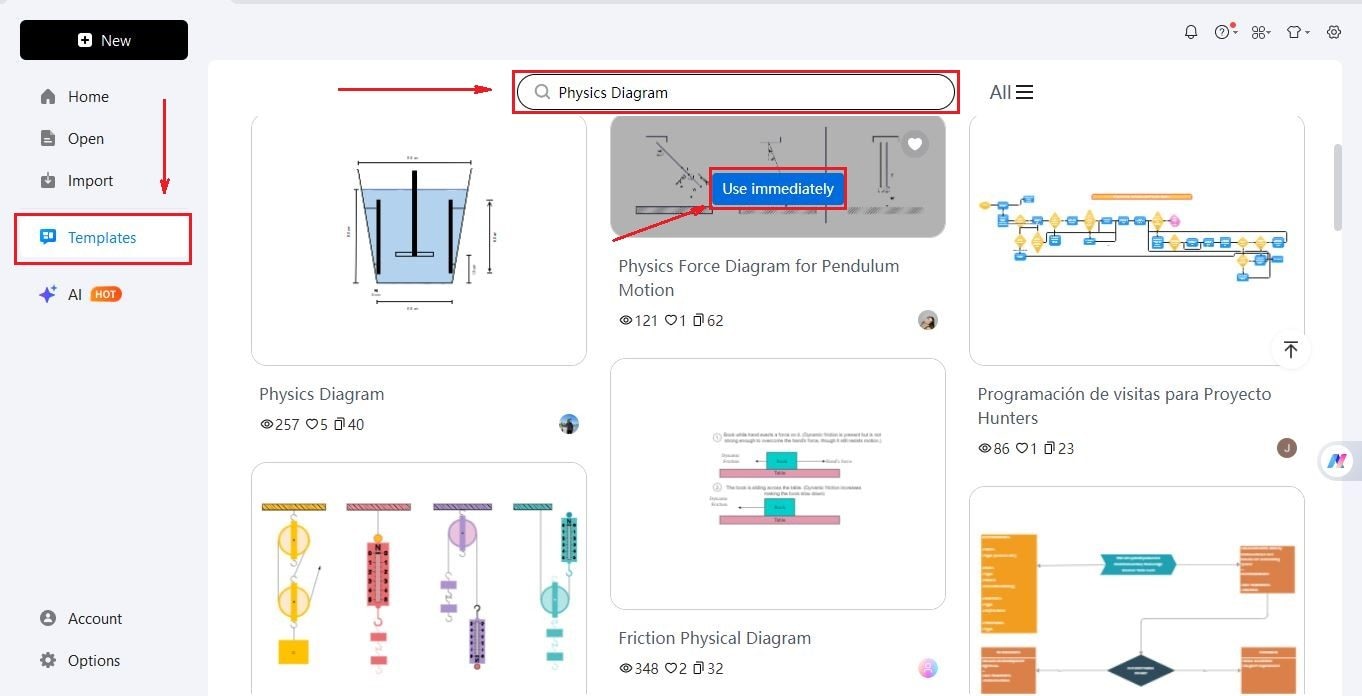
How to Make a Physics Diagram in 3 Simple Steps
What our users say

More Physics Diagram Tools
Discover more AI-powered diagram makers to boost your productivity.
FAQs About EdrawMax Physics Diagram Tools
-
What is a free body diagram (FBD)?A free body diagram is a representation used to visualize the forces acting on an object. It simplifies the object into a point or box and uses arrows to show the magnitude and direction of external forces, such as gravity, friction, and normal force, helping solve complex mechanics problems easily.
-
Why are vector arrows used in physics diagrams?Vector arrows represent physical quantities that have both magnitude and direction, such as velocity, acceleration, or force. The length of the arrow typically indicates the magnitude, while the arrowhead points in the direction of the vector. This visual tool is essential for calculating resultant forces and understanding motion in space.
-
How do ray diagrams help in understanding optics?Ray diagrams trace the path of light as it travels from an object through lenses or reflects off mirrors. By drawing specific rays, such as the parallel and focal rays, you can determine where an image will form, its orientation, and whether it is real or virtual, making optics clear.
-
What are energy level diagrams in quantum physics?Energy level diagrams represent the discrete energy states available to electrons within an atom or molecule. Horizontal lines indicate energy levels, while vertical arrows show transitions between these states. They help explain how atoms absorb or emit light at specific wavelengths, which is fundamental to understanding the field of spectroscopy.
-
How do displacement-time graphs function as diagrams?Displacement-time graphs visually represent an object's position over a period. The slope of the line indicates the object's velocity. A straight diagonal line shows constant velocity, while a curve suggests acceleration. These diagrams allow physicists to quickly interpret the motion of an object without looking at any raw data tables.
Stop drawing. Start describing.
AI diagramming isn't just text-to-diagram.
AI now understands any input, fetches live data, adapts through dialogue, and works everywhere.
 (AI & Web)
Free physics diagram templates from EdrawMax