Free online fire escape plan maker
Create a fire escape plan, emergency route, or evacuation plan in minutes with EdrawMax. Use ready-made templates and detailed vector symbols to design clear and professional plans with ease.
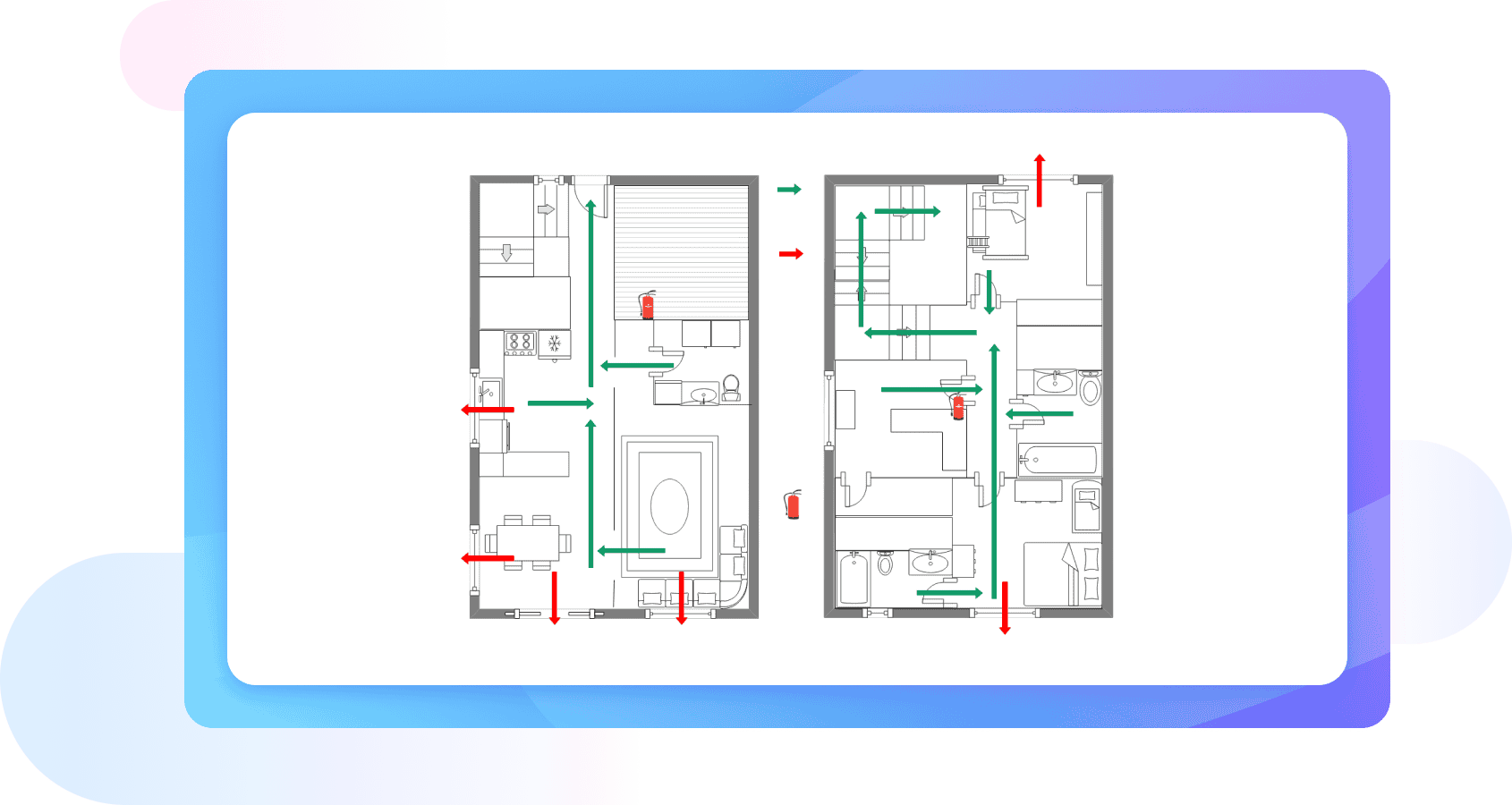
Why Use EdrawMax Fire Escape Plan Maker?
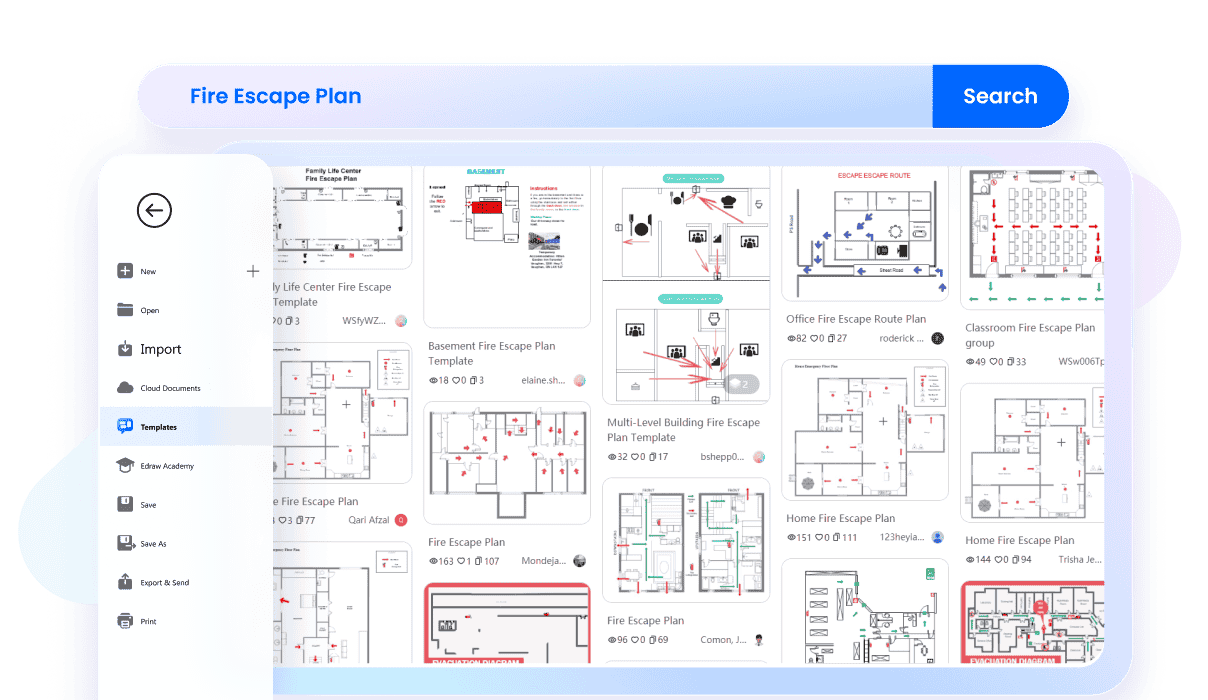
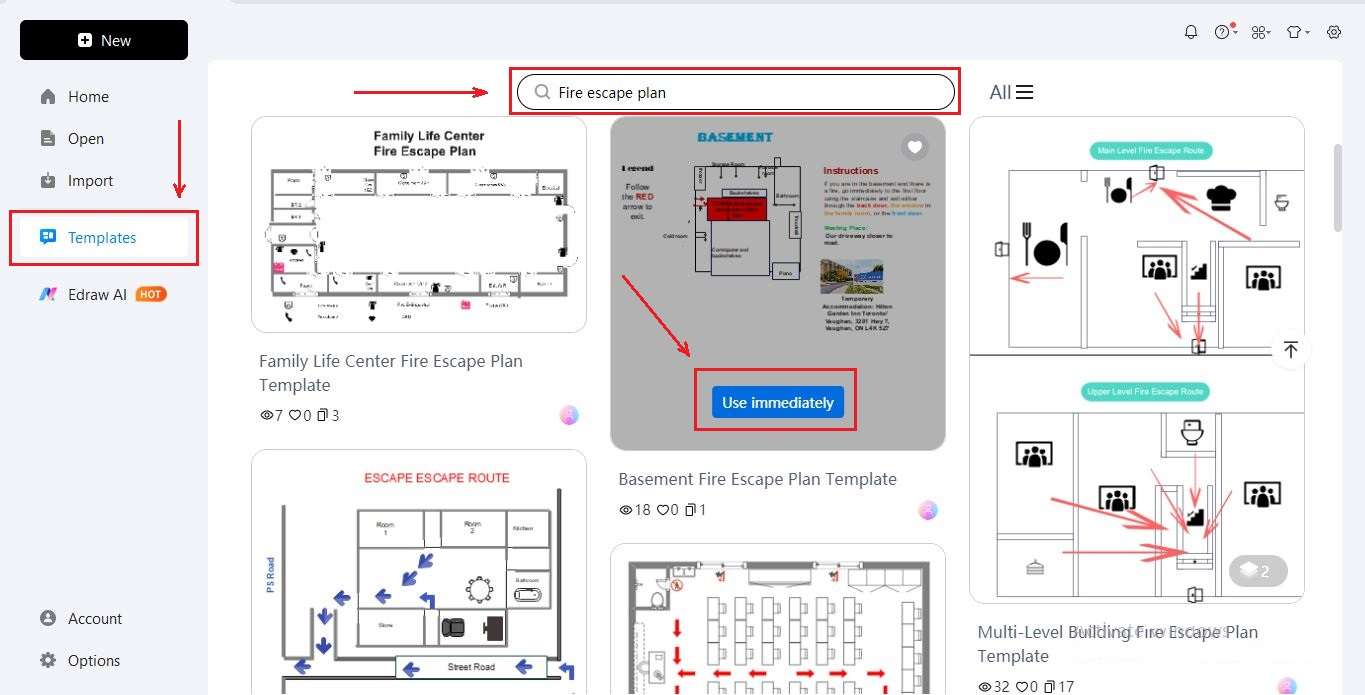
EdrawMax gives you access to a massive library of over 25,000 templates, including professional fire escape and evacuation plans. These templates are made by experts, so you don’t need to start from scratch. Just search, choose the one that suits your space, and customize it with your details.
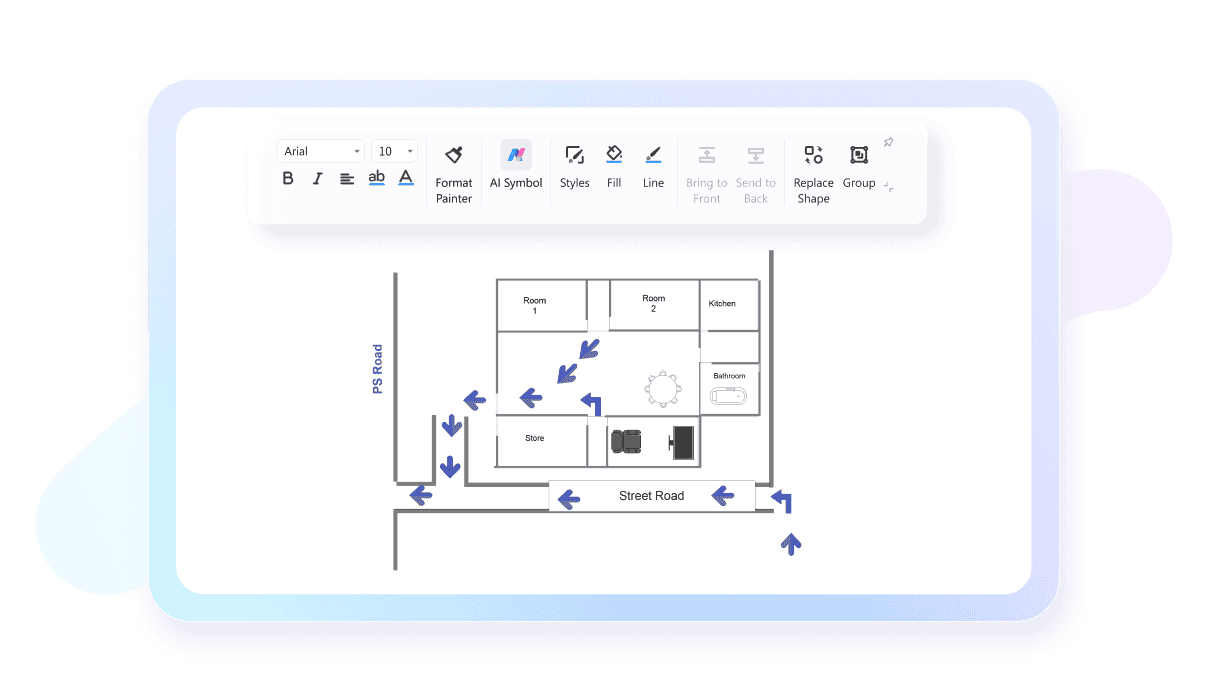
A fire escape plan must fit your building precisely. EdrawMax’s scaling tools let you adjust measurement units, set diagram scales, and import dimensions easily. This ensures your plan is realistic and perfectly aligned with your space. From small apartments to large commercial facilities, you’ll get accuracy every time.
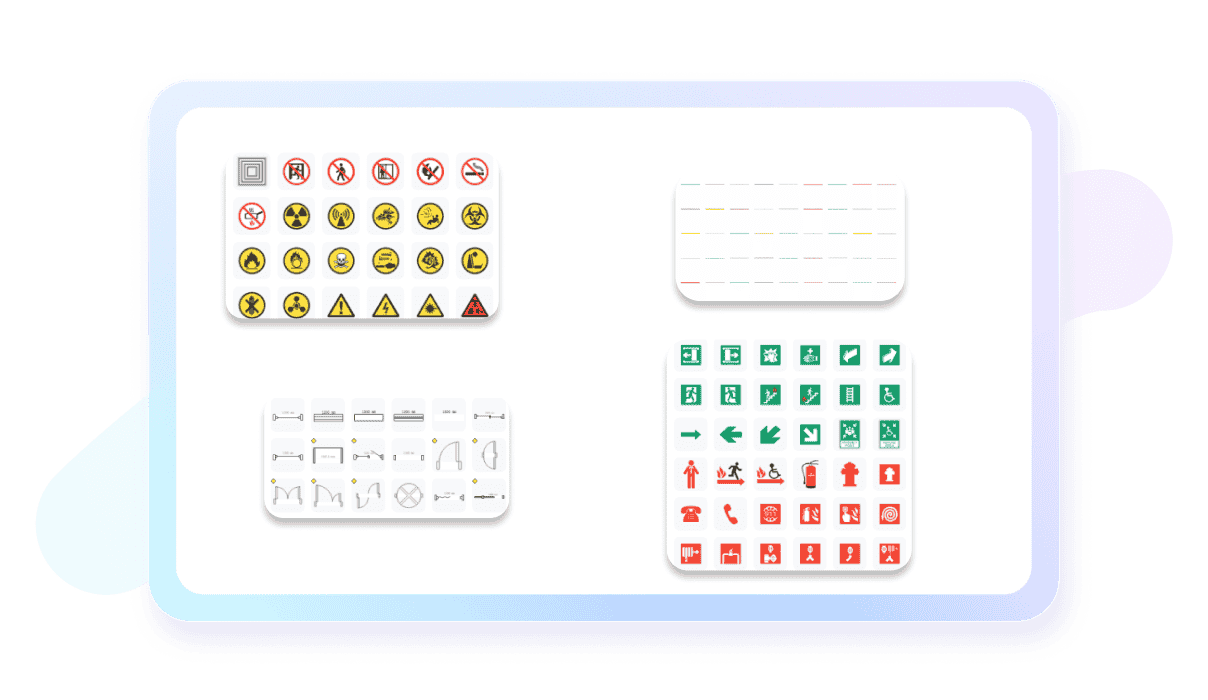
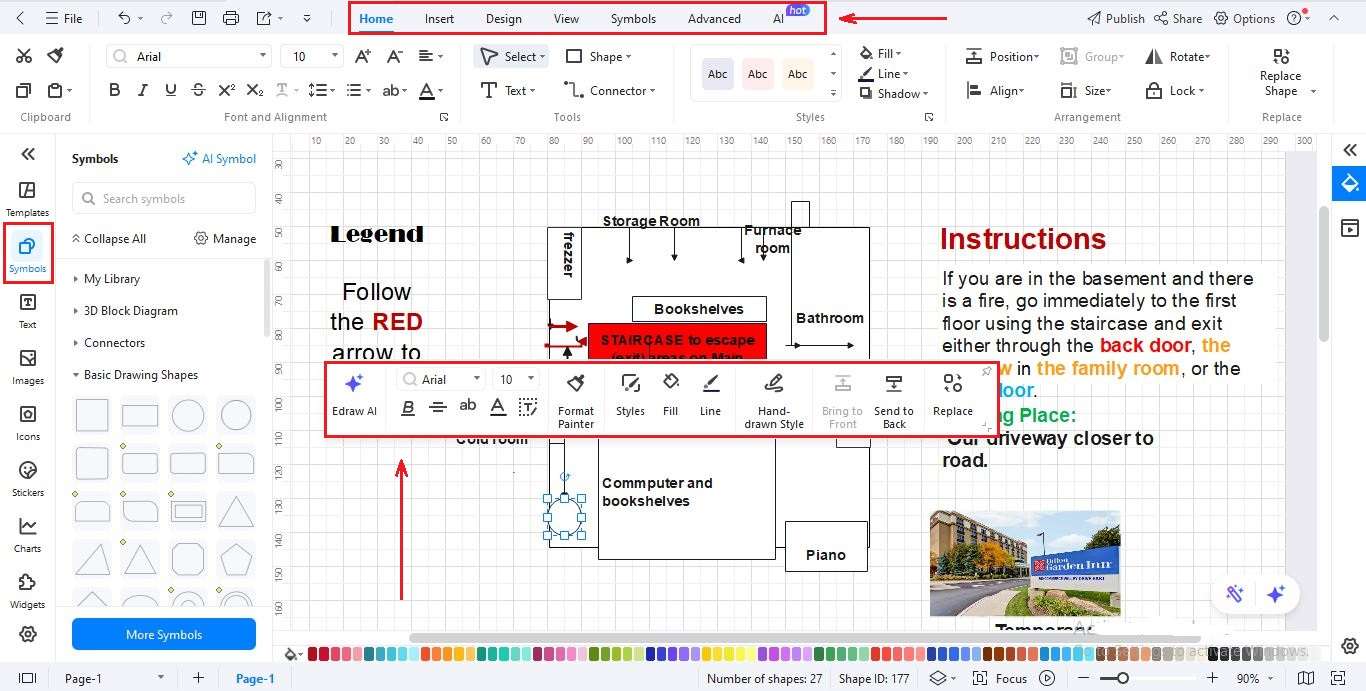
Communicating safety is easier with the right symbols. EdrawMax includes a wide range of vector icons for fire exits, alarms, sprinklers, extinguishers, and assembly points. Drag and drop them directly onto your layout. Your fire escape plan will be clear, professional, and easy for anyone to understand instantly.
Sometimes safety plans need more than one person’s input. With EdrawMax, your team can open the same fire escape plan and edit it at the same time. You can leave comments, move routes, or approve changes as they happen. It keeps updates clear and avoids confusion during the design process.

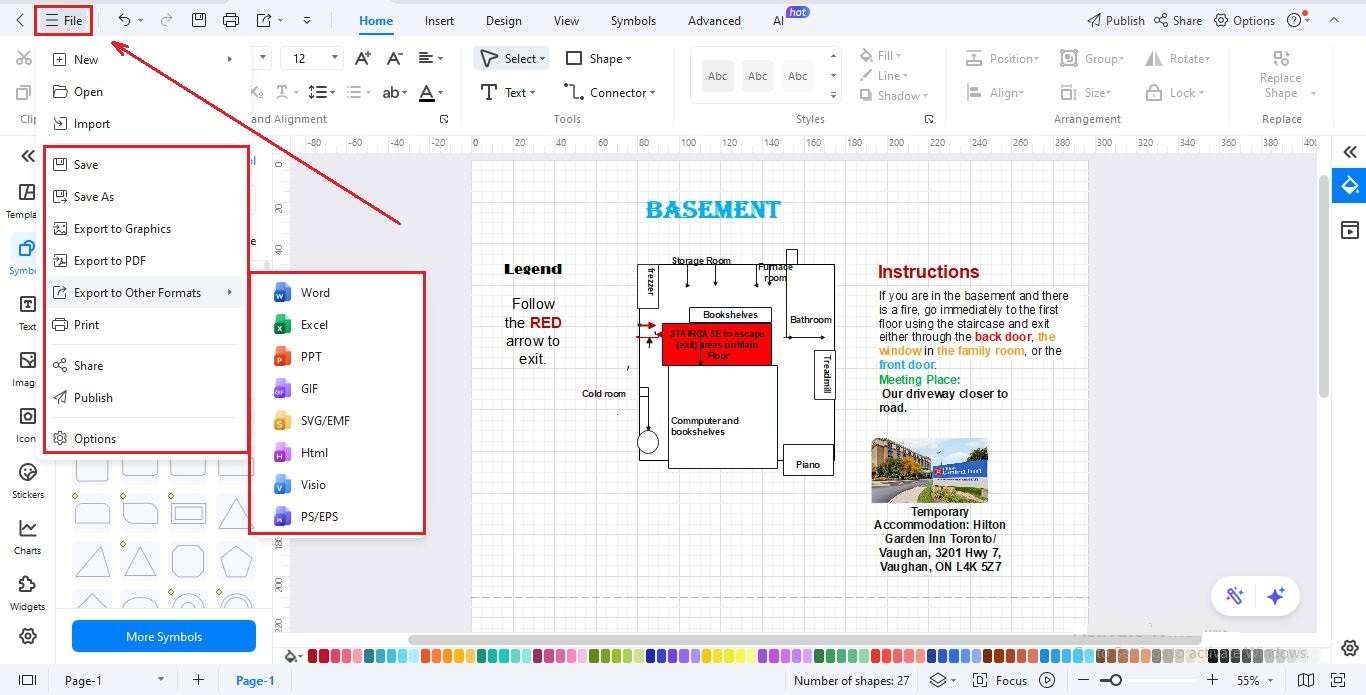
Once your fire escape plan is finished, sharing is just as easy. EdrawMax lets you export your work in multiple formats like PDF, PNG, SVG, or XLSX. Send it by email, print copies for notice boards, or upload it for online use. Distributing your safety plan takes only seconds.

How to Make a Fire Escape Plan in 3 Simple Steps
What our users say

More Fire Escape Plan Tools
Discover more AI-powered diagram makers to boost your productivity.
FAQs About EdrawMax Fire Escape Plan Tools
-
What is a fire escape planA fire escape plan is a detailed strategy for evacuating a building safely during a fire emergency. It identifies at least two ways out of every room and designates a specific outdoor meeting place. Having a clear plan ensures that everyone knows exactly what to do, reducing panic and saving lives.
-
What symbols are essential to include in an emergency evacuation map?A comprehensive evacuation map should feature clear icons for primary and secondary exits, fire alarm pull stations, and the locations of fire extinguishers. It is also vital to mark the 'You Are Here' point and the final safe assembly area outside the building for clarity.
-
What special considerations are needed for high-rise apartment living?In an apartment, your plan should focus on using stairwells instead of elevators, as power could fail or elevators might stop at the fire floor. Familiarize yourself with all emergency exits on your level. If smoke blocks the hallway, stay inside, seal the door with towels, and signal rescuers.
-
How do I ensure my fire escape plan is accurately scaled to my building's dimensions?Look for tools that include precision scaling and measurement features. You can set specific diagram scales, adjust measurement units like feet or meters, and import floor plan dimensions. This ensures that every wall, door, and exit path is represented with total accuracy for emergency responders.
-
What are the first steps to creating an effective fire escape plan?Start by drawing a floor plan of your home, marking all doors and windows. Identify two exits for every room and choose a safe meeting spot outside. Ensure smoke alarms are installed and working. Finally, walk through the plan with everyone in the household to confirm all exits open easily.
-
How do I make my fire escape plan easy for everyone to understand?To maximize clarity, use high-contrast colors for exit routes and standard vector symbols that are universally recognized. Avoid cluttering the diagram with unnecessary details; focus on clear directional arrows, bold text, and a simple legend that explains each icon used in the layout.
Stop drawing. Start describing.
AI diagramming isn't just text-to-diagram.
AI now understands any input, fetches live data, adapts through dialogue, and works everywhere.
 (AI & Web)
Free fire escape plan templates from EdrawMax