

Digital matrix diagram maker

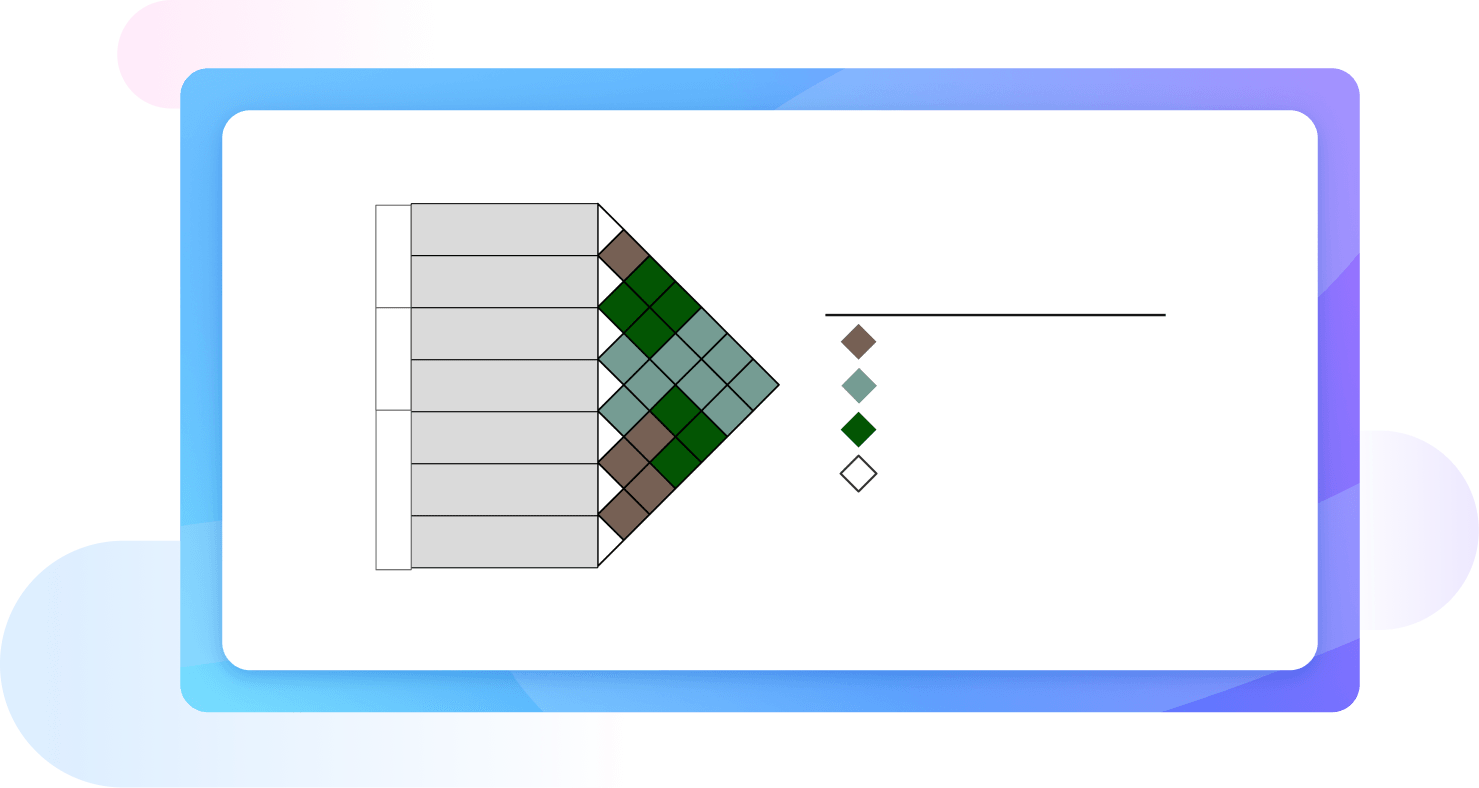
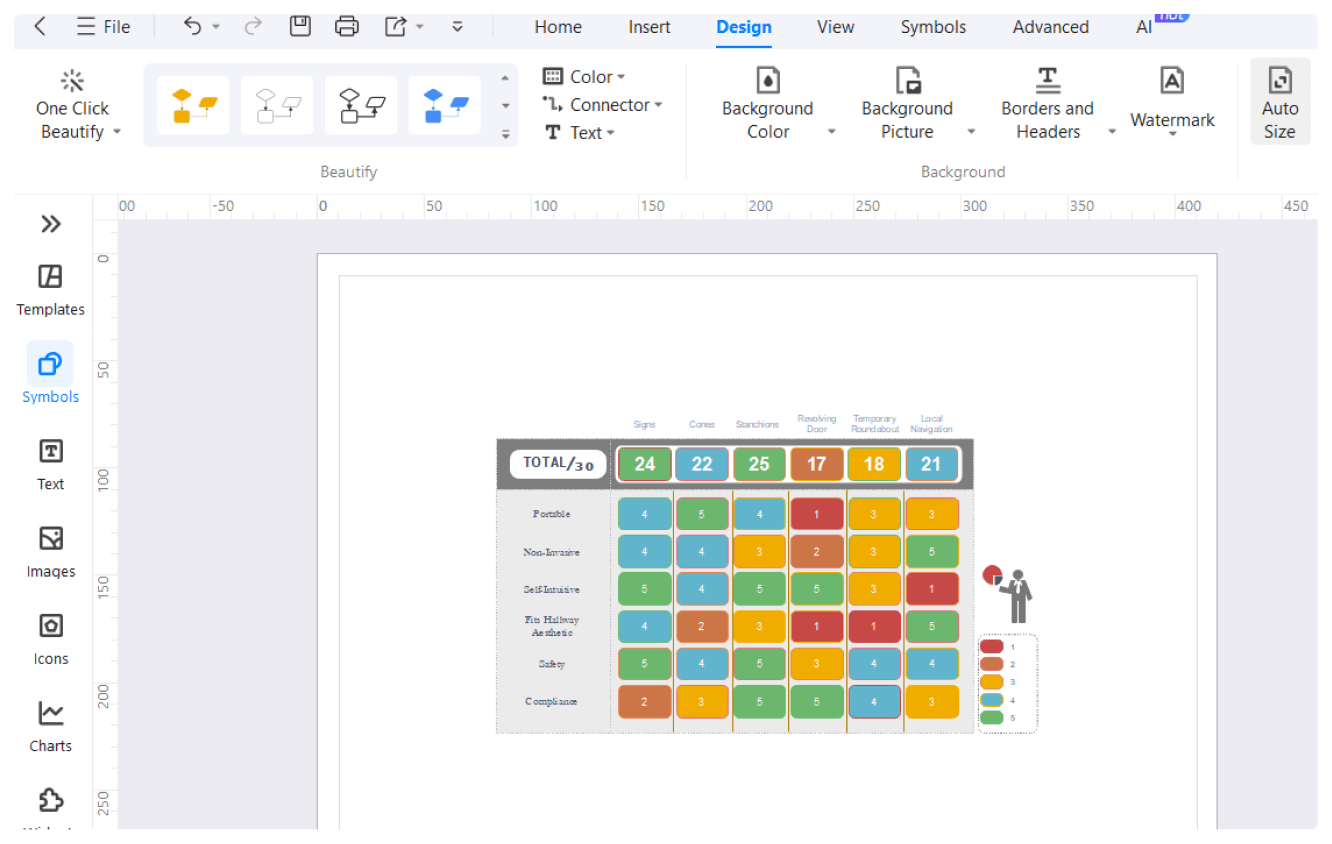
Do SWOT analysis, visualize datasets, and compare information using EdrawMax digital matrix diagram creator. Use its pre-designed templates and vector symbols to build datasets in minutes.

Available for:
Digital matrix diagram maker

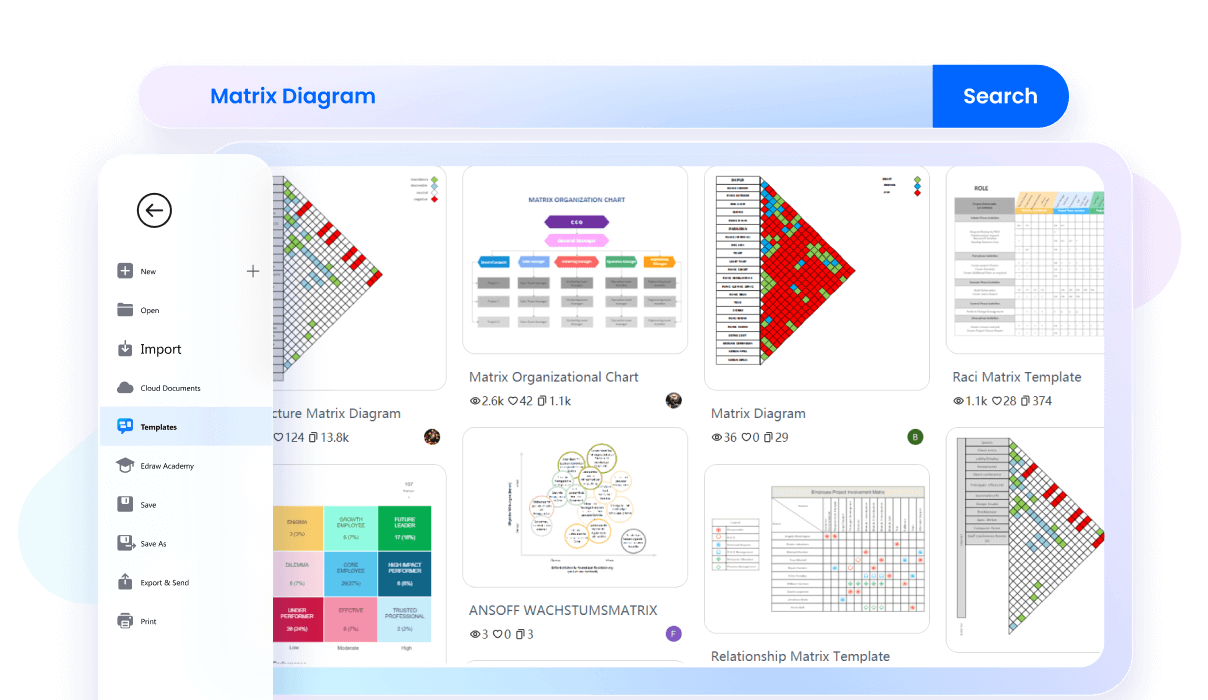
Free matrix diagram templates from EdrawMax

Competitor Matrix Diagram
Matrix Organizational Chart
Raci Matrix Diagram
Explore More Templates

Why Use EdrawMax Matrix Diagram Maker?

Get inspired by professional templates

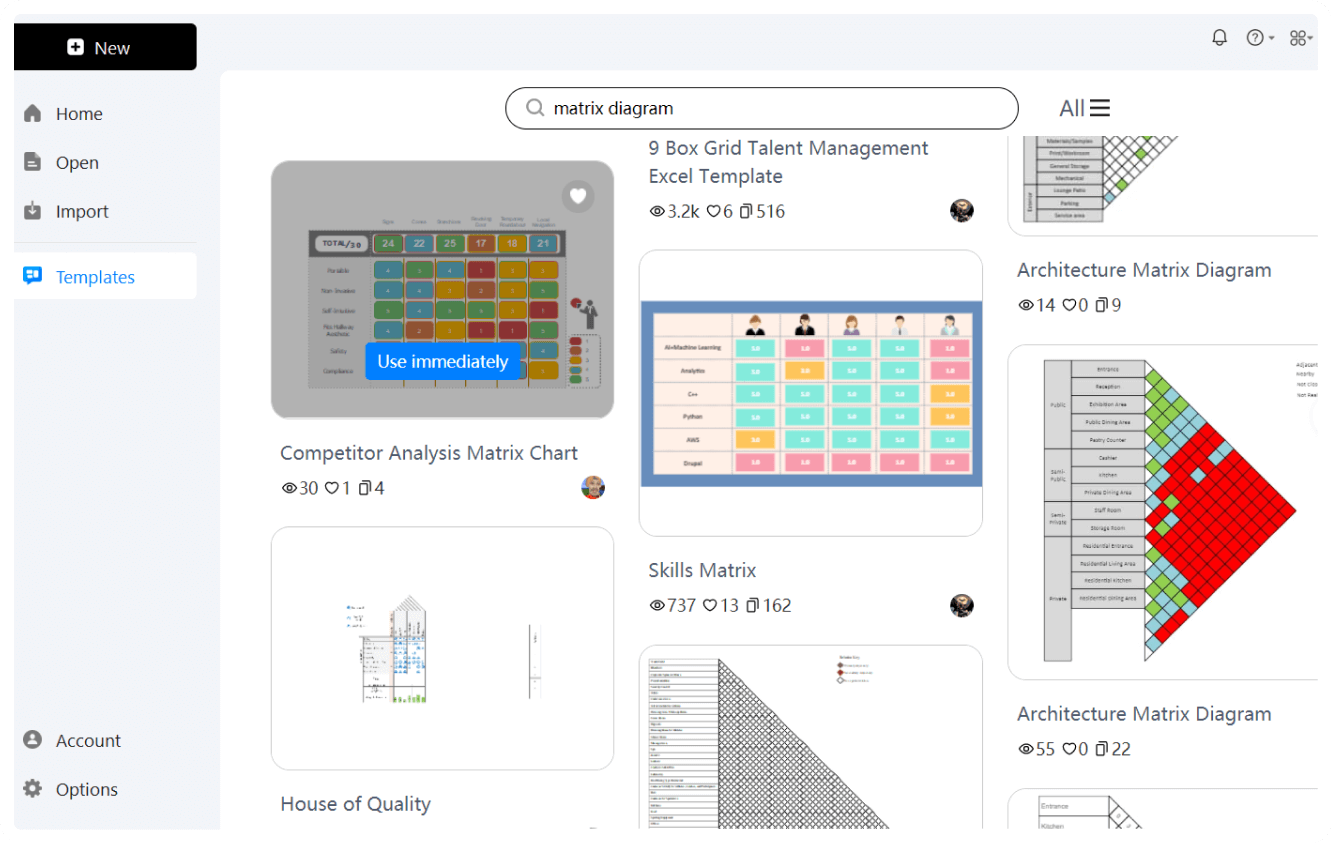
Say goodbye to the effort of building complex data sets from scratch. Switch to EdrawMax template community and get your hands on useful, eye-catching matrix diagrams. Find business growth matrix, architecture matrix, competitive strategy, and more to kickstart your journey.

Get inspired by professional templates
Visualize datasets with easy-to-use editing tools

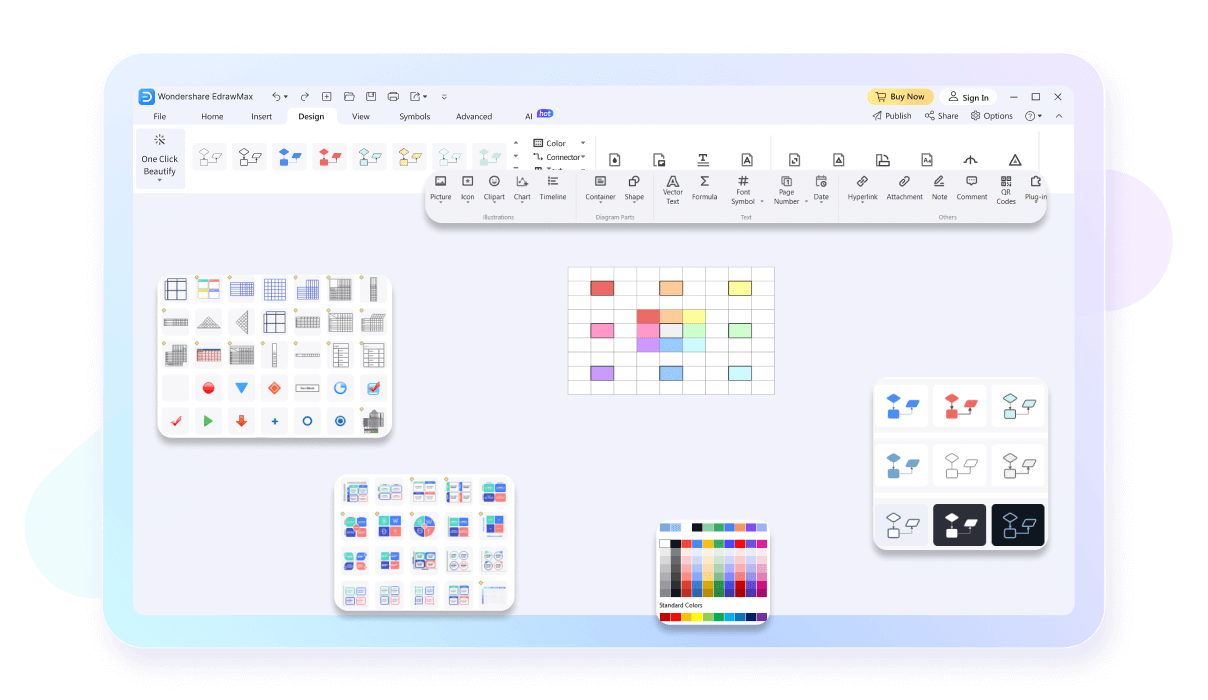
EdrawMax features a versatile symbol library with vector-enabled matrix shapes and icons. It allows you to drag and drop symbols onto the canvas to create a database. Plus, instead of building from scratch, you can also use its custom themes according to your company.

Visualize datasets with easy-to-use editing tools
Directly present from the canvas!

This matrix diagram creator has a presentation mode that showcases your work in full screen. It splits the diagram in extensive slides, so you can focus on high-priority datasets. So, create slides, press F5 to start the preview, and explain every detail of your matrix diagram in HD.

Directly present from the canvas!
Work from anywhere, anytime

EdrawMax offers cross-platform support. It means you can access it from majority devices, be it Android, iOS, Linux, Windows, and MacOS. If it’s not enough. You are free to use its online version, which is accessible through any device with an internet connection.

Work from anywhere, anytime

What our users say

Mike Henderson, Senior Project Manager
Honestly, I was sick to death of trying to force Excel to make a decent-looking RACI matrix. It’s a total nightmare once you have more than five stakeholders and everything starts overlapping. This Wondershare tool is a breath of fresh air. It’s not clunky, the templates are actually usable, and it doesn't take a PhD to figure out how to snap things into place. It’s saved me a ton of time during kickoff meetings. Absolute game changer for my workflow.
David Miller, Risk Assessment Lead
When you're mapping out a complex risk heat map or a vulnerability matrix, the last thing you want is the software fighting you. I’ve tried a few of the "big name" competitors, but they’re just bloated. This matrix maker is lean and gets the job done. The auto-alignment feature is a lifesaver—I can knock out a full matrix in ten minutes flat. No bells and whistles I don't need, just a solid tool that works.
Robert Sterling, Operations Director
I’m not exactly a "tech guy," so I need tools that are straight shooters. We use this for our Eisenhower matrices to keep the shop floor priorities straight. It’s a piece of cake to set up, and the export options are great for printing out large-scale versions for the office walls. It’s definitely cut down on the back-and-forth about who’s doing what. It just works, no headache involved.

FAQs About EdrawMax Matrix Diagram Tools

  • A matrix diagram is a project management and quality tool used to analyze and display the relationships between two or more sets of data. It uses a grid format to show how different elements interact, helping teams identify the strength and nature of connections between tasks, functions, or variables.
  • The most common types include the L-shaped matrix, which compares two groups, and the T-shaped, Y-shaped, and X-shaped matrices for more complex data sets. Each type is chosen based on how many groups of information need to be cross-referenced and the specific relationship patterns you wish to visualize.
  • To create one, first define your objective and identify the sets of data to compare. Arrange these sets along the axes of a grid. Then, evaluate each intersection and use symbols or numbers to indicate the strength of the relationship. Finally, review the completed matrix to draw meaningful conclusions.
  • Symbols are used at the intersections of the grid to define the relationship between items. Typically, a solid circle represents a strong relationship, an open circle indicates a medium connection, and a triangle shows a weak link. These visual cues allow stakeholders to quickly grasp the intensity of interactions.
  • The L-shaped matrix is the most basic and widely used version, consisting of two lists arranged in rows and columns. It is ideal for comparing two sets of data, such as customer requirements versus product features or team members versus assigned tasks, to determine how well they align or correlate.
  • While both use a grid format, a standard table usually lists data points independently. In contrast, a matrix diagram focuses specifically on the relationships between items in different sets. It uses a systematic approach to evaluate every possible intersection, providing a more analytical view of how different variables influence one another.

Stop drawing. Start describing.

AI diagramming isn't just text-to-diagram.
AI now understands any input, fetches live data, adapts through dialogue, and works everywhere.