Simple street map maker
Create informative and visually engaging street maps with our intuitive platform, EdrawMax. Quick-start your mapping journey with professionally designed templates and vector symbols.

Why Use EdrawMax Street Map Maker?
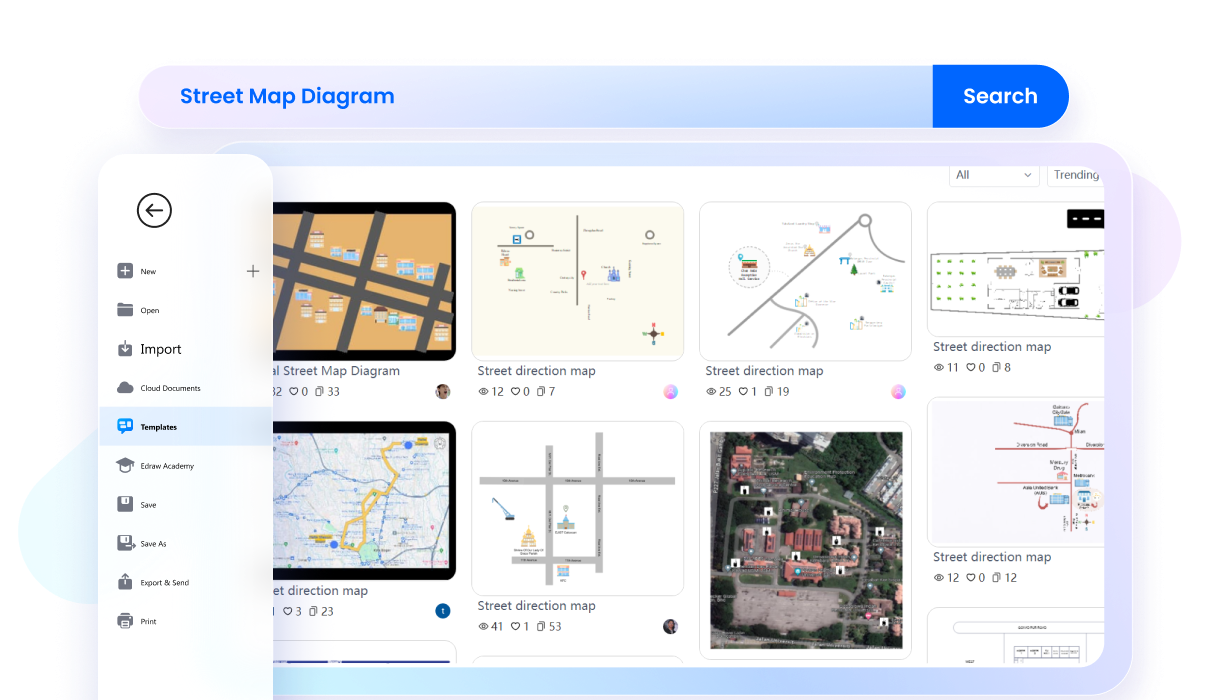
With EdrawMax, you can edit a task-relevant premade street map from the template community in minutes. It has a collection of 3D street maps, city street maps, directional maps, and road maps. So, explore the community, find the right fit, and kickstart your journey of plotting routes.
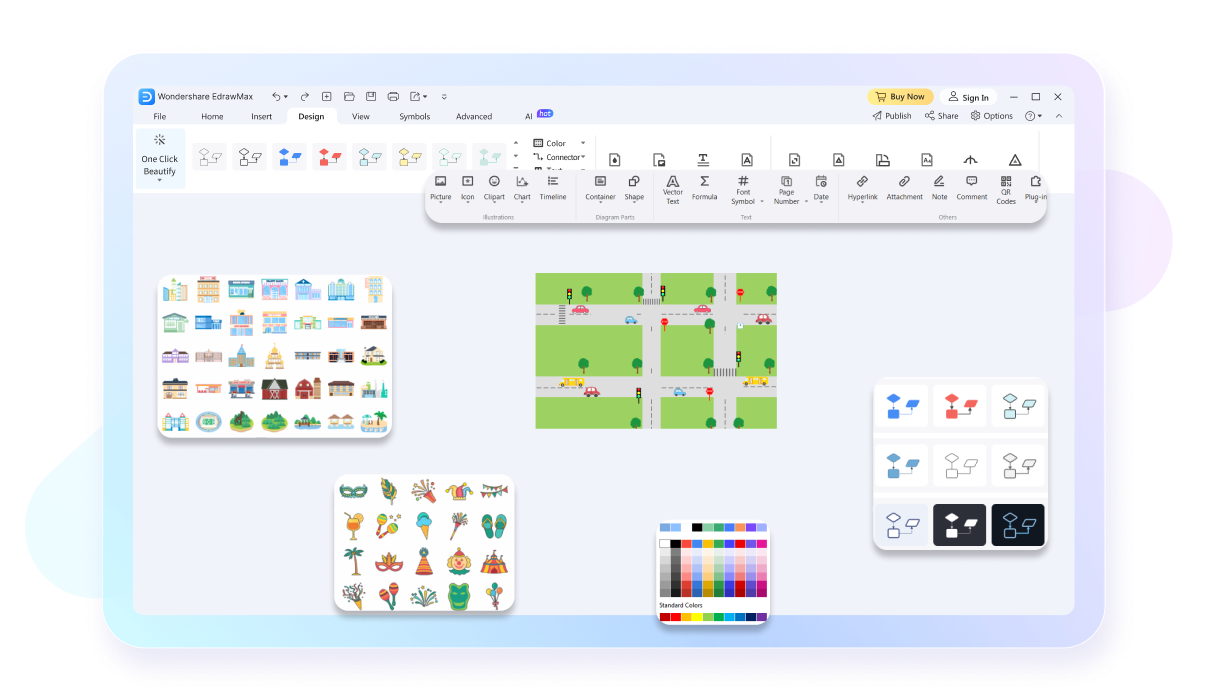
EdrawMax has a resourceful toolkit, featuring 26,000+ symbols, interactive infographics, and design elements. Use directional objects to guide surrounding buildings like homes, gardens, and parks. Elevate your 2D street maps with precision tools and AI drawing assistance.
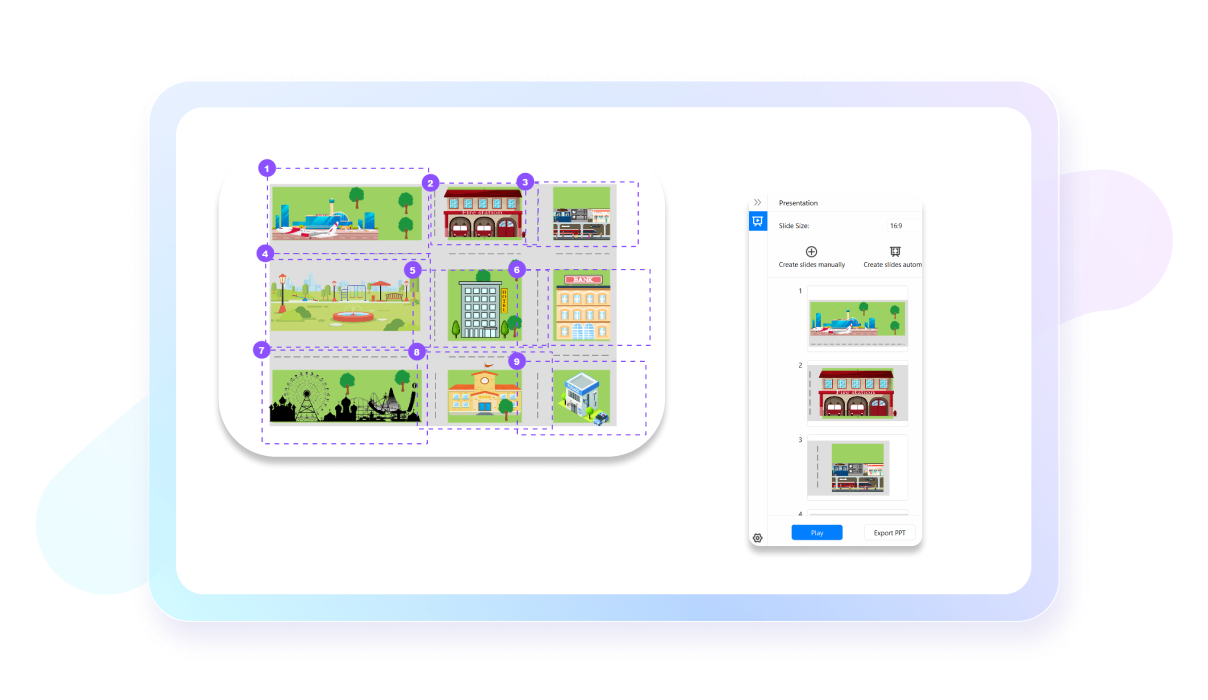
No need to switch platforms for presentations. EdrawMax has an automatic slideshow maker that produces extensive slides of your work. Just enable it from the View tab and start presenting directly. Or, you can also export the slides to PPT.
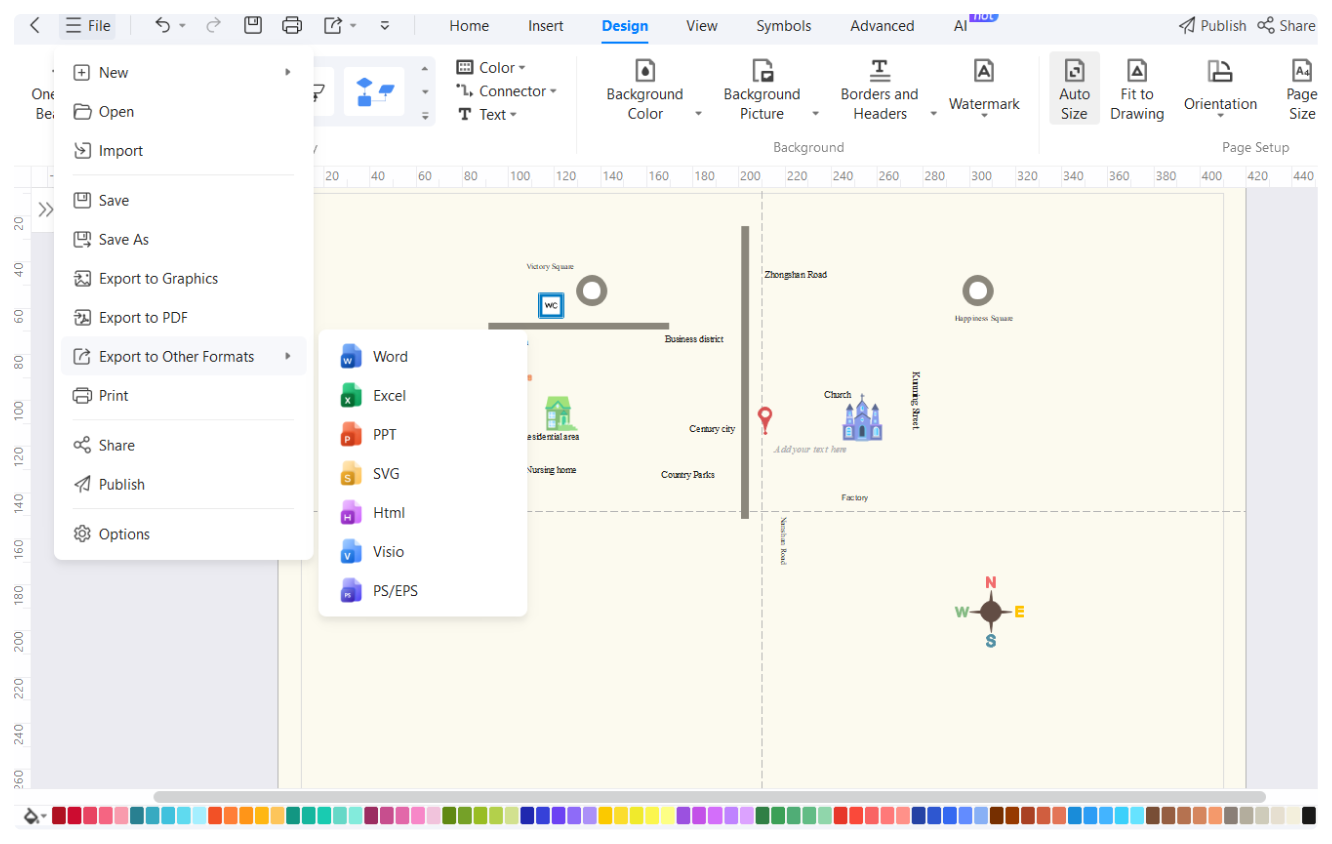
EdrawMax is designed to be compatible with multiple devices, including Linux, Windows, Android, iOS, and MacOS. So, whether you use a laptop, computer, or phone, accessing and editing your work is no issue. Just install the software and log into your Wondershare ID.

How to Make a Street Map in 3 Simple Steps


What our users say

More Street Map Tools
Discover more AI-powered diagram makers to boost your productivity.
FAQs about street map maker
-
What is a street map?A street map is a graphic representation of roads and transport routes within a specific area, like a city. Its primary purpose is to help users navigate by showing street names, landmarks, and points of interest. It is an essential tool for travelers to find their way around unfamiliar urban environments.
-
How can I effectively read and understand a street map?To read a street map effectively, start by identifying the legend, which explains what different symbols and colors represent. Use the compass rose to orient yourself toward north, and locate major landmarks or intersections. Following the grid system or specific street names will help you determine your exact travel route.
-
What is the main difference between a street map and a topographic map?While a street map focuses on man-made features like roads and buildings for navigation, a topographic map emphasizes natural terrain. Topographic maps use contour lines to show changes in elevation, such as hills and valleys, whereas street maps prioritize clear labeling of transit routes and urban infrastructure for city travelers.
-
What do the various colors typically represent on a standard street map?On a standard street map, colors serve as visual cues for different features. Blue usually represents water bodies like rivers or lakes, while green indicates parks or forests. Yellow or orange often highlights major highways, and gray or white is typically used for local streets and residential urban grid areas.
-
What are some common symbols I might find on a street map?Street maps use various symbols to denote essential services and attractions. Common icons include a small bed for hotels, a fork and knife for restaurants, and a blue "H" for hospitals. Public transportation hubs, like bus stops or train stations, are also clearly marked to assist both commuters and tourists.
Stop drawing. Start describing.
AI diagramming isn't just text-to-diagram.
AI now understands any input, fetches live data, adapts through dialogue, and works everywhere.
 (AI & Web)
Free street maps templates from EdrawMax