Free engineering drawing software
Say goodbye to your pen, pencils, and T-squares for complex diagrams. Make engineering drawings easily with our free online engineering diagram maker.

Why Use EdrawMax Engineering Drawing Maker?
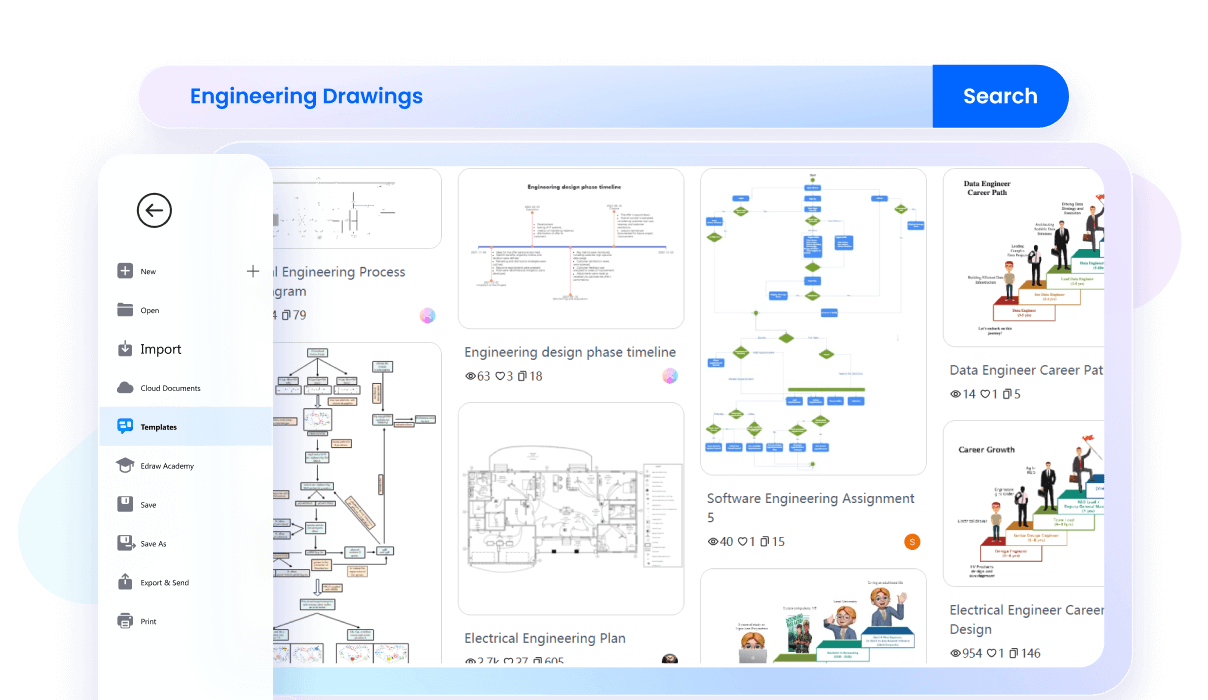
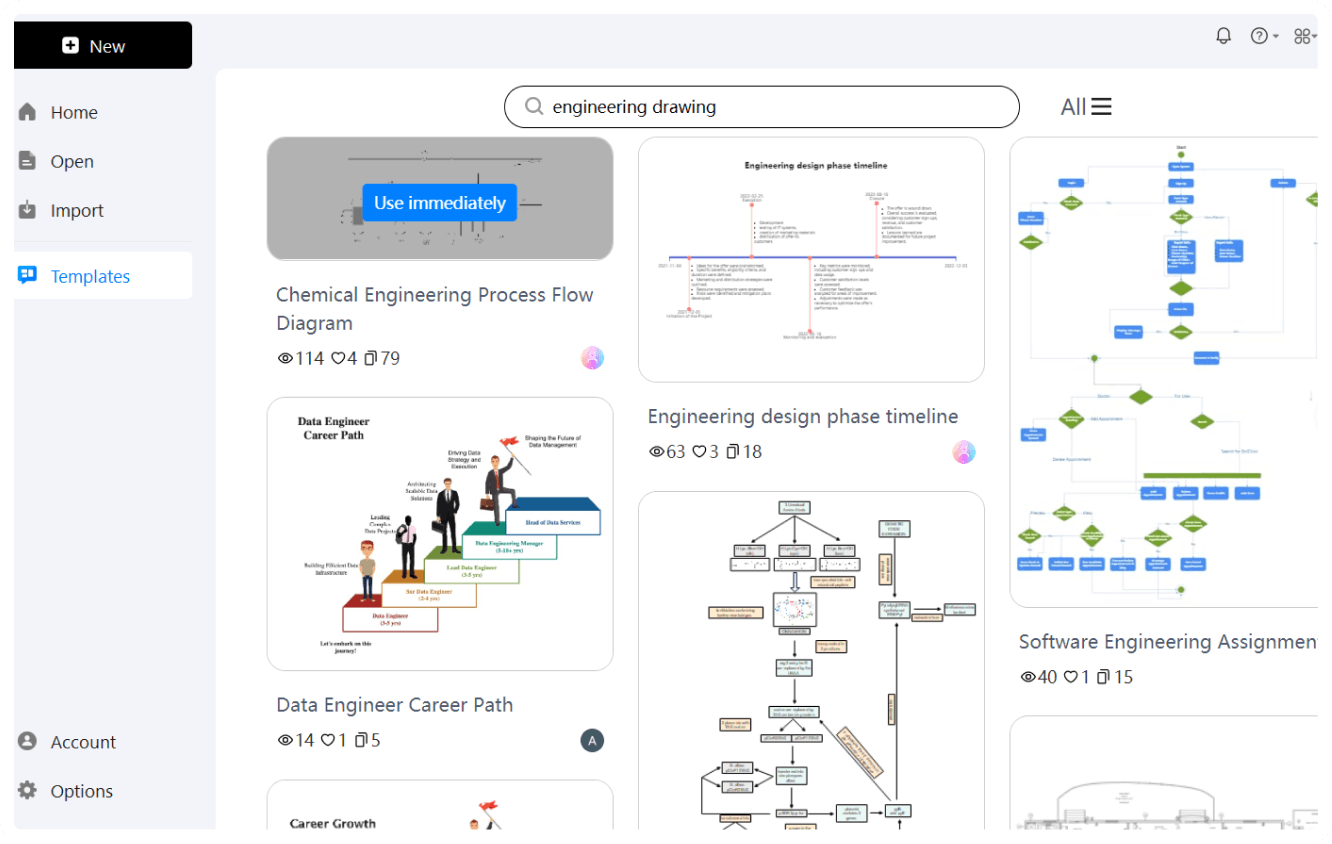
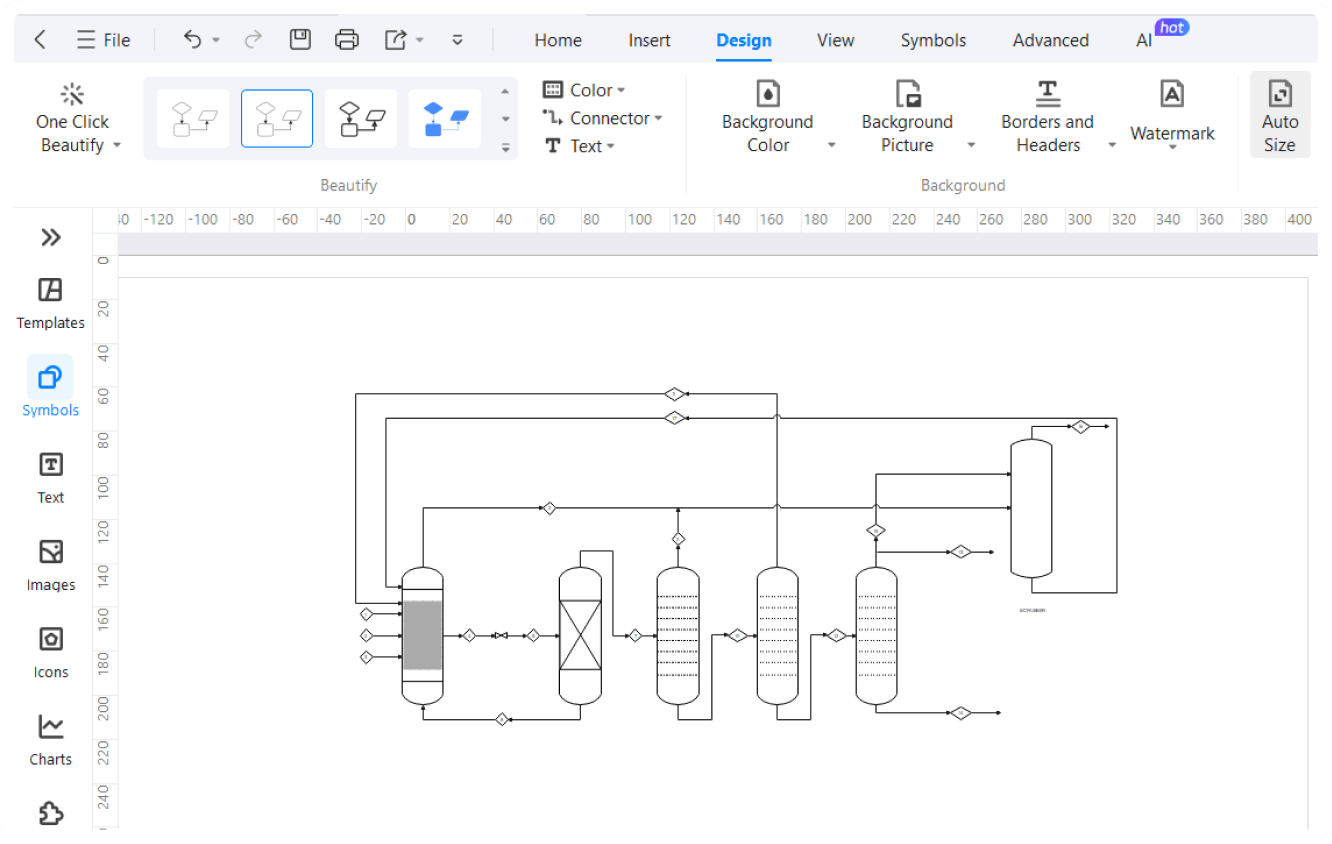
No need to ask for your friend’s drawing for inspiration. EdrawMax provides you access to a wide range of ready-made templates for engineering drawings. Whether it’s mechanical, civil, or electrical, you can find all types of complex diagrams designed by professionals. Pick the one that fits your needs, and start editing it. It’s a quick way to create detailed, professional engineering drawings.
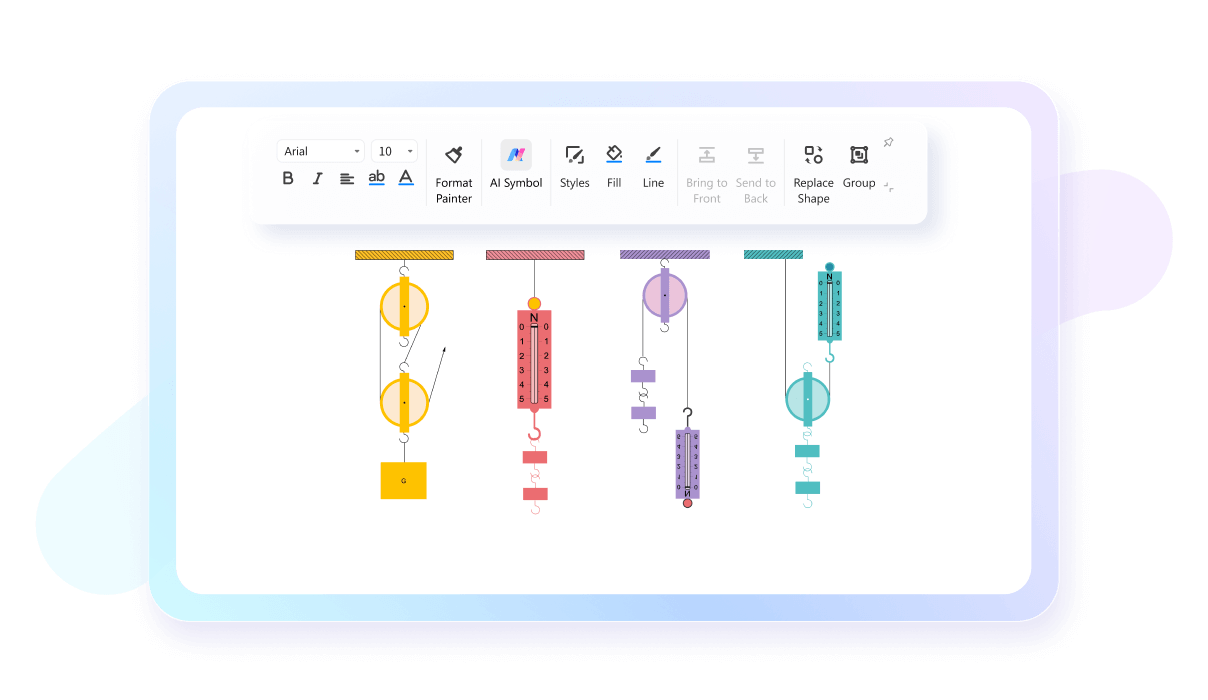
In engineering, precision is key, and we no longer need to rely on our T-squares and the right tables. The software lets you fine-tune every detail—lines, angles, shapes—so your designs are always accurate to the decimal points. This ensures that your drawings come out exactly how you need them.
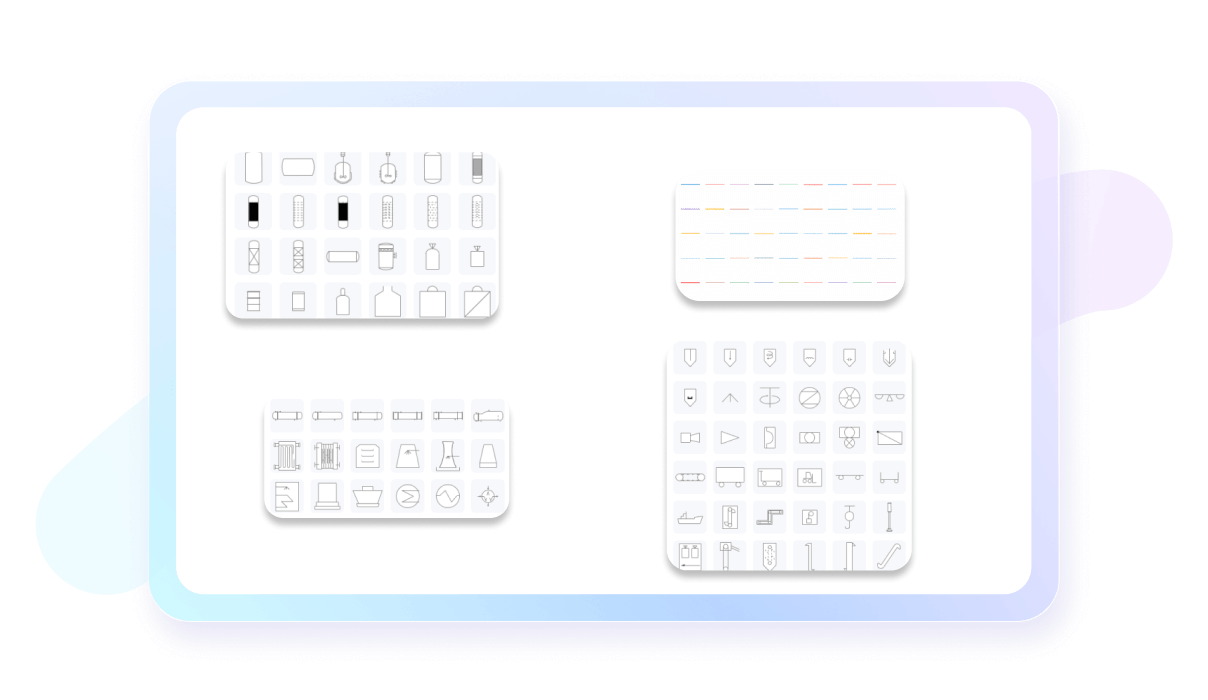
EdrawMax gives you access to a huge library of engineering symbols. Whether you need parts for a mechanical drawing or components for an electrical diagram, you’ll find what you’re looking for. Just drag and drop the symbols into your design to create professional, industry-standard drawings.
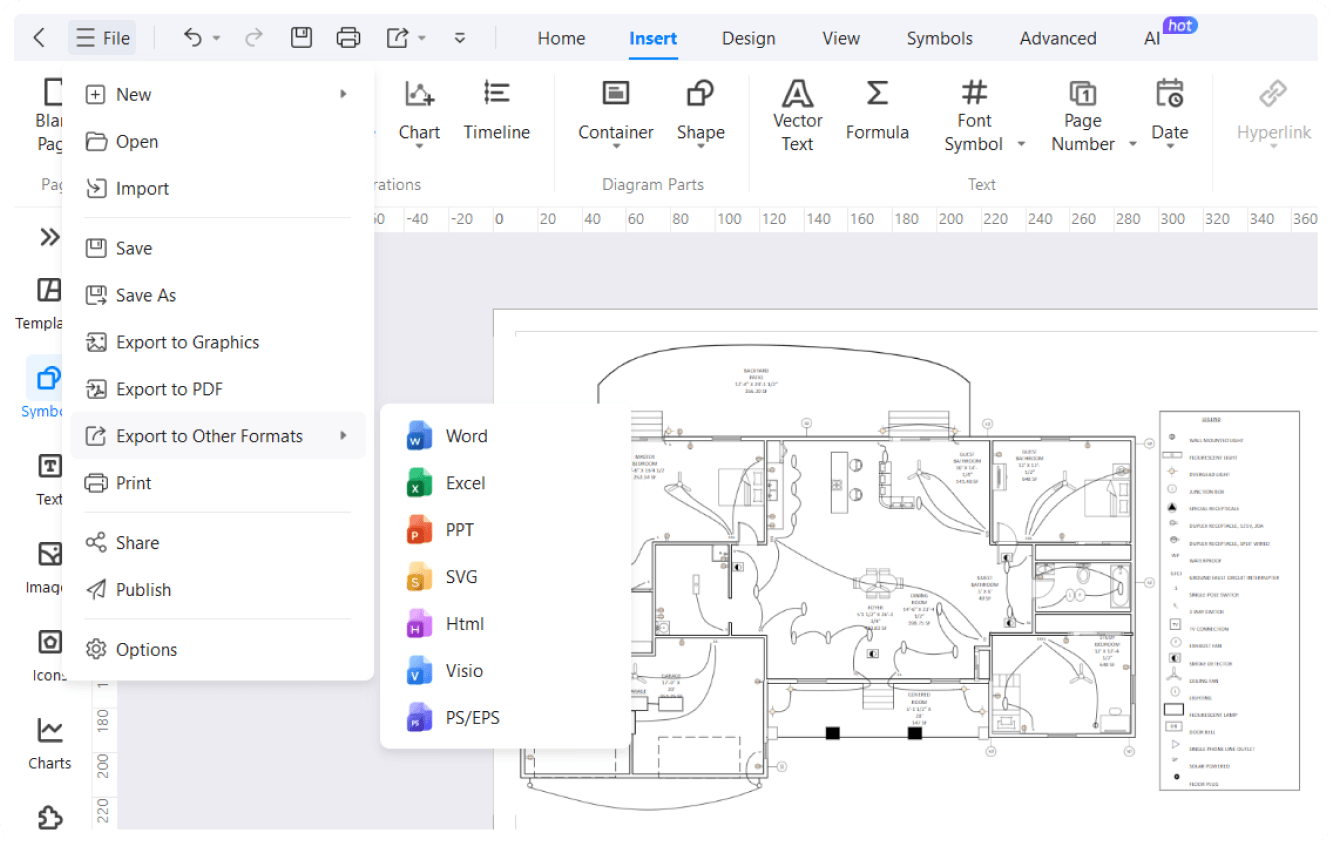
If you’re already using Visio or AutoCAD, EdrawMax makes it easy to keep working with them. You can import and export files between these tools, so you don’t have to start from scratch. This intera-tool collaboration smoothens your workflow for personal and corporate needs.

How to Make an Engineering Drawing in 3 Simple Steps
What our users say

More Engineering Drawing Tools
Discover more AI-powered diagram makers to boost your productivity.
FAQs about engineering drawing software
-
What is an engineering drawing?An engineering drawing is a technical document used to clearly and accurately communicate all the requirements for manufacturing a part or system. It uses standardized symbols, lines, and views to describe dimensions, tolerances, and materials. It serves as a universal language for engineers, designers, and manufacturers to ensure precision.
-
What is a section view in an engineering drawing?A section view is a drawing that shows the internal features of an object as if it had been cut through by a plane. This technique reveals complex details that are difficult to see from the outside. Hatching patterns are applied to indicate cut surfaces, providing clarity for manufacturing internal parts.
-
Why is standardizing engineering drawings necessary?Standardization, governed by organizations like ISO or ASME, ensures that engineering drawings are understood globally regardless of language barriers. By following uniform rules for symbols, units, and layouts, engineers minimize misunderstandings and errors. This consistency is vital for international collaboration, quality control, and maintaining high safety standards in engineering projects.
Stop drawing. Start describing.
AI diagramming isn't just text-to-diagram.
AI now understands any input, fetches live data, adapts through dialogue, and works everywhere.
 (AI & Web)
Free engineering drawings templates from EdrawMax