- Templates
- Venn diagram templates
Venn Diagram Templates
Explore editable Venn diagram templates for comparing groups and explaining set operations. Choose a layout, name the sets, and place shared items in the matching intersections.
Categories
-
Teams
-
User cases
-
Diagram types
Flowchart Mind map Concept map Bubble map Org chart Gantt chart Pie chart Bar chart Form Table Genogram Pedigree charts Timeline Family tree Floor plan PID diagram Circuit diagram Wiring diagram Block diagram Network diagram ER diagram UML diagram Class diagram Activity diagram Interaction overview diagram Sequence diagram Deployment diagram Communication diagram Internal block diagram Composite structure diagram Use case diagram Package diagram Timing diagram SWOT analysis Value chain analysis PESTEL analysis Decision tree Fishbone diagram WBS diagram Math diagram Road map Graphic organizer Data flow diagram

Choose a Venn Diagram Template
A Venn diagram shows sets and their possible intersections. Choose a template by the number of groups and the relationships you need to explain.
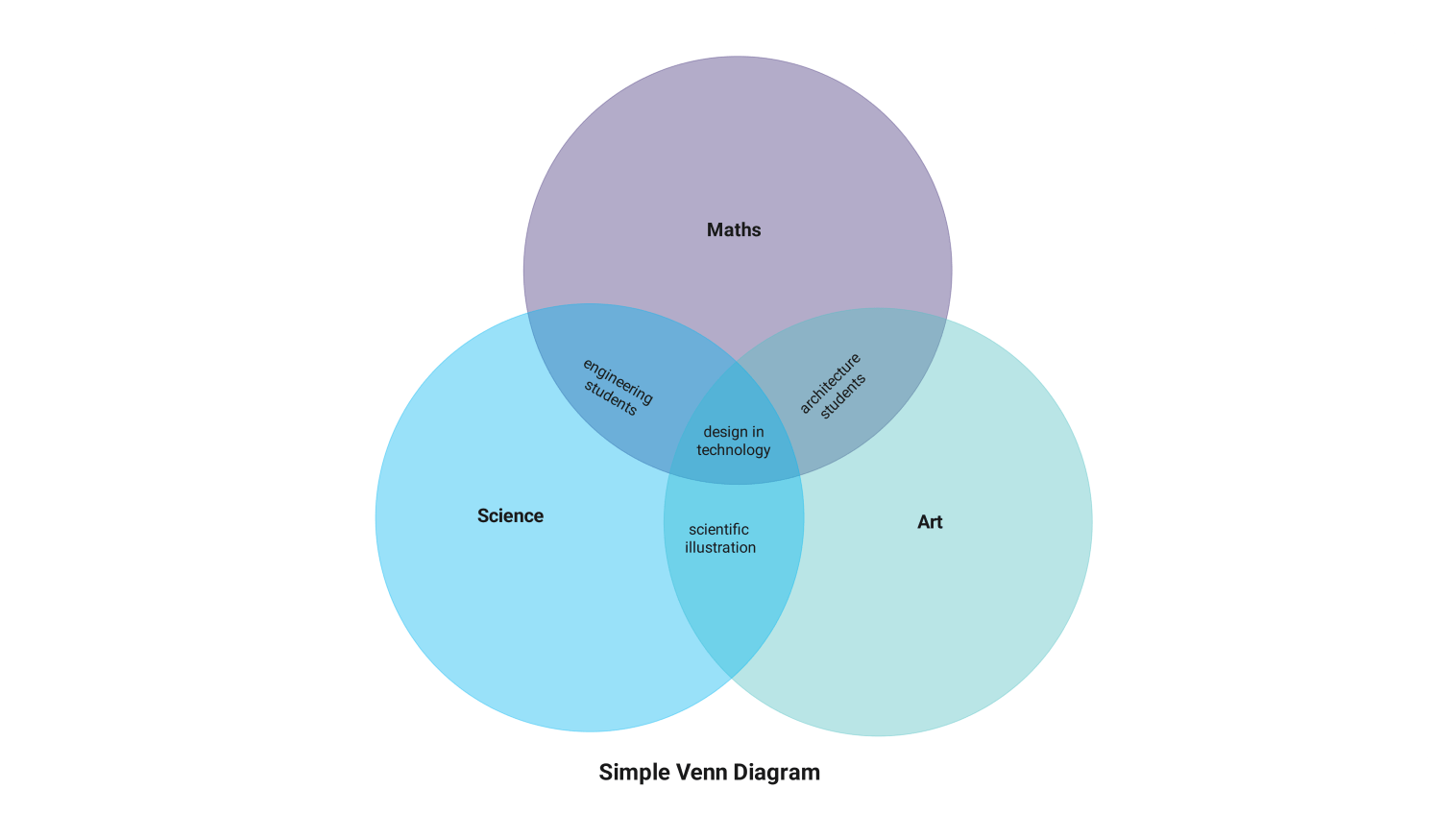
- Compare groups: use a simple three-set layout for shared and unique characteristics. Use the four-group example when its visible overlaps fit your comparison.
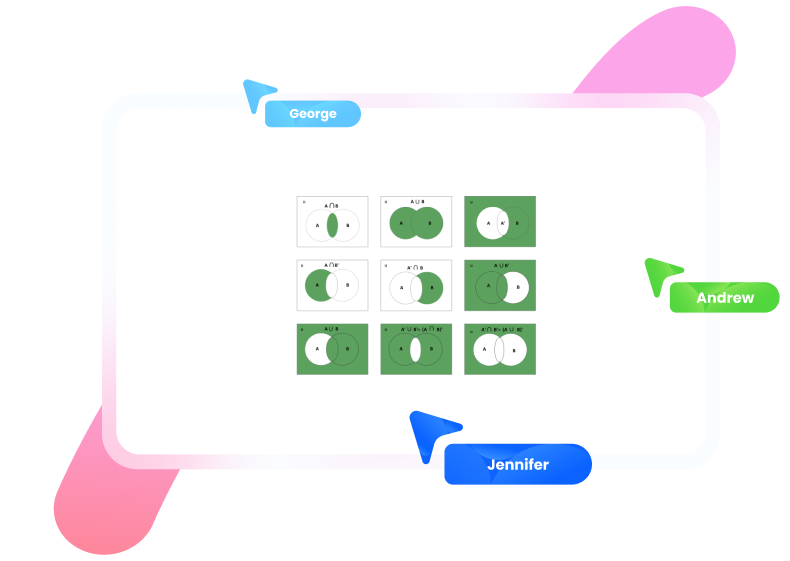
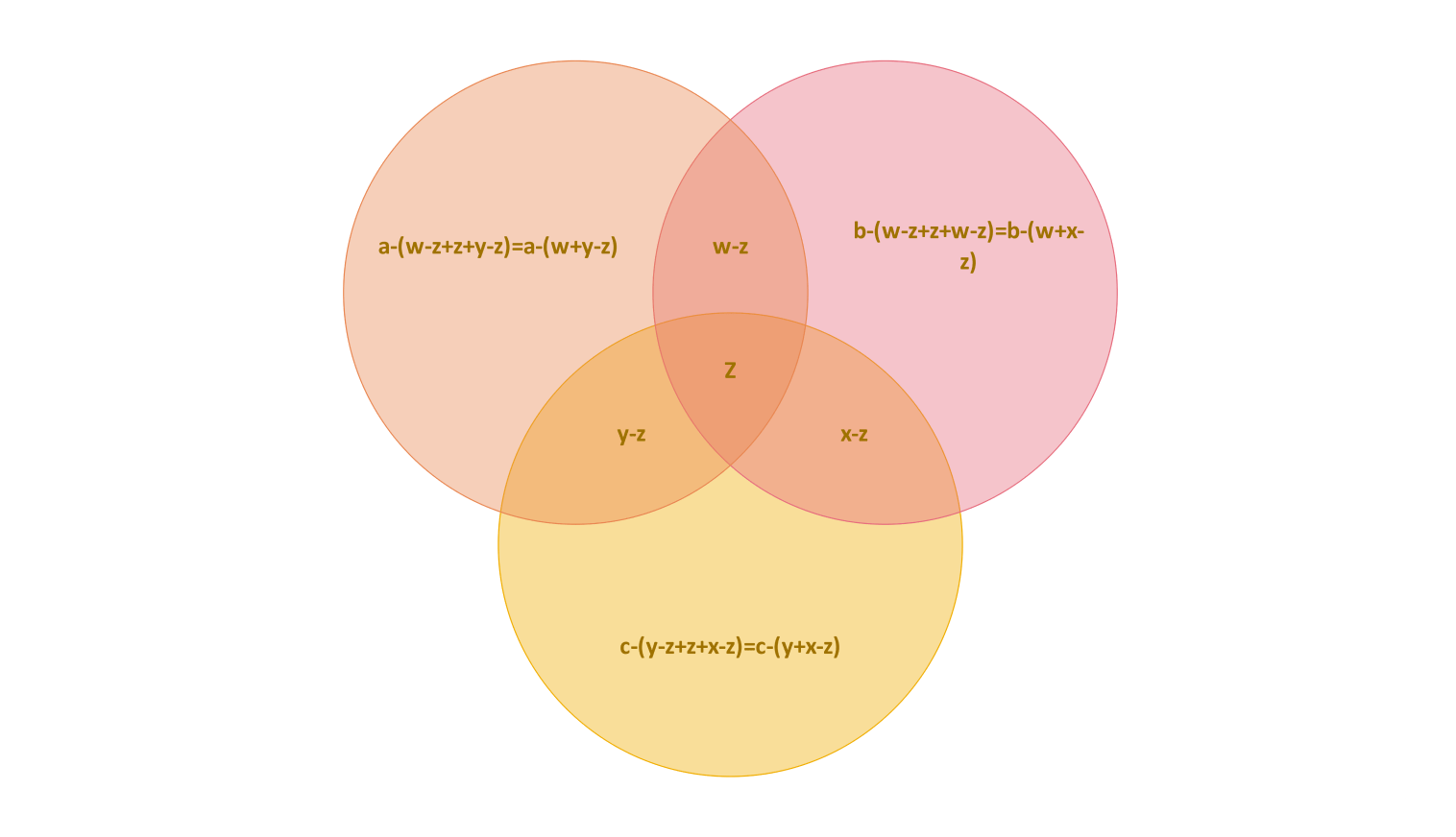
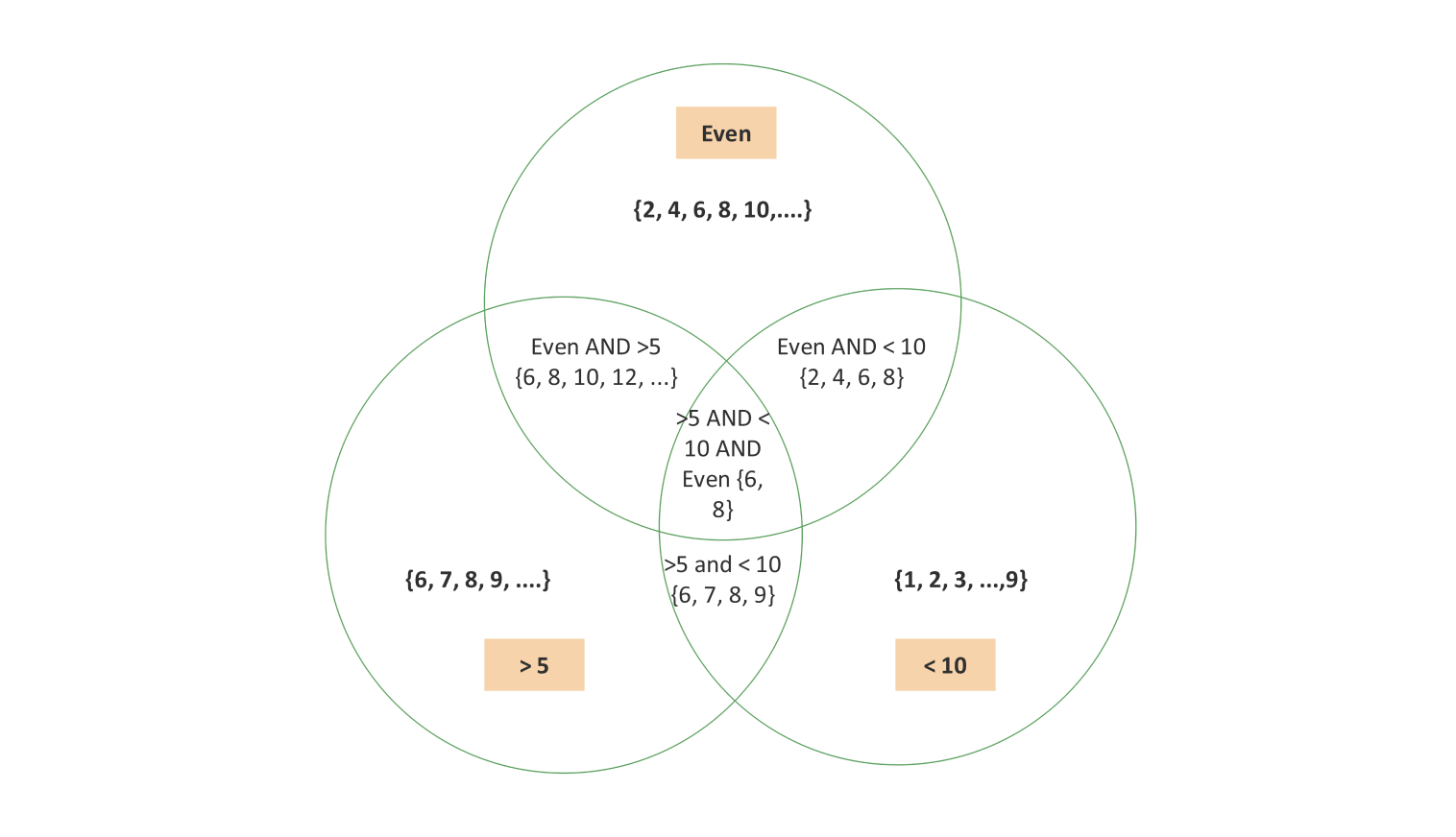
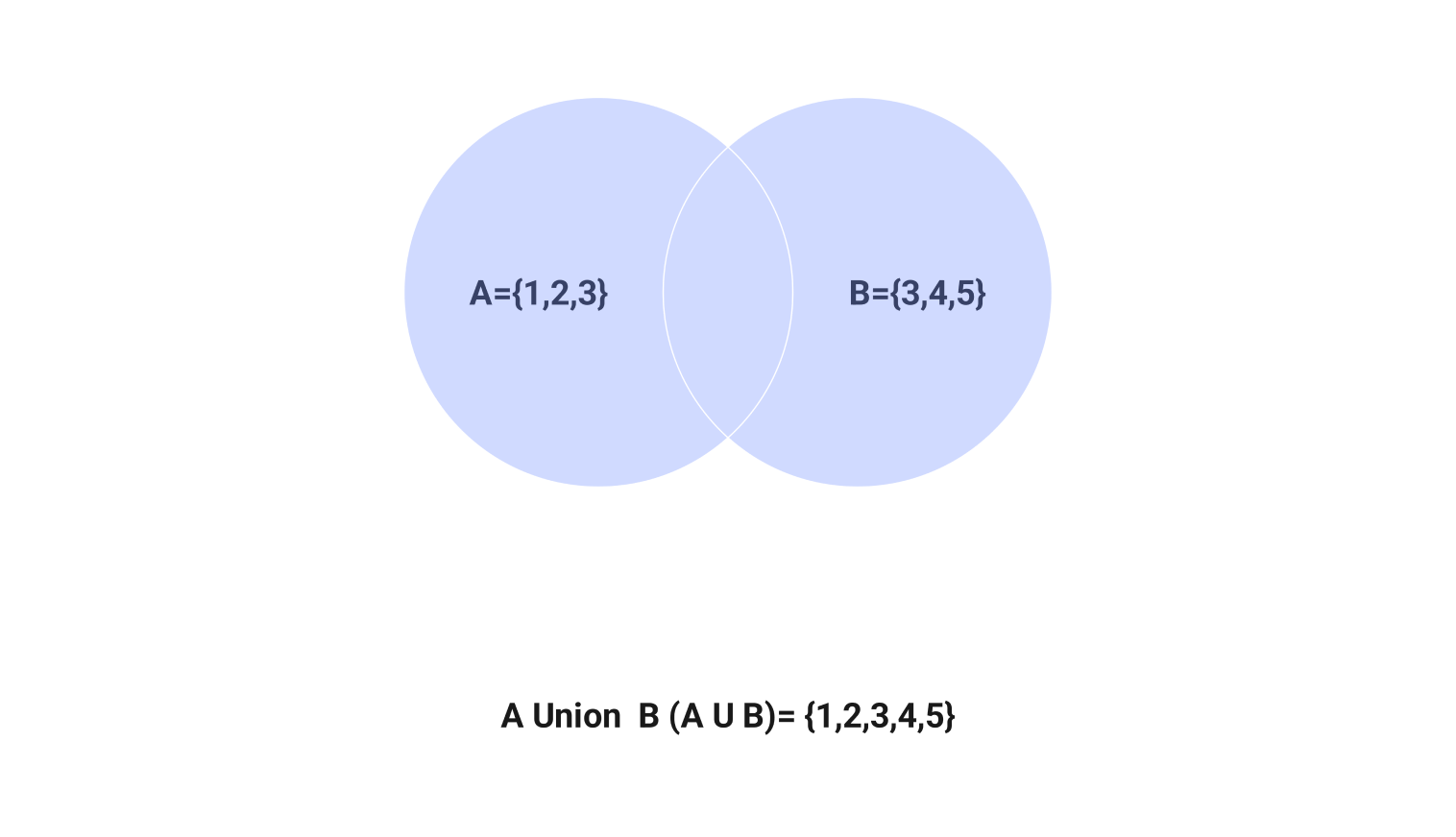
- Explain set operations: choose the union example for items in A or B, or a math example for set membership and overlaps.
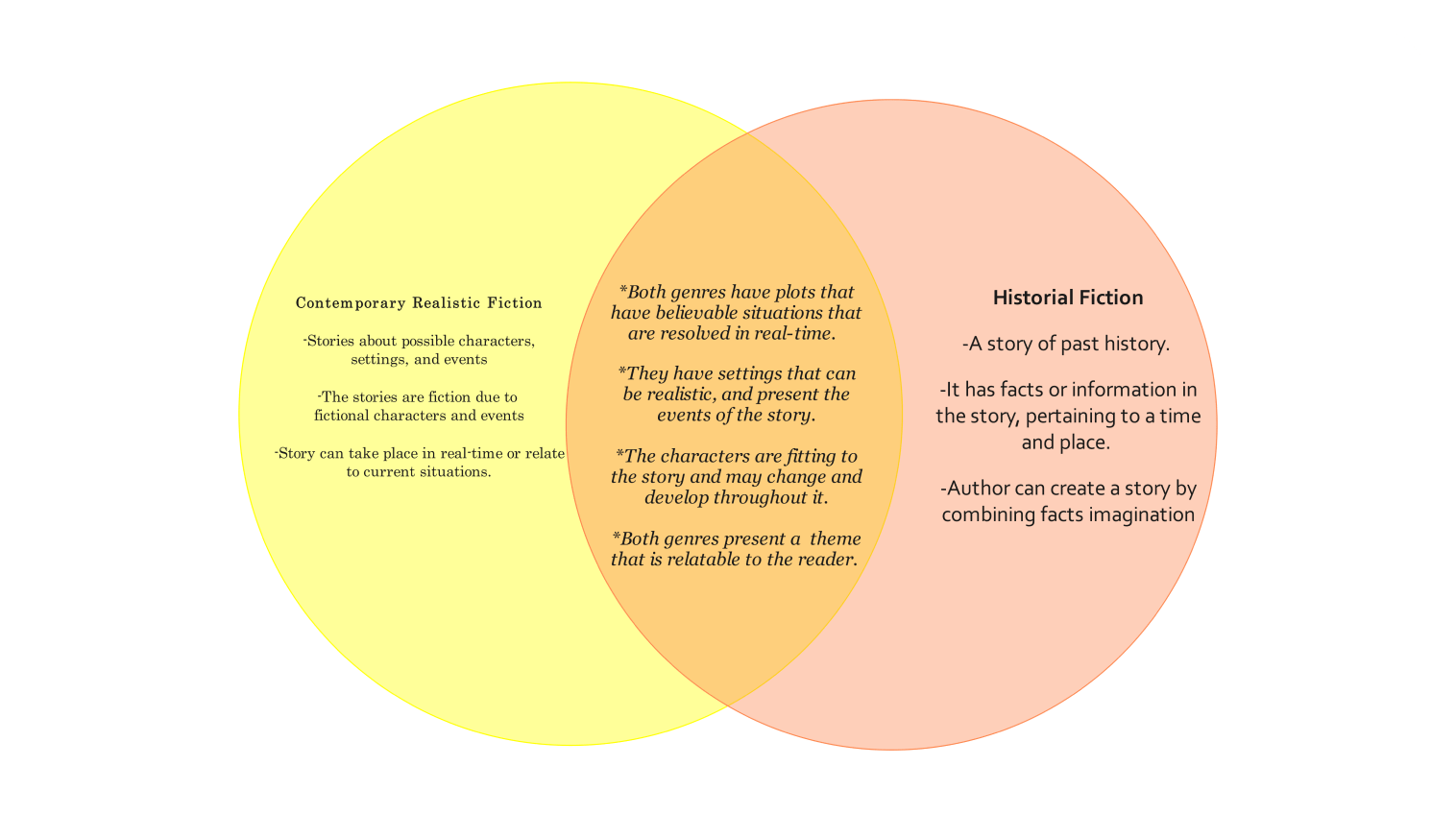
- Compare concepts: adapt the fiction-comparison example for a lesson or discussion. Replace its sample categories with your own.
For four or more sets, ordinary circles cannot show every possible intersection. Check that your chosen layout includes the regions your task requires. Circle sizes do not represent quantities unless the diagram is deliberately proportional.
Customize Your Venn Diagram
- Open a template detail page and select Use this template to access its editable example.
- Name the sets and place each item in the correct region. In a three-set diagram, the center belongs to all three; pair-only regions exclude the third.
- Review memberships, update labels and colors, and save an editable copy. Choose an export format available in your EdrawMax version for a document or presentation.
Get started with EdrawMax today
Create 210 types of diagrams online for free.
Free Download Free Download Draw a diagram free Draw a diagram free Draw a diagram free (AI & Web)