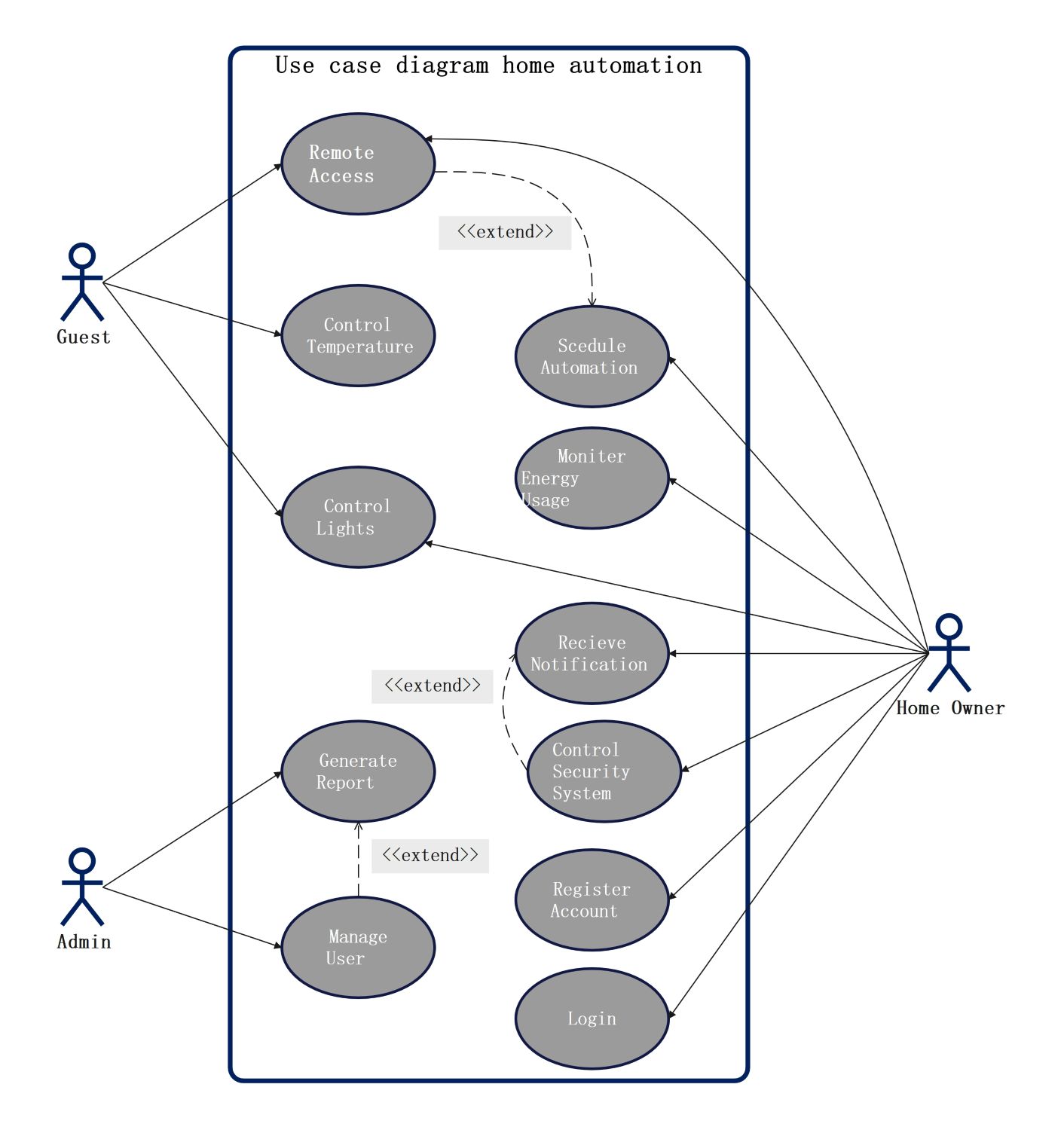
About this Home Automation System template
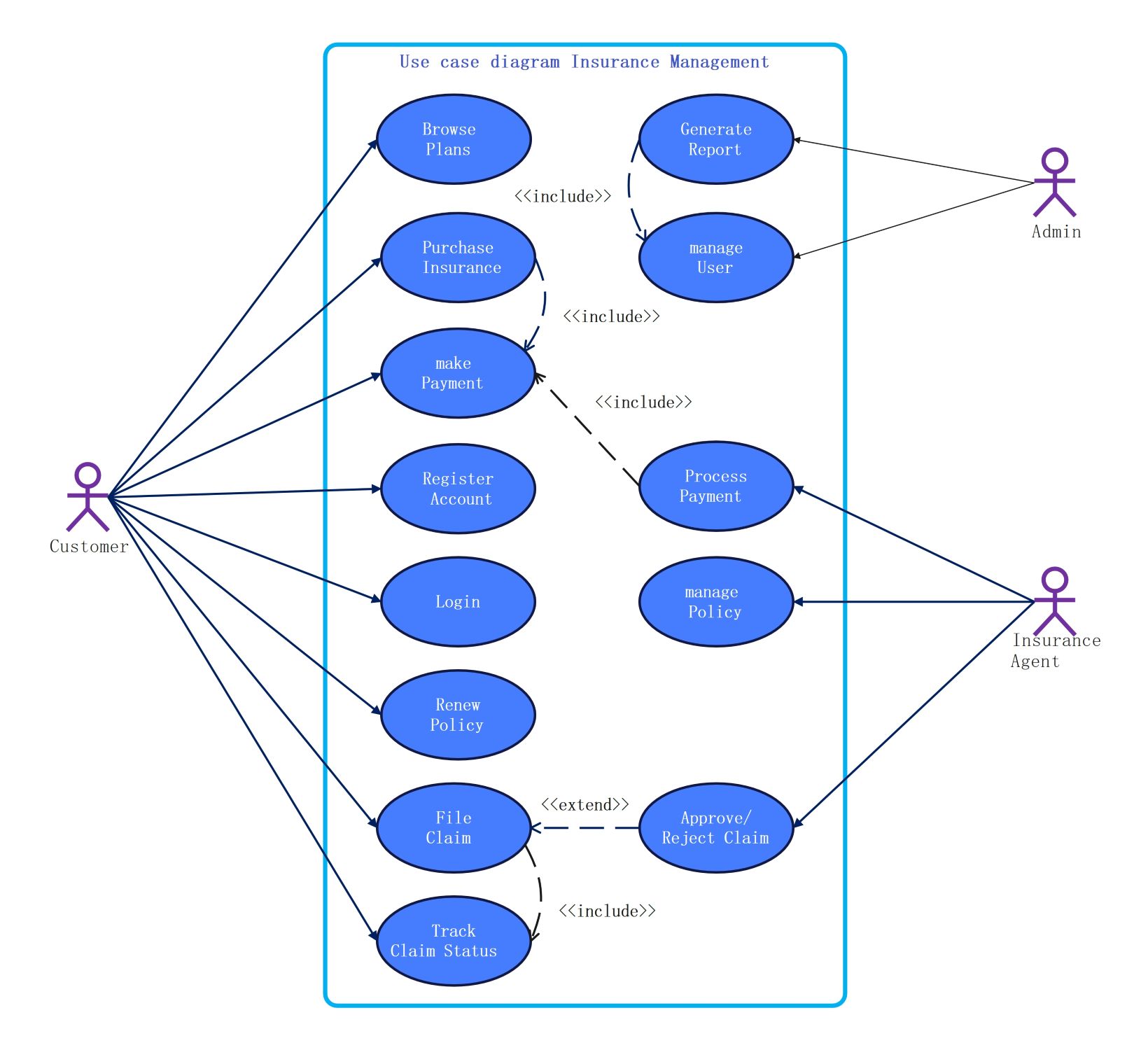
This UML use case diagram helps developers visualize how different users interact with a smart home network. It identifies key functions like security control and energy monitoring. Use this template to plan software requirements and ensure all user needs are met during the design phase.
Home Owner Functions
The home owner is the primary user with full access to the system. They manage core settings to improve comfort and safety. This actor interacts with most features to ensure the home operates efficiently and securely.
- Remote Access
- Schedule Automation
- Monitor Energy Usage
- Control Security System
- Register Account
- Login
Guest Interactions
Guests have limited access to the smart home system for convenience. They can adjust basic environmental settings without needing full administrative rights. This ensures a comfortable stay while maintaining the primary owner’s privacy and security protocols.
- Control Temperature
- Control Lights
- Remote Access
Administrative Tasks
The system admin focuses on the backend management of the home automation software. Their role is critical for maintaining user data and generating performance insights. They ensure the system remains organized and functional for all authorized residents.
- Generate Report
- Manage User
FAQs about this Template
-
How does a home automation system improve security?
A home automation system boosts security by integrating smart locks, cameras, and motion sensors into one interface. You can receive real-time alerts on your phone if the system detects unusual activity. Many systems also allow for remote monitoring, so you can check your property from anywhere in the world, ensuring your home stays protected 24/7.
-
Can I save money by using a smart home system?
Yes, smart home systems are excellent for reducing utility bills. By automating your lights and thermostat, you ensure energy is only used when needed. For instance, smart sensors can turn off lights in empty rooms or lower the heat when you are at work. Over time, these small adjustments lead to significant savings on monthly energy costs.
-
Is it difficult to set up a home automation template?
Setting up a home automation template is quite simple with the right tools. You start by identifying the main users, such as owners and guests. Then, you list the specific tasks they need to perform, like controlling lights or locking doors. Using a pre-made UML diagram helps you visualize these connections clearly before you begin the actual installation.

 (AI & Web)